
Clover Configurator 5.30.0
Clover EFI Config Generator for Mac
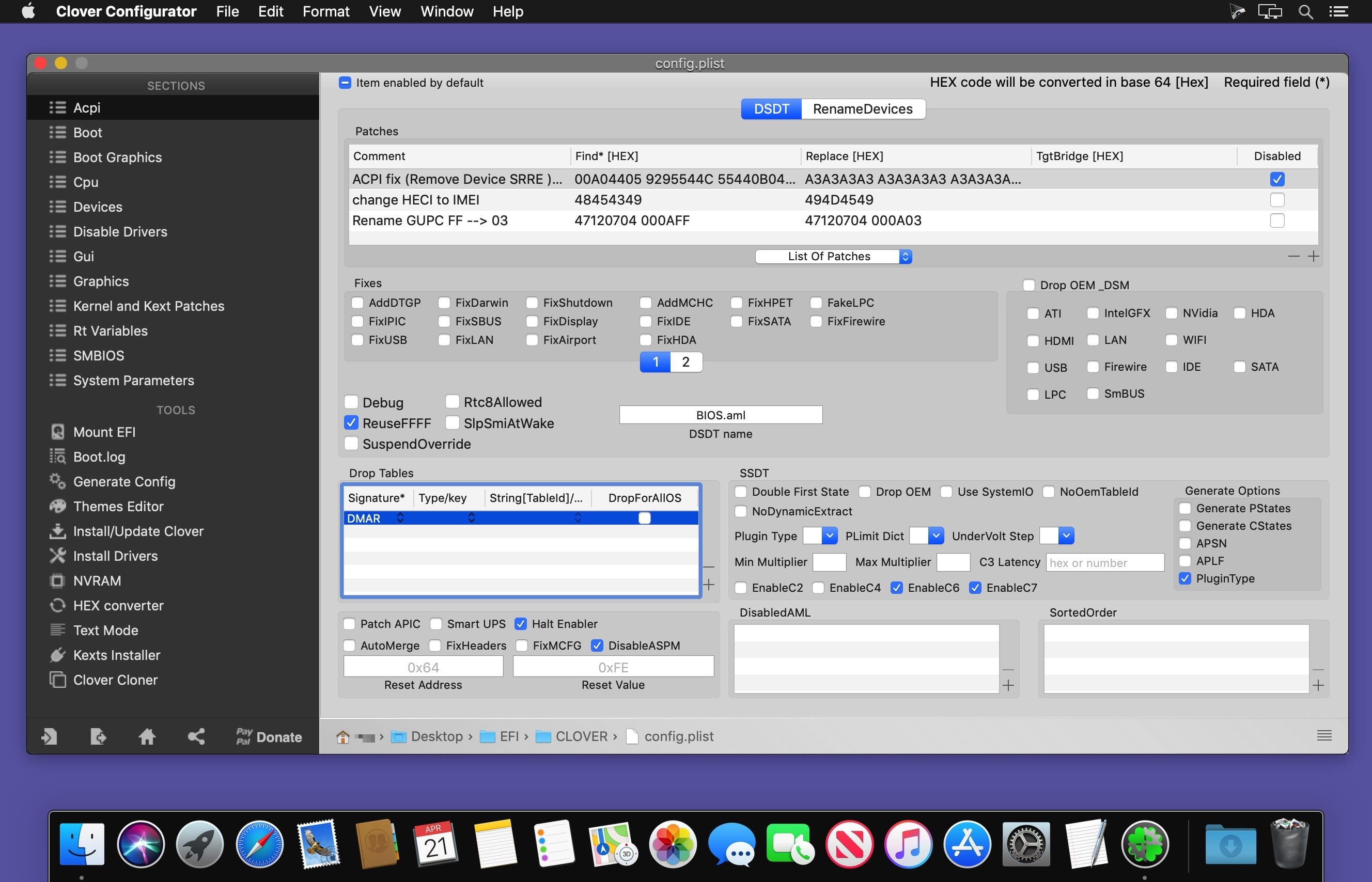
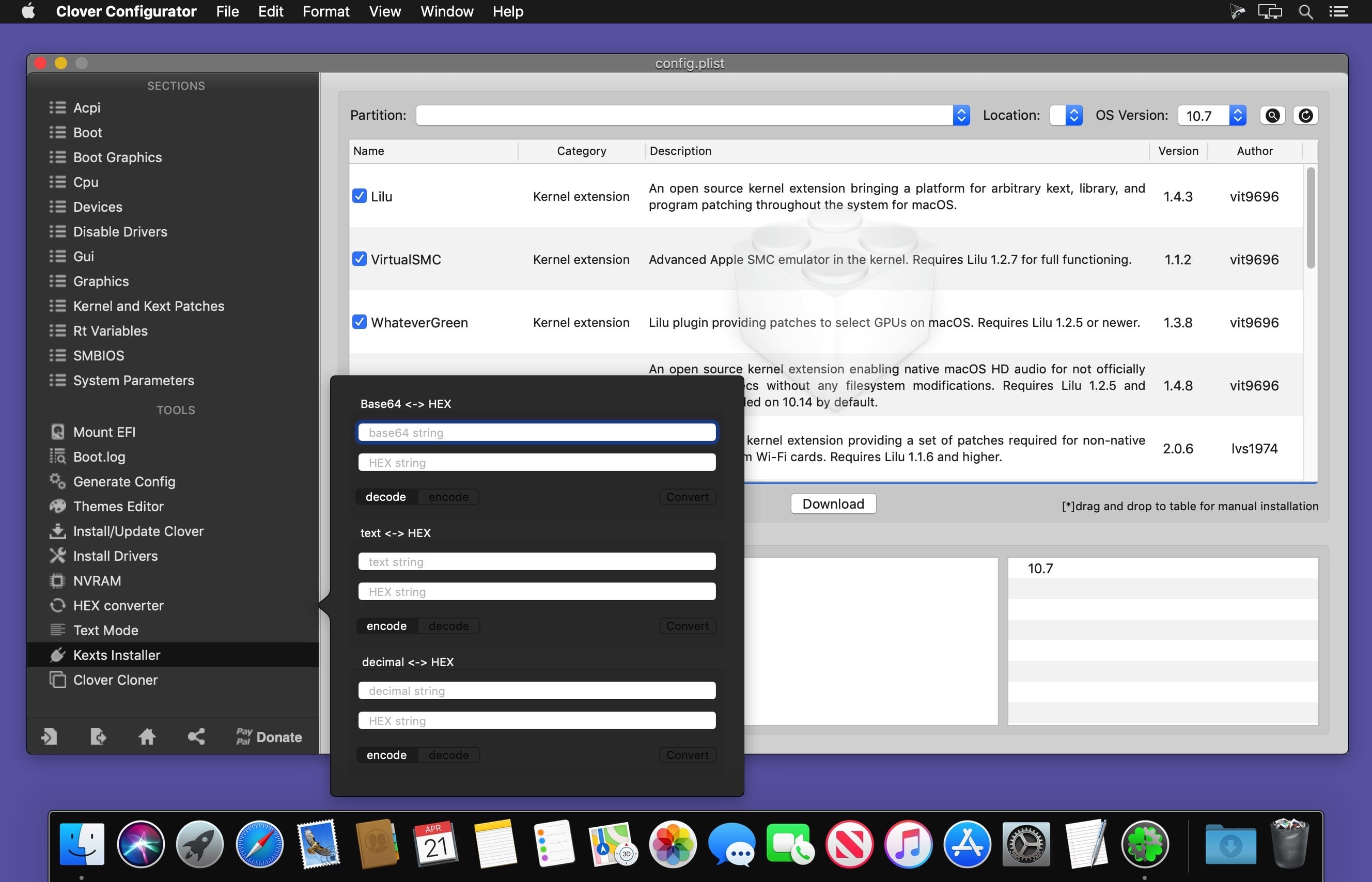
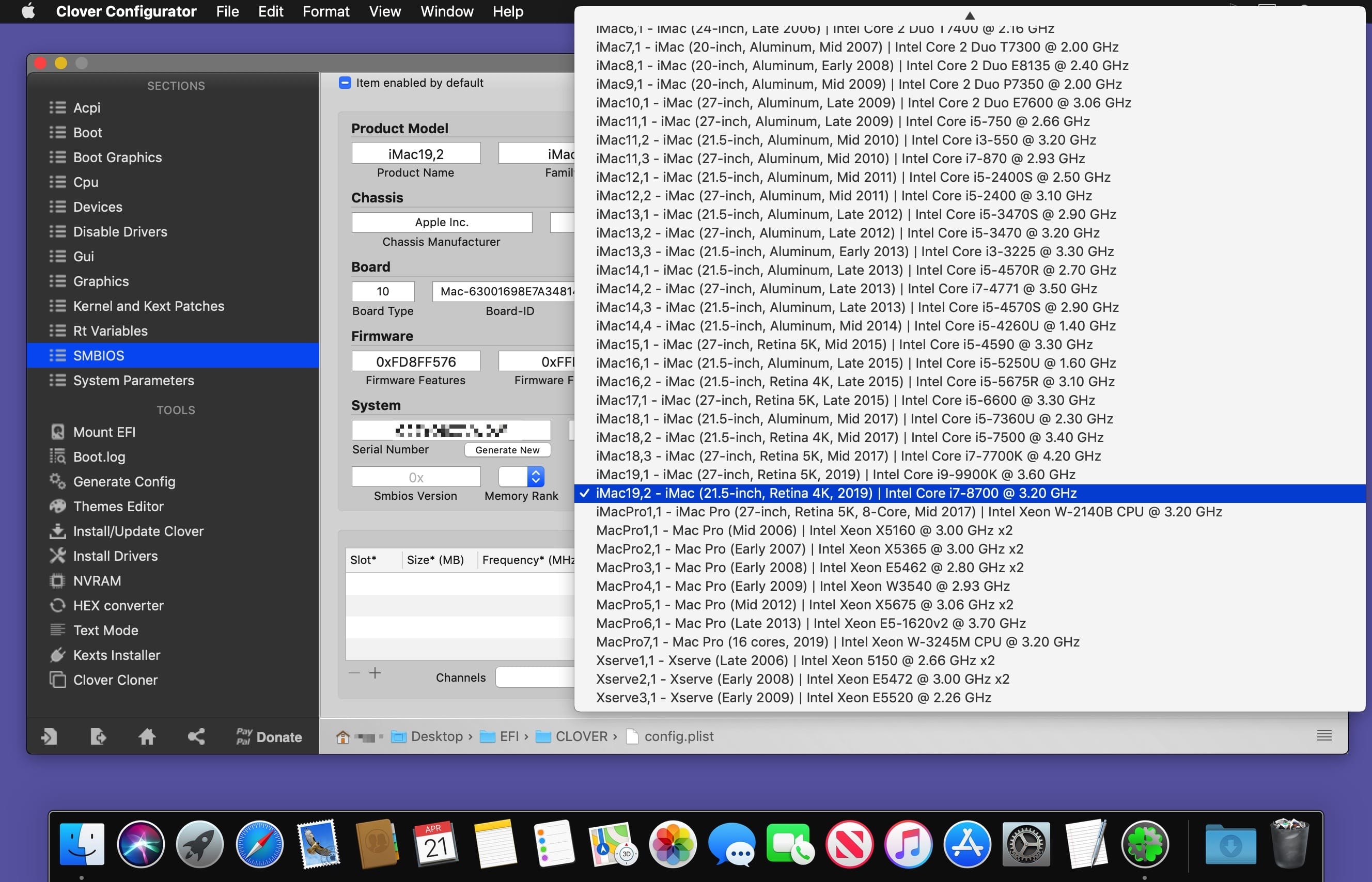
Clover Configurator helps you create and edit Clover EFI configuration files through a clear graphical interface, so you can control your Clover EFI bootloader without dealing with complex commands and workflows.
Get started with Clover EFI
When you launch the app, it checks for existing configuration files and lets you view their content. It can also check for the latest Clover EFI revision and help you download and install the bootloader.
Adjust your configuration
The app keeps Clover EFI parameters organized into sections. You can modify ACPI parameters, personalize the boot mode, adjust CPU performance, disable certain drivers, and more. When you are satisfied with your settings, use the built-in generator to create an almost complete configuration file for your Clover EFI bootloader.
Tools and features
Use the available tools to perform common tasks:
- Configuration viewer: open available configuration files and view their content.
- Clover EFI updates: check for the latest Clover EFI revision and get help downloading and installing the bootloader.
- Organized parameter sections: modify ACPI parameters, boot mode, CPU performance, drivers, and other settings.
- EFI drive mounting: mount the EFI drive from within the app.
- Boot log: view and save the boot.log file.
- Theme preview: preview and change the Clover theme.
- Driver installation: install 32bit, 64bit, or 64bit UEFI drivers.
- Config generator: create an almost complete configuration file once your settings are ready.
Simple to navigate
Thanks to its intuitive design, finding your way around the app is easy. Just open the available sections and adjust the parameters you need.
Version 5.30.0
- Added KextsToBlock key in KernelAndKextPatches section
Frequently asked questions
How do I install the app?
Mount the image, drag the app into the "Applications" folder and launch it. If the system blocks the launch, allow it in "System Settings → Privacy & Security".
The app is damaged or won't launch
Reinstalling from a fresh image usually helps. Make sure your macOS version matches the one listed in the compatibility specs.
How do I update?
Download the new version from the site and install it over the current one — your settings will be preserved.
The download link doesn't work
Try a mirror or a download manager. For large files the browser often drops the connection.
How do I completely remove the app?
Use an uninstaller utility — it cleans up the service files that remain after moving the app to the trash.




Choose a download source
Clover Configurator 5.30.0 · 6.25 MB