
QLab Pro 5.6.5
Build shows with macOS show control software
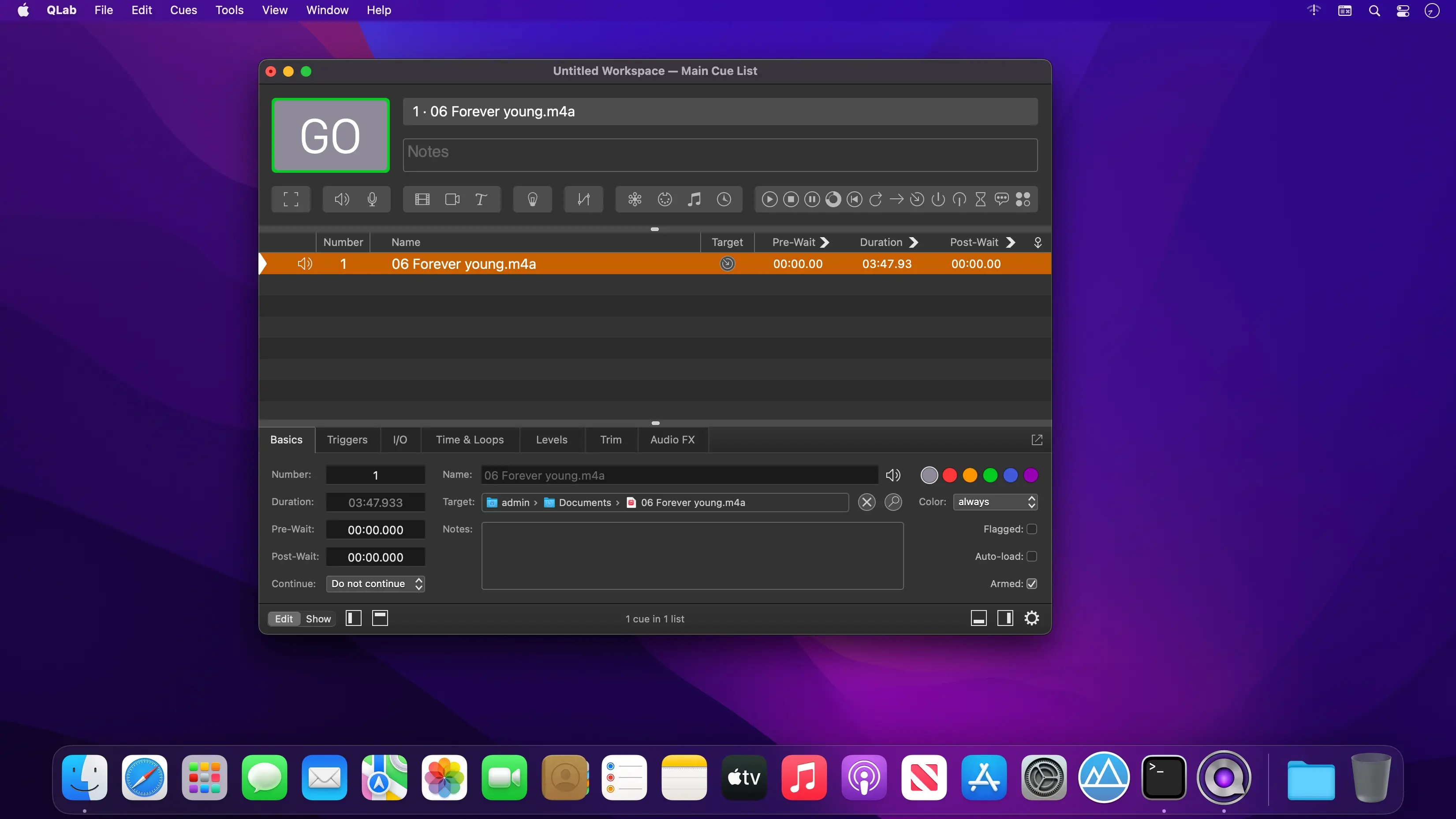
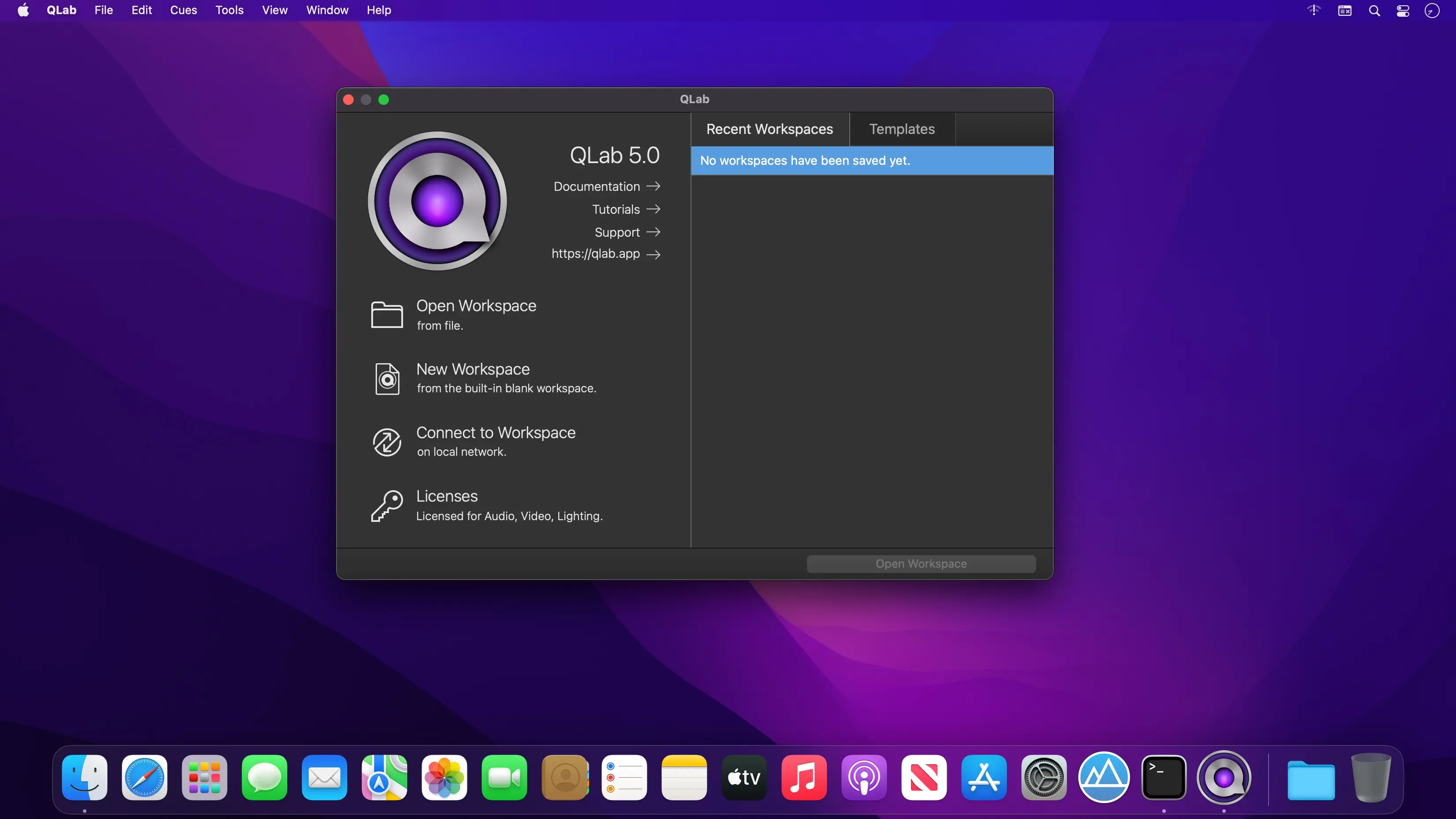
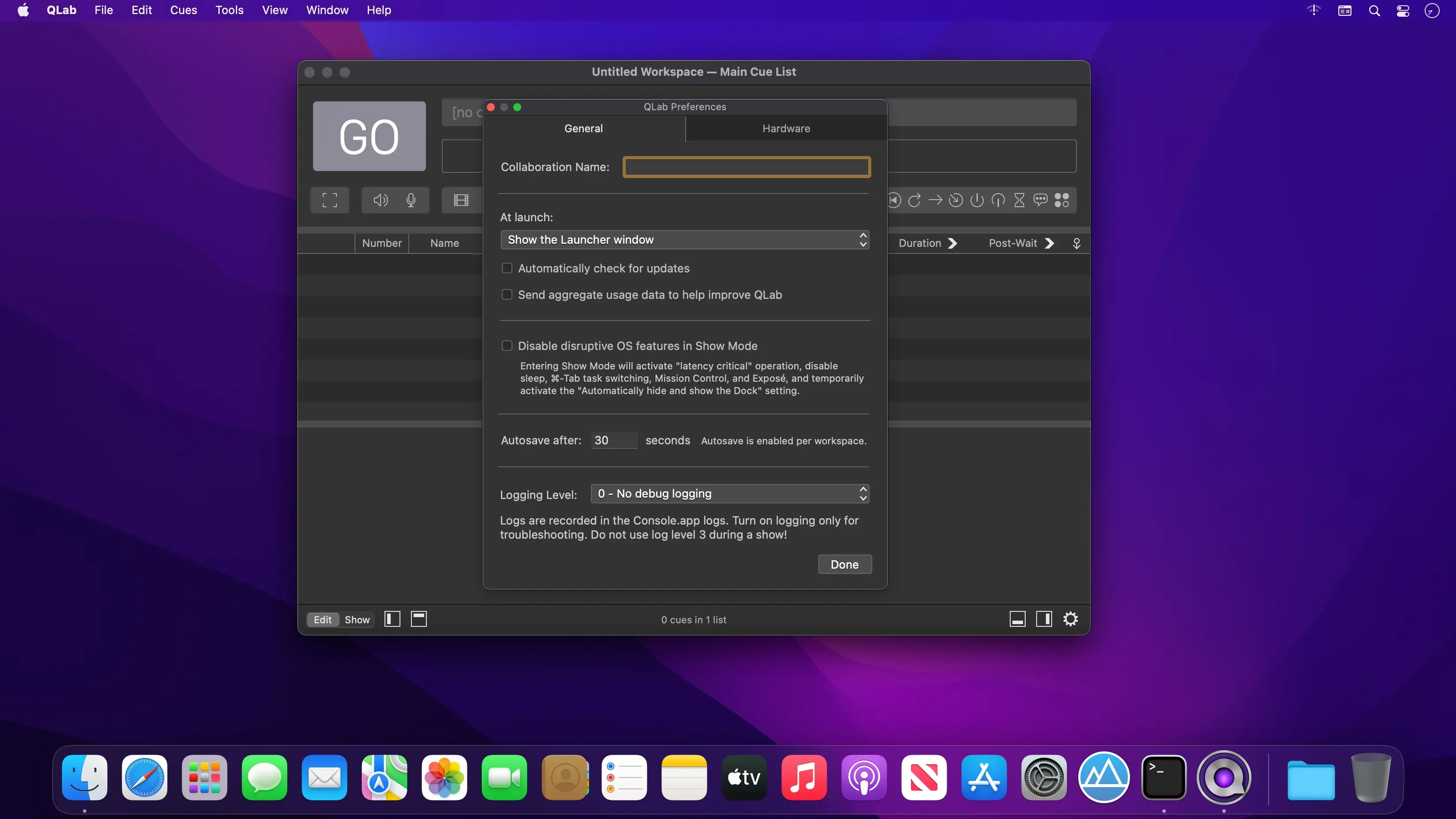
QLab Pro is macOS show control software for building and operating audio and video performances. Bring cues, media, and show commands into one workspace to shape a cue list, preview it, and check for issues before a performance.
Build a multimedia show from cues
Add audio and video files, then arrange cues to control fades, clip animation, and effects. The workspace also lets you manage MIDI, OCS, and other show elements. When the cue list is ready, press Go to preview the show, then review the Warnings panel for encountered issues.
- Cue-based show building: Add files and use cues to shape a multimedia performance.
- Audio control: Fade volume, edit waveforms, adjust playback rate with pitch adjustment, and apply audio effects.
- Video playback and effects: Animate clips, use video faders, add titles, and work with live video input, including input from Blackmagic devices.
- Projection tools: Work with multiple video surfaces, multi-projector edge blending, video corner pinning, and keystone correction.
- Audio channels and mixing: Use support for 48 output and 24 input audio channels, plus the Matrix mixer and audio localization.
- Networked designs: Create multi-computer designs and send commands to QLab systems on the same local network.
- Show review: Preview with Go and check the Warnings panel for issues in the cue list.
Build a cue list for your next multimedia performance. Explore QLab Pro on macOS.
Version 5.6.5:
- A regression in 5.6.4 that could cause QLab to crash when trying to manage tool tips.
- When deleting a cue list or cart, the workspace will now ensure that a remaining list is correctly selected.
- The Art-Net tab of the Workspace Status window now remains responsive when looking for Art-Net nodes on a slow network.
- A bug that could cause QLab to crash when the light definition chooser was visible in the light settings.
- A number of performance improvements when editing workspaces.
Frequently asked questions
How do I install the app?
Mount the image, drag the app into the "Applications" folder and launch it. If the system blocks the launch, allow it in "System Settings → Privacy & Security".
The app is damaged or won't launch
Reinstalling from a fresh image usually helps. Make sure your macOS version matches the one listed in the compatibility specs.
How do I update?
Download the new version from the site and install it over the current one — your settings will be preserved.
The download link doesn't work
Try a mirror or a download manager. For large files the browser often drops the connection.
How do I completely remove the app?
Use an uninstaller utility — it cleans up the service files that remain after moving the app to the trash.





Choose a download source
QLab Pro 5.6.5 · 36.85 MB
Previous versions
QLab Pro 5.6.5
Previous versions are available to registered users.