
PCDJ DEX Pro 4.1.0
DJ software for Mac with beat sync and 65+ controllers
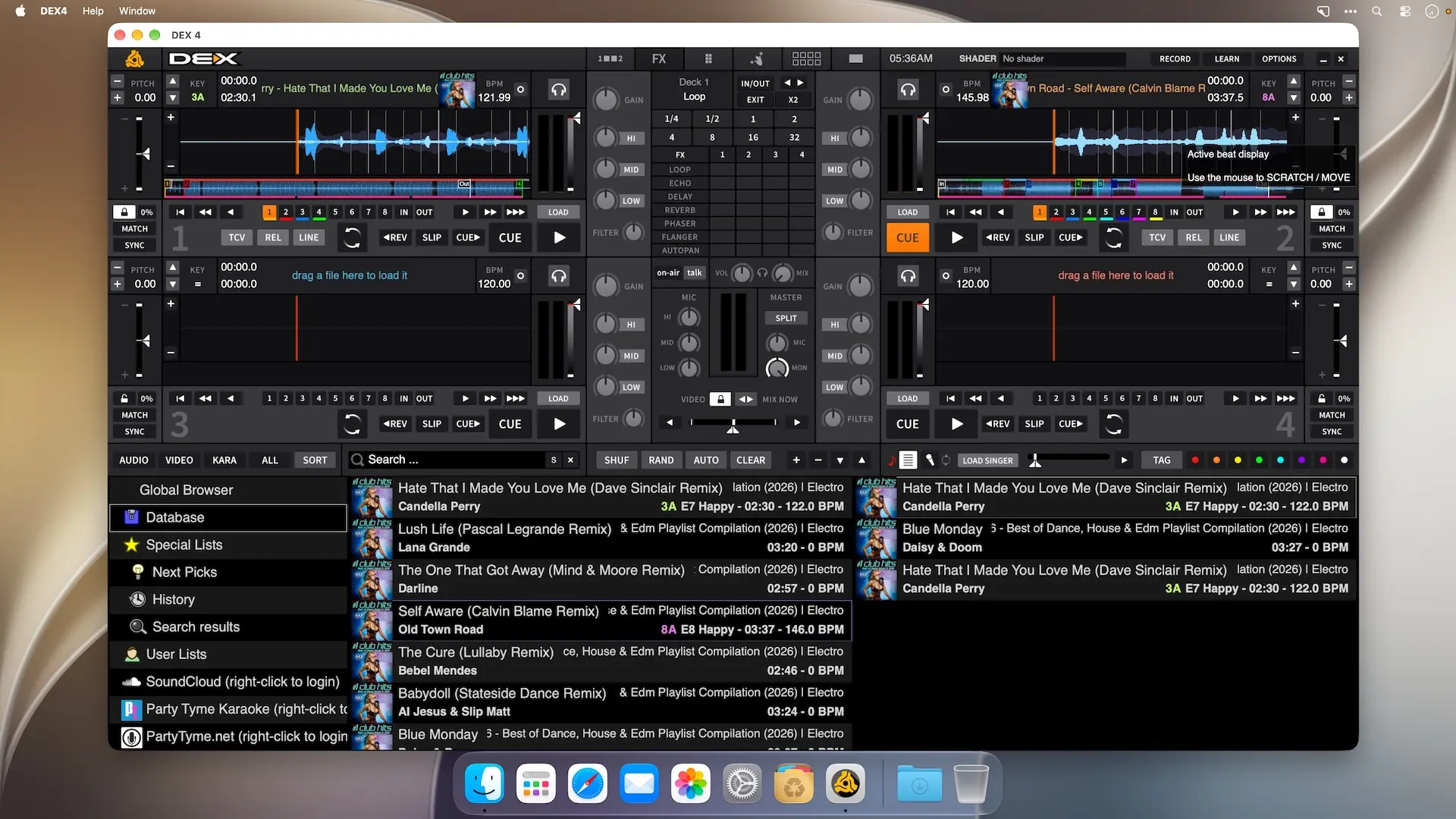
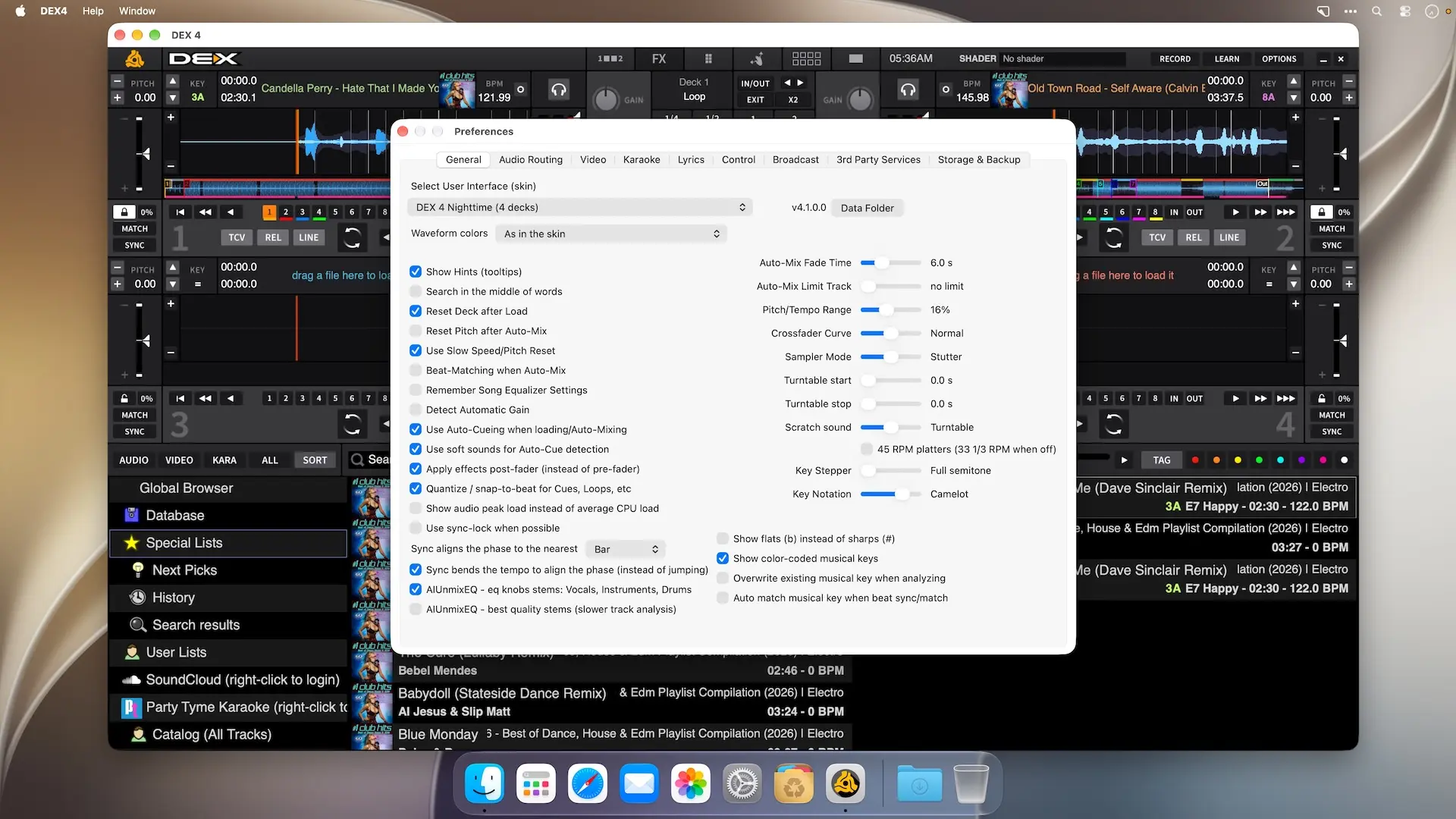
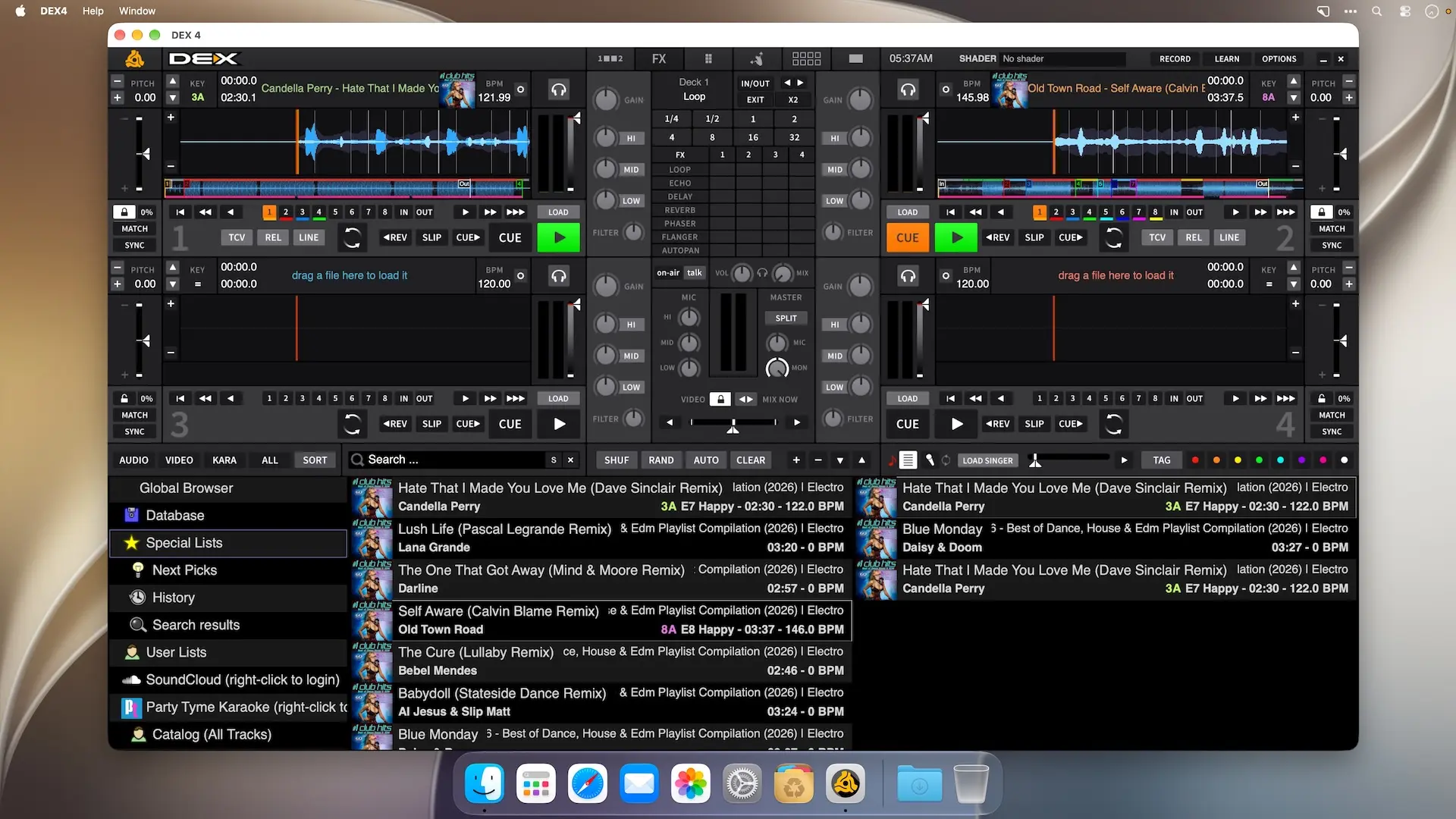
PCDJ DEX 4 is professional DJ software for Mac that lets you mix music, blend music videos, and host full karaoke shows from one application. Built for creative freedom, it gives you complete control over your media while automatic beat-grid mixing keeps your tracks in sync, so you can focus on your performance instead of manual beatmatching.
Respond instantly to every move
DEX 4 delivers no-latency playback, so loops, hot cues, and every other playback feature react the moment you trigger them. Mix with a keyboard and mouse for full software control, or connect one of the 65+ supported DJ controllers for tactile, hands-on performance.
- Transport and mixer controls: a CD-deck-style interface with mixer controls like a physical DJ mixer, available as a 2-deck layout with optional video mixing controls or as 4-deck skins.
- BPM beat-sync and effects: beat-sync, looping, key-lock, hot cue points, filters, and effects work the same whether you're mixing audio or blending music videos.
- Advanced media browser: search your music, music video, and karaoke files instantly, filter your library by file type, and find tracks faster with album art and color coding.
- Playlists and automix: build custom playlists or generate them from folders on your hard drive, then let Automix or Shuffle Play keep the set going.
- 65+ supported DJ controllers: natively supported controllers from popular manufacturers work with zero configuration, responding instantly to every button, knob, and platter.
- Music and video access: partnered with iDJPool to offer new 320kbps MP3 tracks and two years of back catalog across popular genres for subscribers.
Download PCDJ DEX 4 for Mac, import your library, and start mixing with full creative control.
Version 4.1.0:
Frequently asked questions
How do I install the app?
Mount the image, drag the app into the "Applications" folder and launch it. If the system blocks the launch, allow it in "System Settings → Privacy & Security".
The app is damaged or won't launch
Reinstalling from a fresh image usually helps. Make sure your macOS version matches the one listed in the compatibility specs.
How do I update?
Download the new version from the site and install it over the current one — your settings will be preserved.
The download link doesn't work
Try a mirror or a download manager. For large files the browser often drops the connection.
How do I completely remove the app?
Use an uninstaller utility — it cleans up the service files that remain after moving the app to the trash.


Choose a download source
PCDJ DEX Pro 4.1.0 · 435.21 MB
Previous versions
PCDJ DEX Pro 4.1.0
Previous versions are available to registered users.