
Library Monkey 5.6.1
Audio library manager for organizing and searching audio assets
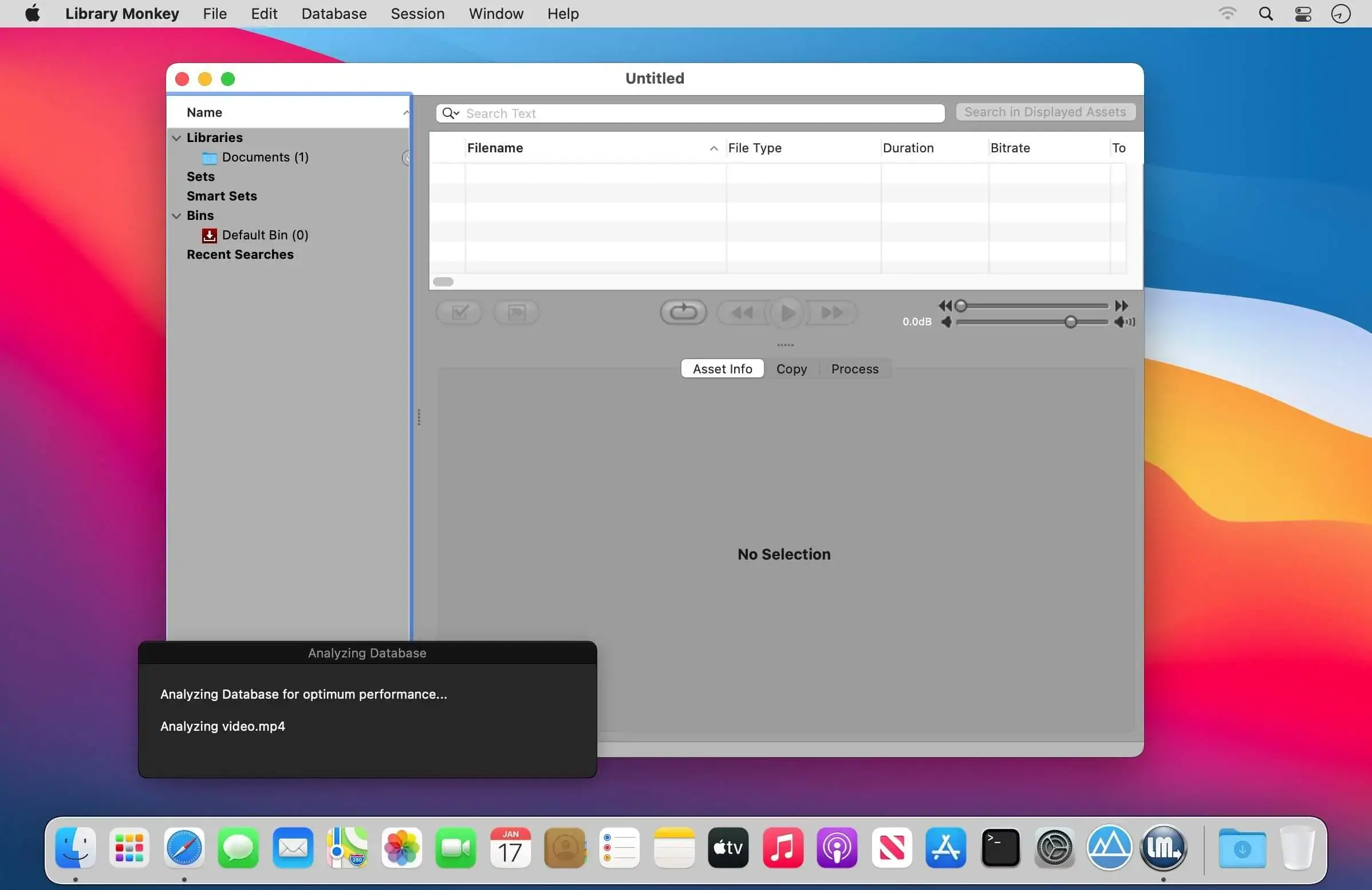
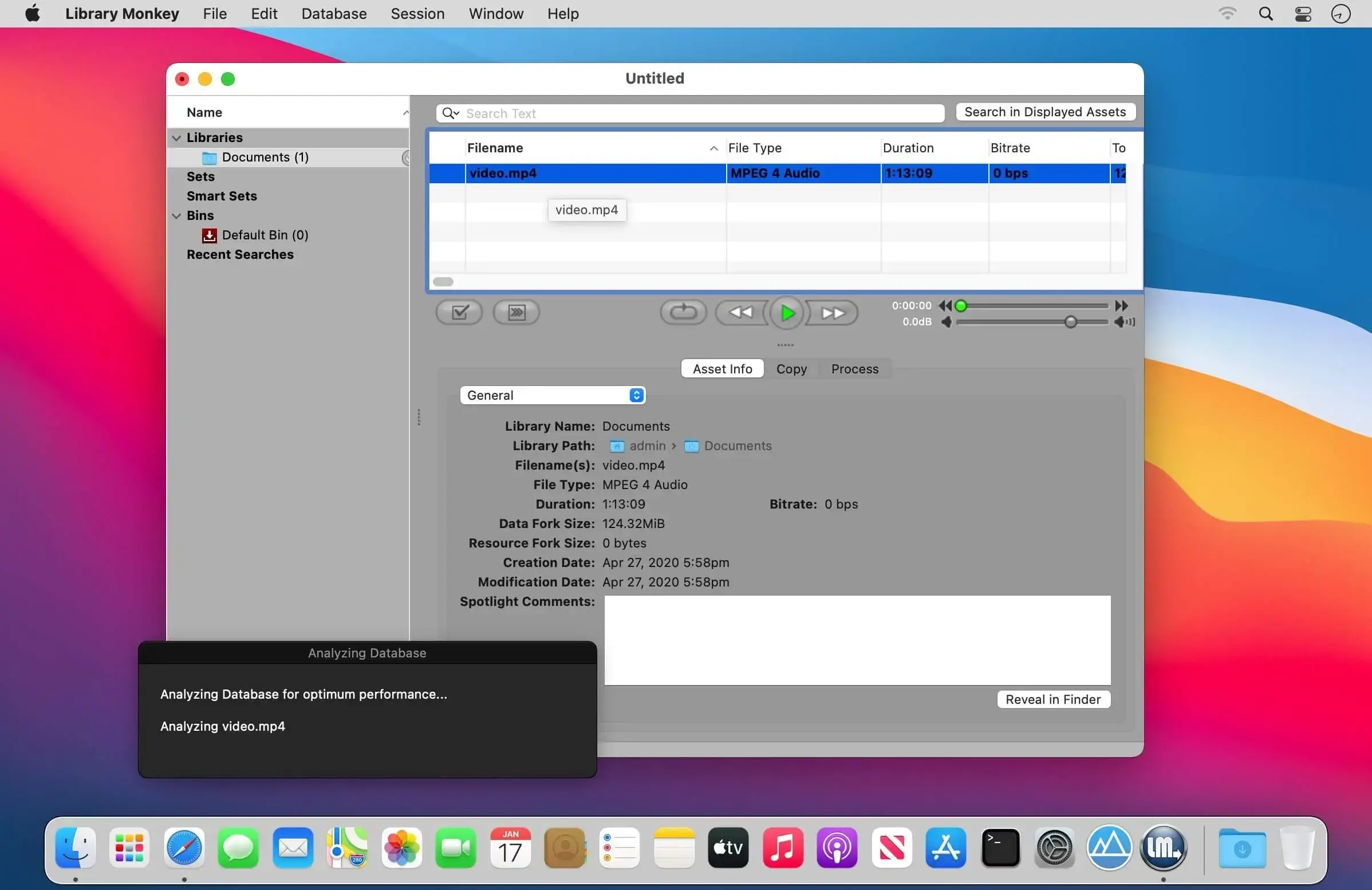
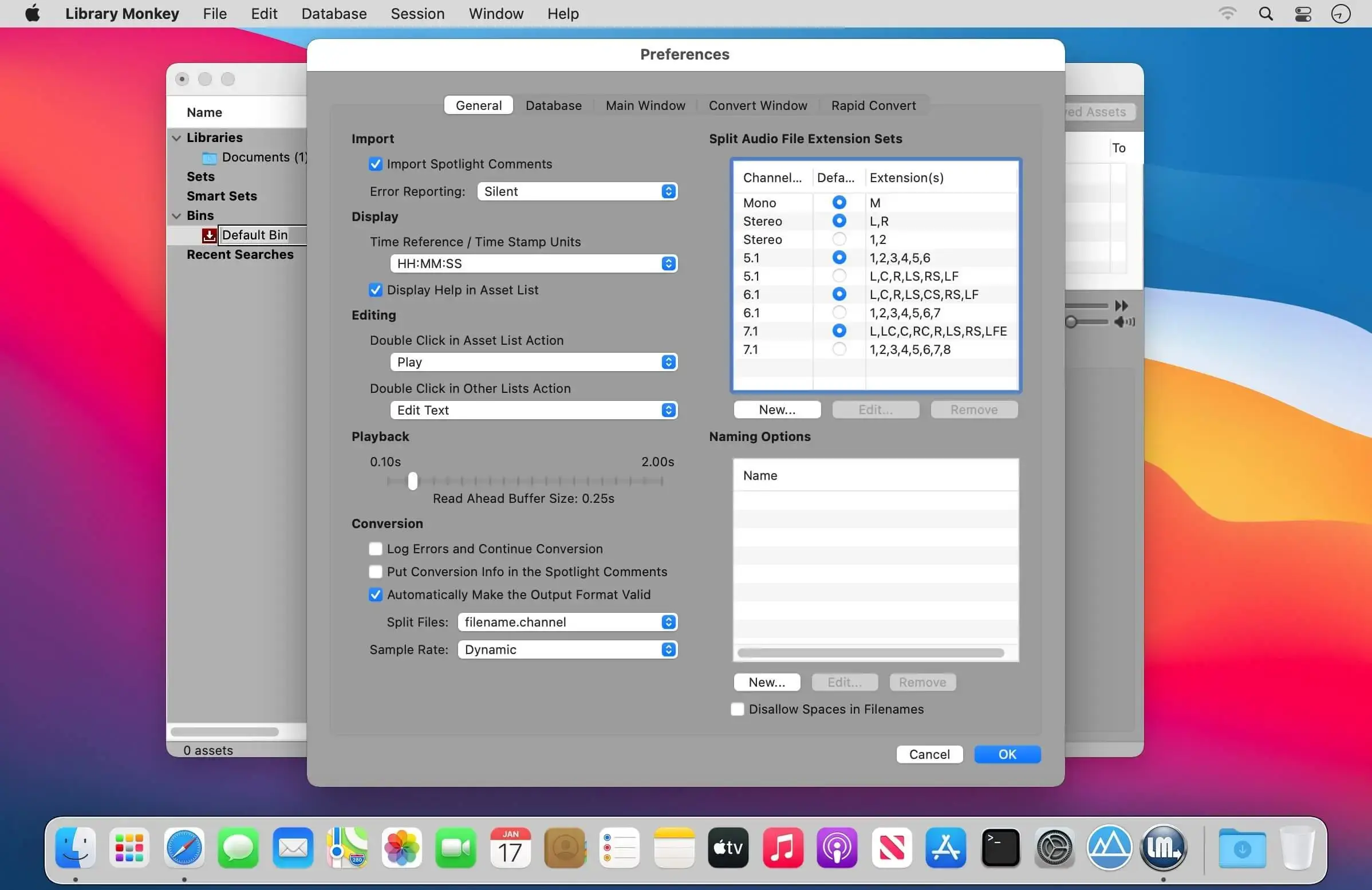
Library Monkey is a macOS app that helps you find, organize and process audio assets without sifting through endless files. With iTunes importing, it can sort and organize your complete library according to your criteria. Sound Grinder is also included, so you can convert your files along the way.
Import your audio assets
Bring audio into your library through several time-saving options, including drag and drop and a contextual menu item in the Finder.
Organize your library
Name, manage and process your assets with a more efficient integration within the Finder. Create Smart Sets to organize assets automatically by any criteria you choose, or use standard Sets to build a customized hierarchy where an asset can belong to as many Sets as you need.
Find the right asset
Search all of your libraries or only the ones you select. Perform complex searches using supported symbols and Boolean options, refine them until you find the right asset, and return to earlier queries through the Recent Searches list or pop-up menu.
Process your files
Handle your assets with time-saving tools built for audio workflows.
- iTunes importing: organize and sort your complete library according to your criteria
- Smart Sets: automatically organize assets by any criteria you desire
- Sets: build a customized hierarchy with assets in as many Sets as needed
- Boolean search: run complex searches using supported symbols and Boolean options
- Recent Searches: look up previous searches from a list or pop-up menu
- Droplets: process assets with a time-saving drop-based tool
- Rapid Convert: convert assets quickly
- Metadata mappings: process assets with metadata mappings
- Sound Grinder: convert your files while you organize
Version 5.6.1
- Release notes were unavailable when this listing was updated.
Frequently asked questions
How do I install the app?
Mount the image, drag the app into the "Applications" folder and launch it. If the system blocks the launch, allow it in "System Settings → Privacy & Security".
The app is damaged or won't launch
Reinstalling from a fresh image usually helps. Make sure your macOS version matches the one listed in the compatibility specs.
How do I update?
Download the new version from the site and install it over the current one — your settings will be preserved.
The download link doesn't work
Try a mirror or a download manager. For large files the browser often drops the connection.
How do I completely remove the app?
Use an uninstaller utility — it cleans up the service files that remain after moving the app to the trash.


Choose a download source
Library Monkey 5.6.1 · 19.79 MB
Previous versions
Library Monkey 5.6.1
Previous versions are available to registered users.