
Sound Grinder Pro 3.6.1
Mac waveform editor and batch audio processing
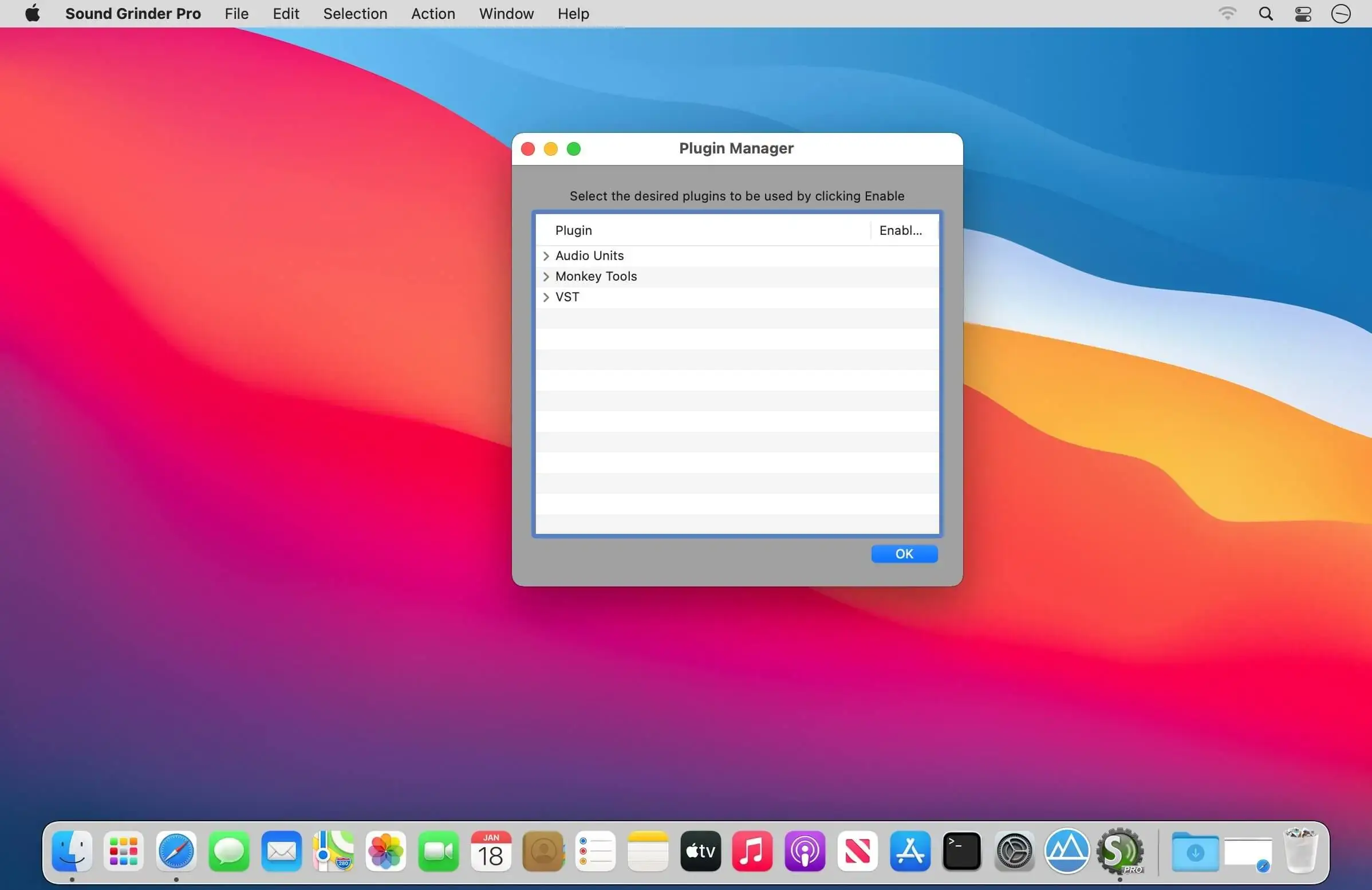
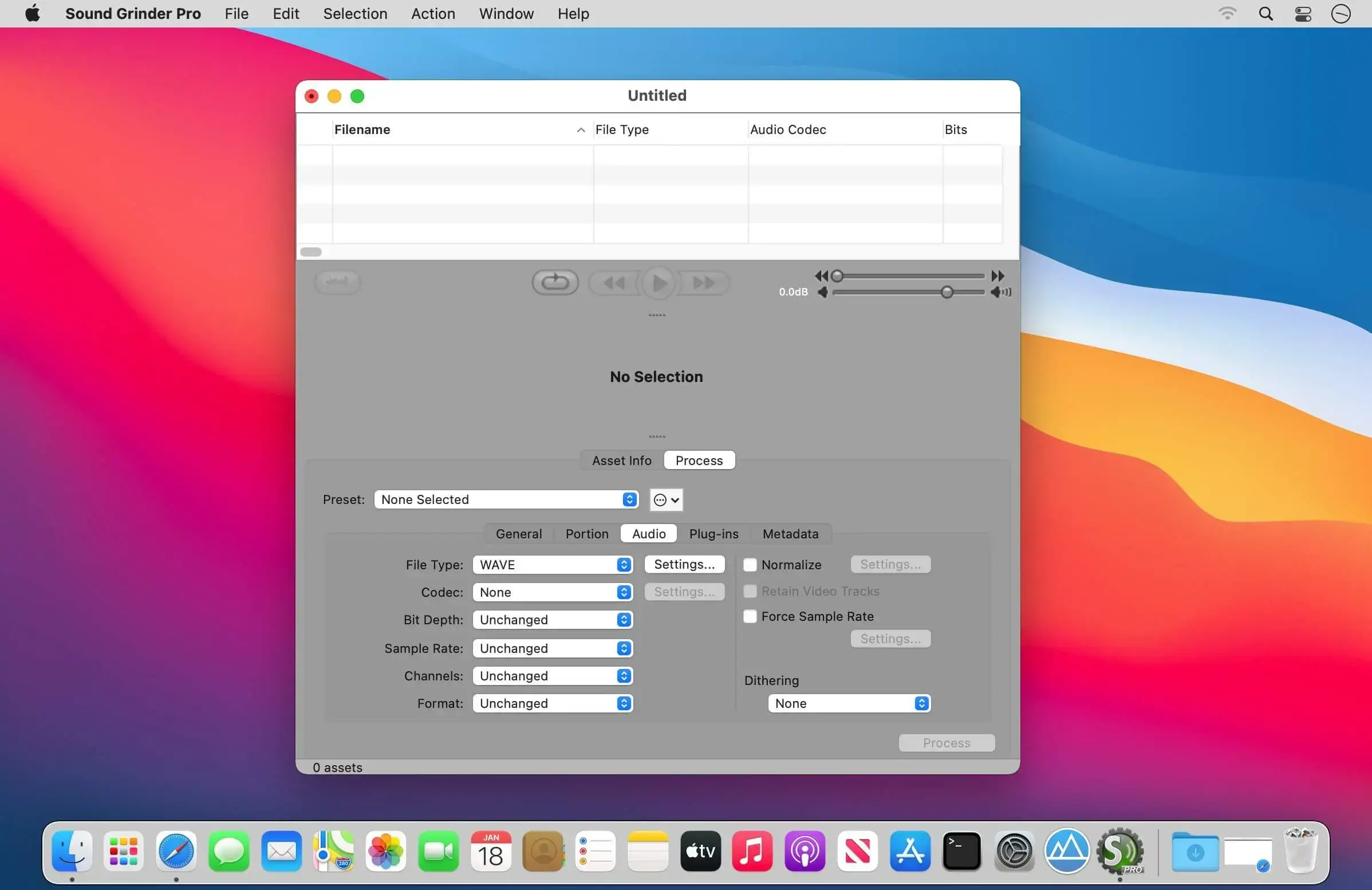
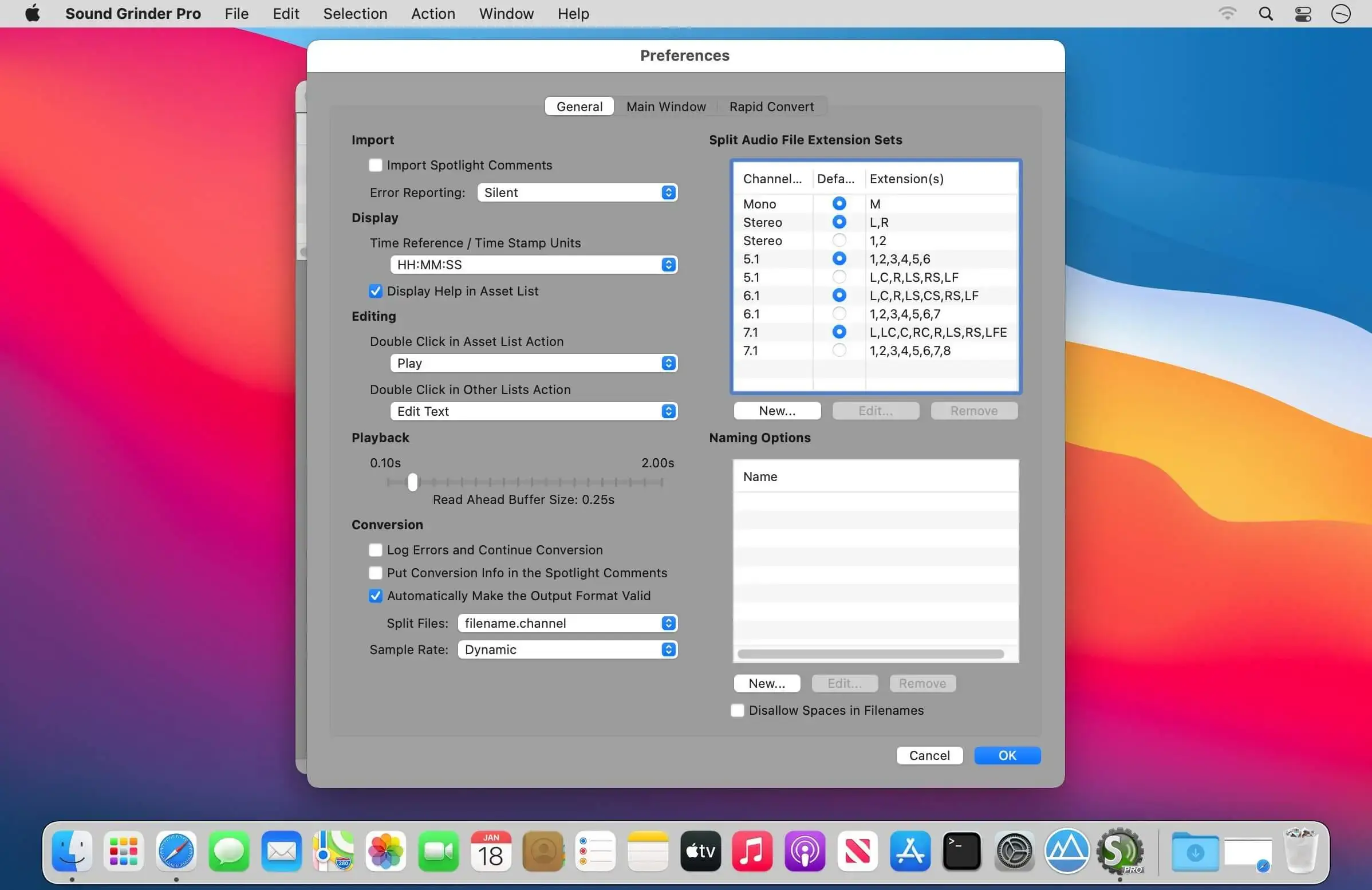
Sound Grinder Pro is a waveform editor and batch processor for macOS. Edit audio files in the new waveform editor, process them with your favorite AU and VST plug-ins, and export the results as MP3 files or send them straight to your DAW. It is designed to handle editing and batch-processing tasks in a fast, efficient and rock solid manner.
Waveform editing
The new waveform editor gives you the tools to work with your audio in detail.
- Multi-channel support: edit multi-channel audio files in the waveform editor.
- Enhanced waveform overview: see and navigate your audio more easily.
- Audio actions: apply actions to your audio directly in the editor.
- Loops, markers and regions: define and manage key points and sections in a file.
- Auto-regioning: create regions automatically.
Batch processing and export
Apply the same workflow to many files at once and prepare them for delivery.
- AU and VST plug-ins: process your files with your favorite plug-ins.
- Enhanced metadata features: batch-process files with improved metadata handling.
- MP3 and MP3 surround: create files using the FhG codec.
- LAME MP3 encoding: create MP3 files based on the LAME codec.
- Drag-and-drop: move files into your favorite DAW or application.
Whatever your editing or batch-processing needs, Sound Grinder Pro helps you get the job done.
Version 3.6
- Release notes were unavailable when this listing was updated.
Frequently asked questions
How do I install the app?
Mount the image, drag the app into the "Applications" folder and launch it. If the system blocks the launch, allow it in "System Settings → Privacy & Security".
The app is damaged or won't launch
Reinstalling from a fresh image usually helps. Make sure your macOS version matches the one listed in the compatibility specs.
How do I update?
Download the new version from the site and install it over the current one — your settings will be preserved.
The download link doesn't work
Try a mirror or a download manager. For large files the browser often drops the connection.
How do I completely remove the app?
Use an uninstaller utility — it cleans up the service files that remain after moving the app to the trash.




Choose a download source
Sound Grinder Pro 3.6.1 · 21.87 MB