
Library Monkey Pro 3.6.1
Audio library manager and waveform editor for Mac
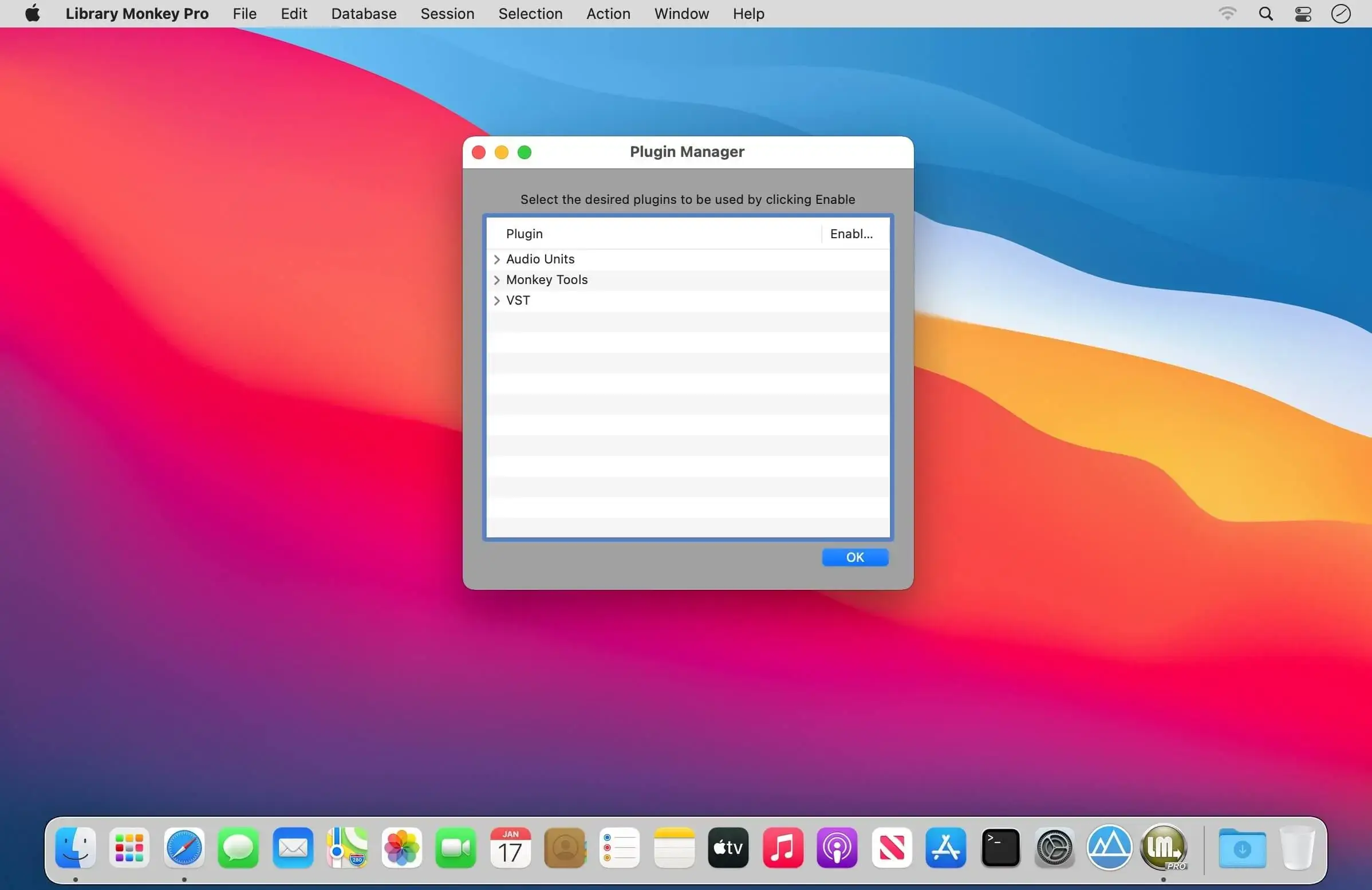
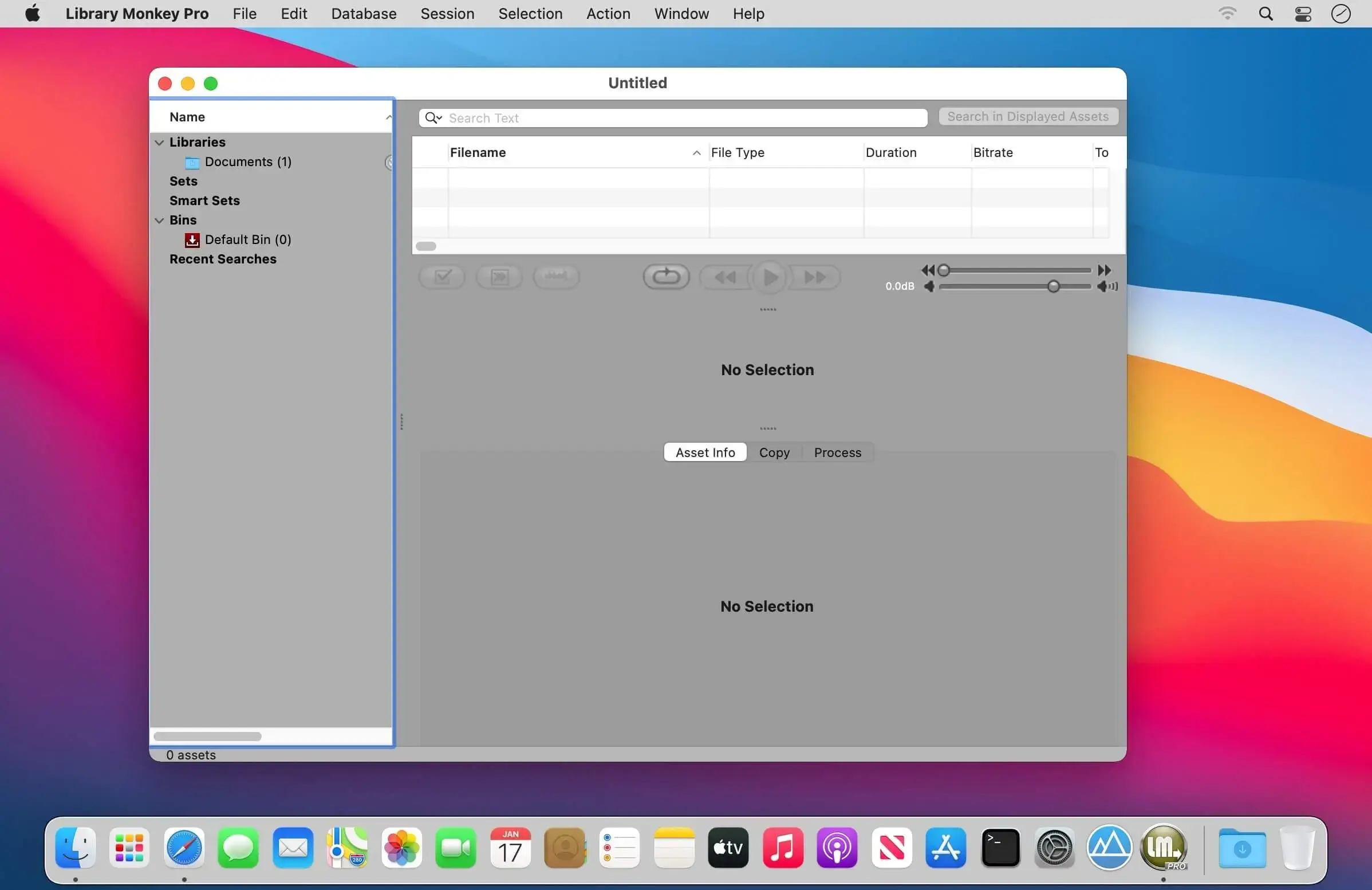
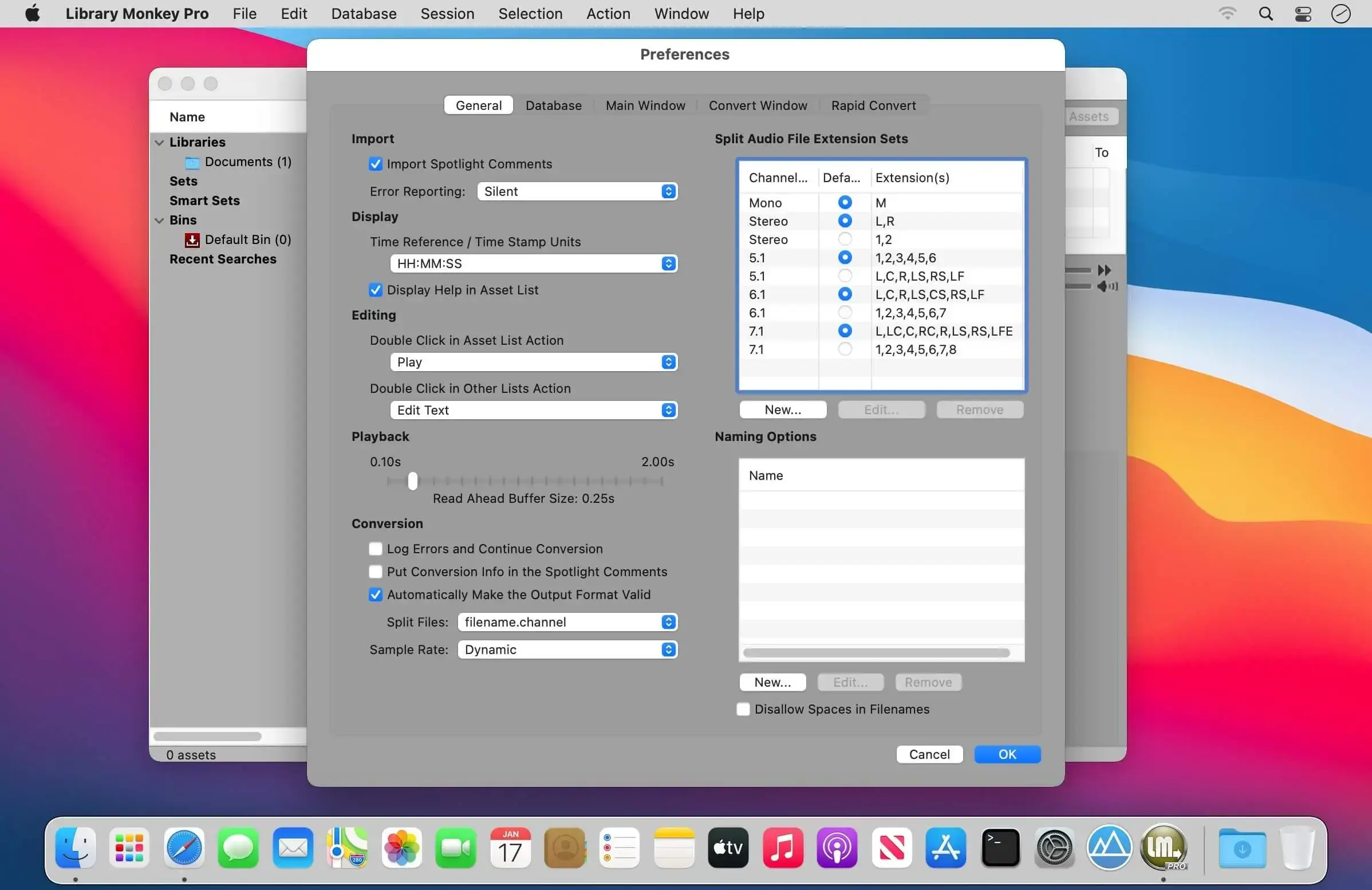
Library Monkey Pro is a set of audio tools for macOS that helps you organize large asset collections, edit audio in a waveform editor, and batch-process files for export. It is designed for professionals and is simple enough for hobbyists.
Manage your audio library
Keep countless assets under control with the enhanced library manager. Group files into Sets and Smart Sets, recall recent searches, and work with multiple bins. You can also rip your CD libraries complete with indexes, so a cumbersome CD collection becomes instantly accessible.
- Sets and Smart Sets: organize your assets into flexible collections
- Recent searches: recall earlier searches without starting over
- Multiple bins: keep different groups of assets separate
- CD ripping with indexes: turn CD libraries into searchable, quickly accessible assets
Edit in the waveform editor
Edit your assets in the new waveform editor and use the waveform overview to navigate quickly. Create loops, markers, and fades, apply many audio actions, and work with multi-channel files in a customizable user interface.
- Waveform overview: move quickly through your audio
- Loops, markers, and fades: shape and mark up your files
- Regions: create them one at a time or with the Auto-Region feature
- Audio actions: apply many actions to your files
- Multi-channel editing: edit multi-channel files in a customizable interface
Batch-process and export
Process many files at once with enhanced batch features, then send your results where you need them.
- FhG MP3 and MP3 surround codec: encode with these codecs during batch processing
- Enhanced metadata support: work with metadata across your files
- Droplets and Rapid Convert: speed up repetitive conversion tasks
- Custom naming on export: name exported files your way
- Drag-n-drop: move files directly to your DAW and other applications
Version 3.6:
- Release notes were unavailable when this listing was updated.
Frequently asked questions
How do I install the app?
Mount the image, drag the app into the "Applications" folder and launch it. If the system blocks the launch, allow it in "System Settings → Privacy & Security".
The app is damaged or won't launch
Reinstalling from a fresh image usually helps. Make sure your macOS version matches the one listed in the compatibility specs.
How do I update?
Download the new version from the site and install it over the current one — your settings will be preserved.
The download link doesn't work
Try a mirror or a download manager. For large files the browser often drops the connection.
How do I completely remove the app?
Use an uninstaller utility — it cleans up the service files that remain after moving the app to the trash.



Choose a download source
Library Monkey Pro 3.6.1 · 22.21 MB
Previous versions
Library Monkey Pro 3.6.1
Previous versions are available to registered users.