
Typora 1.14.16
A markdown editor for Mac with live preview
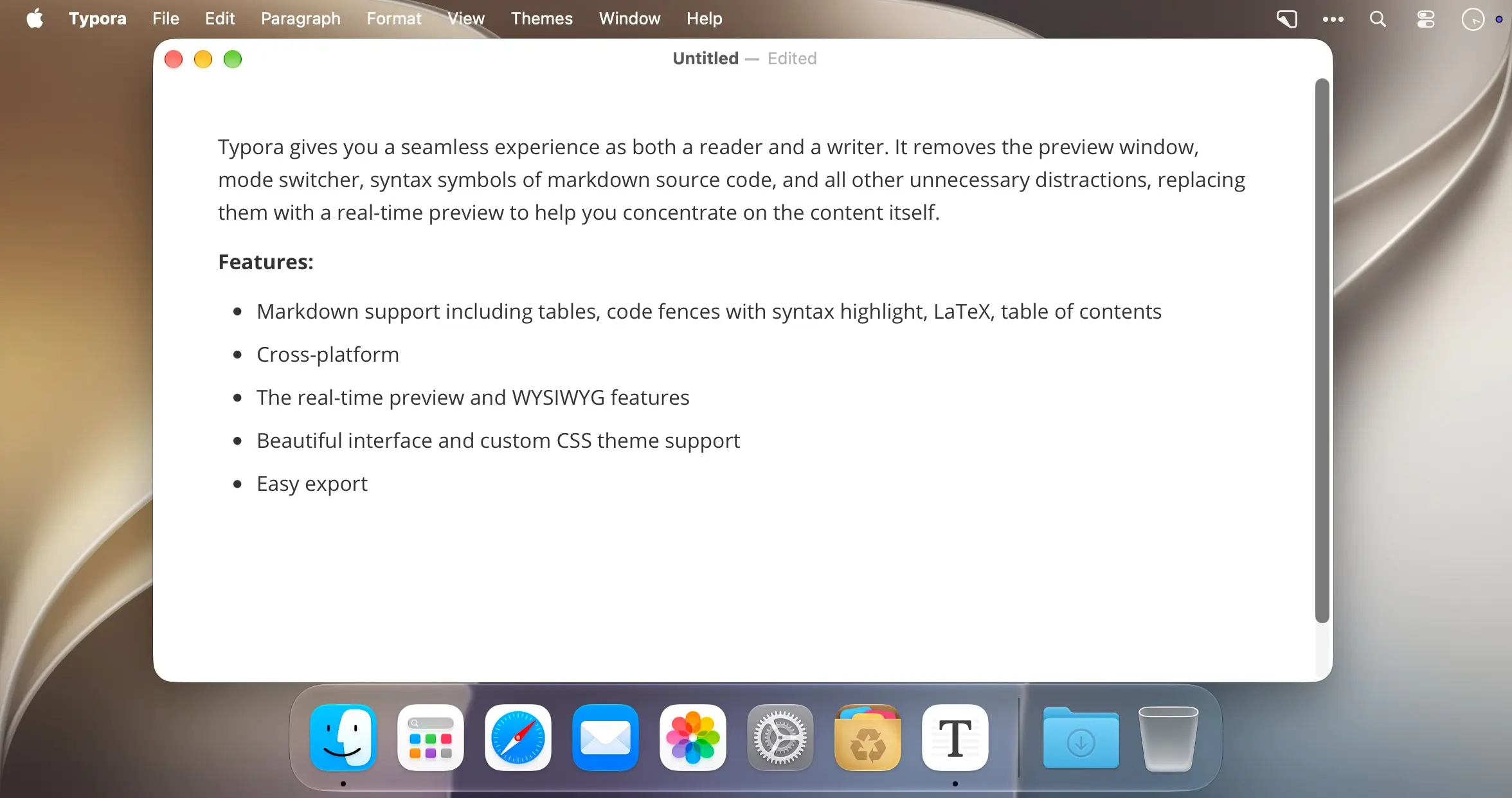
Typora is a markdown editor for Mac that lets you read and write in the same view. It removes the preview window, the mode switcher, and the syntax symbols of markdown source code. A real live preview shows your text as you type, so you can concentrate on the content. It suits anyone who writes in markdown.
Organize files and navigate documents
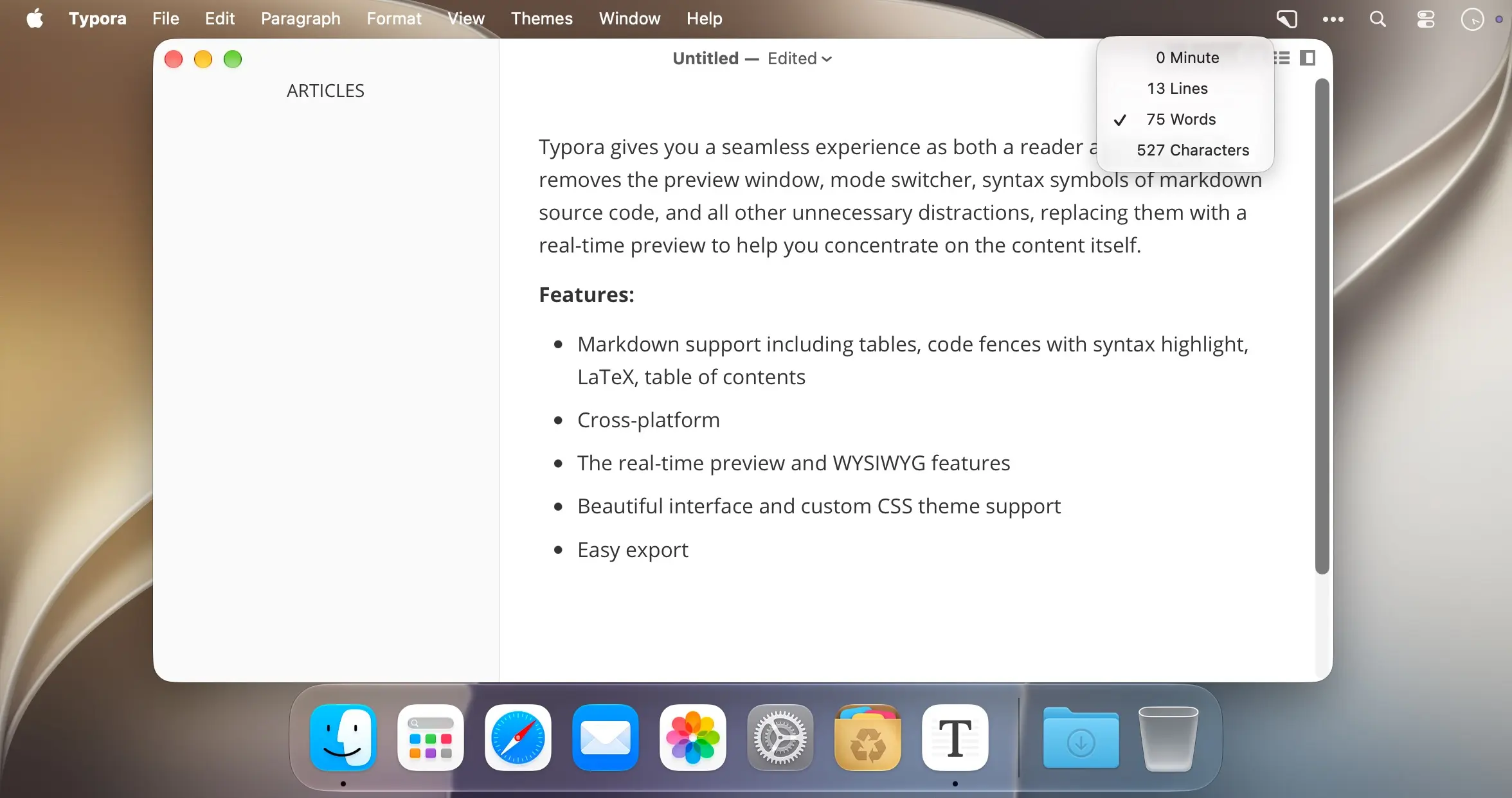
A file tree panel and an articles side panel let you arrange files your own way, including in folders handled by sync services like Dropbox or iCloud. The outline panel shows the structure of your document automatically. You can jump to any section with one click.
- Live preview: Format your text and see the result in place, with no separate preview window.
- Rich content: Add images, headers, lists, tables, code fences, mathematics, diagrams, and inline styles.
- Import and export: Export to PDF with bookmarks, or export and import formats such as docx, OpenOffice, LaTeX, MediaWiki, and Epub.
- Word count: Check the size of your document in words, characters, lines, or reading minutes.
- Focus mode and typewriter mode: Blur every line except the current one, or keep the active line in the middle of the window.
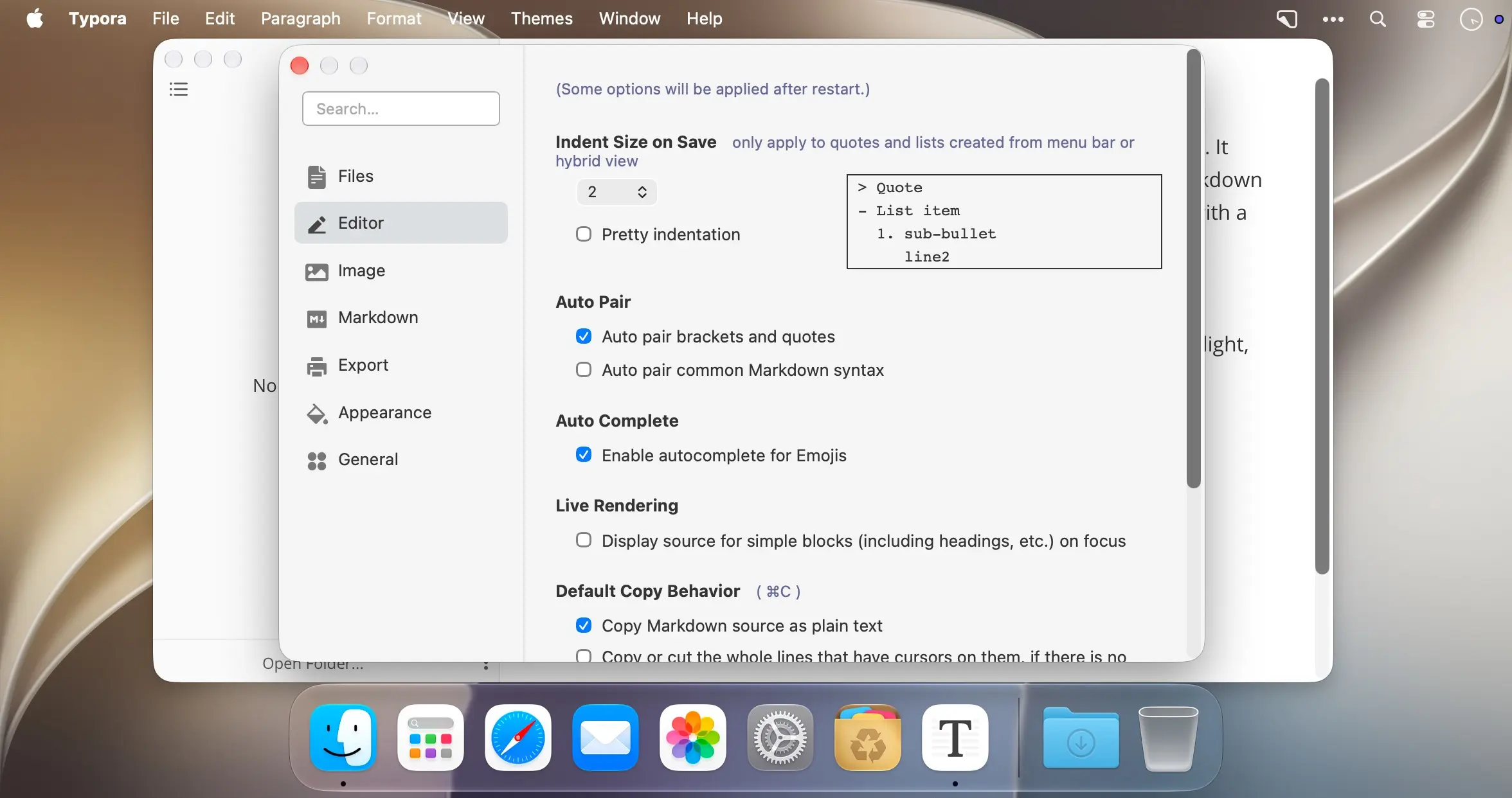
- Auto pair: Complete brackets and quotes as you type, and optionally markdown symbols like * or _.
Download Typora and write in markdown without the clutter.
Typora 1.14 adds and improves:
- A floating toolbar, which you can enable via View → Toolbar or Settings → Appearance.
- File-pane settings: show hidden files and folders, display files other than Markdown, and choose which file types to show or hide.
- A context menu for style customization on macOS, bringing it in line with Windows and Linux.
- Keyboard navigation in the file tree.
The update also fixes issues with list rendering, lists on macOS 27, CORS handling, and exporting on macO
Frequently asked questions
How do I install the app?
Mount the image, drag the app into the "Applications" folder and launch it. If the system blocks the launch, allow it in "System Settings → Privacy & Security".
The app is damaged or won't launch
Reinstalling from a fresh image usually helps. Make sure your macOS version matches the one listed in the compatibility specs.
How do I update?
Download the new version from the site and install it over the current one — your settings will be preserved.
The download link doesn't work
Try a mirror or a download manager. For large files the browser often drops the connection.
How do I completely remove the app?
Use an uninstaller utility — it cleans up the service files that remain after moving the app to the trash.




Choose a download source
Typora 1.14.16 · 19.76 MB
Previous versions
Typora 1.14.16
Previous versions are available to registered users.