Live Home 3D Pro 5.1.2
3D home design and floor plan app for macOS
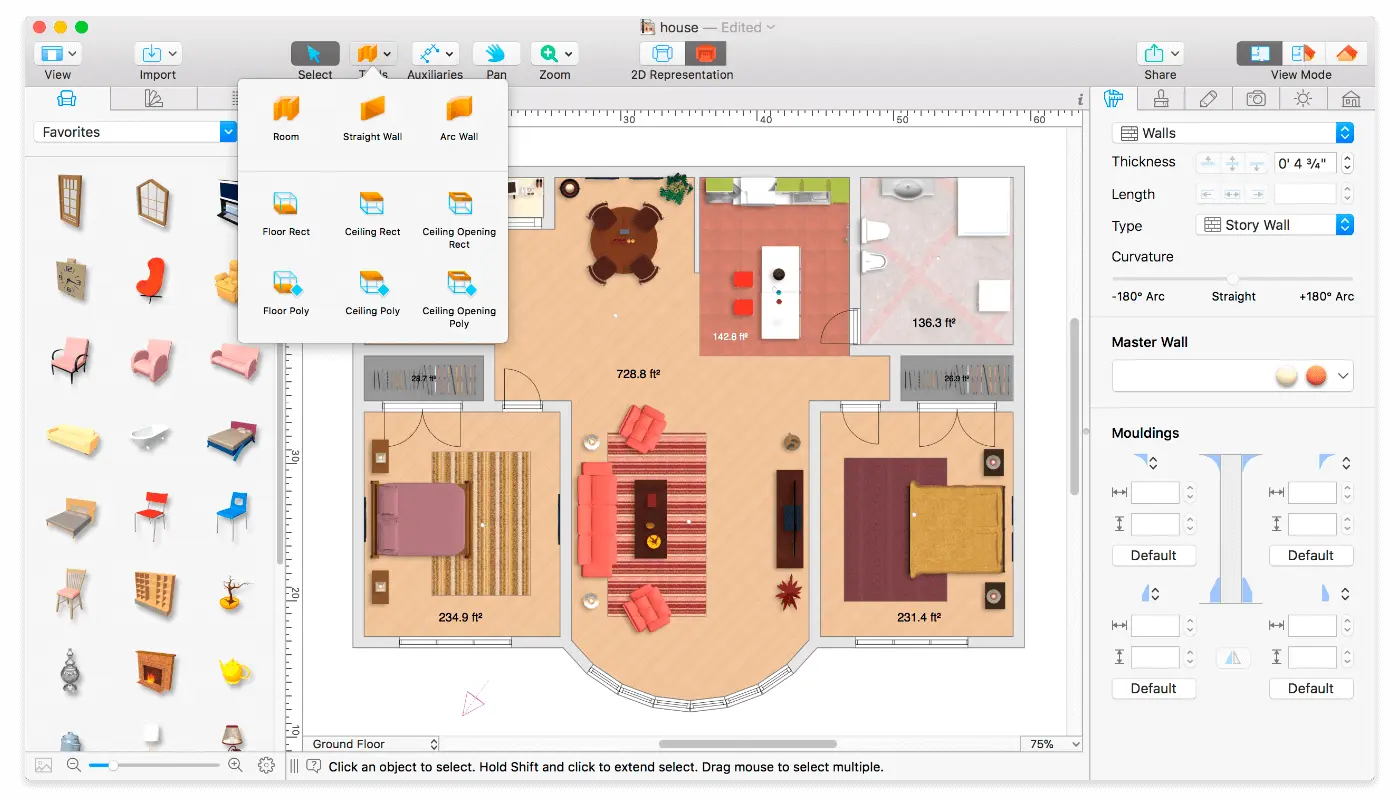
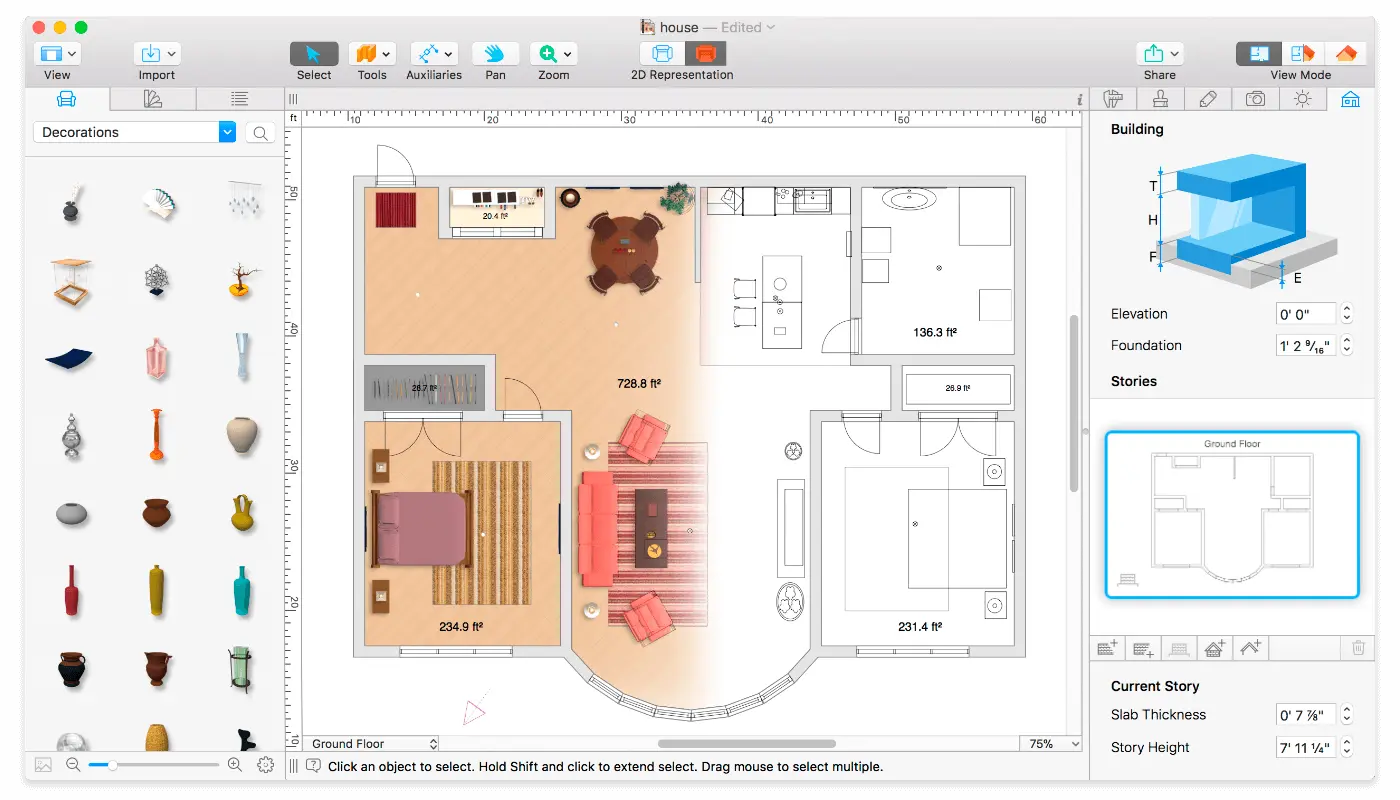
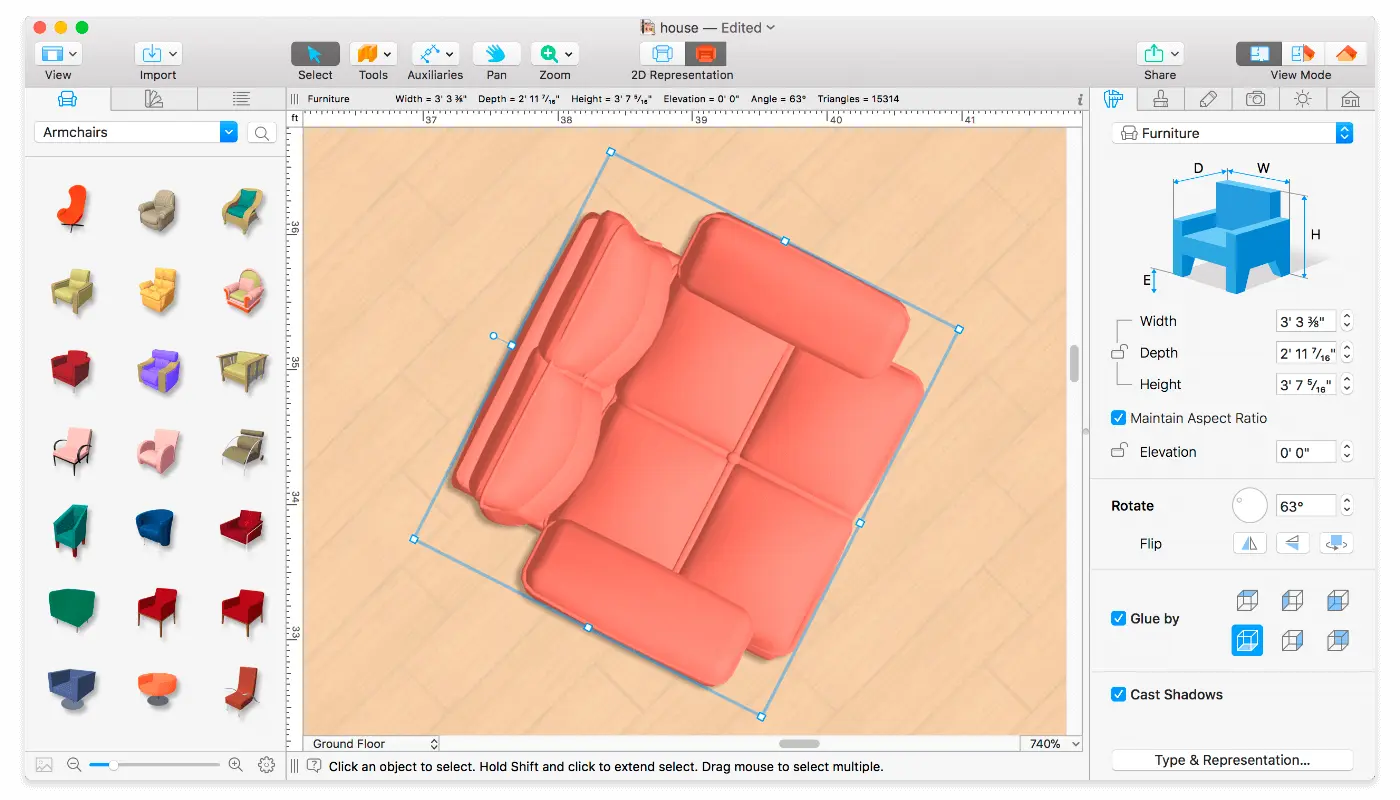
Live Home 3D Pro is home design software for homeowners, renovators, and professional designers who want to see a space before building or remodeling it. Draw a floor plan in minutes, watch it turn into a real-time 3D model, then furnish, light, and export the result on macOS.
Plan in 2D, check every detail in 3D
Every change you make in 2D or 3D updates instantly, so you can walk through rooms as if you were already there. Live measurements for walls, floors, and ceilings appear as you draw, and Elevation View lets you check heights and details. Natural light based on real geolocation, time of day, and cloud cover shows how each room will actually look.
- Room and wall tools: draw full rooms in one step or build wall by wall with the Straight and Arc Wall tools.
- Unlimited floor levels: design multi-story homes level by level in a single project.
- Furniture and materials library: choose from 2,000+ furniture and decor models and 2,100+ materials, or drag any image from Finder onto a surface.
- Tile size settings: set exact tile sizes to estimate how much material your renovation needs.
- Roof Assistant: start from 12 customizable roof templates and 16 customizable dormers, or shape a fully custom roof.
- Model import: bring in models from Trimble 3D Warehouse or drag in SketchUp, COLLADA, KMZ, FBX, OBJ, and 3DS files.
- High-resolution export: create images up to 16,000 × 16,000 px, Ultra HD video walkthroughs, and 360° panoramas.
Start from a sample house in the Project Gallery or open your existing Live Interior 3D projects. Download Live Home 3D Pro and start planning your home today.
Version 5.0:
- User Accounts: link your purchases to a Live Home 3D account and share them across all platforms.
- Cloud AI Render: submit your 3D scene for AI-powered rendering in different visual styles using render credits.
- Smart Group Resize: resize a selection of objects while controlling how each member scales.
- Custom 360° Panorama as 3D background: use your own panoramic image as the sky in the 3D view.
- Flip/Mirror: mirror objects, rooms, or the entire project horizontally or vertically in one click.
- Sketchfab integration: browse and import 3D models directly from Sketchfab in the Library.
- Import glTF and glb files.
- “Adjust Origin” option when importing 3D models.
- Added Polish language.
- Material Editor: preview individual texture maps (Roughness, Metallic, Normal, Emissive) and invert Roughness, Metallic, and individual Normal map channels.
- Liquid Glass UI: updated interface for macOS 26, with full compatibility with macOS 27.
- Bug fixes and stability improvements.
Frequently asked questions
How do I install the app?
Mount the image, drag the app into the "Applications" folder and launch it. If the system blocks the launch, allow it in "System Settings → Privacy & Security".
The app is damaged or won't launch
Reinstalling from a fresh image usually helps. Make sure your macOS version matches the one listed in the compatibility specs.
How do I update?
Download the new version from the site and install it over the current one — your settings will be preserved.
The download link doesn't work
Try a mirror or a download manager. For large files the browser often drops the connection.
How do I completely remove the app?
Use an uninstaller utility — it cleans up the service files that remain after moving the app to the trash.





Choose a download source
Live Home 3D Pro 5.1.2 · 679.62 MB
Previous versions
Live Home 3D Pro 5.1.2
Previous versions are available to registered users.
Comments 1