
MWeb Pro 4.8.3
Markdown editor for Mac with blog publishing and export
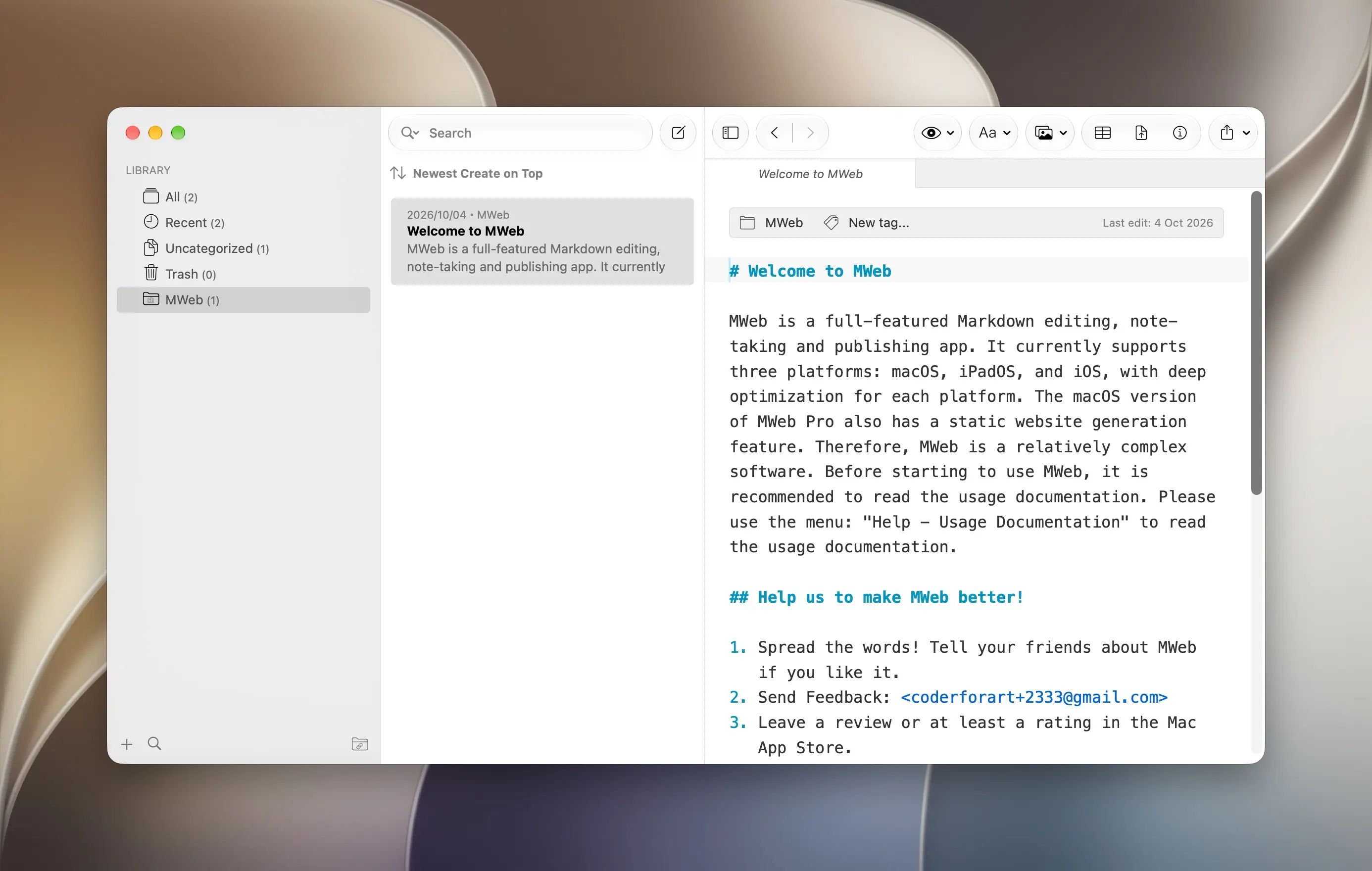
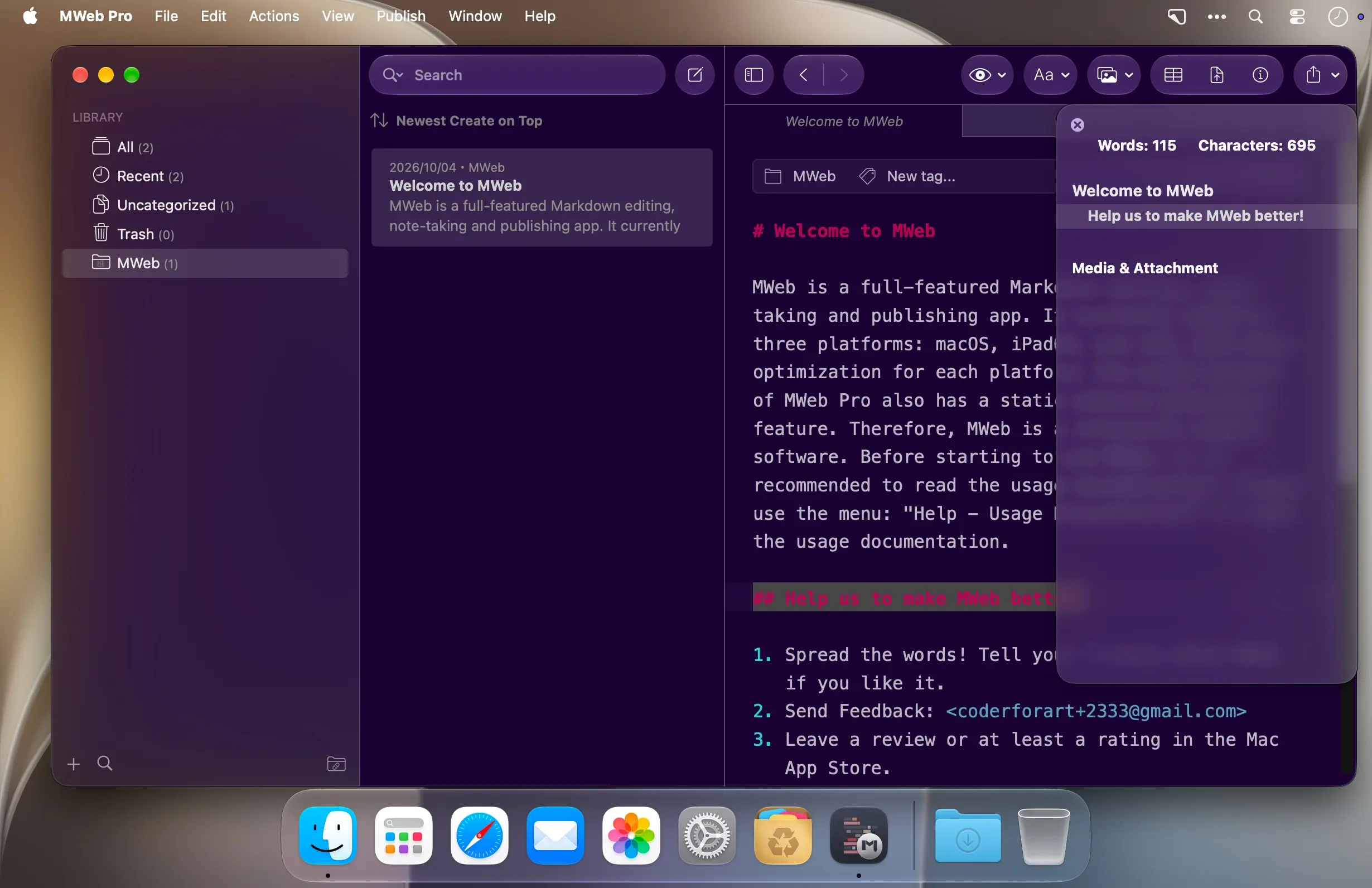
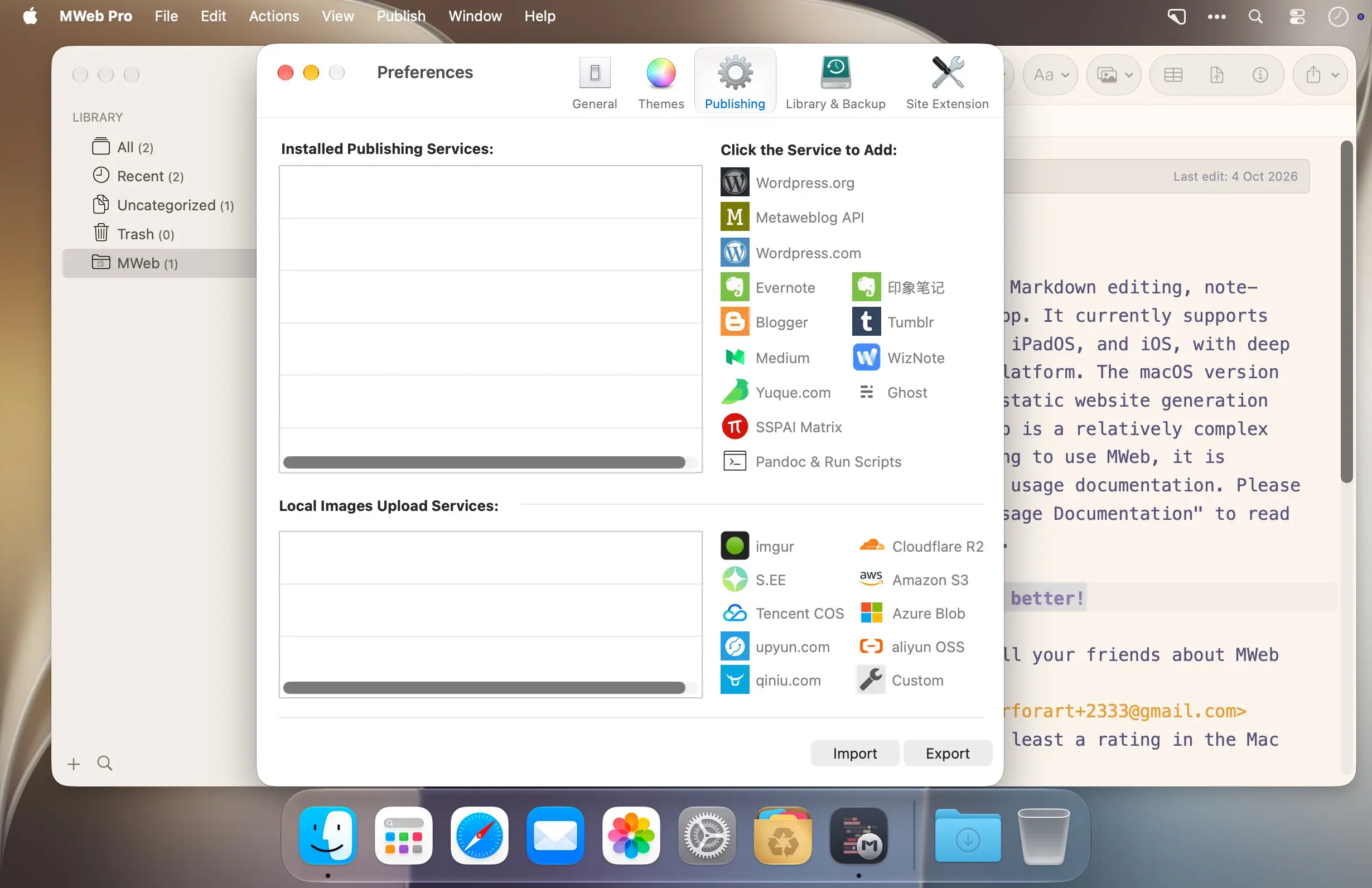
MWeb is a Markdown editor for Mac built for writing, note taking, and static blog generation. It handles professional-level Markdown with support for extensions, so you can write in plain text, preview your work as you go, and publish to the blogging services you already use.
Two work modes for notes and blogs
Choose the mode that fits your workflow. External mode lets you add external folders, while library mode is designed for note taking and static blogging. In both, you can write with full GitHub Flavored Markdown support and style your preview with various themes.
Key features
- Full GFM support: write with complete GitHub Flavored Markdown syntax.
- Markdown extensions: work with professional-level Markdown, including extension support.
- Publishing: publish or update posts on WordPress, WordPress.com, Metaweblog API services, Evernote, Blogger, and Tumblr.
- Image insertion: drag and drop or paste pictures and see them displayed immediately.
- Live preview: check your formatting while you write.
- Export: save your documents as PDF, HTML, RTF, or DOCX.
- Preview themes: choose from various themes for your preview.
- Static blog and website generator: build a static blog or website from your Markdown.
- External folder and library modes: work with folders on your Mac or keep notes in a library.
Download MWeb and bring writing, notes, and publishing together on your Mac.
Version 4.8.3
- Improvements: Compatible with macOS 27.
- Improvements: Automatically restores the state of previously opened documents (whether in editing or preview, the document's scroll position, etc.).
- New Feature: Preview mode now support Find.
- Other bug fixes and improvements.
Frequently asked questions
How do I install the app?
Mount the image, drag the app into the "Applications" folder and launch it. If the system blocks the launch, allow it in "System Settings → Privacy & Security".
The app is damaged or won't launch
Reinstalling from a fresh image usually helps. Make sure your macOS version matches the one listed in the compatibility specs.
How do I update?
Download the new version from the site and install it over the current one — your settings will be preserved.
The download link doesn't work
Try a mirror or a download manager. For large files the browser often drops the connection.
How do I completely remove the app?
Use an uninstaller utility — it cleans up the service files that remain after moving the app to the trash.




Choose a download source
MWeb Pro 4.8.3 · 38.81 MB
Previous versions
MWeb Pro 4.8.3
Previous versions are available to registered users.