
MAMP & MAMP PRO 3.5.2
MAMP PRO is the commercial, professional grade version of the classic local server environment for OS X: MAMP. Designed for professional Web developers and programmers, MAMP Pro allows easy installation and administration of their development environment under OS X.
As a professional Web developer you have to test your programs in detail. In addition, you need a highly configurable developing environment with all the components also used by most ISPs: Apache, MySQL and PHP in the latest stable versions. No matter whether you want to test your latest AJAX creation, or realize a new page with webEdition: MAMP Pro supports you during the tests of your developments.
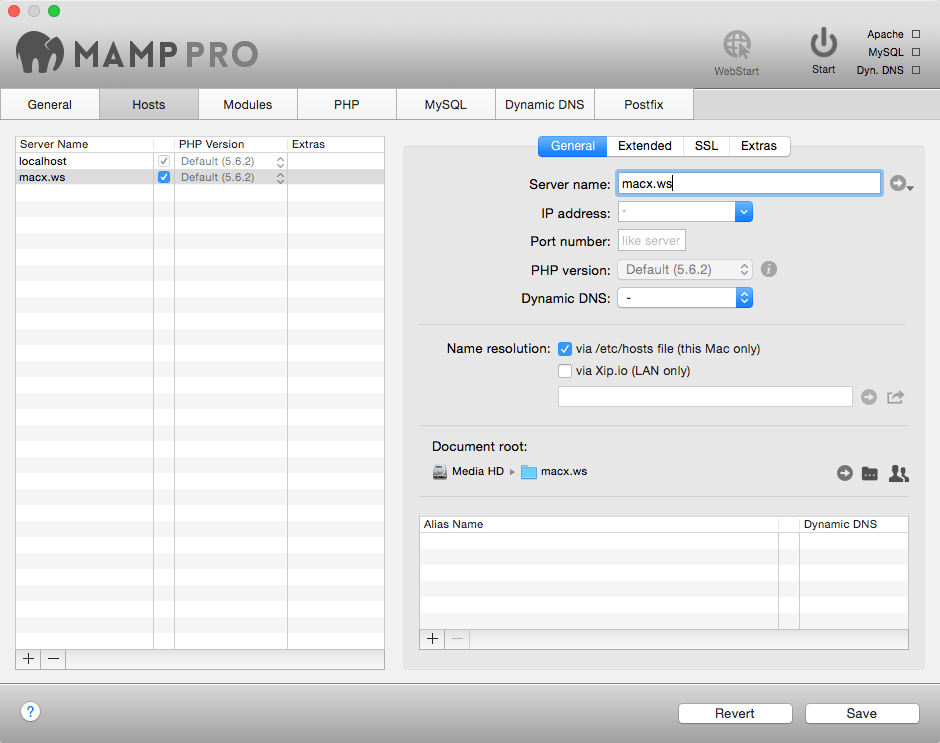
You can set up any number of servers to carry out tests without danger for your live system. Besides, the local name resolution is performed by MAMP Pro. To simulate a very authentic environment, the MAMP Pro also switches on the local mail server, so that dispatching mails by PHP scripts is possible.
With MAMP Pro, you can easily connect your local server with an existing Dynamic DNS provider, as for example dyndns.com. Making it very simple to quickly make the results of your work accessible externally for superiors and prospective customers. And because you can set up many virtual hosts, you can easily offer alternative configurations or suggestions.
The freely available standard design "MAMP" is automatically coinstalled with MAMP Pro.
Thus all MAMP features are available to you immediately:
- Apache Web server
- MySQL database server
- phpMyAdmin to access the MySQL database
- PHP as a module for the Web server
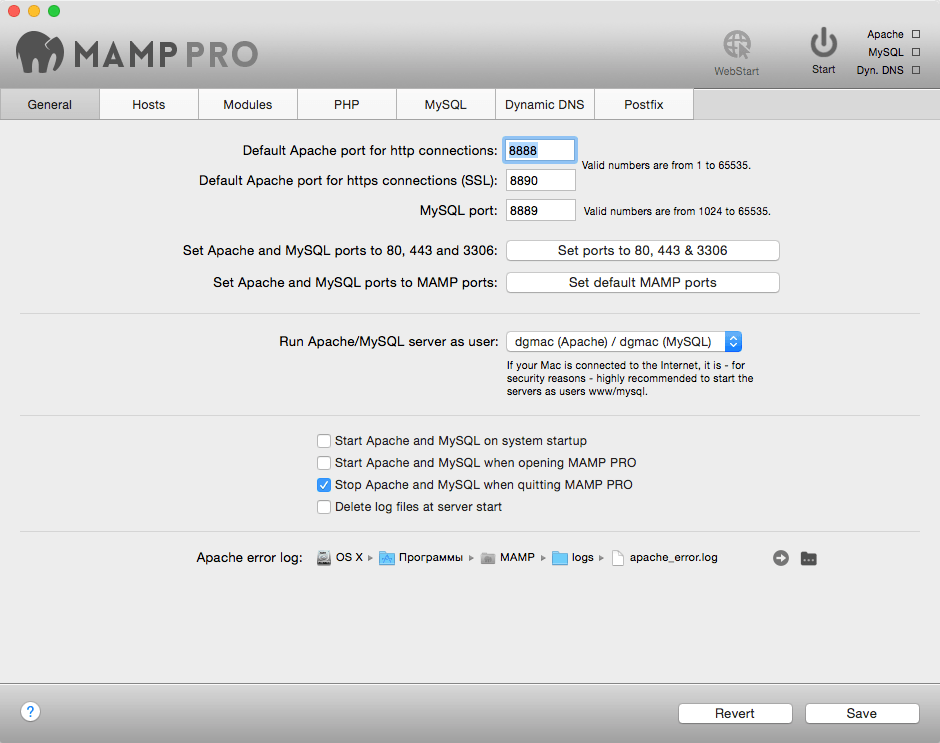
- Company of Web server and database on standard or individual port
WHAT’S NEW
MAMP & MAMP PRO
- solved phpMyAdmin-Bug
Components
- Apache 2.2.29
- Nginx 1.8.0
- MySQL 5.5.38
- MySQL Utilities 1.5.4
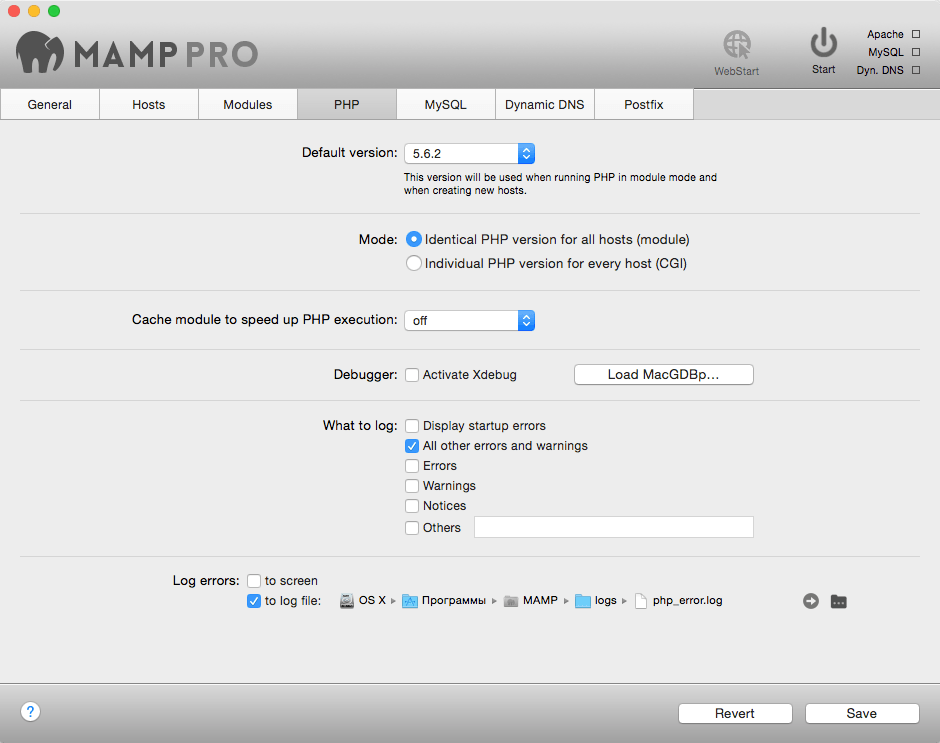
- PHP 5.2.17, 5.3.5, 5.3.6, 5.3.14, 5.3.29, 5.4.4, 5.4.38, 5.4.39, 5.4.42, 5.5.9, 5.5.22, 5.5.23, 5.5.26, 5.6.6, 5.6.7, 5.6.10, 7.0.8 (needs at least Mac OS X 10.8)
- Added extensions for PHP 7.0.8: apcu 5.1.5, imagick 3.4.0, mcrypt 2.6.8, oauth 2.0.2
- APC 3.1.13 & apcu 4.0.11
- eAccelerator 0.9.6.1
- XCache 1.2.2 & 3.2.0
- Xdebug 2.2.7
- Perl 5.22.0
- mod_perl 2.0.9
- DBI 1.633
- DBD::mysql 4.031
- Python 2.7.10
- mod_wsgi 3.5
- mod_python 3.5.0
- MySQL Connector/Python 2.0.4
- phpMyAdmin 4.4.10
- phpLiteAdmin 1.9.5
- SQLiteManager 1.2.4
- Freetype 2.4.12
- t1lib 5.1.2
- curl 7.43.0
- jpeg 8d
- libpng 1.6.6
- tiff 4.0.3
- ImageMagick 6.8.9-7
- Imagick 3.1.2
- PHPUnit 4.7.6
- Ghostscript 9.14
- gd 2.0.34
- zlib 1.2.8
- ICU 52.1 (Unicode 6.3)
- libxml 22.8.0
- libxslt 1.1.28
- gettext 0.18.1.1
- libidn 1.17
- iconv 1.14
- mcrypt 2.6.8
- OAuth 1.2.3
- YAZ 4.0.1 & PHP/YAZ 1.1.5
Screenshots
Frequently asked questions
How do I install the app?
Mount the image, drag the app into the "Applications" folder and launch it. If the system blocks the launch, allow it in "System Settings → Privacy & Security".
The app is damaged or won't launch
Reinstalling from a fresh image usually helps. Make sure your macOS version matches the one listed in the compatibility specs.
How do I update?
Download the new version from the site and install it over the current one — your settings will be preserved.
The download link doesn't work
Try a mirror or a download manager. For large files the browser often drops the connection.
How do I completely remove the app?
Use an uninstaller utility — it cleans up the service files that remain after moving the app to the trash.
VersionMAMP & MAMP PRO 3.5.2
Developerappsolute GmbH
CompatibilityMac OS X 10.6.6 & 64-Bit processor (Intel)
LanguageEnglish, German, Japanese, Spanish, French
IncludesSerial number (Block access to the site developer)





Information
Visitors in the group Guests cannot leave comments on this publication.
Choose a download source
MAMP & MAMP PRO 3.5.2 · 253.55 MB