
Paws for Trello 2.2.3
Paws for Trello is a beautiful Trello client. It brings Trello to your desktop with native notifications, powerful shortcuts, and more - away from the distractions of your browser.
Features
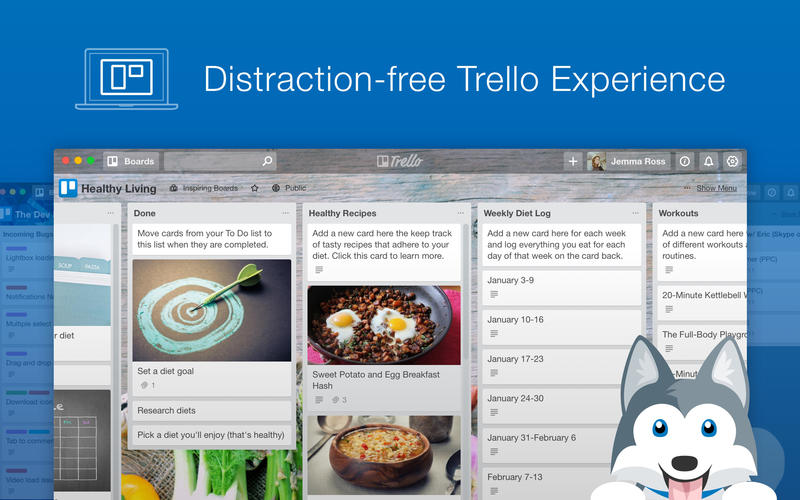
- Distraction-free Trello Experience - Paws makes Trello feel right at home on your desktop. Stay productive with a beautiful minimal interface that doesn’t get in the way of your work.
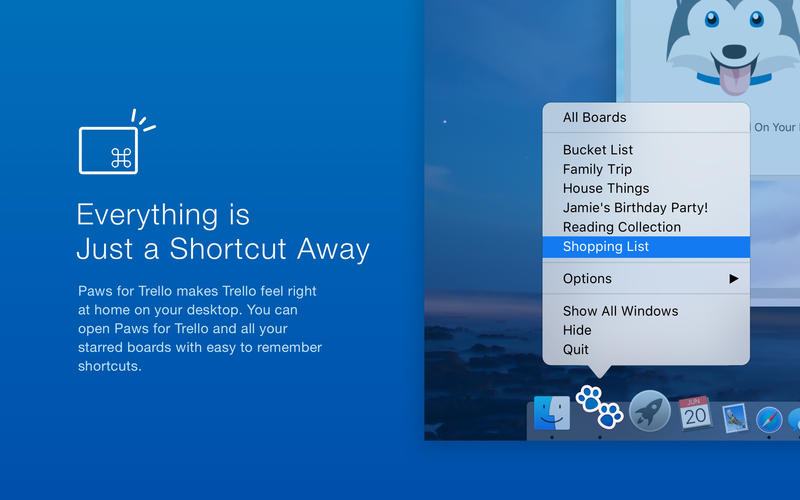
- Everything is Just a Shortcut Away - Set a global shortcut that opens the main window from anywhere. We also created handy shortcuts for all your Starred Boards for fast and intuitive navigation.
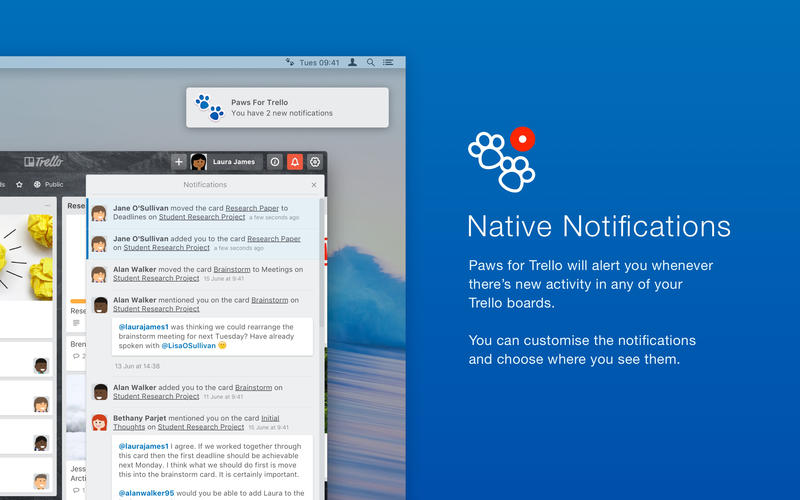
- Native Notifications - Paws will alert you whenever there’s new activity in any of your Trello boards. You can customise the notifications and choose where you see them.
- All Your Favourite Trello Options - Trello is already full of useful shortcuts and options. We’ve made sure they work as they were intended, including keyboard shortcuts, drag-and-drop, and more.
WHAT’S NEW
Version 2.2.3
Bugfixes:
- Fixed an issue where Paws incorrectly thought it was offline
Version 2.2.0:
New
- Multiple windows will now work as you would expect! We've rewritten a bunch of stuff around how the app works so when you have multiple windows open they will now be listed in the Window menu, will accept shortcuts correctly and more!
- Right-click on the menubar icon will now give you options and access to your starred boards
Improved
- Finally fixed window being cut off when switching between full screen and windowed mode - for users that had specifc zoom level set
- App will now remember what board or card you were on when restoring the window
- Added link and shortcut to the handy My Cards page in Boards menu
- You are now able to export and download JSON files for cards and boards (as opposed to break the app when you try)
- Improved scrollbars and close button on card details
- Security fixes and improvements
- Improved reliability of navigating between Boards any My Cards page using shortcuts
Fixed
- Fixed login pages in Welcome section not being readable after recent updates
- Fixed Dropbox Power up authentication issues - we know the other ones are broken and we're working on it!
- Fixed overlapping email verification banner for new Trello users
- The welcome window can now be resized and full-screened without breaking
Screenshots
Frequently asked questions
How do I install the app?
Mount the image, drag the app into the "Applications" folder and launch it. If the system blocks the launch, allow it in "System Settings → Privacy & Security".
The app is damaged or won't launch
Reinstalling from a fresh image usually helps. Make sure your macOS version matches the one listed in the compatibility specs.
How do I update?
Download the new version from the site and install it over the current one — your settings will be preserved.
The download link doesn't work
Try a mirror or a download manager. For large files the browser often drops the connection.
How do I completely remove the app?
Use an uninstaller utility — it cleans up the service files that remain after moving the app to the trash.
VersionPaws for Trello 2.2.3
DeveloperMilosz Falinski
CompatibilityOS X 10.9 or later, 64-bit processor
LanguageEnglish
IncludesPre-K'ed




Information
Visitors in the group Guests cannot leave comments on this publication.
Choose a download source
Paws for Trello 2.2.3 · 66.89 MB