
Adobe Media Encoder CC 2015.3 v10.4.0 for Mac
Adobe Media Encoder CC software automates the process of creating multiple encoded versions of source files, Adobe Premiere Pro sequences, and Adobe After Effects compositions. An intuitive interface, background encoding, and convenient presets help you quickly output for virtually any screen. Adobe Media Encoder is included in Adobe Premiere Pro, After Effects, and Adobe Prelude software.
Features
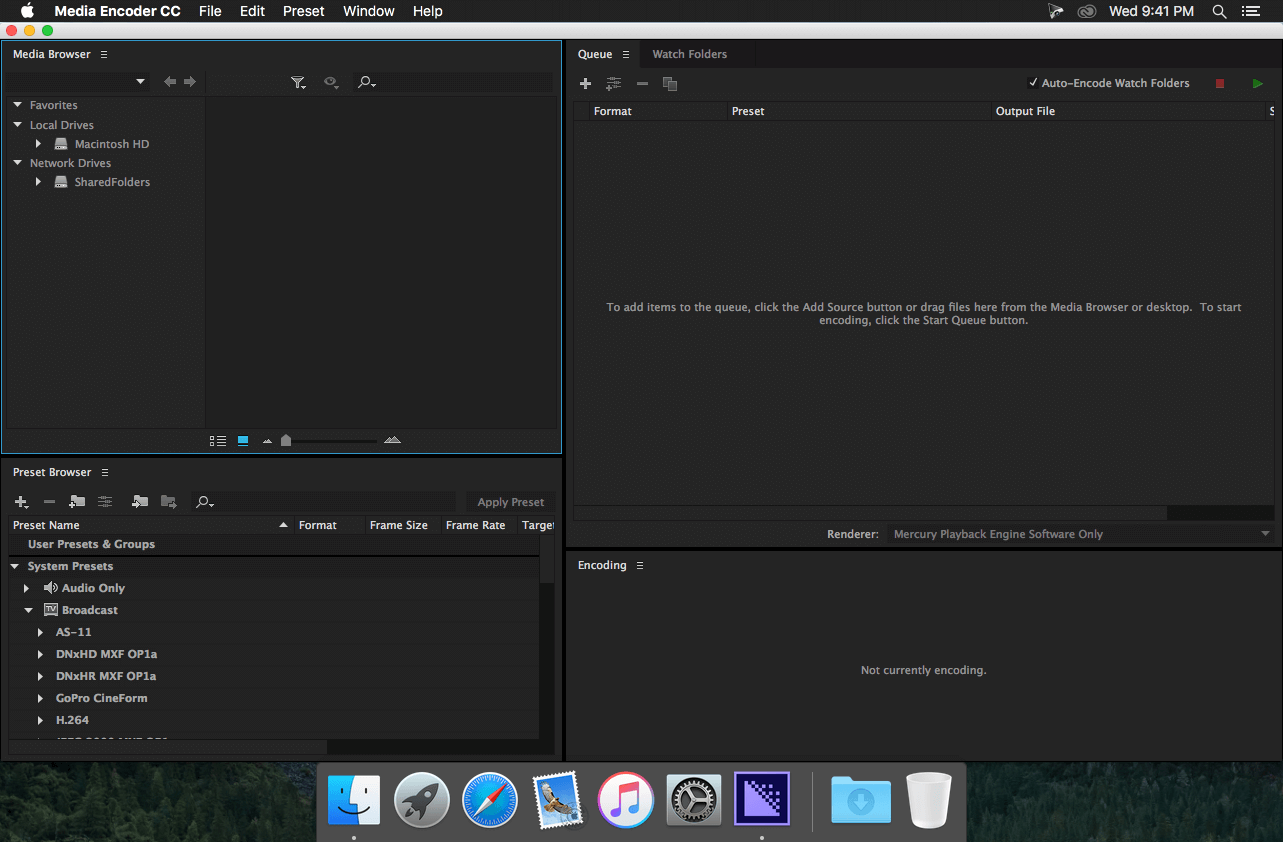
- Preset Browser - Access commonly used settings immediately using the Preset Browser. Organize presets by category, set favorites, and customize your most frequently used encoding presets.
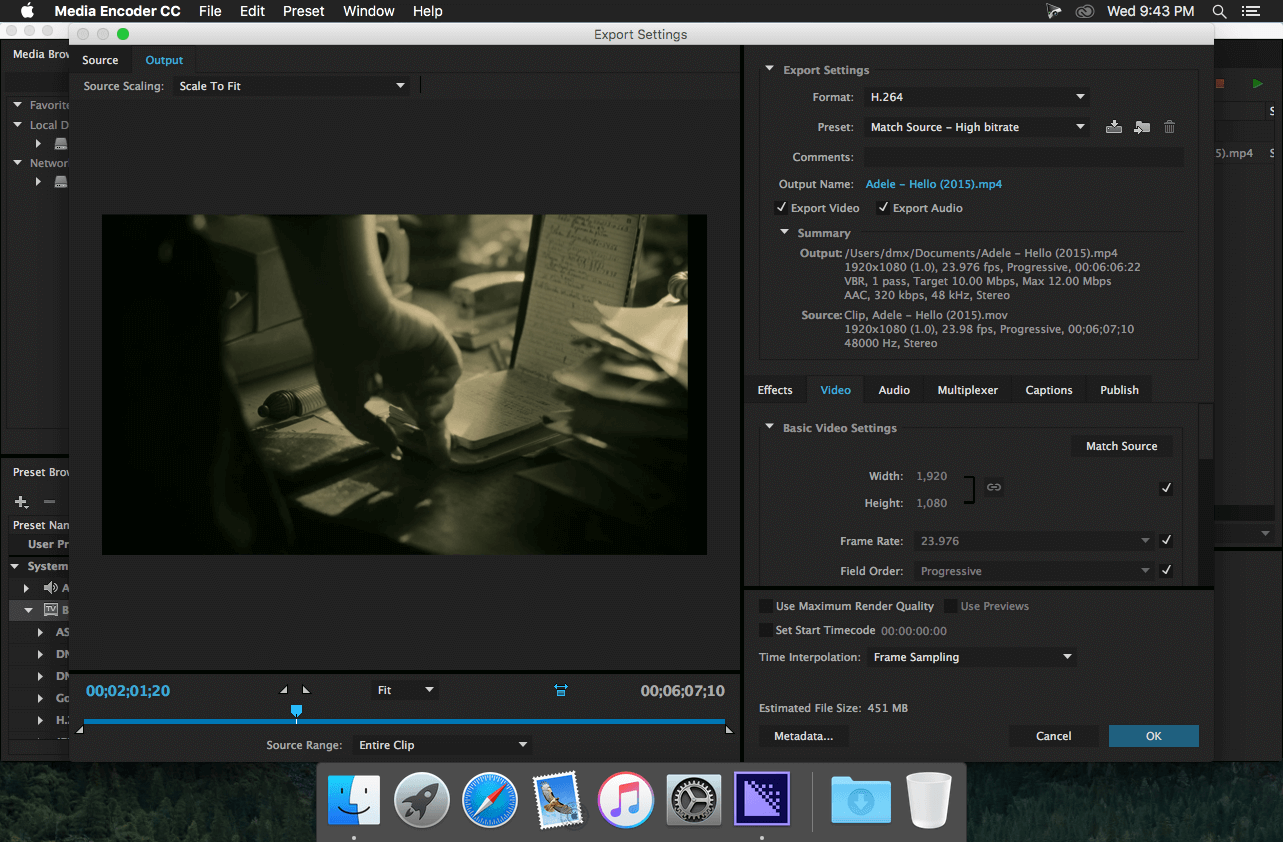
- Fast, sure output to virtually any screen - Quickly and easily output your work for virtually any video or device format. Customize, set, and organize your favorite presets in the Preset Browser for fast export and batch encoding in the background.
- Performance and stability - Use Watch Folders to quickly encode video from a single source to multiple output formats.
- ARRIRAW, RED EPIC, and RED Scarlet-X support - Import your ARRIRAW, 5K RED EPIC®, and RED Scarlet-X footage directly into Adobe Media Encoder CS6 for transcoding to HD and SD formats.
WHAT’S NEW
Version 10.4.0 (2015.3):
Fixes
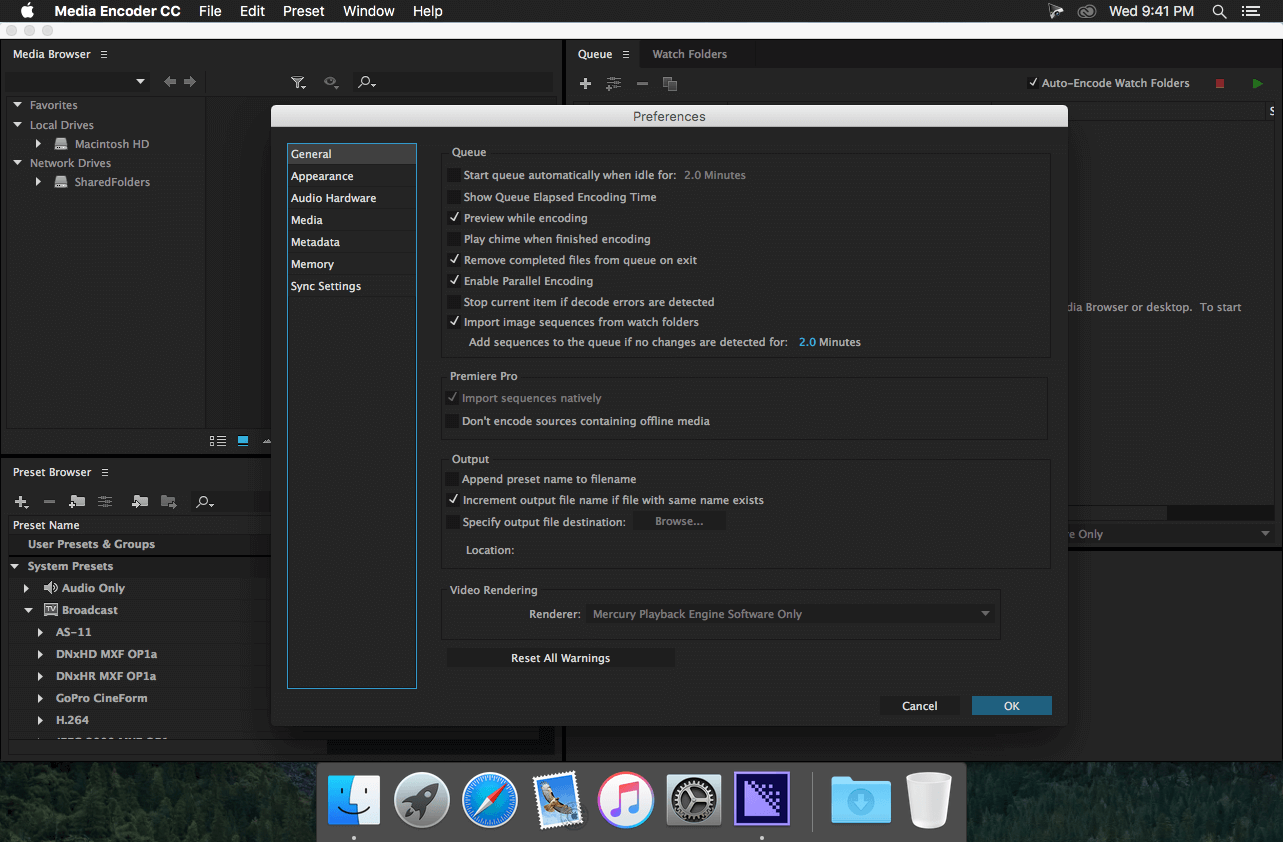
- Fixed several issues encountered when ‘Premiere Pro > Import sequences natively’ was checked in the preferences
- Several issues with ingest were resolved
- Stability of the Media Browser has been improved
- XAVC HD Intra Class 200 presets were replaced with Class 100 presets for improved compatibility with more devices
- Issues where Destination Publishing could fail with due to a time-out have been resolved
- Certain issues with Audio Hardware preferences have been resolved
- Fixed issues where Lumetri looks were being incorrectly rendered, and ProRes exports could appear over-exposed
Screenshots
Frequently asked questions
How do I install the app?
Mount the image, drag the app into the "Applications" folder and launch it. If the system blocks the launch, allow it in "System Settings → Privacy & Security".
The app is damaged or won't launch
Reinstalling from a fresh image usually helps. Make sure your macOS version matches the one listed in the compatibility specs.
How do I update?
Download the new version from the site and install it over the current one — your settings will be preserved.
The download link doesn't work
Try a mirror or a download manager. For large files the browser often drops the connection.
How do I completely remove the app?
Use an uninstaller utility — it cleans up the service files that remain after moving the app to the trash.
VersionAdobe Media Encoder CC 2015.3 v10.4.0 for Mac
DeveloperAdobe Systems
CompatibilityOS X 10.9 or later, 64-bit processor
LanguageMultilangual
IncludesK




Information
Visitors in the group Guests cannot leave comments on this publication.
Choose a download source
Adobe Media Encoder CC 2015.3 v10.4.0 for Mac · 943.42 MB