

Adobe Media Encoder CC 2017 v11.1.2
Screenshots
Click to enlarge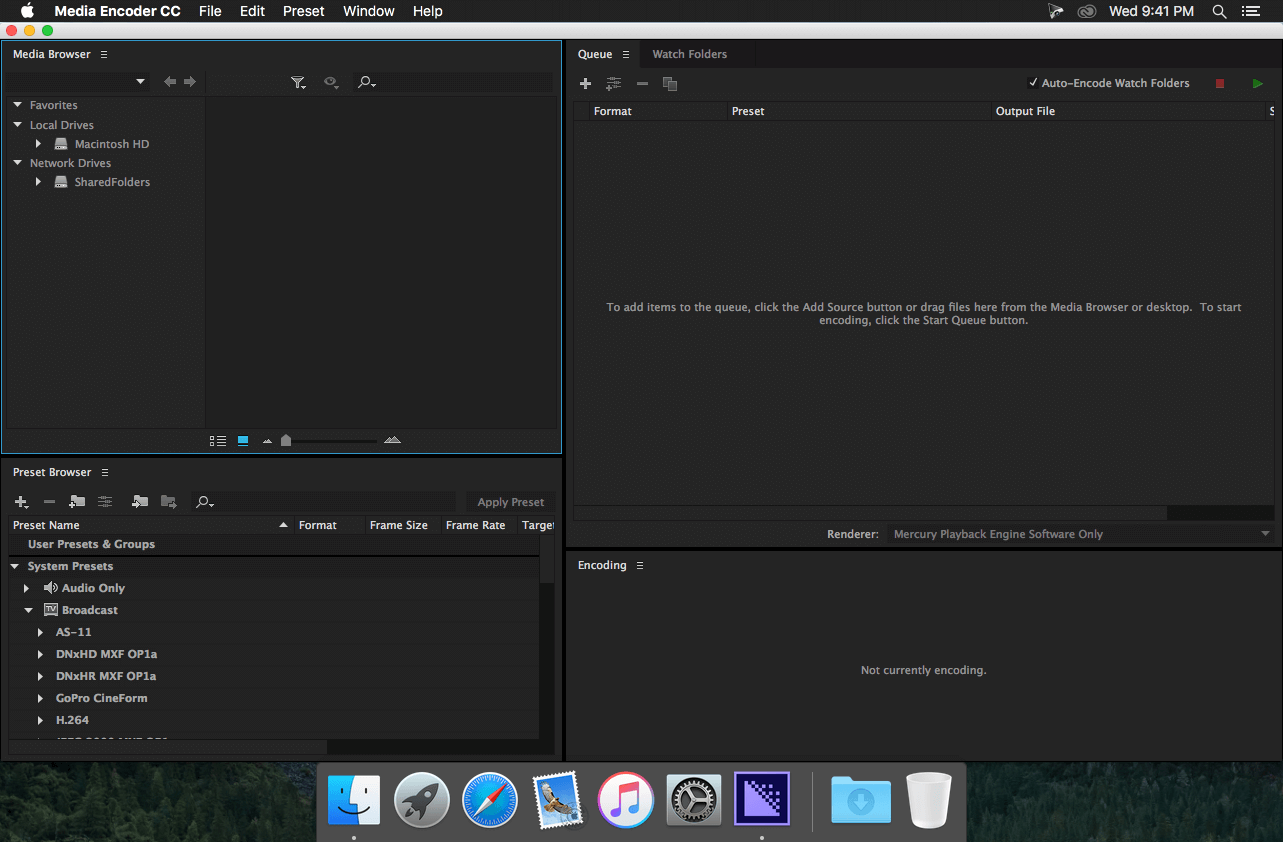
Description
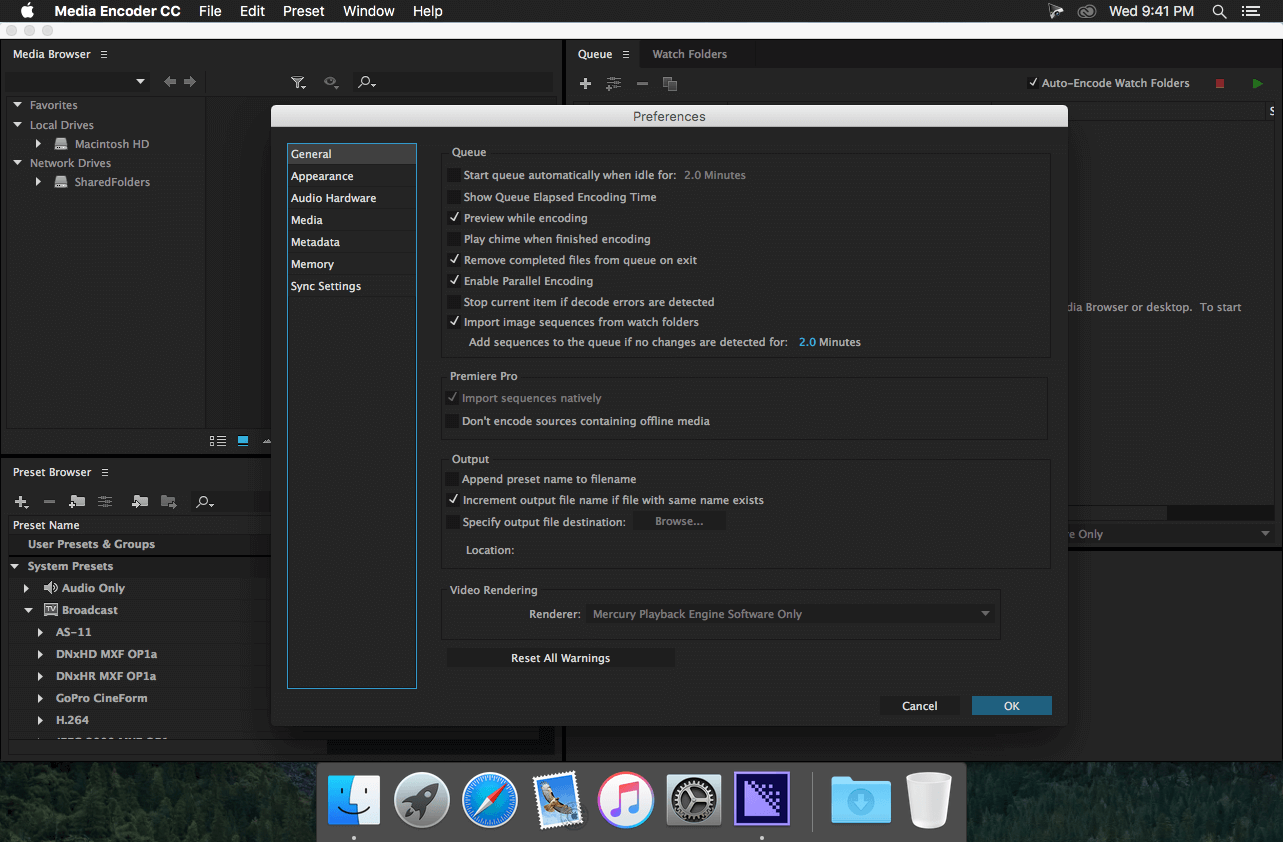
Media Encoder CC. Your go-to application for all media processing. Ingest, transcode, create proxies, and output any format you can imagine. This powerful media management tool allows users to work with media in a unified way across applications. Tight integration with Adobe Premiere Pro CC, After Effects CC, and other applications provides a seamless media processing workflow.
Features:
- Ingest and transcoding functionality
- Media Browser panel
- Direct publishing to Twitter
- New application support for Adobe Audition and Character Animator
- Direct publishing to Facebook
- Expanded 4K format support
- Improved image sequence workflows
- Automatic loudness correction
- Usability refinements
- MXF channelization
- Extended DNxHD support
- IRT compliance
- HDR to SDR conversion filter
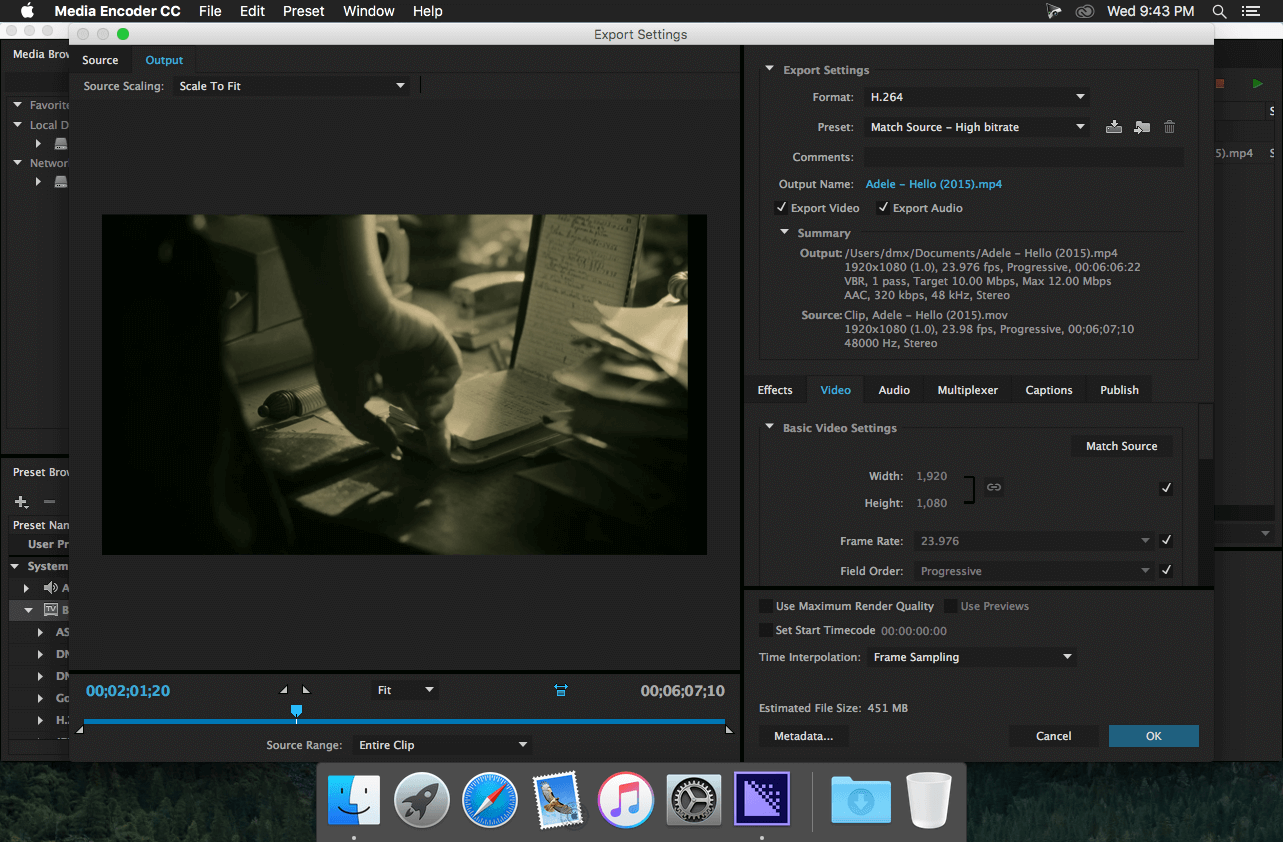
- Time Interpolation setting
- Time Tuner for automatically adjusting the duration of rendered projects
- Dolby Digital and Dolby Digital Plus support for 5.1 and 7.1 surround sound
- QuickTime channelization
- JPEG 2000 MXF support
- ProRes libraries for improved performance
- User interface refinements
- QuickTime rewrapping
- Option to assign a custom start time
What's New in Media Encoder CC (2017):
- Quality and performance improvements
- Destination Publish to Behance
- Multiple clip stitching on ingest
Comments
No comments yet. Be the first.
Information
Visitors in the group Guests cannot leave comments on this publication.