

SPlayer 4.2.0
Screenshots
Click to enlarge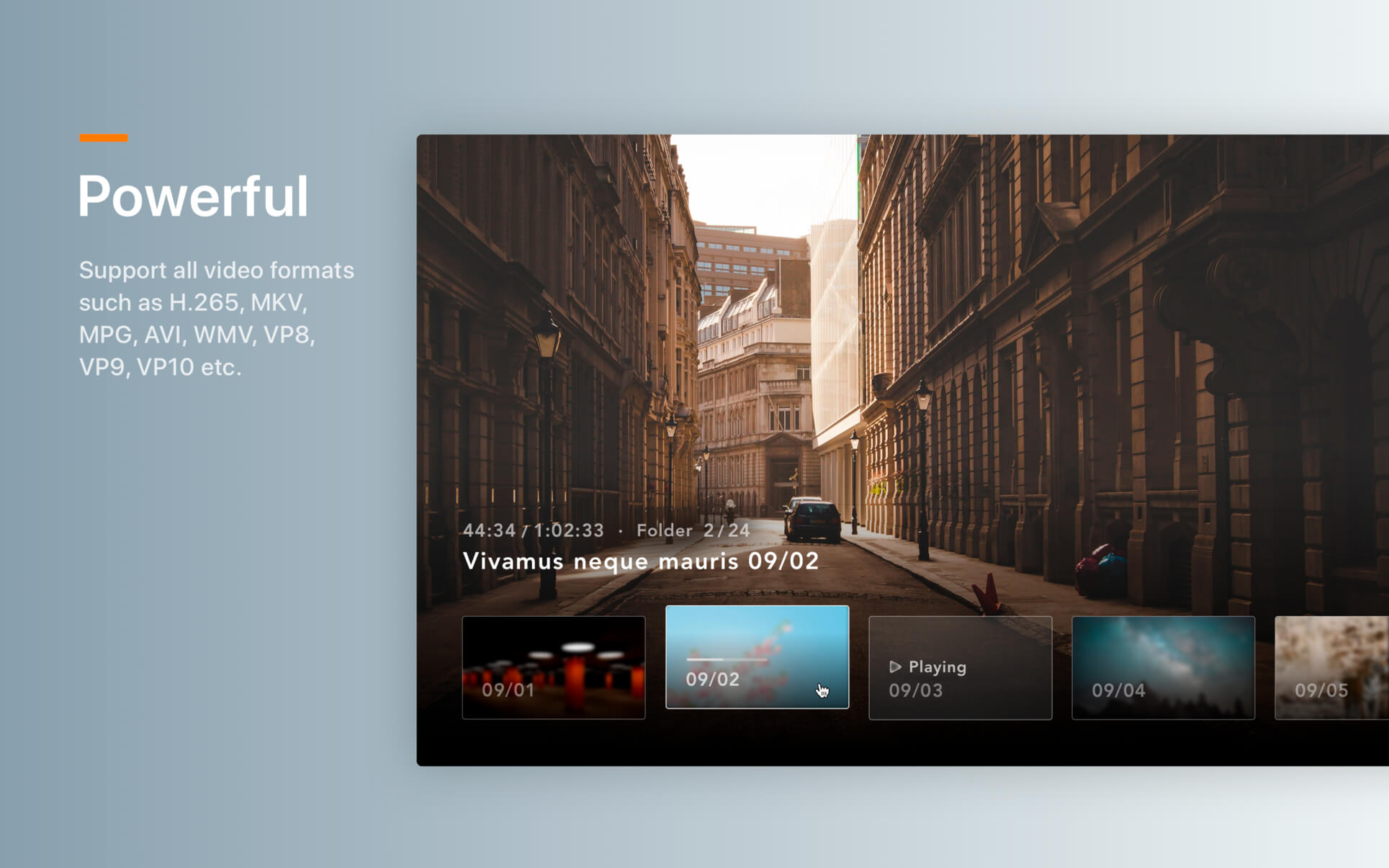
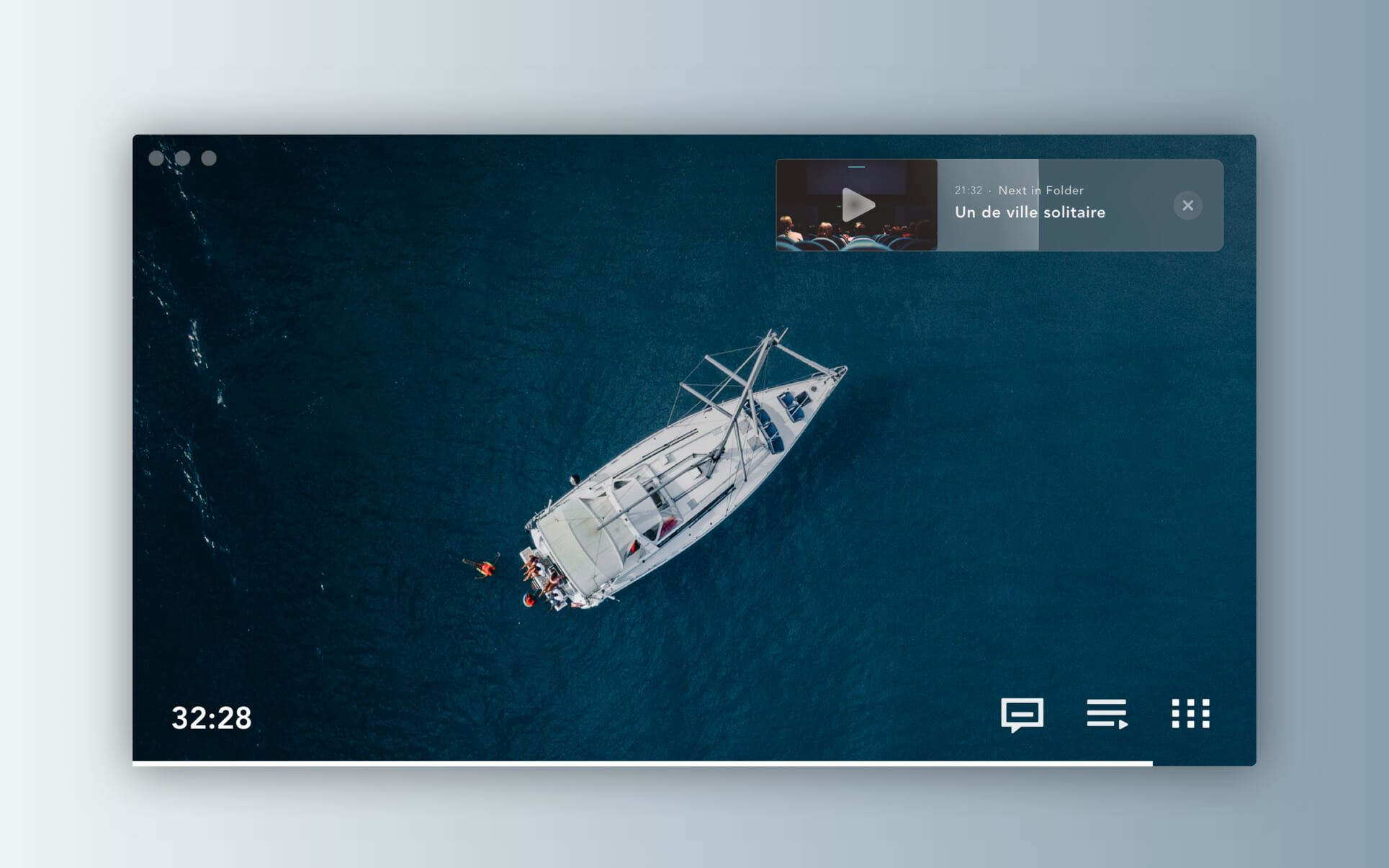

Redesigned from the ground up, SPlayerX combines revolutionary functions with all-new lightweight design and incredible performance to let you enjoy your videos like never before. Embracing the value of tearing down the language boundaries and cultural divides to facilitate the communication all around the world, the brand new SPlayerX brings subtitle and translation into one place, so you can watch any video in your preferred language no matter who you are or where you are.
A fully functional media player able to play almost every kind of video files. The supported formats include mpg, mpeg, mpeg 2, vob, dat, mp4, m4v, ts, rm, rmvb, wmv, asf, mkv, avi, 3gp, 3g2, flv, mov, h264/x264, h265/x265/HEVC 1080p/720p HD video etc.
Version 4.2.0
- The new multi-language Smart Translation feature with speech recognition
- Added privacy protection settings, including Intelligent Mode and Incognito Mode
- Added shortcuts (T) for enabling or disabling float on top when playing
- Added shortcuts (L) for showing or hiding playlist
- Added an option for switching subtitles off globally
- Optimized the animation effect of sliding playlist pages
- Allow recovering the original size by shortcuts after maximizing the window
- Fixed where embedded subtitle failed to load
- Fixed where controllers might get stuck when recovering from playing in the background
- Fixed black screen problem of certain MP4 videos
Comments
No comments yet. Be the first.
Information
Visitors in the group Guests cannot leave comments on this publication.