Squash 3.2.0
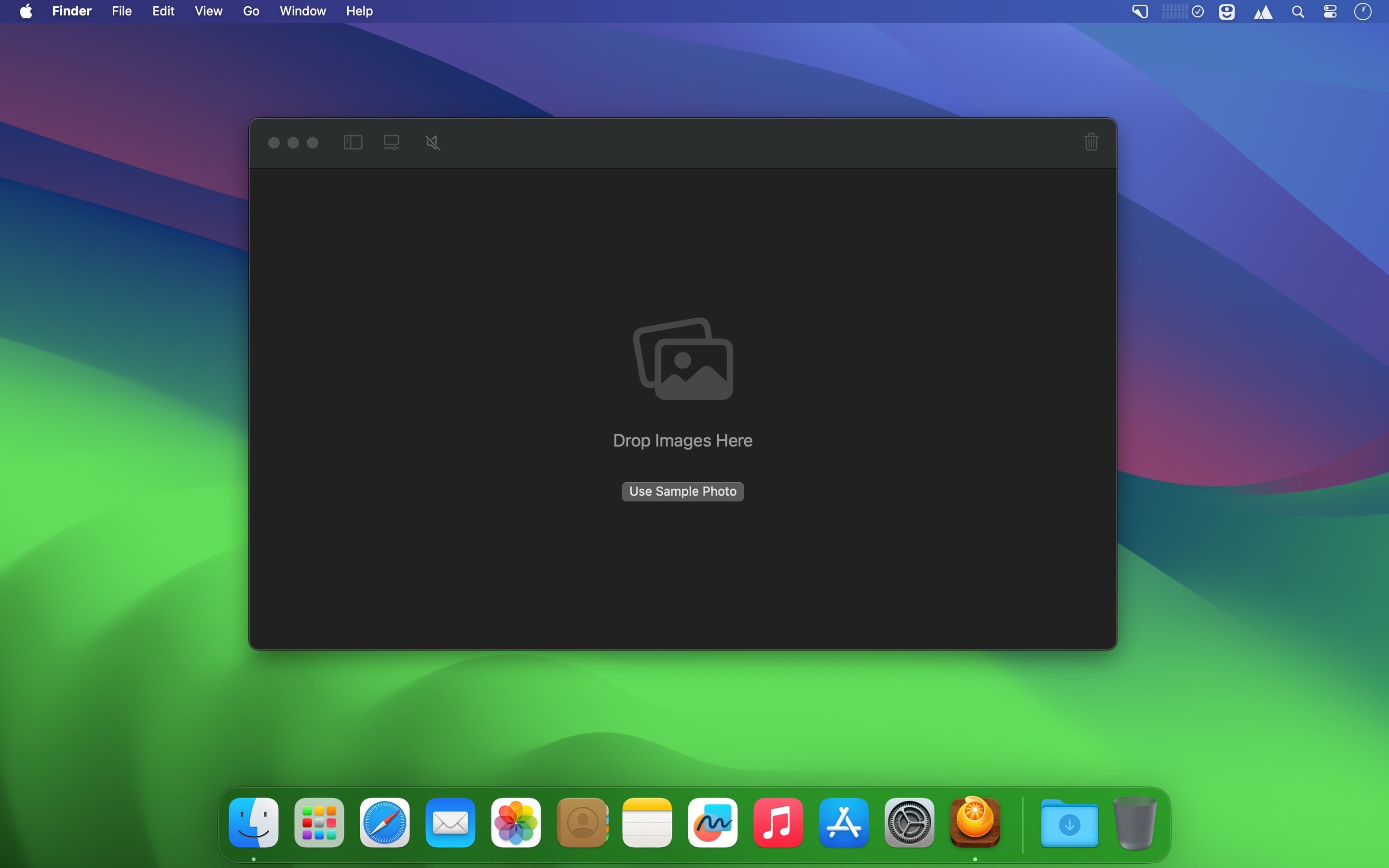
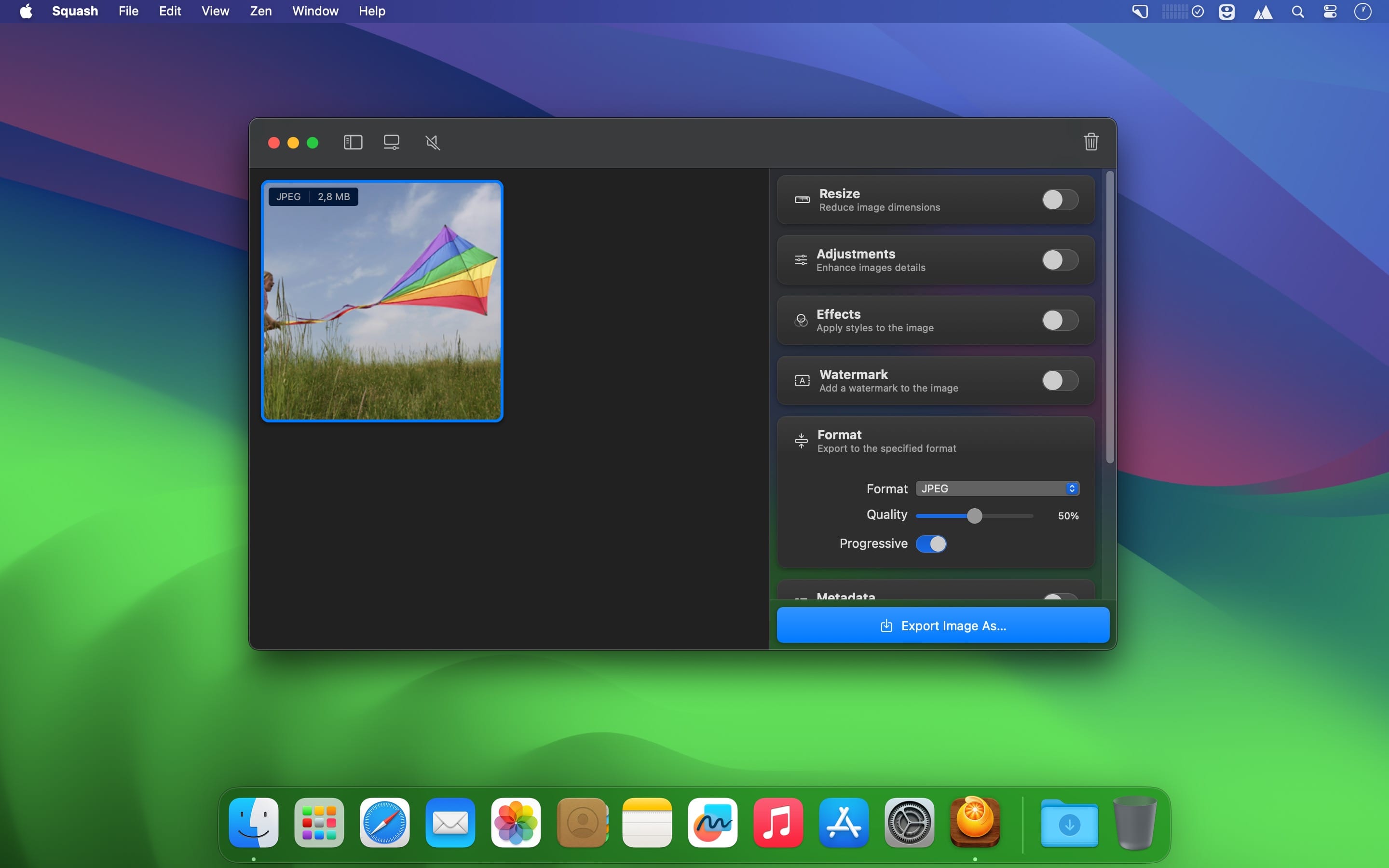
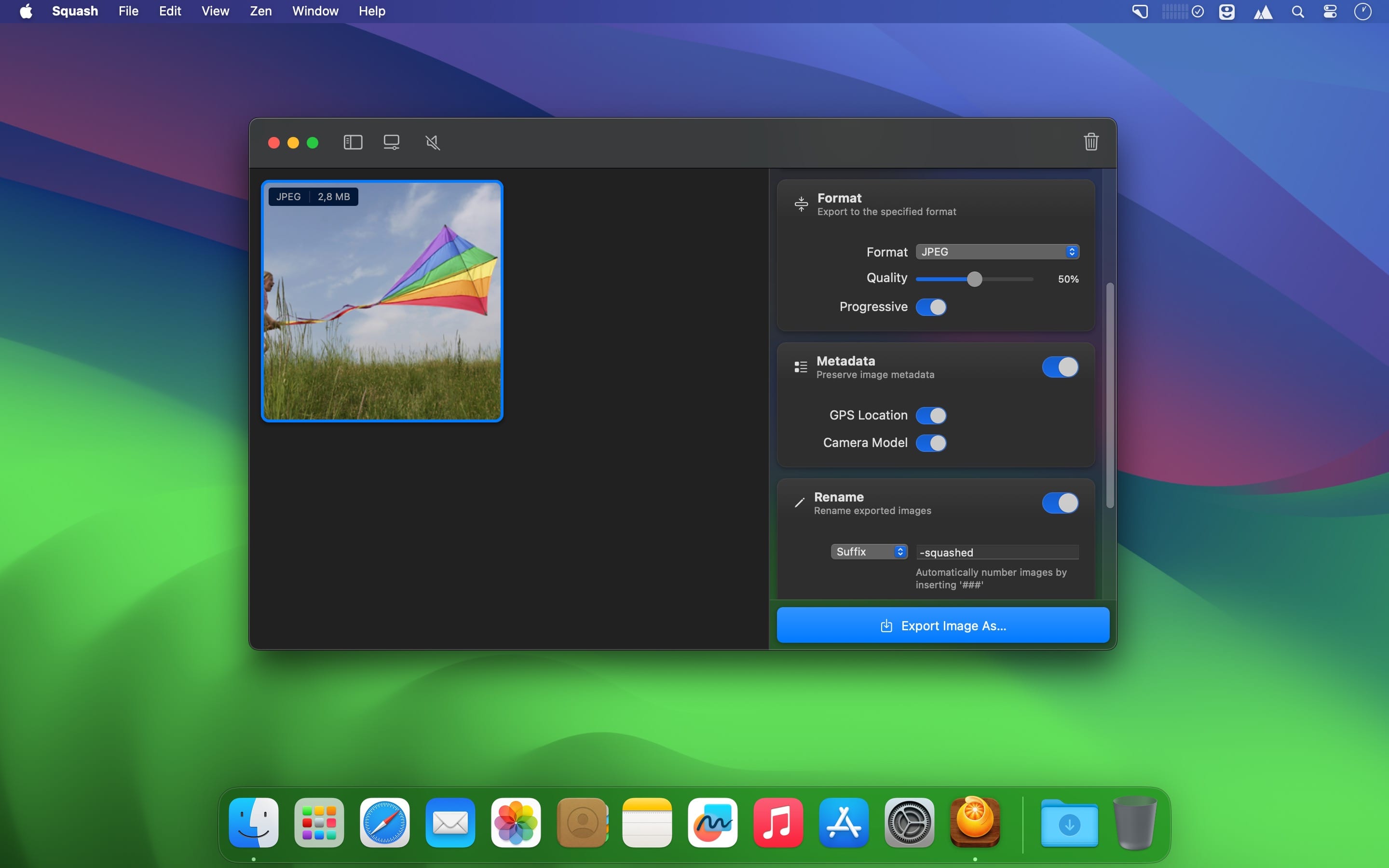
Squash offers a way to batch convert and resize images quickly. But that's not all. Apply layered watermarks and filters, rename files, remove or edit private metadata, and so much more.
Squash is a native macOS app written in Swift and SwiftUI, with support for Apple Shortcuts.
FEATURES
- Works with Apple Shortcuts.
- Batch convert, resize, and compress images from one format to another in a single click.
- Convert iPhone's HEIC images into jpg that can be used elsewhere.
- Resize a folder full of images faster than you can open Photoshop.
- Apply gorgeous photo filters to multiple images.
- Enhance images with adjustments, like sharpen, vibrance, sepia, and more.
- Bulk rename files ready for uploading.
- Remove personal location metadata from photos.
- Build custom reusable presets.
- Apply image and text-based Watermarks.
- Save and apply custom presets.
- And so much more.
Version 3.2
A host of essential fixes to ensure compatibility for macOS Sonoma.
WHAT'S NEW
- A new cleaner icon that brings back the iconic orange
- Fixed an issue in Sonoma where Preview would get stuck in a loop refreshing
- Fixed an issue with white lines apperaing on the edges of images in certain resize modes
- Fixed watermark logo size mismatch between landscape and portrait images
Frequently asked questions
How do I install the app?
Mount the image, drag the app into the "Applications" folder and launch it. If the system blocks the launch, allow it in "System Settings → Privacy & Security".
The app is damaged or won't launch
Reinstalling from a fresh image usually helps. Make sure your macOS version matches the one listed in the compatibility specs.
How do I update?
Download the new version from the site and install it over the current one — your settings will be preserved.
The download link doesn't work
Try a mirror or a download manager. For large files the browser often drops the connection.
How do I completely remove the app?
Use an uninstaller utility — it cleans up the service files that remain after moving the app to the trash.



Choose a download source
Squash 3.2.0 · 40.19 MB