
Inklet 2.2.5
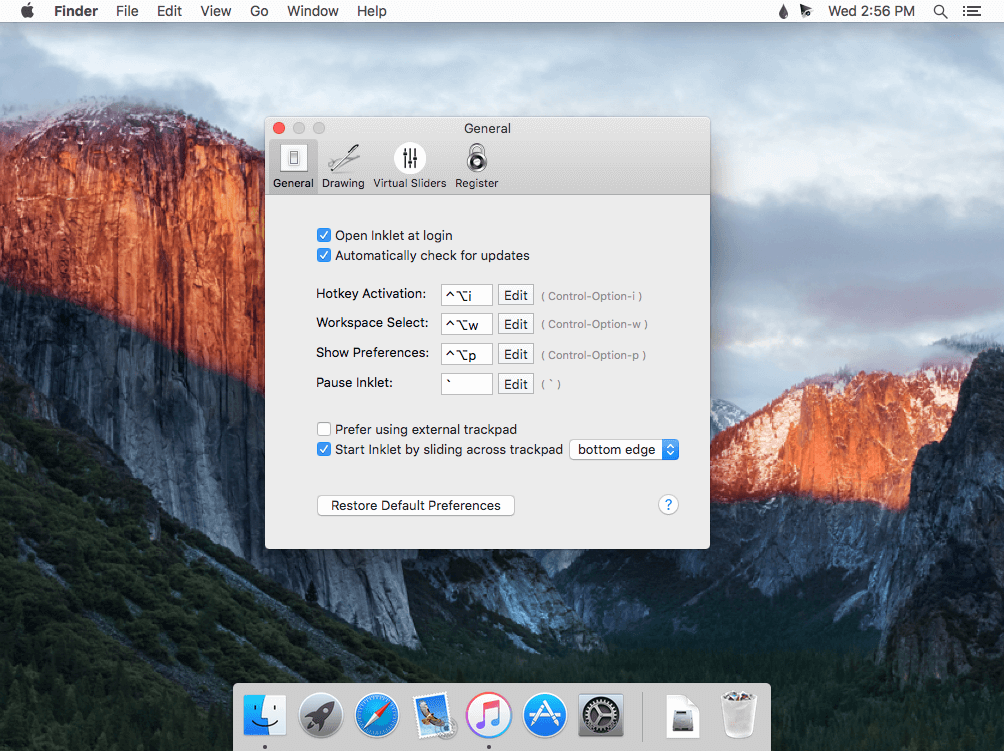
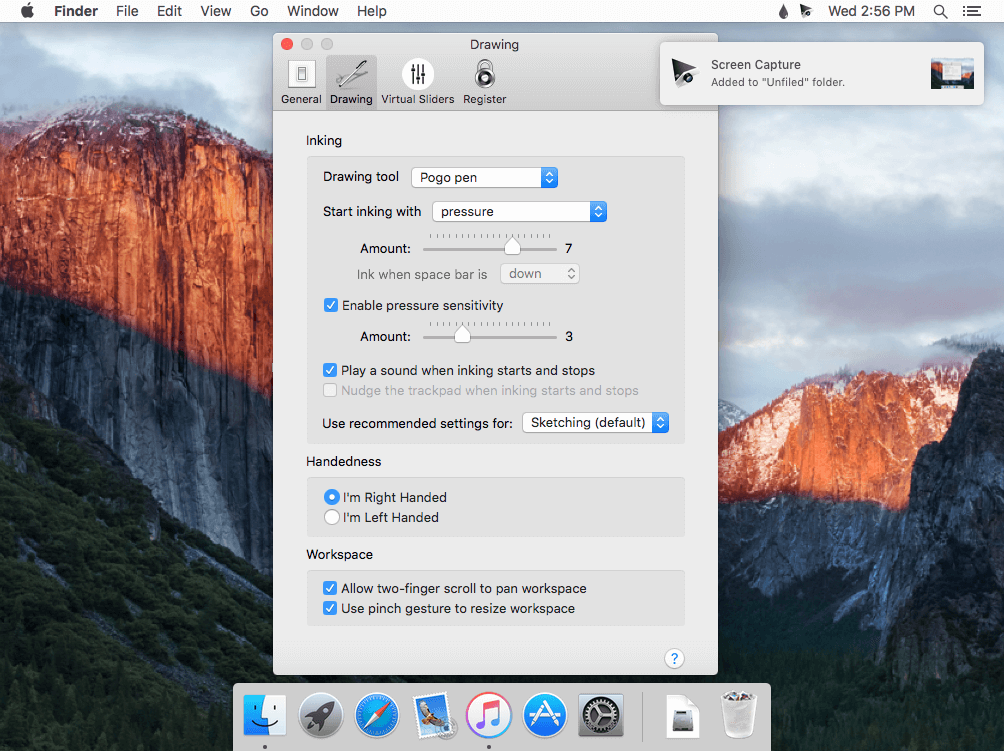
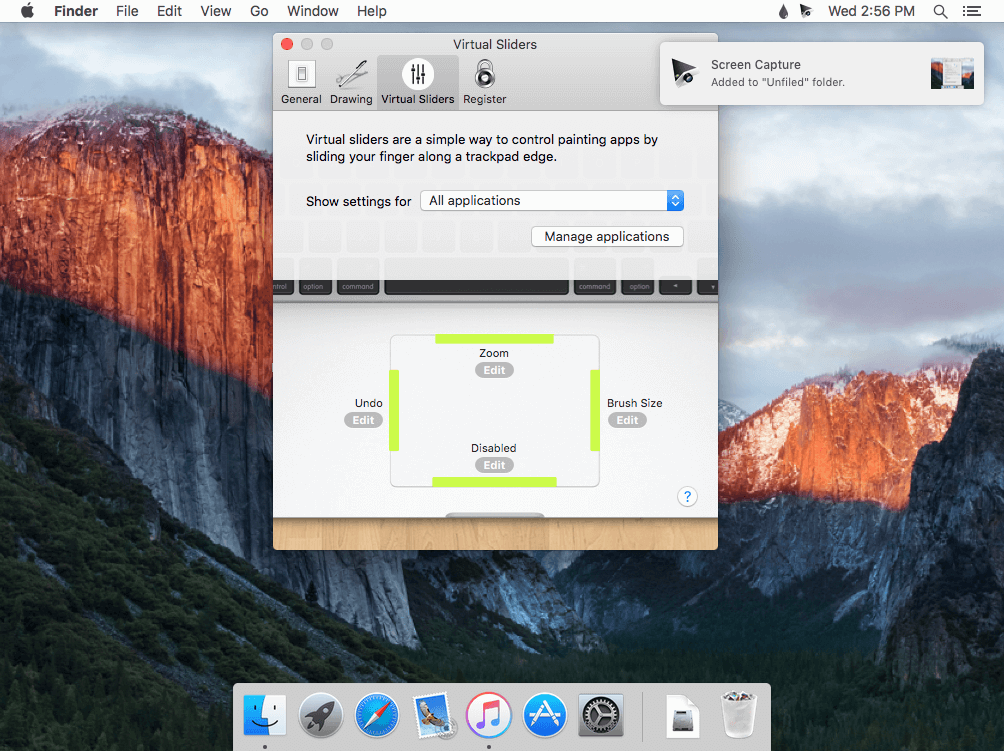
Inklet allows your trackpad to emulate a pen tablet. When you're using a Pogo Sketch, the trackpad even becomes pressure sensitive.
Features
- The full tablet - Moving your Pogo Sketch lightly around the trackpad will allow the cursor to hover without inking. Increase pressure to draw; heavier pressure will result in a thicker stroke.
- Handwriting recognition - Inklet works with the handwriting recognition built into OS X. Use your trackpad to jot notes or doodle.
- Advanced palm rejection - Inklet includes an advanced algorithm to detect unwanted trackpad touches. This means you don't have to worry about accidentally resting your palm on the trackpad as you draw.
Version 2.2.5:
- Fix for an issue that would prevent drawing in advanced mode.
- Various updates and improvements.
- We hope you enjoy Inklet. Contact [email protected] to get in touch.
Frequently asked questions
How do I install the app?
Mount the image, drag the app into the "Applications" folder and launch it. If the system blocks the launch, allow it in "System Settings → Privacy & Security".
The app is damaged or won't launch
Reinstalling from a fresh image usually helps. Make sure your macOS version matches the one listed in the compatibility specs.
How do I update?
Download the new version from the site and install it over the current one — your settings will be preserved.
The download link doesn't work
Try a mirror or a download manager. For large files the browser often drops the connection.
How do I completely remove the app?
Use an uninstaller utility — it cleans up the service files that remain after moving the app to the trash.



Choose a download source
Inklet 2.2.5 · 16.13 MB
Previous versions
Inklet 2.2.5
Previous versions are available to registered users.
Comments 1