Hej Stylus! 3.7.6
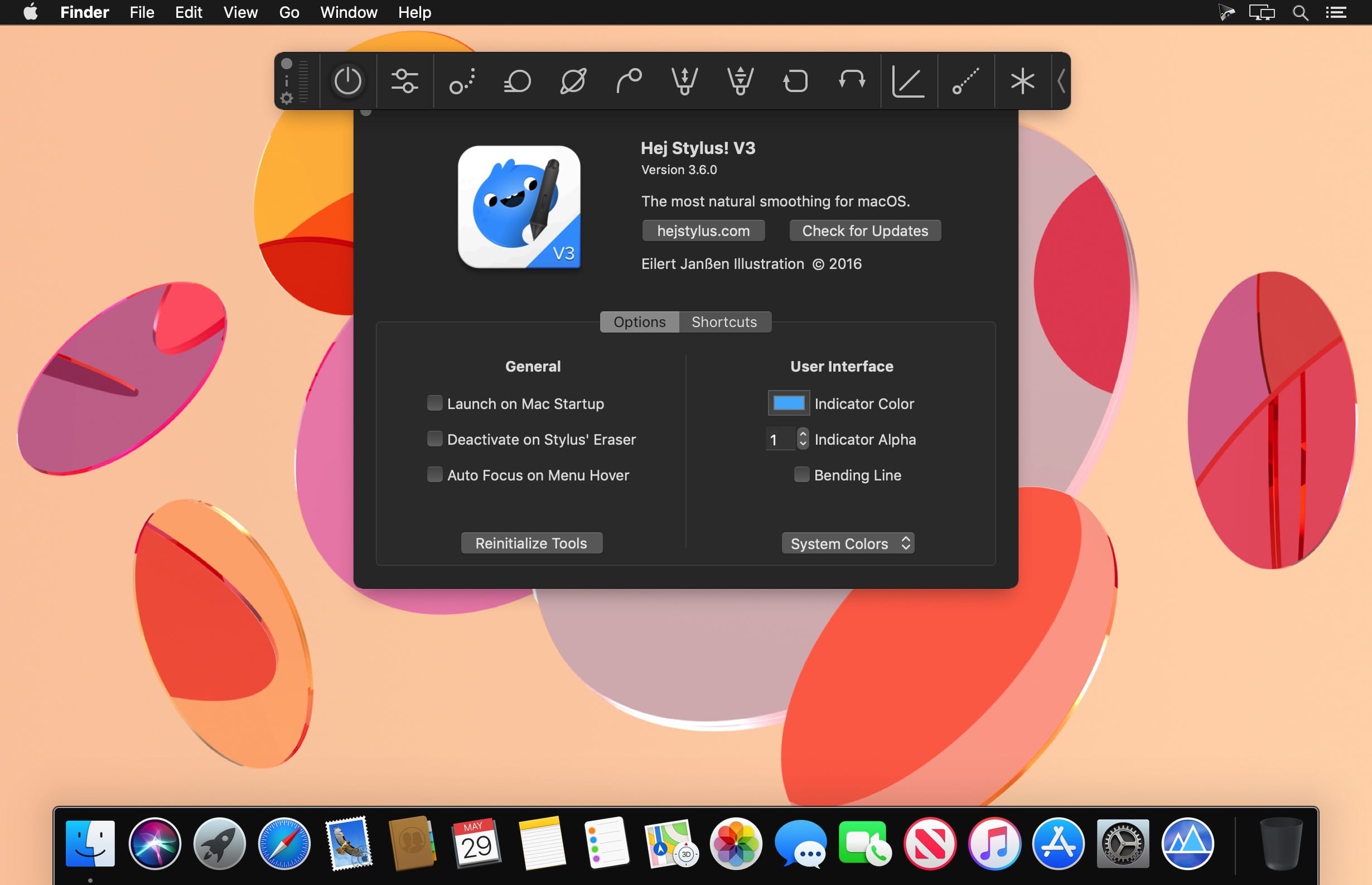
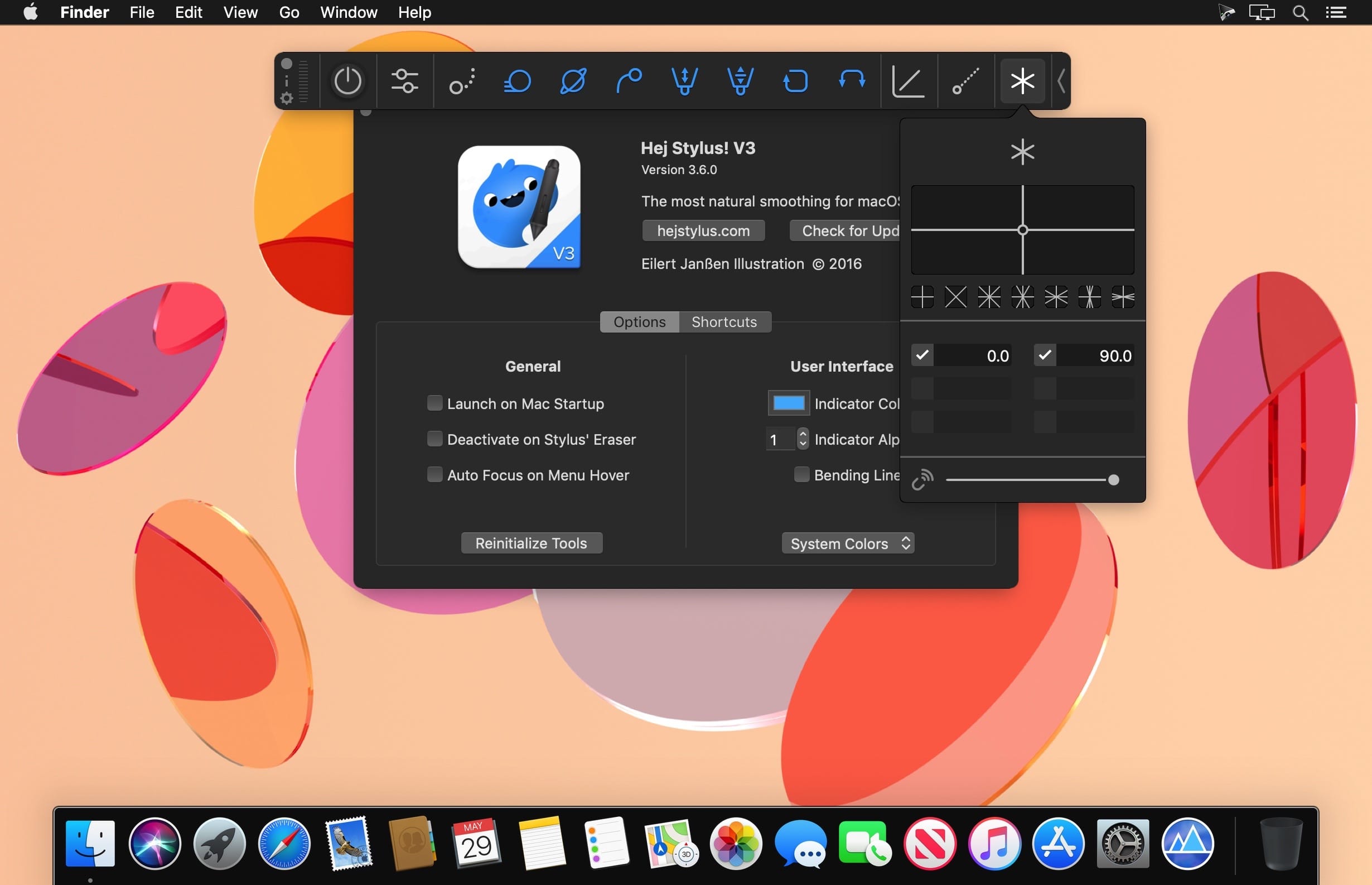
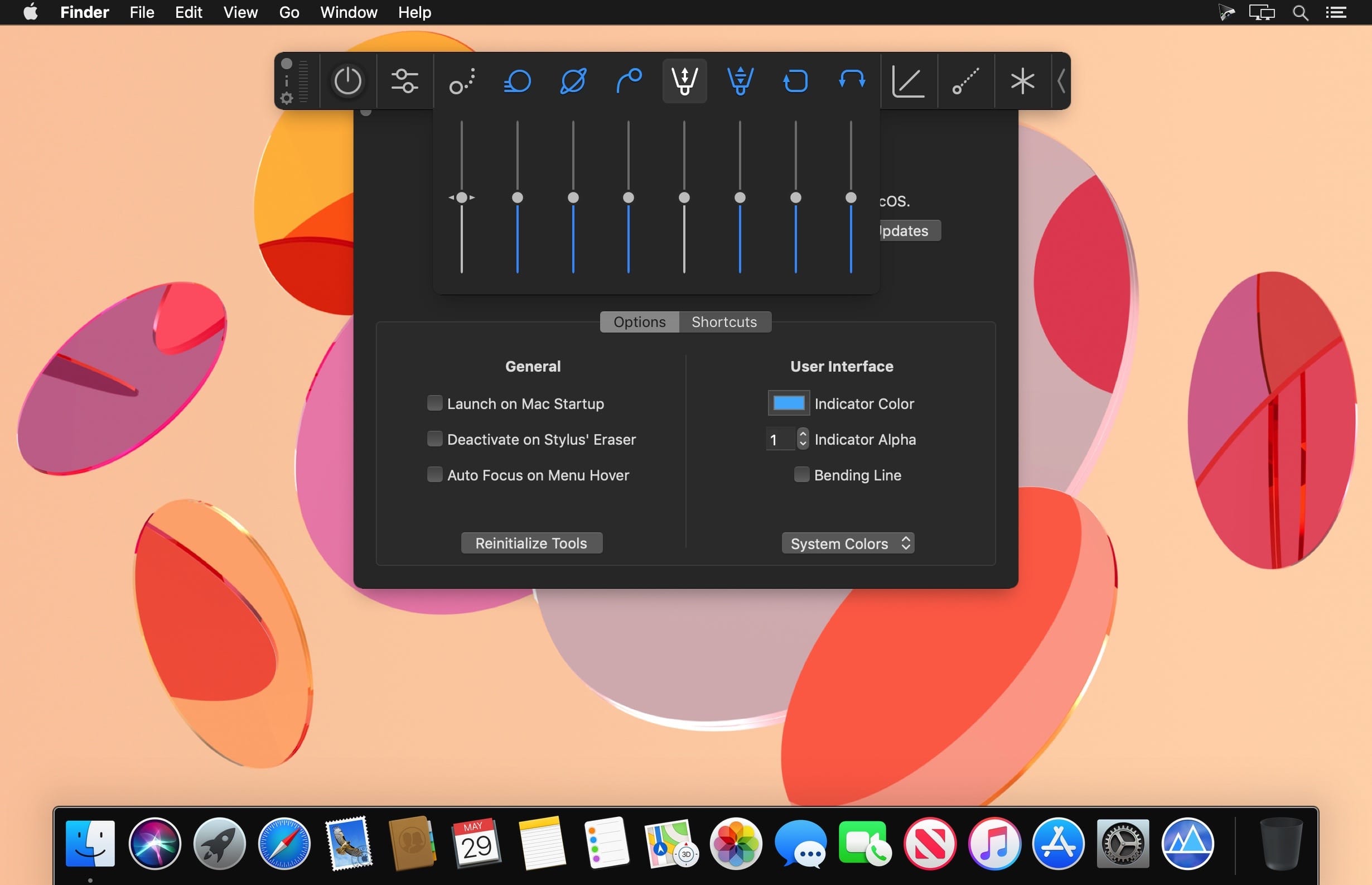
Hej Stylus! is a control system for your graphic tablets pen, mouse or other input method. It gives you control over the smoothness of your lines – damp out little irregularities up to using Hej Stylus! like a ruler. Its pressure-control system lets you define pressure control curves has pressure smoothing and buffering. Also the tilt and rotational information that is delivered by the graphics tablet can be processed.
You can store, recall and exchange your personal presets with others. This gives you a wide range of possibilities to configure your pen, mouse, or other input method to create awesome art with any software that is running on a Mac.
Futures:
- Precise Angles Panel
- Shortcuts for Activation, Hiding, Preferences, Presets Cycling, Ruler Tool, Circular Ruler, Precise Angles
- Ruler Tools (Linear in 4 modes, Circular & Elliptic)
- 3 Stroke smoothing methods: Position Pull, Fluid Position and Physics
- Pressure buffer and smoothing
- Pressure mapping - linear, bezier and draw, undockable
- Tilt smoothing
- Rotation smoothing
- Exchangeable/shareable presets (.hs3 file)
- Presets managing, undockable
- Configureable indicator (color/alpha)
- New on-screen UI - with Auto-Collapse feature
- Always free basic smoothing
Version 3.7.0:
- New Ruler Panel
- Solo-ed Ruler Tools & Updates for all ruler functions
- New UI on the Ruler indicators & placement
- New Perspective Panel
- One, two and three point perspective tools added!
- Many, many, many small improvements / fixes
Frequently asked questions
How do I install the app?
Mount the image, drag the app into the "Applications" folder and launch it. If the system blocks the launch, allow it in "System Settings → Privacy & Security".
The app is damaged or won't launch
Reinstalling from a fresh image usually helps. Make sure your macOS version matches the one listed in the compatibility specs.
How do I update?
Download the new version from the site and install it over the current one — your settings will be preserved.
The download link doesn't work
Try a mirror or a download manager. For large files the browser often drops the connection.
How do I completely remove the app?
Use an uninstaller utility — it cleans up the service files that remain after moving the app to the trash.





Choose a download source
Hej Stylus! 3.7.6 · 10.33 MB