AnyToISO Pro 3.9.6 fix
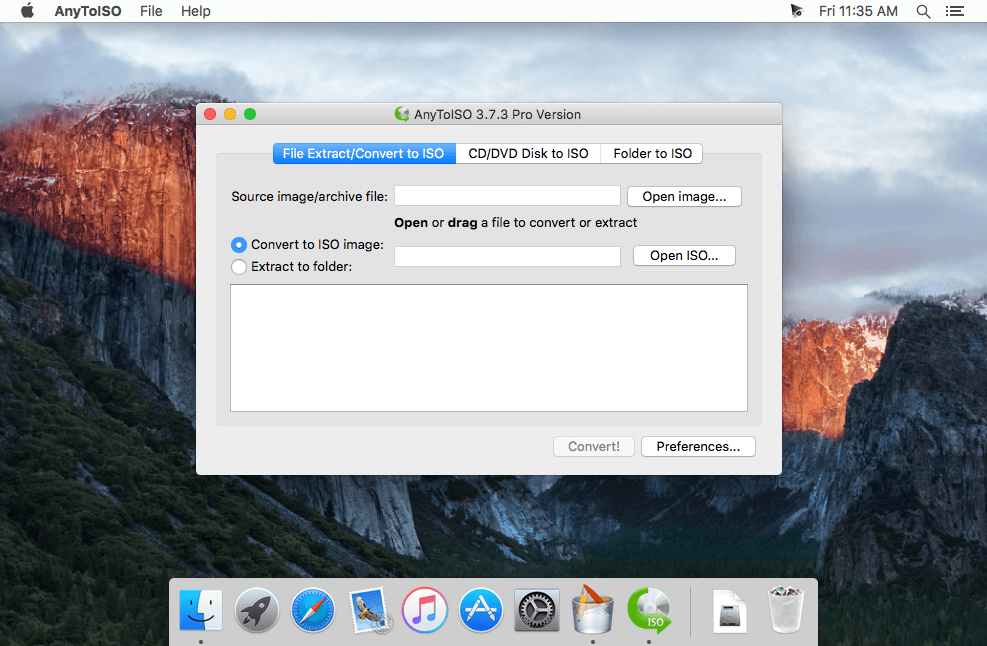
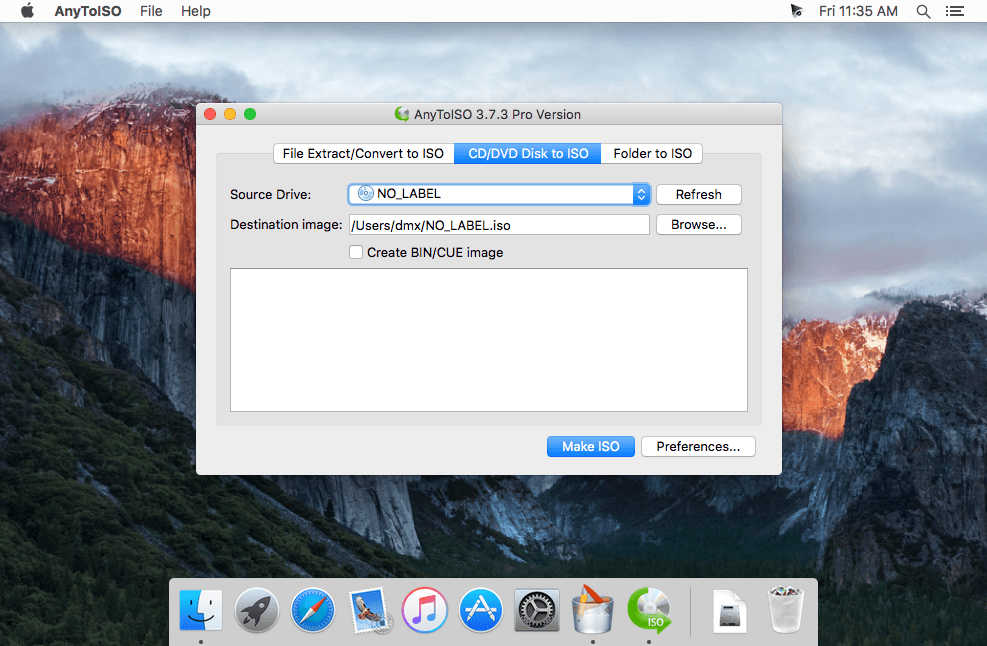
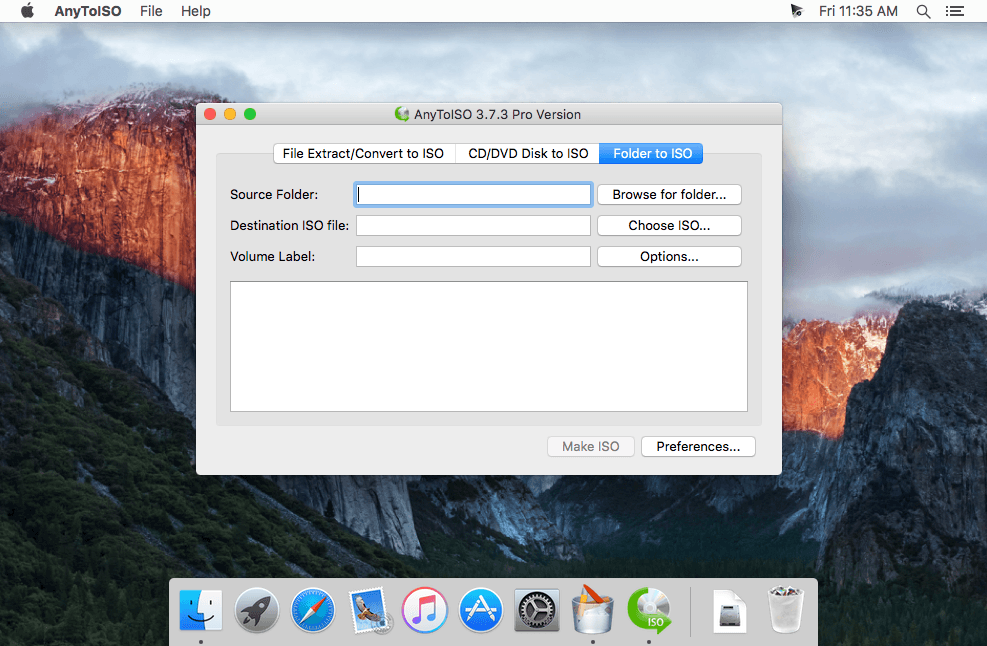
AnyToISO is the ultimate ISO creator for Windows and Mac. Create ISO's from almost anything, including all CD/DVD image formats popular on Internet, CD/DVD/Blue-ray disks, or simply from a local folder. Complete command-line support.
- Extract/Convert to ISO: NRG, MDF, UIF, DMG, ISZ, BIN, DAA, PDI, CDI, IMG, ZIP, RAR, 7Z, TAR.GZ, TAR.BZ2, ... files
- Extract ISO, DMG, XAR, PKG, DEB, RPM... files
- Create ISO from CD/DVD/Blu-ray disks (BIN/CUE also supported)
- Create ISO from files/folders
- Integration with Explorer and Apple Finder
- Command line support
Main Benefits:
- AnyToISO supports all CD/DVD formats popular in Internet.
- AnyToISO works on Windows and Mac OS X.
- Most CD/DVD burning software works with ISO images and its native images only. Use AnyToISO for conversion before burning.
- With AnyToISO you can mount any CD/DVD image found in Internet to your Parallels/VMWare virtual machine.
Version 3.9:
- Support of APFS file system inside DMG files
- Correct handling of symbolic links when extracting DMG files
- Support of DMG files inside ipsw iOS firmware images
Frequently asked questions
How do I install the app?
Mount the image, drag the app into the "Applications" folder and launch it. If the system blocks the launch, allow it in "System Settings → Privacy & Security".
The app is damaged or won't launch
Reinstalling from a fresh image usually helps. Make sure your macOS version matches the one listed in the compatibility specs.
How do I update?
Download the new version from the site and install it over the current one — your settings will be preserved.
The download link doesn't work
Try a mirror or a download manager. For large files the browser often drops the connection.
How do I completely remove the app?
Use an uninstaller utility — it cleans up the service files that remain after moving the app to the trash.


Choose a download source
AnyToISO Pro 3.9.6 fix · 13.02 MB
Previous versions
AnyToISO Pro 3.9.6 fix
Previous versions are available to registered users.