
UnlockGo (Android) 7.10.0
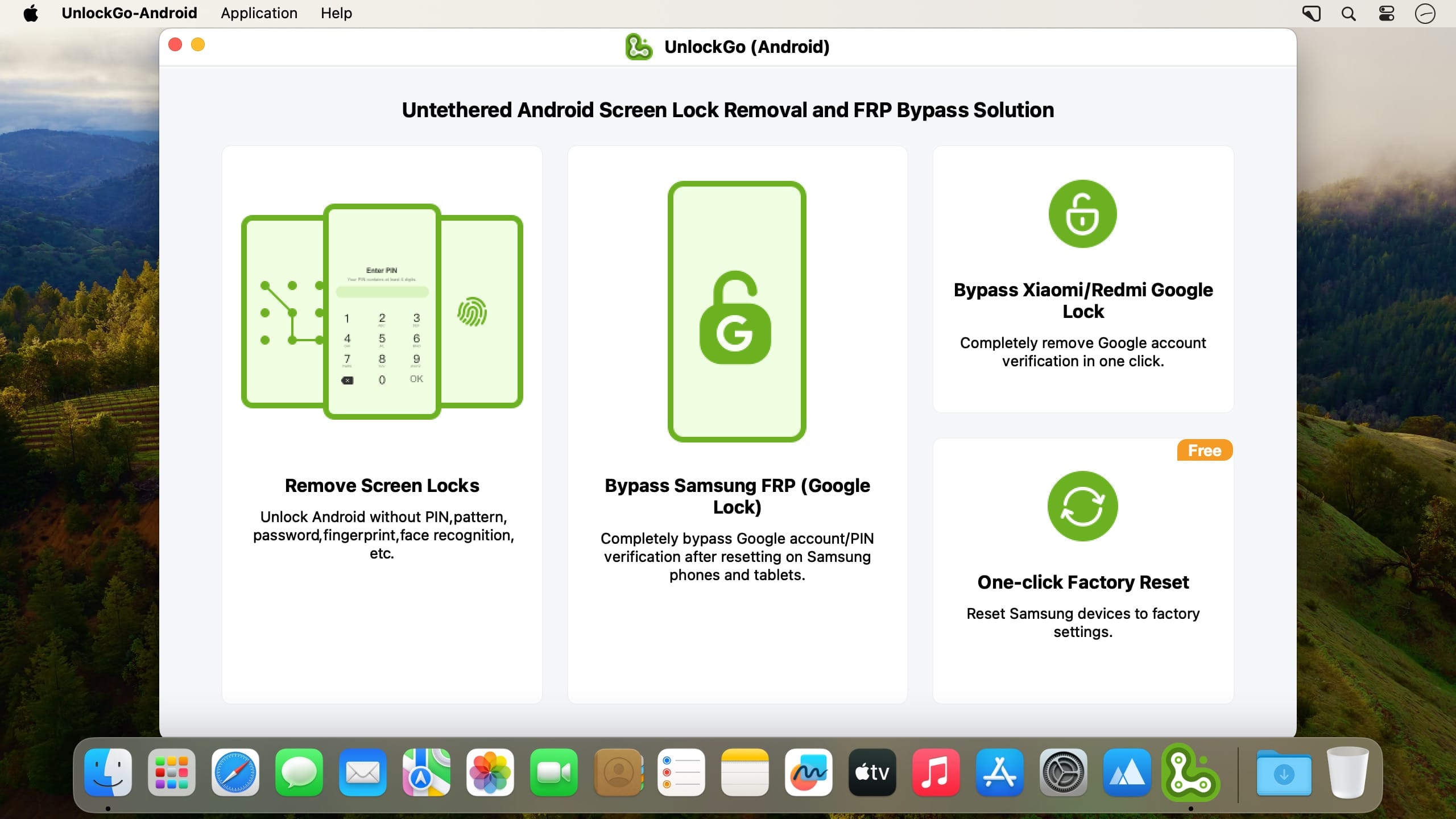
Samsung/Mi/vivo/OPPO FRP Bypass. Master Key of Android Screen Locks. Are you stuck on the Google account verification after factory resetting your Samsung? Are you asked for an unknown previous PIN or pattern to verify? Are you struggling with disconnected sellers and FRP lock? Take it easy.
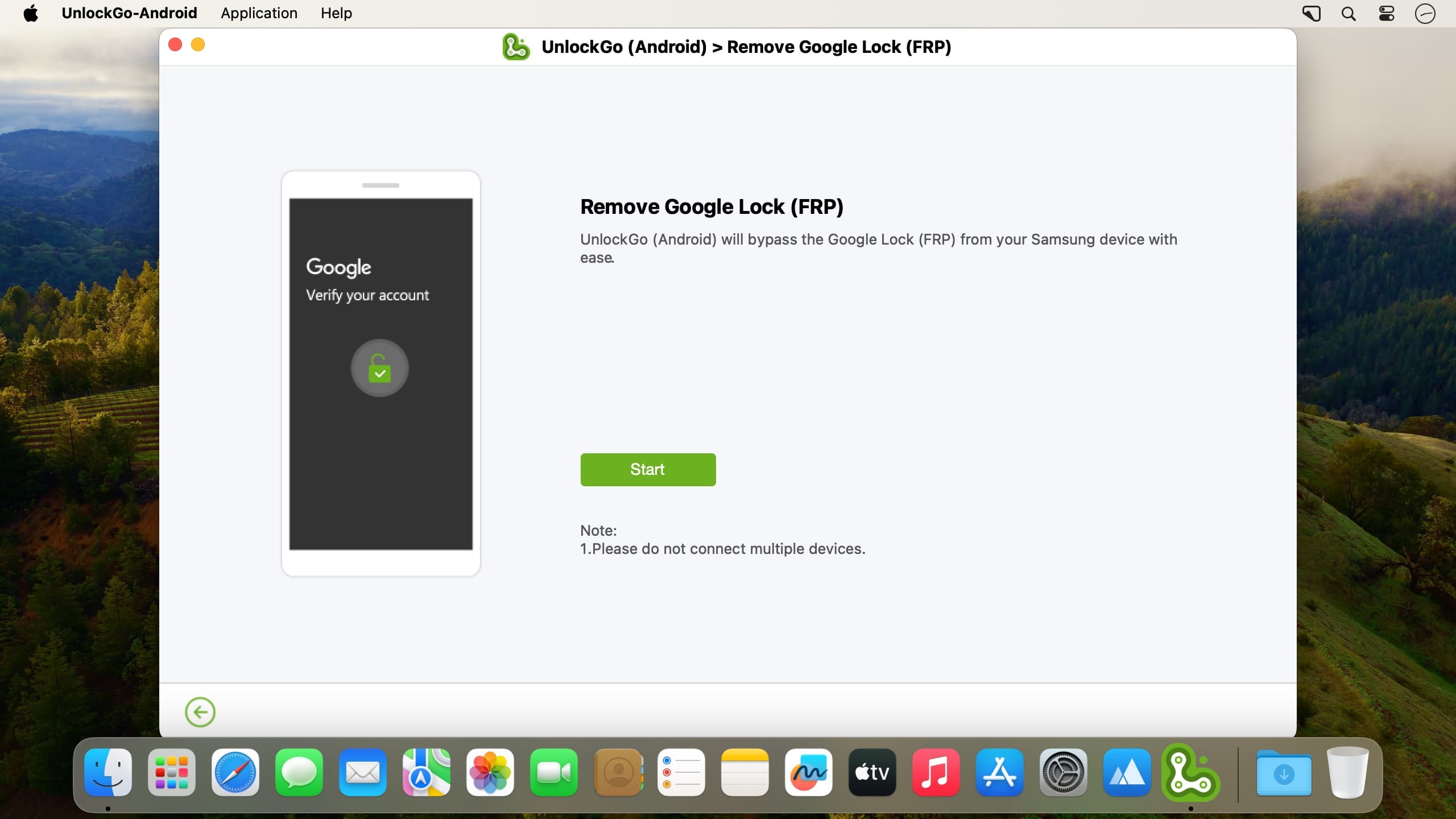
UnlockGo (Android), a powerful FRP lock removal tool, helps you disable factory reset protection entirely in a few clicks.
Features
- Bypass Samsung FRP, remove Google/PIN verification up to Android 12/13.
- Completely bypass FRP on Xiaomi, Redmi, vivo, OPPO. new
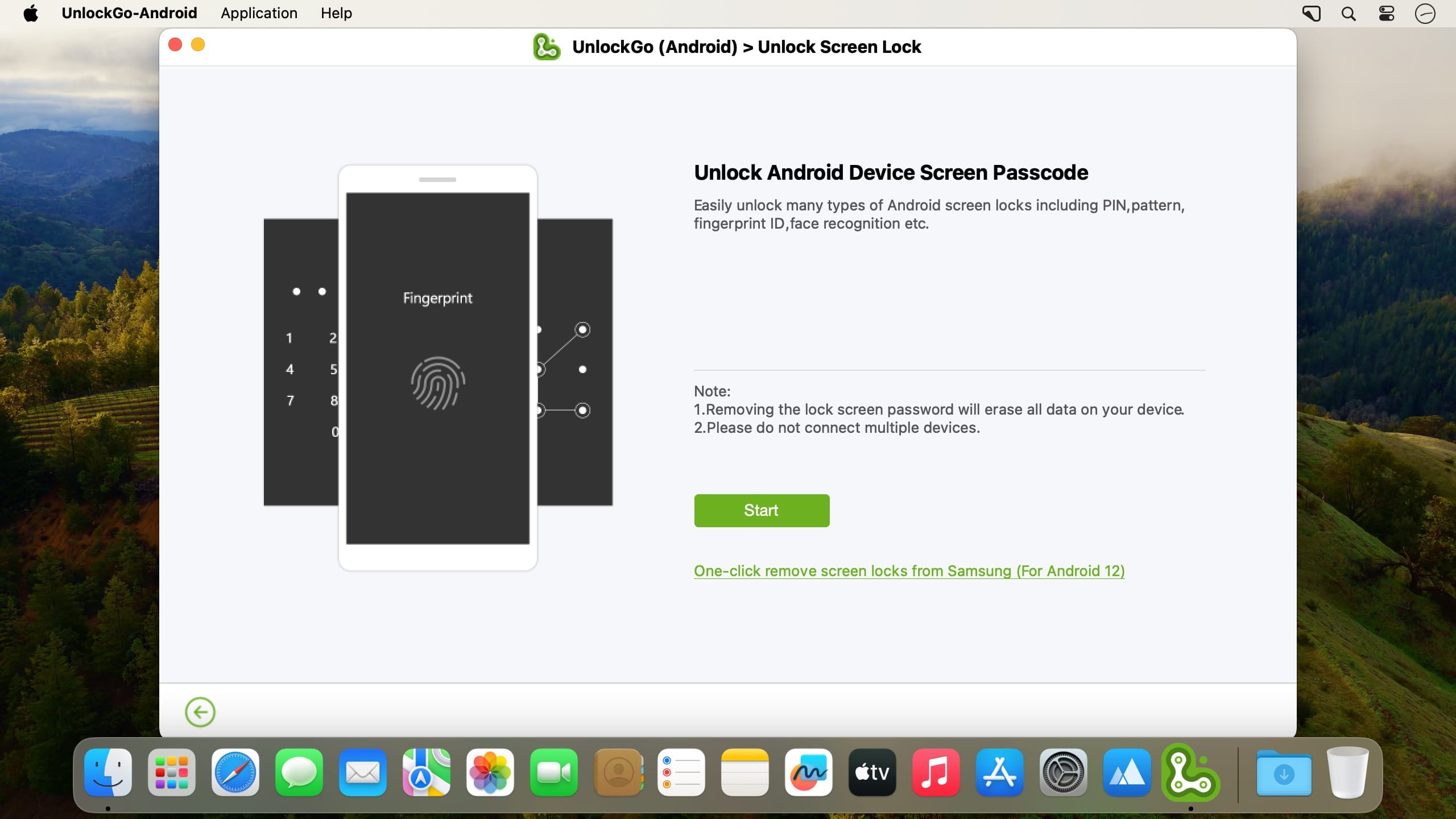
- Unlock Android phones/tablets without password, pattern, PIN, fingerprints, face recognition.
- One-click factory reset Samsung phones and tablets. free
- Unlock Samsung devices without losing data or factory reset (Before S7).
- Handy Android unlocker for Samsung, Motorola, Huawei, Google, LG, etc.
Version 7.10.0:
- Release notes were unavailable when this listing was updated.
Frequently asked questions
How do I install the app?
Mount the image, drag the app into the "Applications" folder and launch it. If the system blocks the launch, allow it in "System Settings → Privacy & Security".
The app is damaged or won't launch
Reinstalling from a fresh image usually helps. Make sure your macOS version matches the one listed in the compatibility specs.
How do I update?
Download the new version from the site and install it over the current one — your settings will be preserved.
The download link doesn't work
Try a mirror or a download manager. For large files the browser often drops the connection.
How do I completely remove the app?
Use an uninstaller utility — it cleans up the service files that remain after moving the app to the trash.



Choose a download source
UnlockGo (Android) 7.10.0 · 248.64 MB