
PhotoZoom Pro 7.1
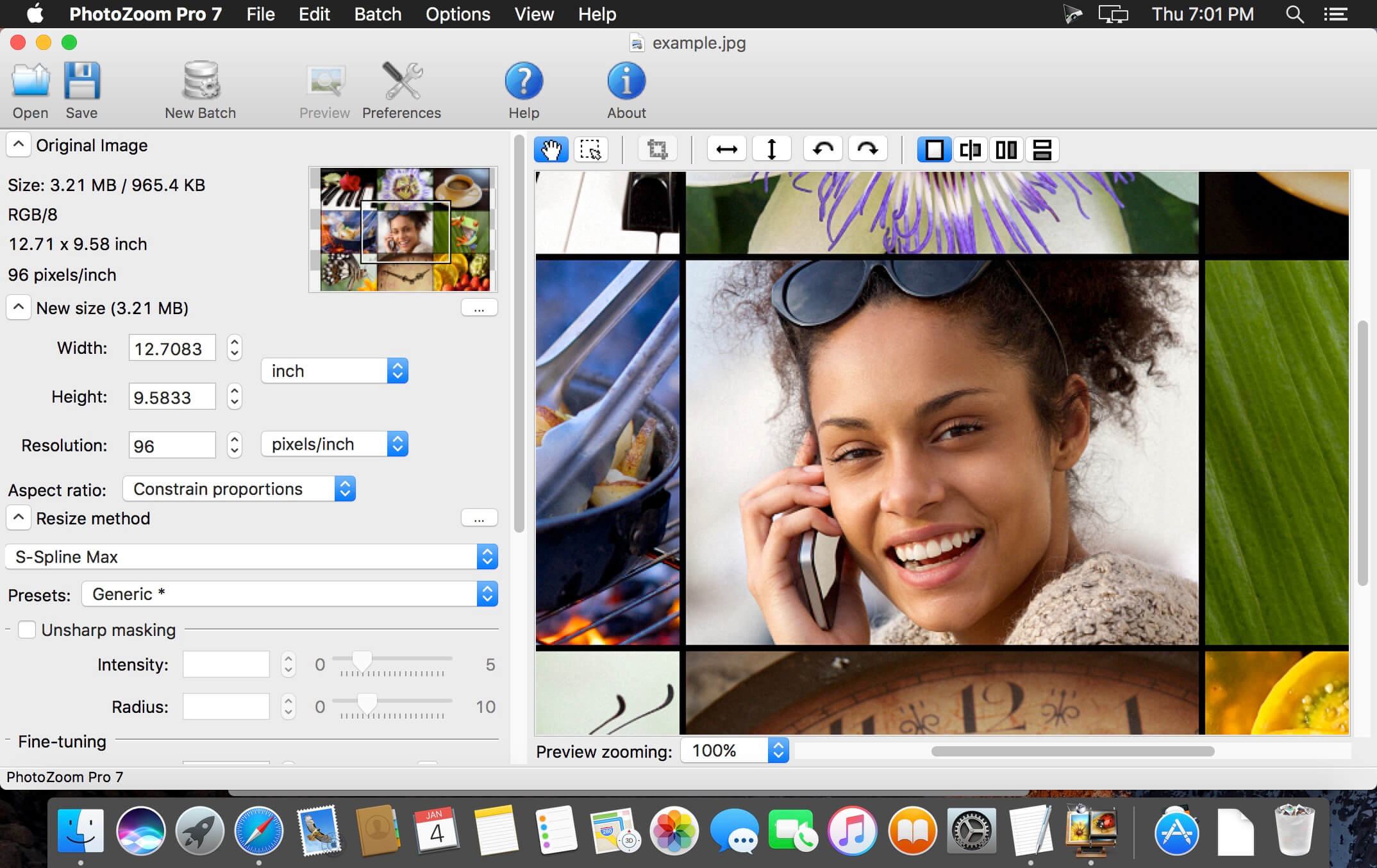
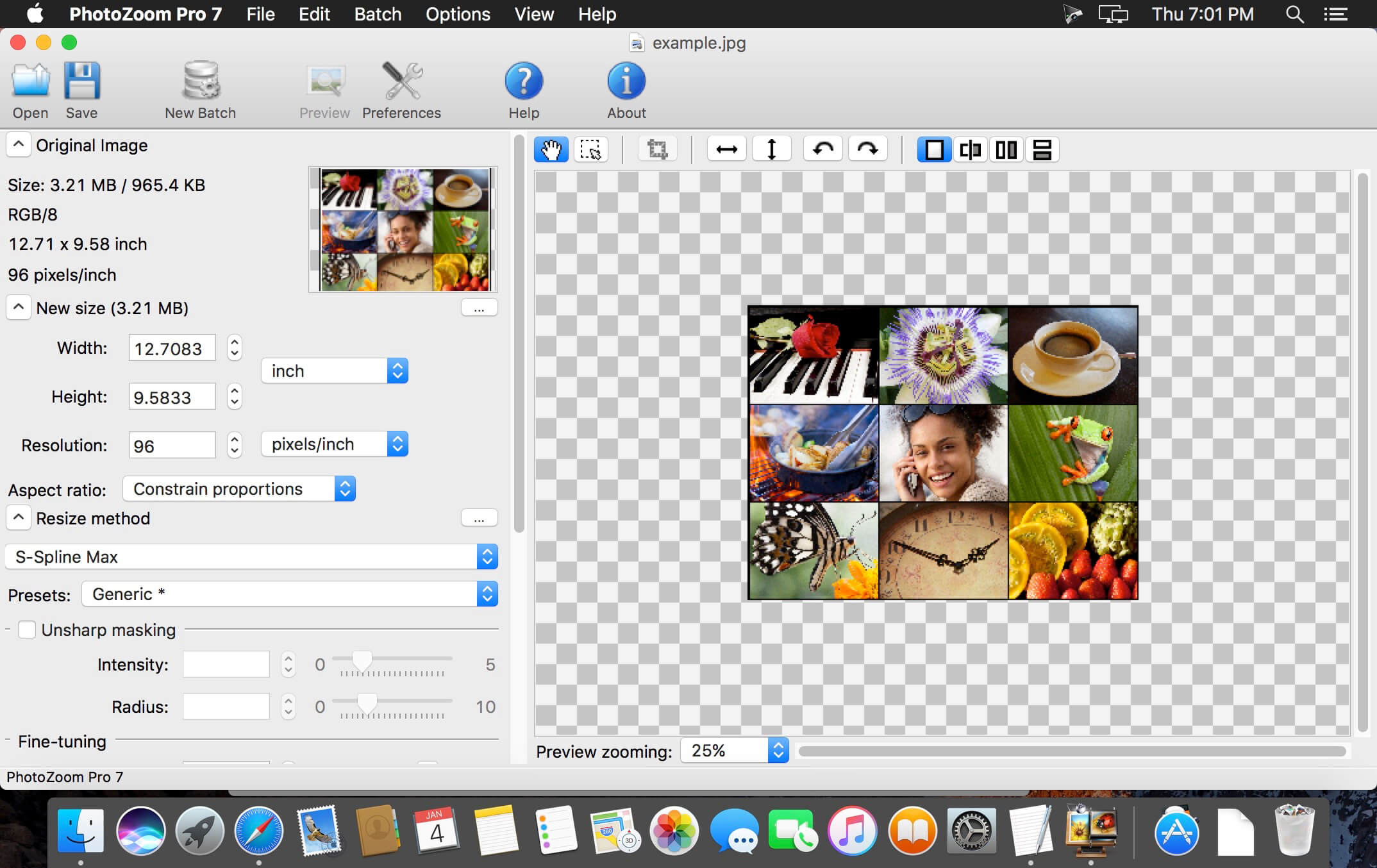
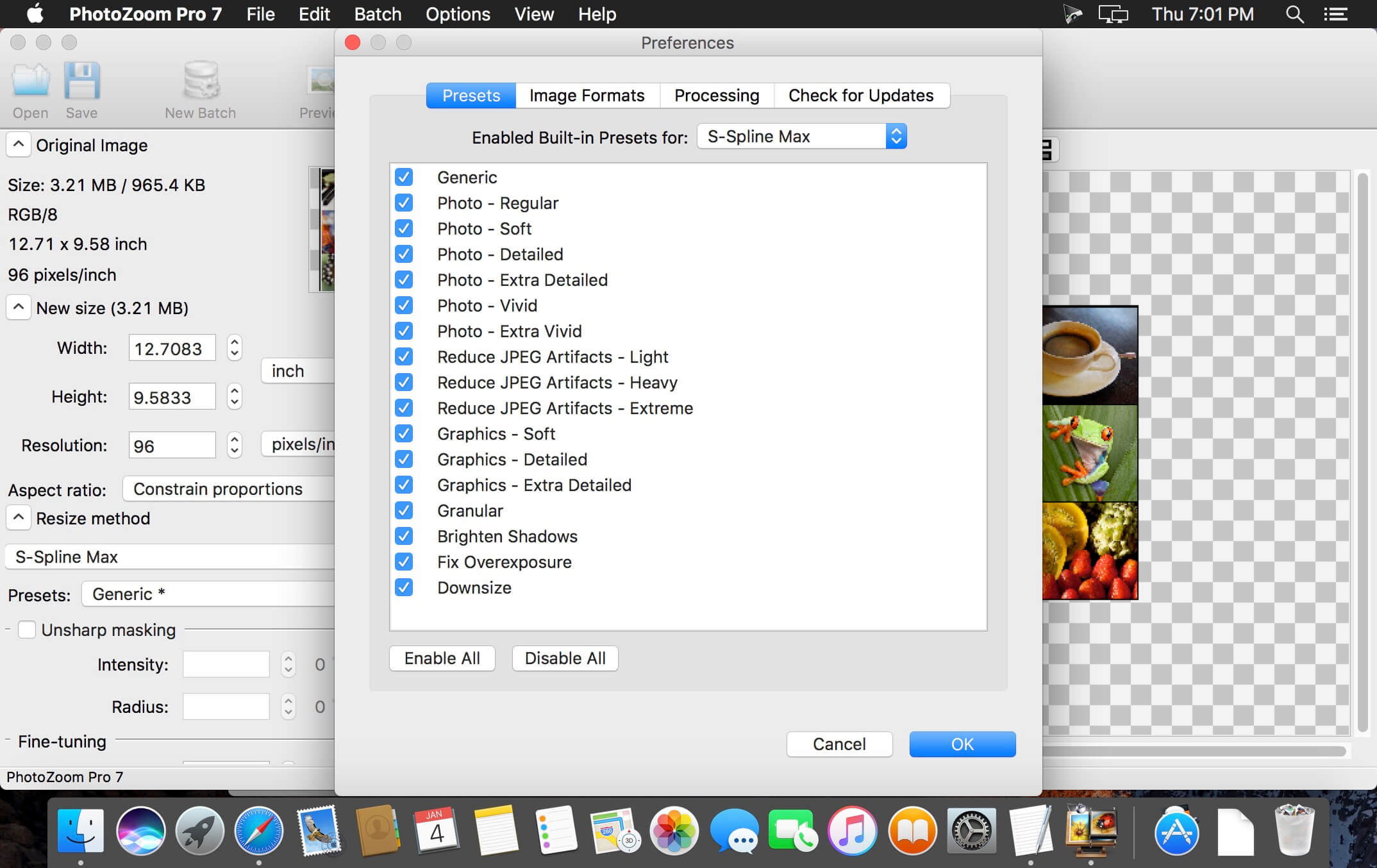
PhotoZoom Pro not only creates larger images than any other software (up to 1 million by 1 million pixels), it also produces higher quality results. PhotoZoom Pro is equipped with S-Spline Max, a unique, patented image-resize technology, which excels at preserving clean edges, sharpness, and fine details.
Even noisy, compressed originals can be enlarged successfully. Normally, noise and JPEG compression artifacts become disturbingly visible during enlargement. PhotoZoom Pro however offers the tools to eliminate these distortions. You'll be amazed by the amount of detail PhotoZoom Pro is able to dig up from below the mess.
Frequently asked questions
How do I install the app?
Mount the image, drag the app into the "Applications" folder and launch it. If the system blocks the launch, allow it in "System Settings → Privacy & Security".
The app is damaged or won't launch
Reinstalling from a fresh image usually helps. Make sure your macOS version matches the one listed in the compatibility specs.
How do I update?
Download the new version from the site and install it over the current one — your settings will be preserved.
The download link doesn't work
Try a mirror or a download manager. For large files the browser often drops the connection.
How do I completely remove the app?
Use an uninstaller utility — it cleans up the service files that remain after moving the app to the trash.
VersionPhotoZoom Pro 7.1
DeveloperBenVista Ltd
CompatibilityOS X 10.7 or later, 64-bit processor
LanguageMultilangual
IncludesSerial





Information
Visitors in the group Guests cannot leave comments on this publication.
Choose a download source
PhotoZoom Pro 7.1 · 20.25 MB