
Corel AfterShot Pro 3.7.0.446
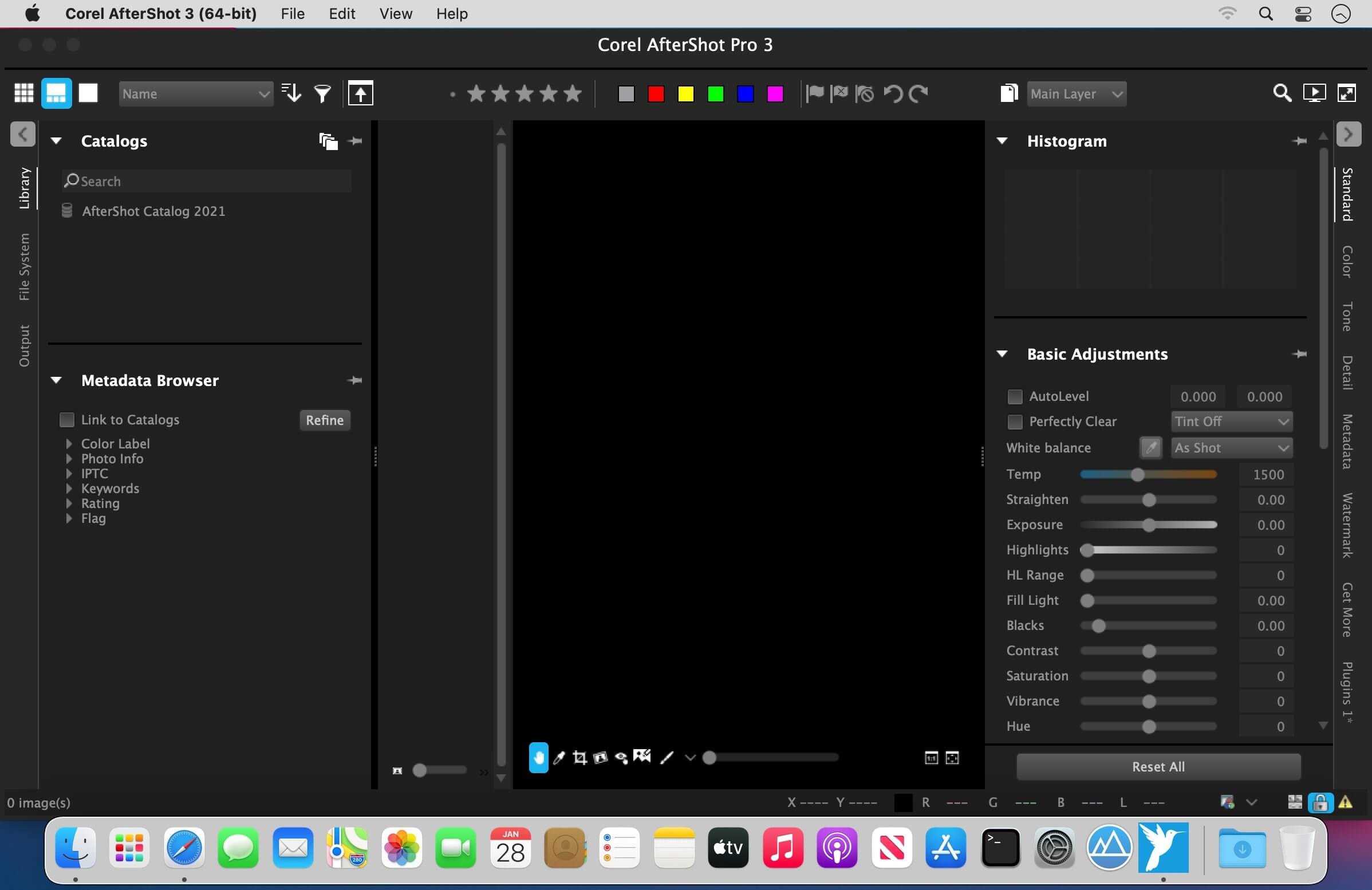
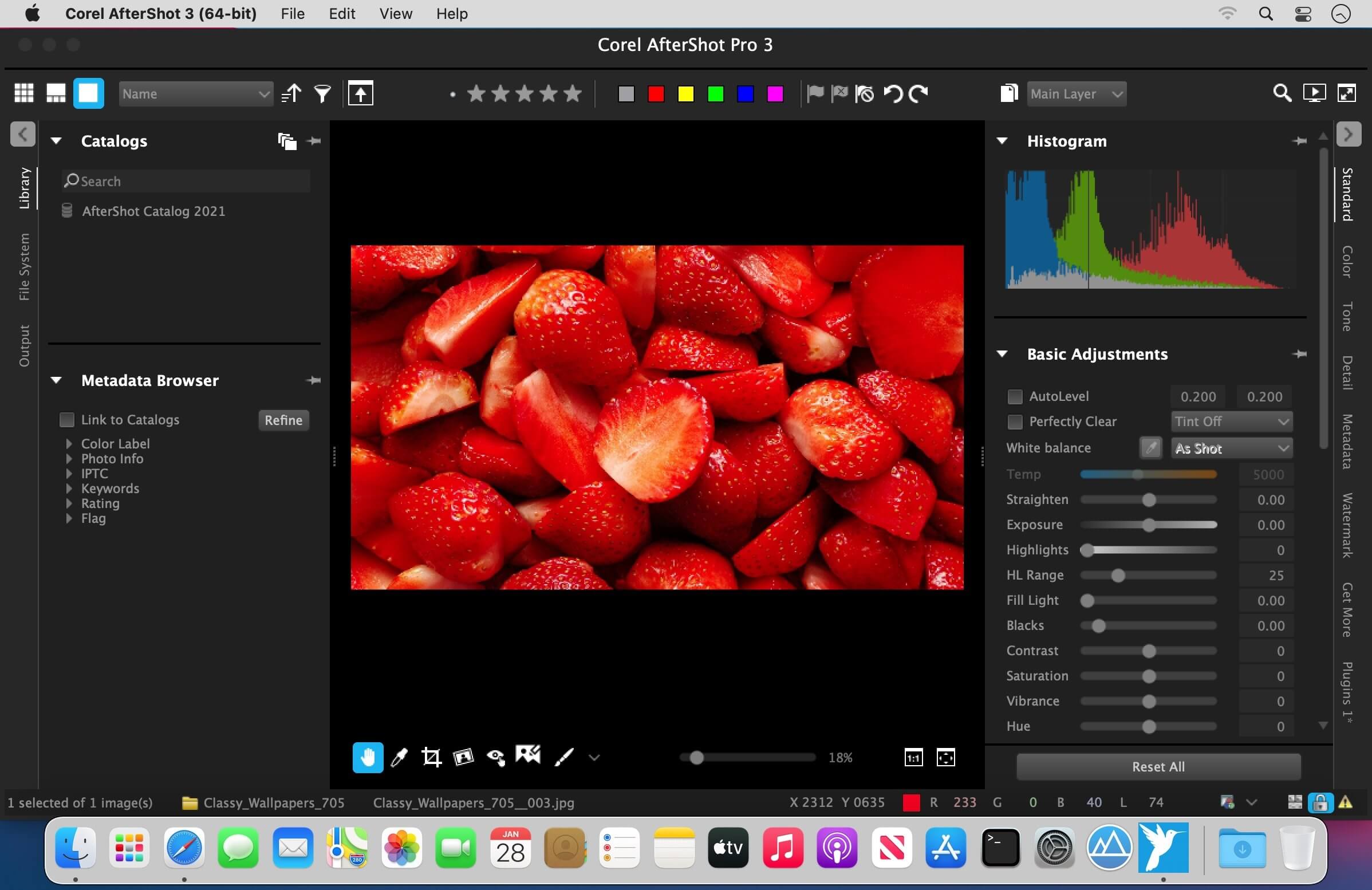
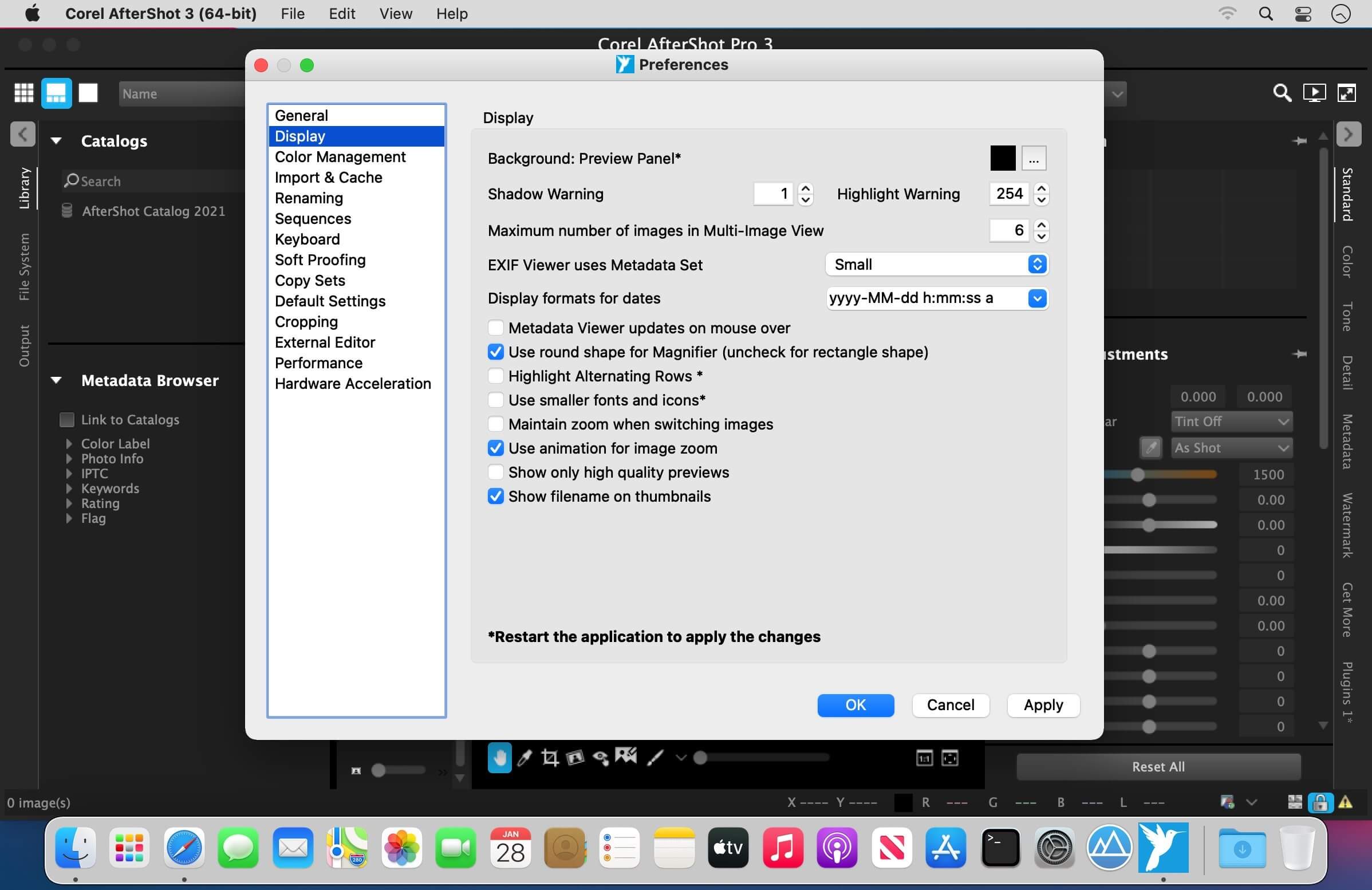
Corel AfterShot Pro 3 is up to 4x faster than Adobe Lightroom (based on a batch export workflow, using Lightroom CC 2015.5). It's the photo editor that reveals your true creative potential and frees you: from high costs, from endless subscriptions, from hours spent editing at your computer. Import, process, and output faster, and get back behind the camera where you belong--with AfterShot Pro 3.
Features
- Simple photo management - Sort, organize and view all your photos in one place, quickly and easily with flexible file management options--no importing required.
- Ultra-fast workflow - Experience dramatically faster loading, selecting, editing and output with the world's fastest RAW conversion software, featuring performance that's up to 4x faster than Adobe Lightroom.
- Powerful batch processing - Edit and perfect one or thousands of photos with powerful batch processing controls and presets that let you quickly bring out the best in every image.
- Send your photos from AfterShot to Photoshop with just a click - AfterShot Pro integrates well with Photoshop. With AfterShot Pro as your batch-photo processor and image manager, you can quickly process your RAW photos. Then, when you're ready for more detailed editing, simply click the "Edit with External Editor" button to export in TIF directly to PhotoShop.
Version 3.6.0.380:
New camera support:
New camera support:
- New Camera Profiles are available from the Get More tab (on the right-side of the application window in Windows and macOS) or from the Get More menu (Linux). New camera profiles do not install automatically-you choose the profiles that you want to install
- Fujifilm X-T3
- Fujifilm X-T30
- Leica SL (typ601)
- Nikon CoolPix P1000
- Nikon D3500
- Nikon z6
- Nikon z7
- Olympus E-PL6
- Olympus TG-5
- Panasonic DMC-G9
- Sony Alpha A7R III
- Sony Alpha A7R IV
- Sony Alpha A7s II
- Sony A6400
- Installation: Resolved serial number error
- External drive detection issue resolved for all languages
- OpenCL support updated for latest nVidia drivers
- Improved multilingual character support in Gallery output
- Lens profile: Saved len correction profile now loads as expected
- Reset All: Now works in all app languages
- Watermark: Improved stability when copying and pasting watermarks from one image to another when more than one watermark layer is present
- Fujifilm X-T2: "Black line
- and crop issues resolved
- Imported RAW thumbnails now show as expected after the corresponding camera profile is installed (no need to reimport)
- [Pro] Corrected HDR white balance behavior
- [Std] HDR no longer produces error message on launch
Frequently asked questions
How do I install the app?
Mount the image, drag the app into the "Applications" folder and launch it. If the system blocks the launch, allow it in "System Settings → Privacy & Security".
The app is damaged or won't launch
Reinstalling from a fresh image usually helps. Make sure your macOS version matches the one listed in the compatibility specs.
How do I update?
Download the new version from the site and install it over the current one — your settings will be preserved.
The download link doesn't work
Try a mirror or a download manager. For large files the browser often drops the connection.
How do I completely remove the app?
Use an uninstaller utility — it cleans up the service files that remain after moving the app to the trash.
VersionCorel AfterShot Pro 3.7.0.446
DeveloperCorel Corporation
CompatibilityOS X 10.9 or later, 64-bit processor
LanguageMultilangual
IncludesSerial



Information
Visitors in the group Guests cannot leave comments on this publication.
Choose a download source
Corel AfterShot Pro 3.7.0.446 · 73.93 MB