BeLight Labels & Addresses 1.7.3
Design and Print Labels and Envelopes on Your Mac
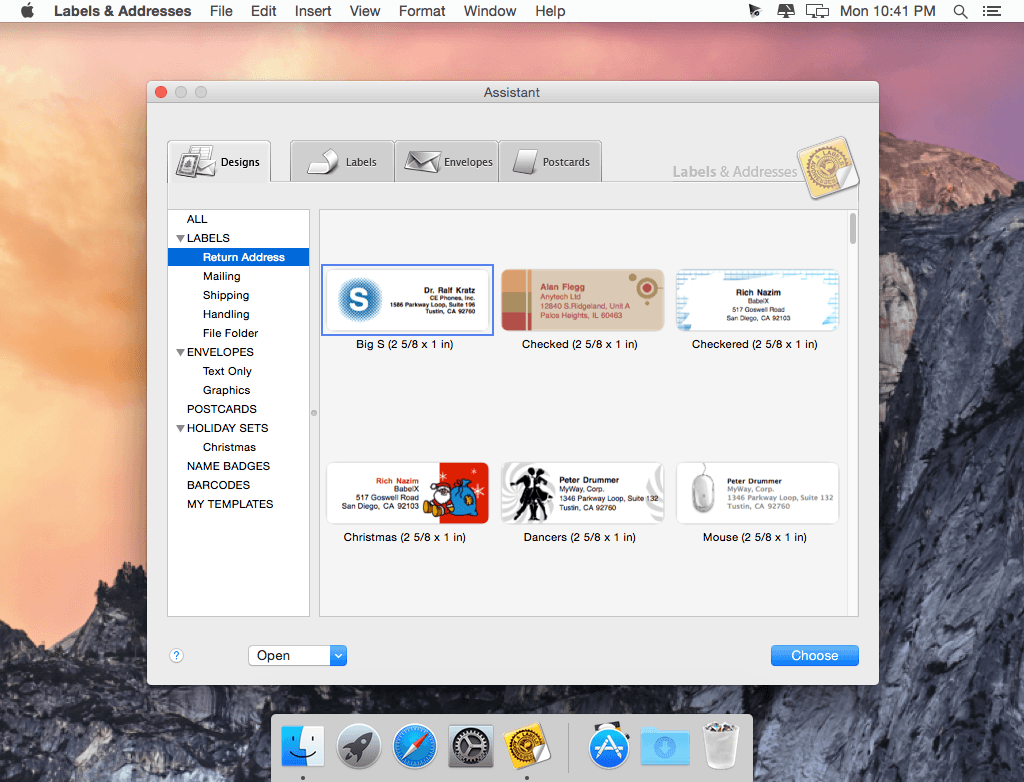
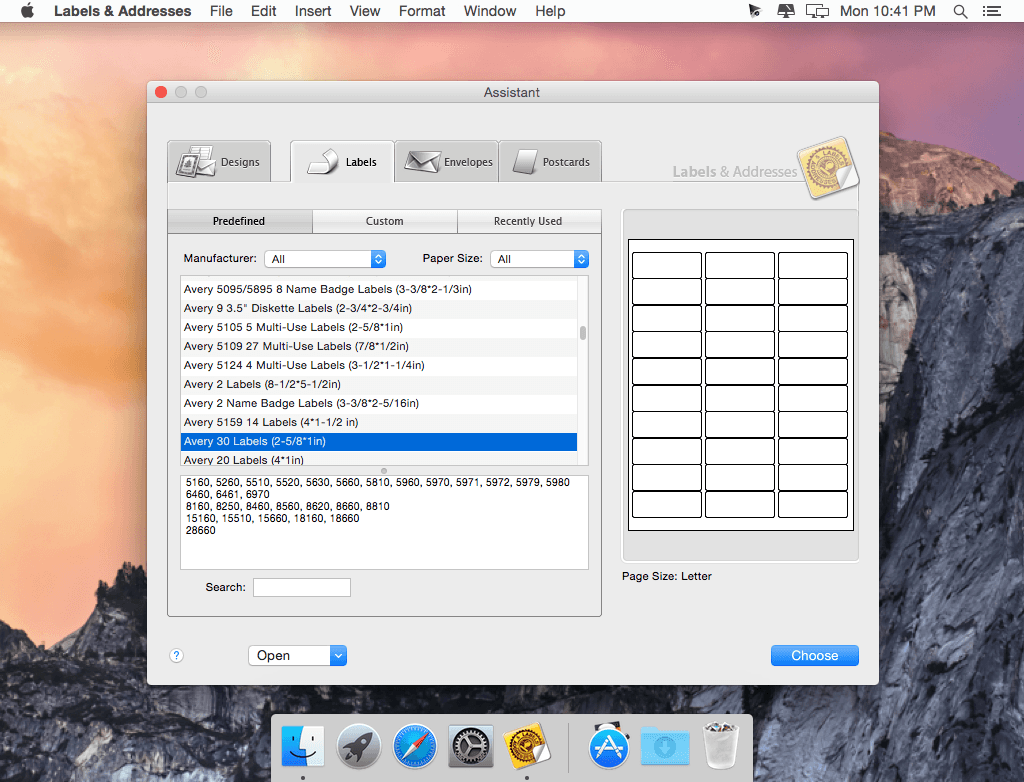
Labels & Addresses is a DIY productivity tool that helps with mass mailings by printing labels, envelopes, and barcodes for personal and commercial use. Quickly and easily print envelopes, greeting cards, mailing labels, price tags, and labels for things around the house or office.
The merge printing capabilities make sending out mass mailings effortless. Print out labels for all contacts in a mailing list by importing addresses from Apple Contacts, Microsoft Outlook, Numbers (iWork '09) and Excel files, and many other sources.
WHAT’S NEW
- The Google Maps integration is now working properly.
- Fixed a problem that could cause a crash on El Capitan when resizing the application's window and in some other cases.
- Other minor fixes and improvements.
Screenshots

Frequently asked questions
How do I install the app?
Mount the image, drag the app into the "Applications" folder and launch it. If the system blocks the launch, allow it in "System Settings → Privacy & Security".
The app is damaged or won't launch
Reinstalling from a fresh image usually helps. Make sure your macOS version matches the one listed in the compatibility specs.
How do I update?
Download the new version from the site and install it over the current one — your settings will be preserved.
The download link doesn't work
Try a mirror or a download manager. For large files the browser often drops the connection.
How do I completely remove the app?
Use an uninstaller utility — it cleans up the service files that remain after moving the app to the trash.
VersionBeLight Labels & Addresses 1.7.3
DeveloperBeLight Software Ltd.
CompatibilityOS X 10.6.6 or later
LanguageEnglish, French, German, Spanish
IncludesK
Information
Visitors in the group Guests cannot leave comments on this publication.
Choose a download source
BeLight Labels & Addresses 1.7.3 · 46.34 MB