Swift Publisher 5.7.8
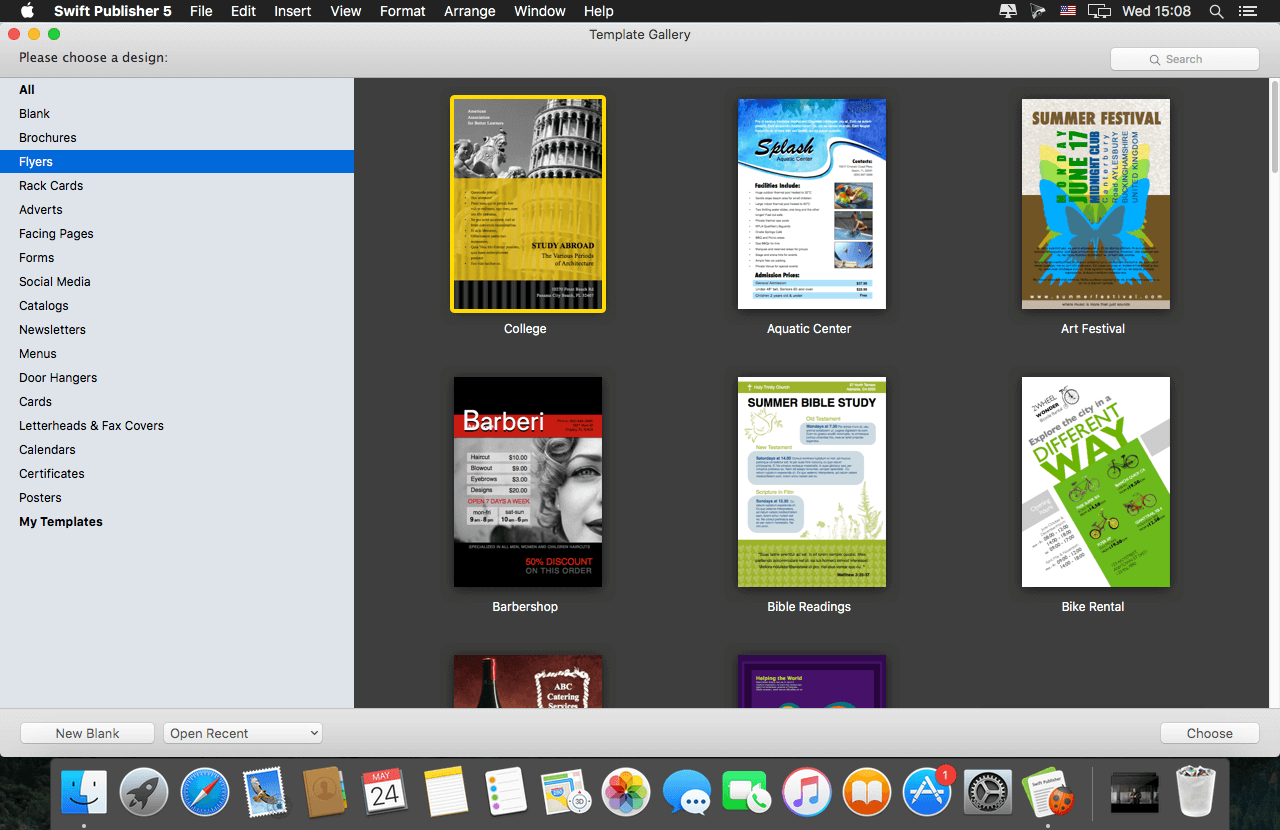
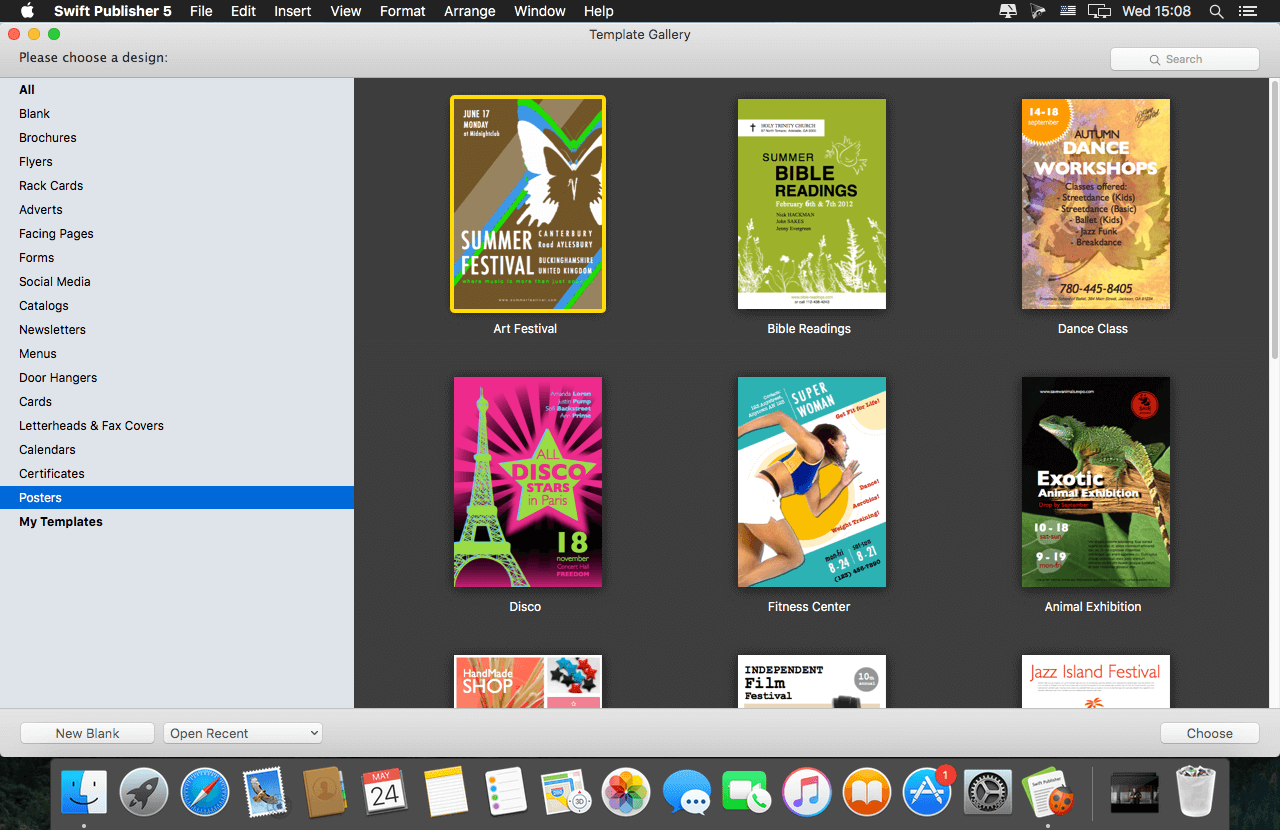
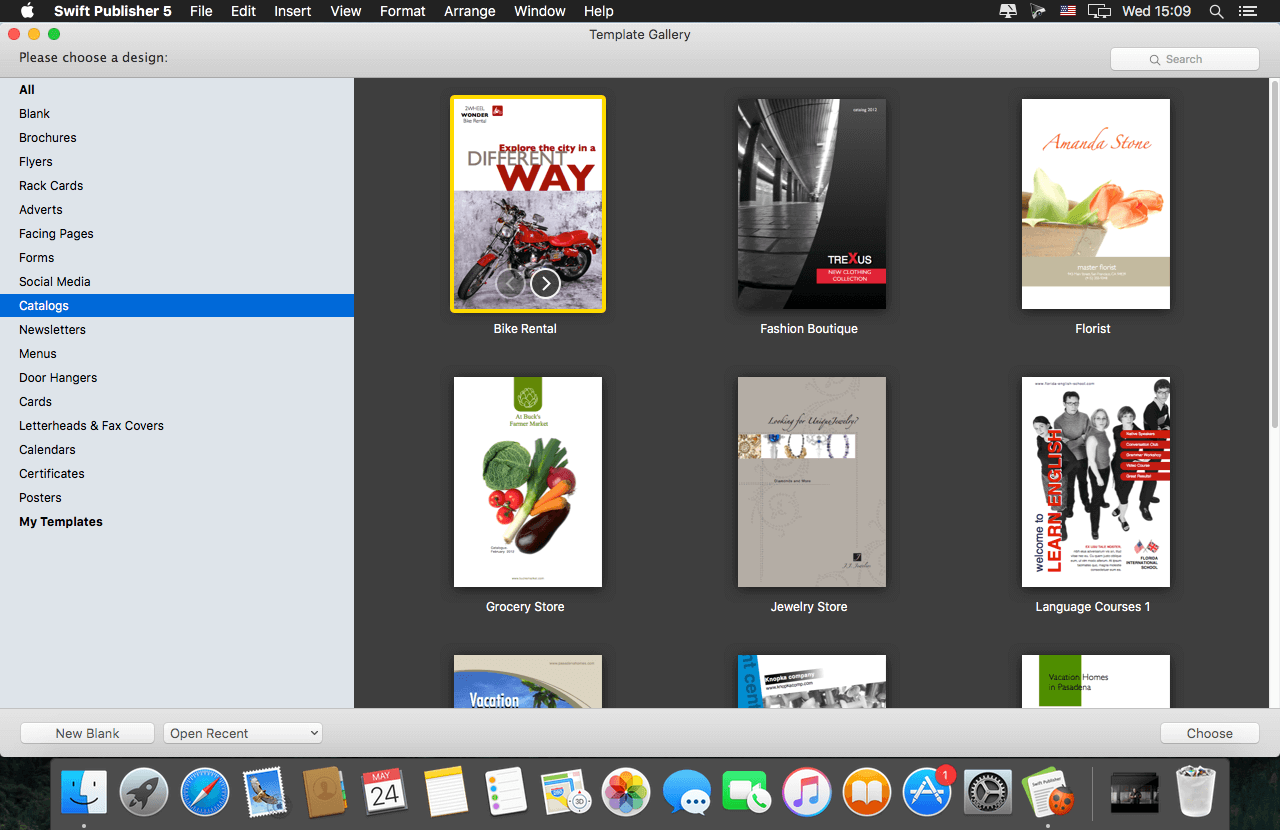
Swift Publisher takes the headache out of desktop publishing: print colorful flyers, newsletters, brochures, letterheads, and more.
Features
- An easy-to-learn alternative. Ditch those massive, daunting design apps aimed at professional publishers -- with its accommodating interface, Desktop Publisher is a digital drawing board for the rest of us.
- Text toolkit. Customize text styles, link text boxes, and create visually pleasing wrap-around effects. With Swift Publisher, manipulating your content is never a chore.
- Inspiring options. Spark your creativity. Swift Publisher includes images, designs, and unique masks, giving you the templates and resources you need to jump-start the design process.
- Perfect personalization. When your publication has to be personalized, turn to Swift Publisher. Whether you need to tint, tile, group, rotate, or adjust the opacity of an object, you'll find the tool you need.
Version 5.7.8:
- Added an alternative way to open documents saved in older versions of the app.
Frequently asked questions
How do I install the app?
Mount the image, drag the app into the "Applications" folder and launch it. If the system blocks the launch, allow it in "System Settings → Privacy & Security".
The app is damaged or won't launch
Reinstalling from a fresh image usually helps. Make sure your macOS version matches the one listed in the compatibility specs.
How do I update?
Download the new version from the site and install it over the current one — your settings will be preserved.
The download link doesn't work
Try a mirror or a download manager. For large files the browser often drops the connection.
How do I completely remove the app?
Use an uninstaller utility — it cleans up the service files that remain after moving the app to the trash.



Choose a download source
Swift Publisher 5.7.8 · 475.15 MB
Previous versions
Swift Publisher 5.7.8
Previous versions are available to registered users.