
Sidify Apple Music Converter 1.5.4
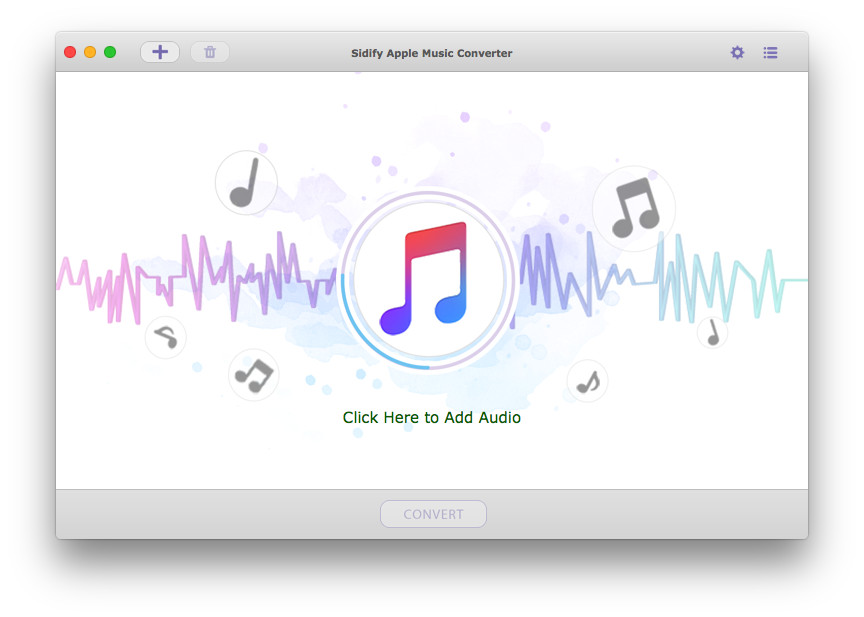
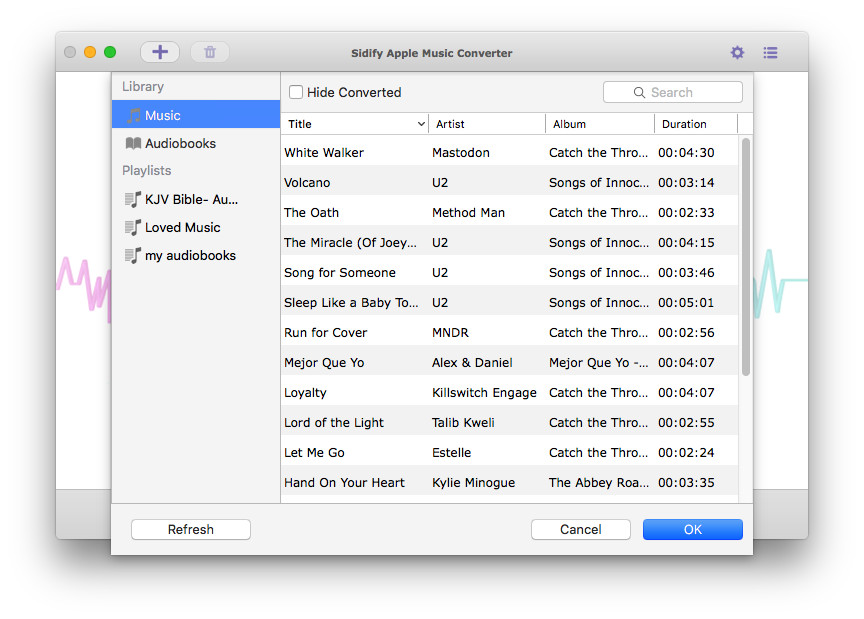
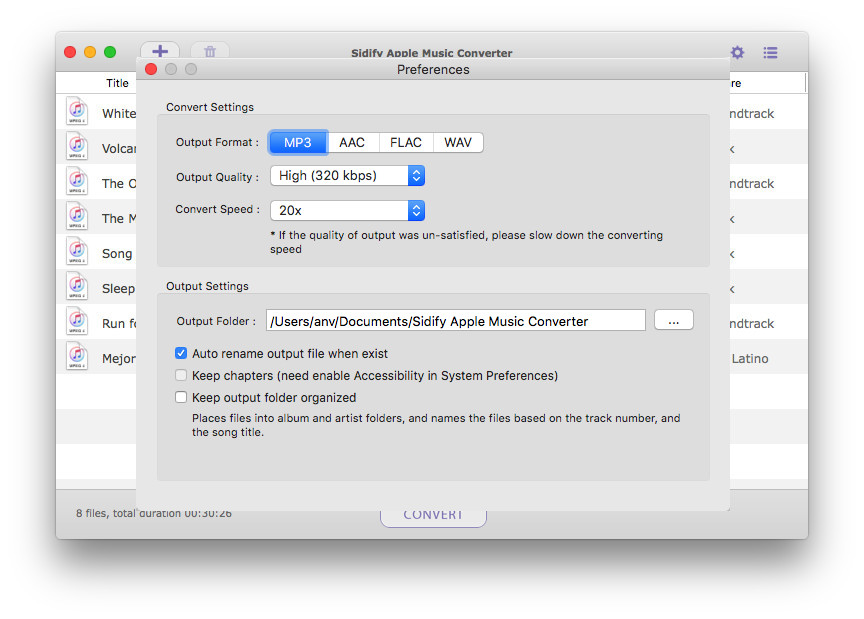
Sidify Apple Music Converter is a well-designed audio converter for iTunes music for Mac users. It can remove DRM from Apple Music songs, and makes it possible to save them in MP3, AAC, or WAV format to either your local computer or your music players. Besides, you can use Sidify Apple Music Converter to convert audiobooks and M4P music. It is a straightforward app that any user should get the hang of in moments. All you need to do is add the songs you want to convert and select the desired output format. With Sidify Apple Music Converter, you are able to choose from several quality presets. You can also alter the conversion speed, which may have an effect on the quality of the output content. Maximum 20X conversion speed is an available option. What's more, ID tags such as track’s title, artist, album, genre, and duration are kept after conversion.
Version 1.5.4:
- Fix the program crashes issue on macOS 10.15.
- Fix some minor bugs.
Frequently asked questions
How do I install the app?
Mount the image, drag the app into the "Applications" folder and launch it. If the system blocks the launch, allow it in "System Settings → Privacy & Security".
The app is damaged or won't launch
Reinstalling from a fresh image usually helps. Make sure your macOS version matches the one listed in the compatibility specs.
How do I update?
Download the new version from the site and install it over the current one — your settings will be preserved.
The download link doesn't work
Try a mirror or a download manager. For large files the browser often drops the connection.
How do I completely remove the app?
Use an uninstaller utility — it cleans up the service files that remain after moving the app to the trash.
VersionSidify Apple Music Converter 1.5.4
DeveloperSidify Inc.
CompatibilityOS X 10.8 or later, 64-bit processor
LanguageEnglish
IncludesK'ed by TNT
Related posts





Choose a download source
Sidify Apple Music Converter 1.5.4 · 25.26 MB
Previous versions
Sidify Apple Music Converter 1.5.4
Previous versions are available to registered users.
Comments 5