
Downie 2.7.7
Downie is the only video download for OS X you will ever need. It isn't simply another YouTube-downloader: Downie supports at this moment over 700 different sites! The full list may be viewed in Downie's preferences, under the Sites tab.
Key features:
- Supports many sites - currently supports over 750 different sites (including YouTube, Vimeo, etc.) and the number is rapidly growing.
- 4K video YouTube support - unlike many other YouTube downloaders, Downie supports HD video on YouTube, up to 4K.
- Postprocessing - need your video in MP4 for iTunes? Or want just the audio track? No problem, Downie can handle this for you automatically!
- International - not only that Downie supports country-specific sites, it is localized into various languages. If your language is missing, contact us - we can offer you a free license in exchange for a translation.
WHAT’S NEW
- New: knowledge.ca.
- Improved: dplay.com, flashx.to, liveleak.com, npr.org, openload.co, pbs.org, playwire.com, pluralsight.com, sohu.com, sproutvideo.com, vimeo.com, wistia.com.
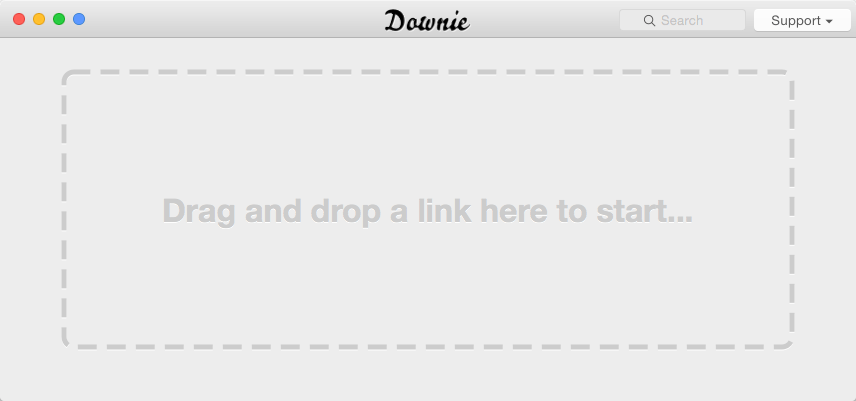
Screenshots
Frequently asked questions
How do I install the app?
Mount the image, drag the app into the "Applications" folder and launch it. If the system blocks the launch, allow it in "System Settings → Privacy & Security".
The app is damaged or won't launch
Reinstalling from a fresh image usually helps. Make sure your macOS version matches the one listed in the compatibility specs.
How do I update?
Download the new version from the site and install it over the current one — your settings will be preserved.
The download link doesn't work
Try a mirror or a download manager. For large files the browser often drops the connection.
How do I completely remove the app?
Use an uninstaller utility — it cleans up the service files that remain after moving the app to the trash.
VersionDownie 2.7.7
DeveloperCharlie Monroe Software
CompatibilityOS X 10.9 or later, 64-bit processor
LanguageEnglish, German, French, Spanish and others.
IncludesPre-K'ed




Comments 2