
Together 3.8.7
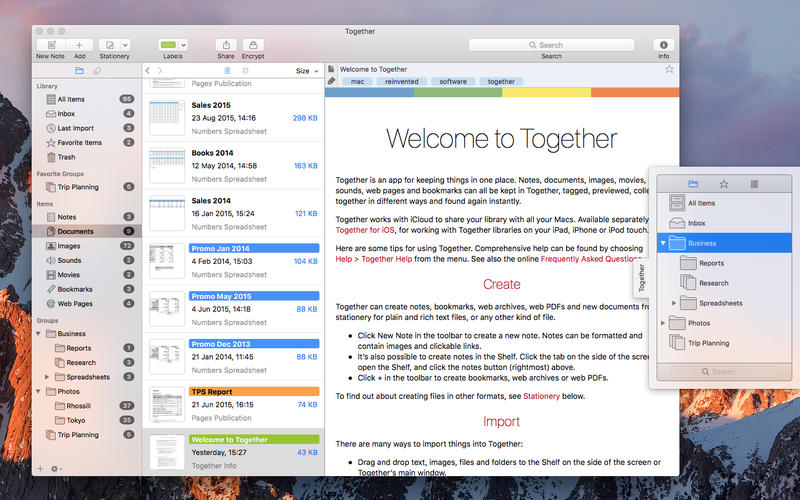
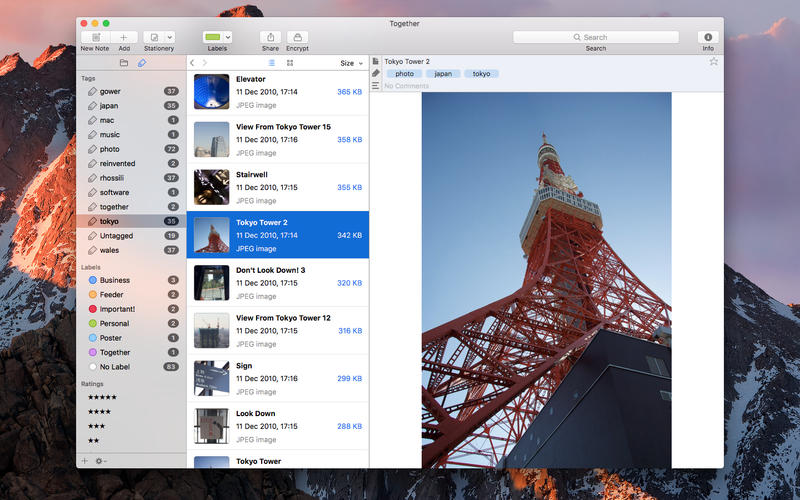
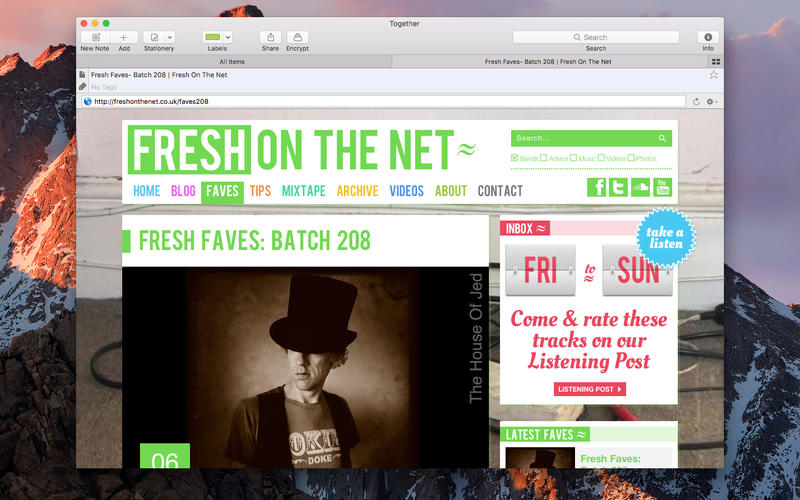
Together helps you organize your Mac, giving you the ability to store, edit and preview your files in a single clean, uncluttered interface.
Features
- Smart storage. With simple drag-and-drop functionality, Together lets you gather up images, text, bookmarks, and files for safekeeping. With built-in note-taking capabilities and easy inter-app file transfers, take control of cluttered, disorganized groups of files and restore them to a state of order and manageability.
- Previewing and editing. Together can edit and preview a wide range of filetypes, and seamlessly incorporates QuickView for everything else. File editing is always a double-click away, and your changes are automatically synchronized.
- Organization, optimized. If you are tired of dealing with scatterbrained systems of files and folders, Together's refreshing, iTunes-like interface will help you breathe easy. Organize items into groups and folders, add color-coded tags and labels, and even generate Smart Groups to bring new levels of order and control to your files.
- Dynamic searching. With Together, searching your files is never limited to a single term: an integrated Find Bar offers fine-tuned searching, and intra-file search capabilities let you dig even deeper for the information you need.
Version 3.8.7
- Fixed an issue where the width of the landscape name column would not be remembered across launches.
- Fixed a problem opening Together 2 libraries.
- Fixed a crash that could occur when decrypting an item fails.
Frequently asked questions
How do I install the app?
Mount the image, drag the app into the "Applications" folder and launch it. If the system blocks the launch, allow it in "System Settings → Privacy & Security".
The app is damaged or won't launch
Reinstalling from a fresh image usually helps. Make sure your macOS version matches the one listed in the compatibility specs.
How do I update?
Download the new version from the site and install it over the current one — your settings will be preserved.
The download link doesn't work
Try a mirror or a download manager. For large files the browser often drops the connection.
How do I completely remove the app?
Use an uninstaller utility — it cleans up the service files that remain after moving the app to the trash.
VersionTogether 3.8.7
DeveloperReinventedSoftware
CompatibilitymacOS 10.12 or later
LanguageEnglish
IncludesPre-K'ed



Information
Visitors in the group Guests cannot leave comments on this publication.
Choose a download source
Together 3.8.7 · 16.84 MB