Radium 3.1.3 - Perfect Internet radio player
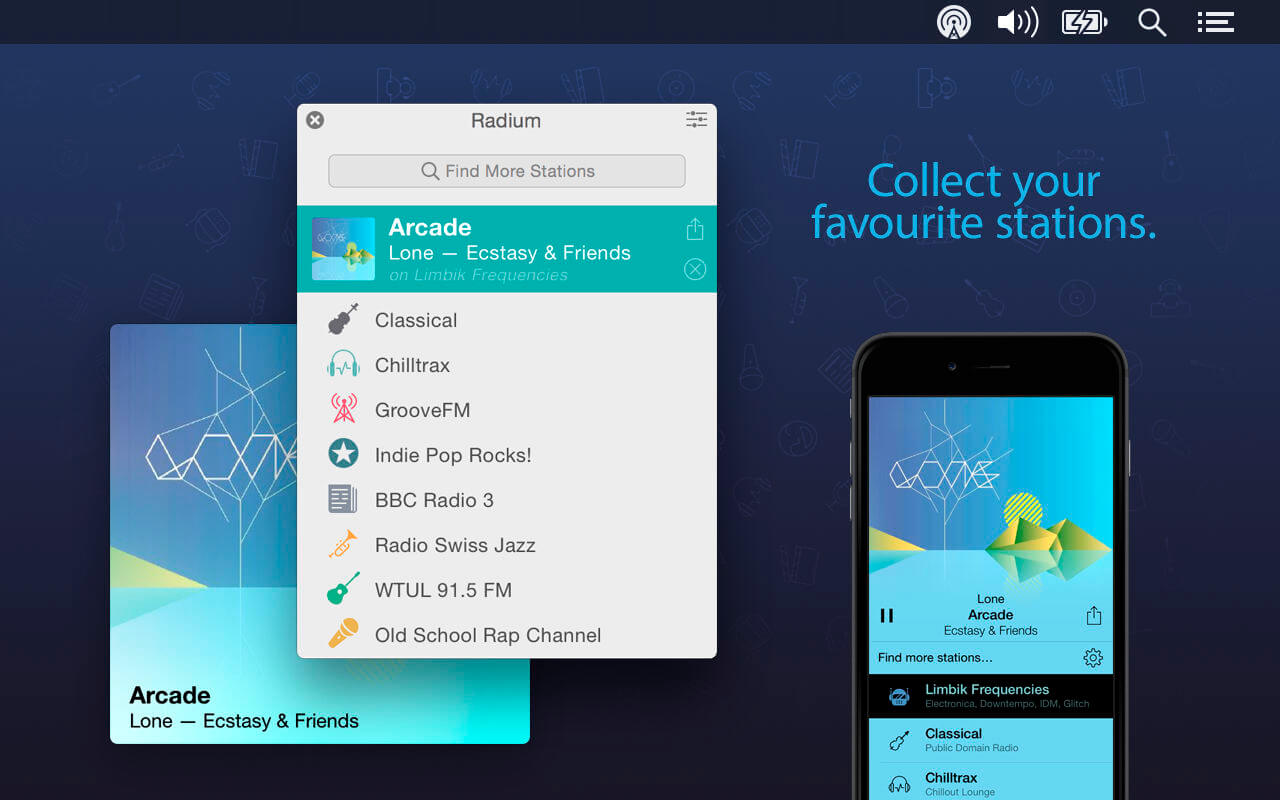
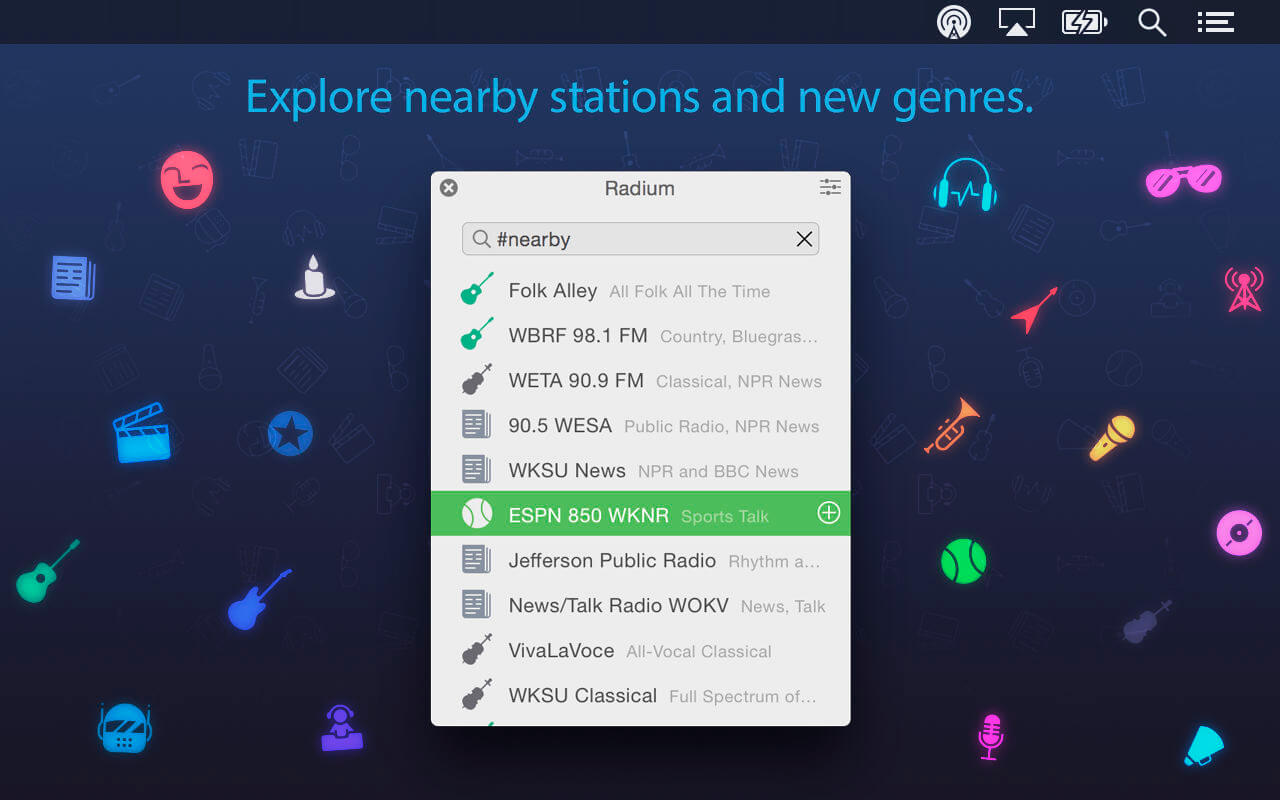

Introducing Radium for Mac, the most beautiful and intuitive internet radio player you’ll ever use. Find stations in real time by name, genre or region, and tune in to your favorite radios with a single click.
Radium’s 20,000+ high quality stations, Equalizer, and built-in Wish List make listening to your favorite radio a breeze.
Discover new music
- Find new stations by name, genre, region, or any combination
- Love the playing track? Add it to your Wish List with a single click
- Quickly find what you feel like listening to by skimming through your stations' icons
- Click any station’s "+"/"x" icon to add/remove it from your favorites
- Click any station’s icon to change it
- To reorder your favorite stations, drag any station and drop it in its new place
- Let Radium’s “Auto” mode select the best-sounding equalizer preset for each station
- Think another preset sounds better? Select it, and Radium will remember it for next time
- Let iCloud automatically sync your favorite stations, subscriptions, and wish list across all your devices. (Including Radium for iPhone!)
- Share a track you love on Twitter or Last.fm
- Generate a Radium link with one click and send it to a friend as simple text
- Radium supports many popular internet radio services, including Digitally Imported, CalmRadio, SiriusXM, and many more
Version 3.1.3
- Fixed an issue that prevented some users from activating premium subscriptions.
Frequently asked questions
How do I install the app?
Mount the image, drag the app into the "Applications" folder and launch it. If the system blocks the launch, allow it in "System Settings → Privacy & Security".
The app is damaged or won't launch
Reinstalling from a fresh image usually helps. Make sure your macOS version matches the one listed in the compatibility specs.
How do I update?
Download the new version from the site and install it over the current one — your settings will be preserved.
The download link doesn't work
Try a mirror or a download manager. For large files the browser often drops the connection.
How do I completely remove the app?
Use an uninstaller utility — it cleans up the service files that remain after moving the app to the trash.
VersionRadium 3.1.3
DeveloperCatPig Studios Inc.
CompatibilityS X 10.10 or later, 64-bit processor
LanguageEnglish
IncludesK'ed by TNT





Information
Visitors in the group Guests cannot leave comments on this publication.
Choose a download source
Radium 3.1.3 - Perfect Internet radio player · 12.21 MB