Image-Line FL Studio Producer Edition v26.1.4.5356
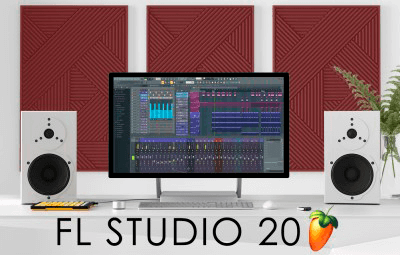
FL Studio — Complete music production software for composing, mixing, and mastering
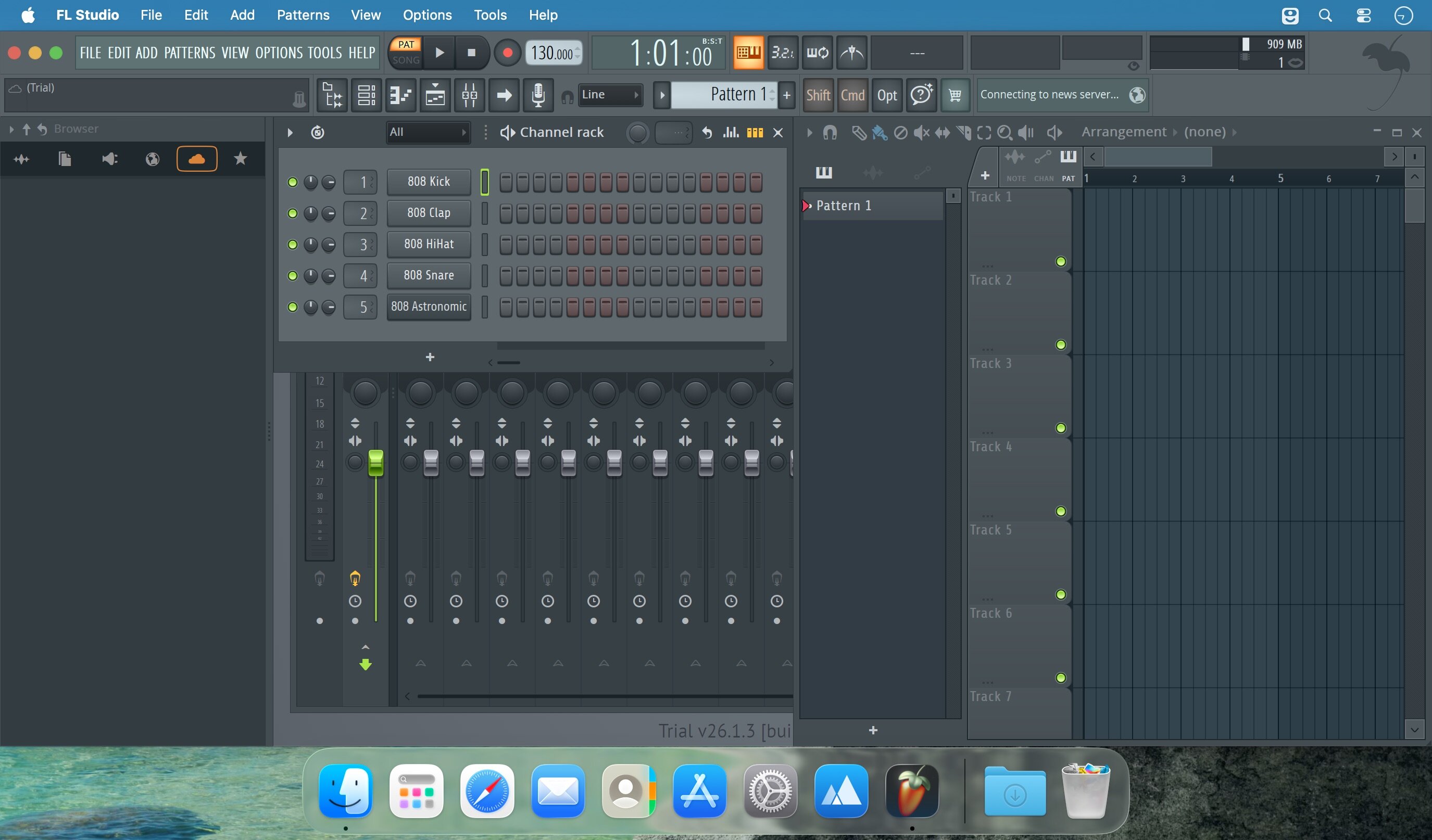
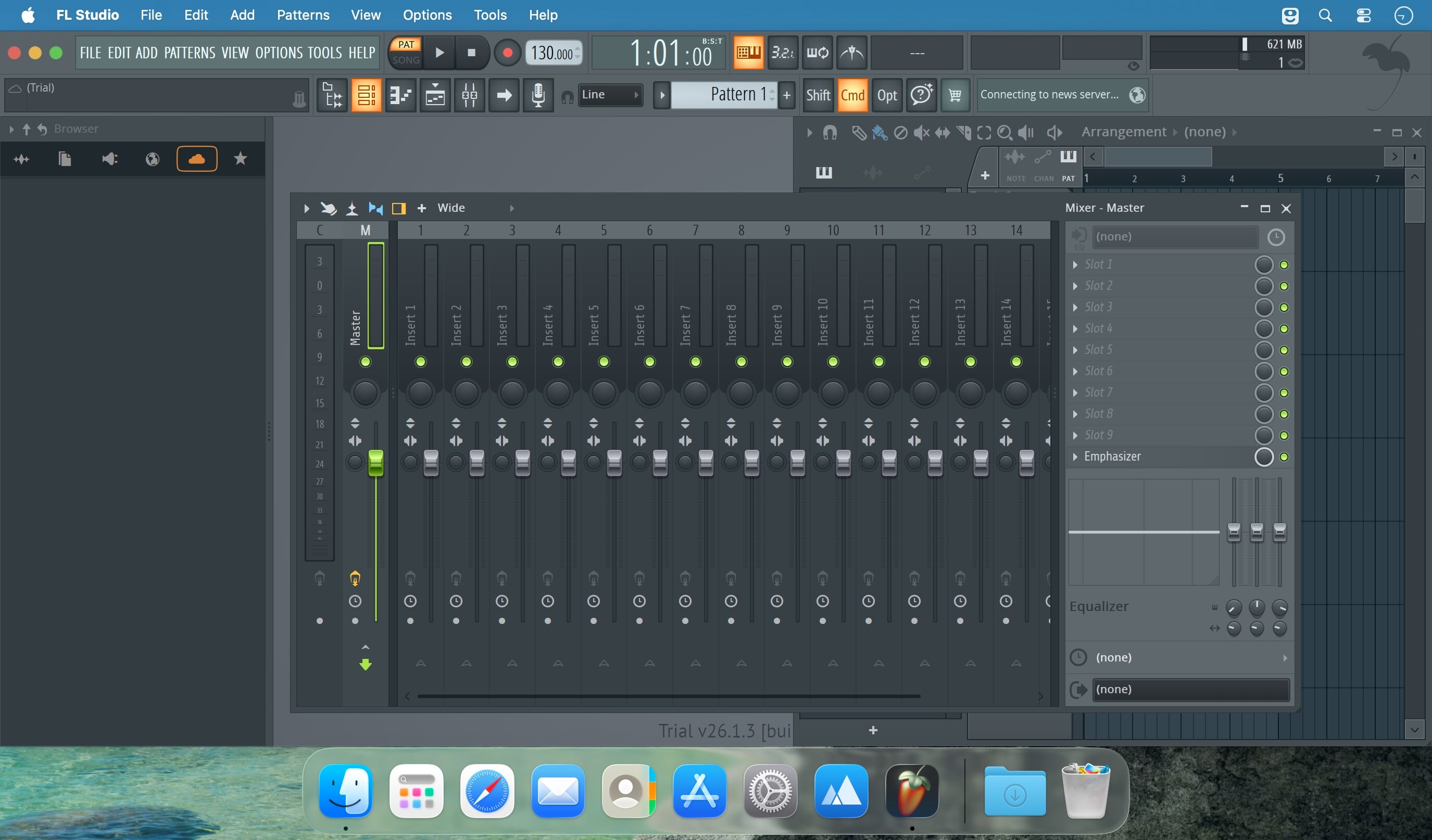
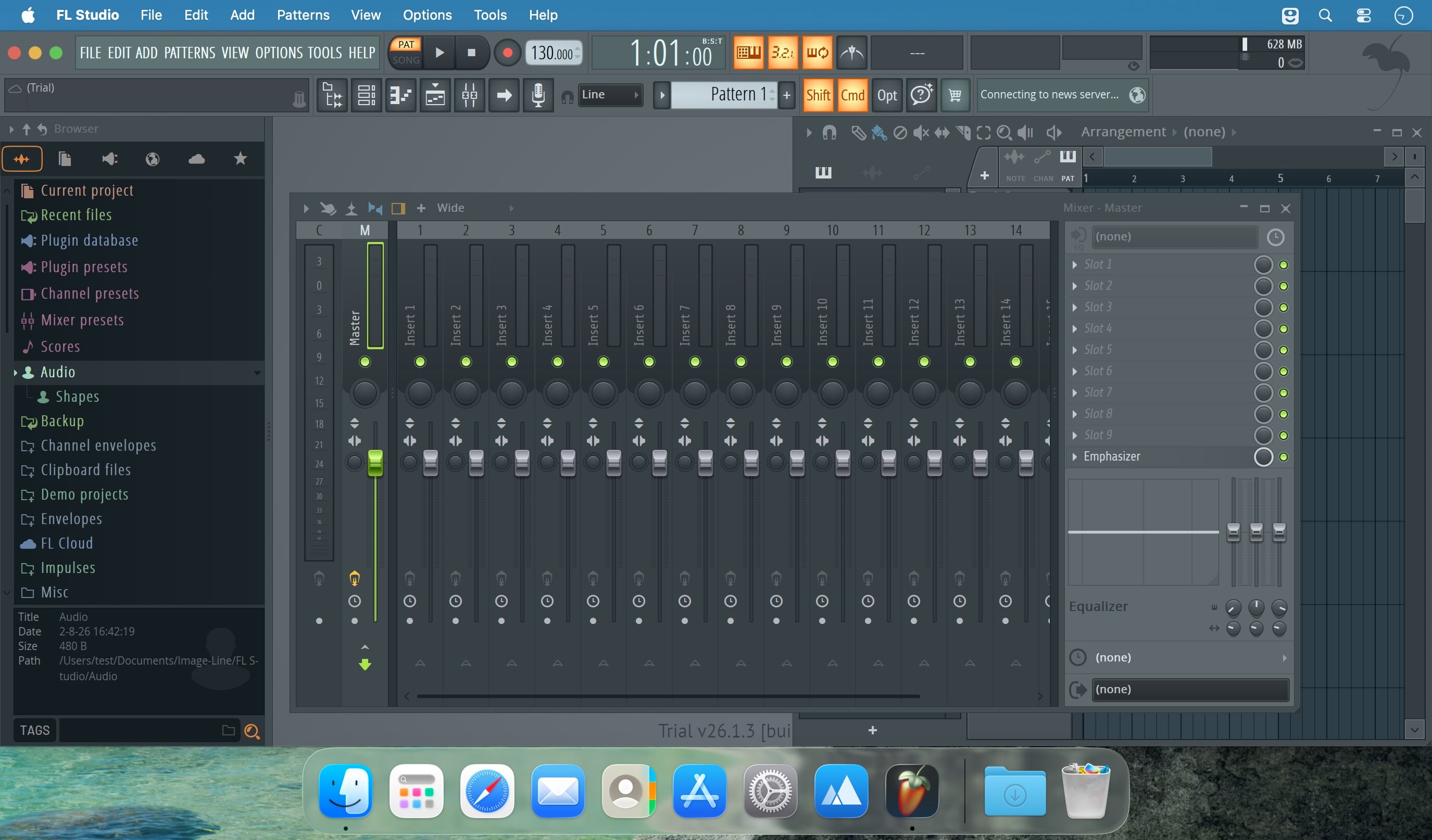
Create professional-quality music from start to finish. FL Studio is a complete Digital Audio Workstation (DAW) that combines two decades of innovative music-making technology into one intuitive platform. Whether you're composing, recording, mixing, or mastering, everything you need is built in.
Core Production Tools
- Composition & Sequencing: The industry's most celebrated Piano Roll gives you precise control over MIDI data, automation, and complex score editing. Choose between Pattern or Linear workflow depending on your creative process. Record MIDI from controllers or keyboards with full note and automation capture.
- Audio Recording & Editing: Multi-track audio recording with professional-grade time-stretching and pitch-shifting keeps your recordings pristine. Edit with surgical precision using FL Studio's advanced audio tools.
- Mixing & Mastering: The powerful multi-track mixer handles today's most complex productions with effect chains, audio sends, sidechain control, advanced automation, and plugin delay compensation. Mix and master to the highest professional standards.
Maximum Flexibility
- Unmatched Sequencing: FL Studio's Playlist is more flexible than any competing DAW. Layer notes, audio, and automation on the same track. Place any data type anywhere and combine them as you need. The Browser keeps your entire project organized and accessible.
- Unlimited Sounds: Access a massive library of native instruments and effects—then expand infinitely with VST 1, 2, and 3 plugin support. Use FL Studio itself as a VST plugin inside other hosts via ReWire.
Enhanced Workflow
- Touch-enabled interface, vectorial resizing, live DJ clip-triggering, powerful MIDI Learn, 4K video rendering, context-aware help system, and more.
Frequently asked questions
How do I install the app?
Mount the image, drag the app into the "Applications" folder and launch it. If the system blocks the launch, allow it in "System Settings → Privacy & Security".
The app is damaged or won't launch
Reinstalling from a fresh image usually helps. Make sure your macOS version matches the one listed in the compatibility specs.
How do I update?
Download the new version from the site and install it over the current one — your settings will be preserved.
The download link doesn't work
Try a mirror or a download manager. For large files the browser often drops the connection.
How do I completely remove the app?
Use an uninstaller utility — it cleans up the service files that remain after moving the app to the trash.
Related posts

Choose a download source
Image-Line FL Studio Producer Edition v26.1.4.5356 · 1.13 GB
Previous versions
Image-Line FL Studio Producer Edition v26.1.4.5356
Previous versions are available to registered users.