
Laravel Herd 1.28.0
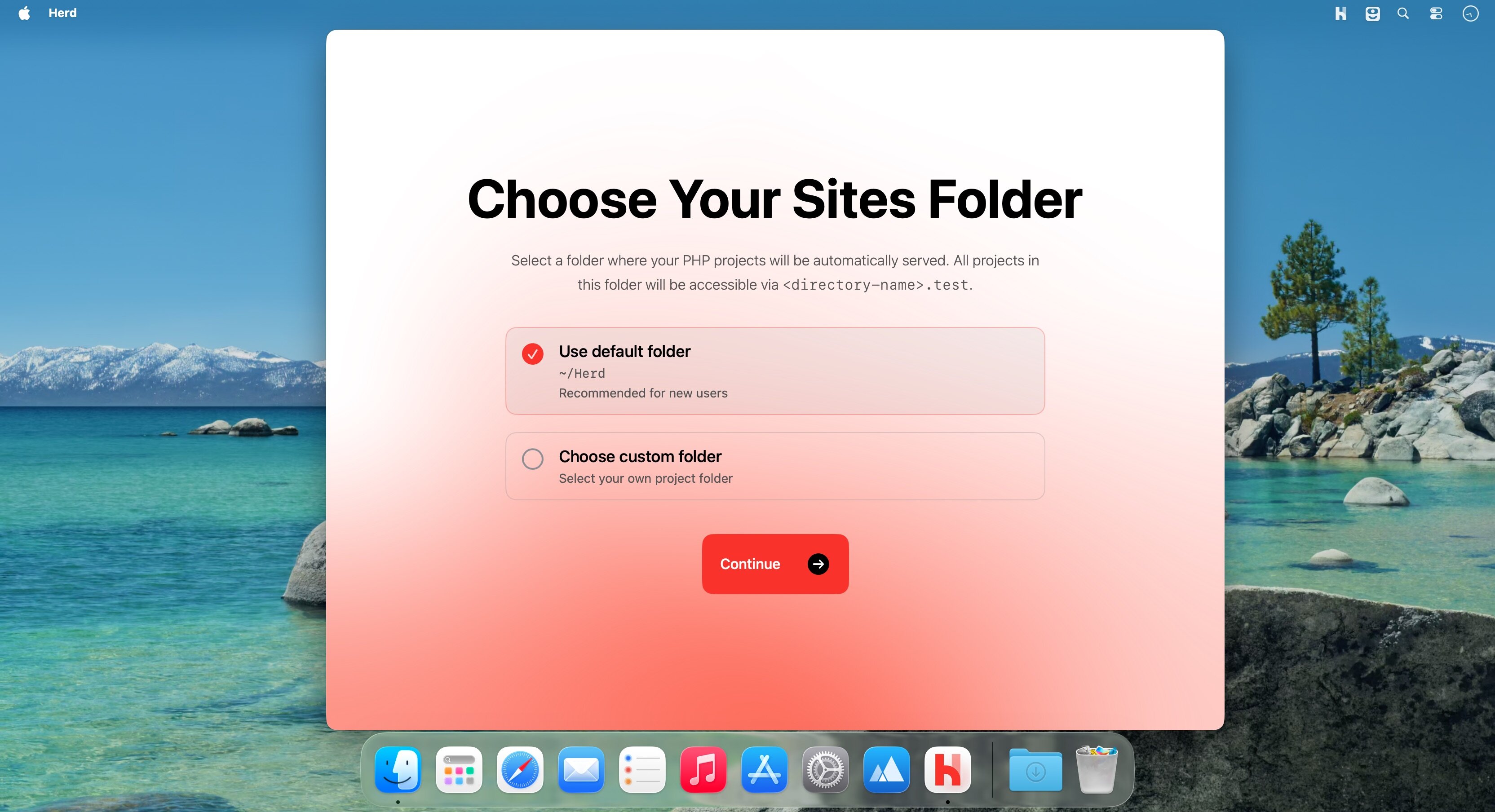
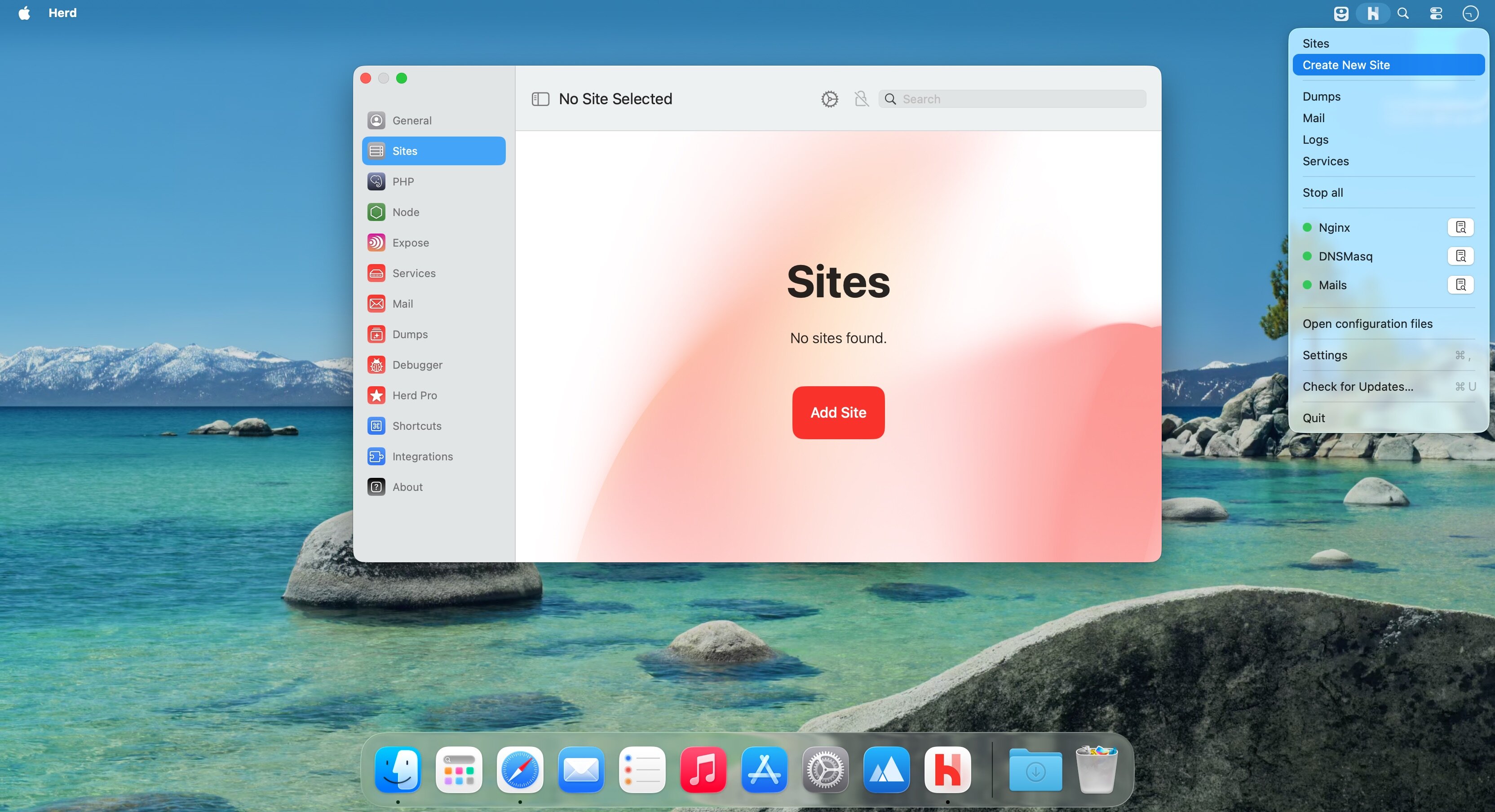
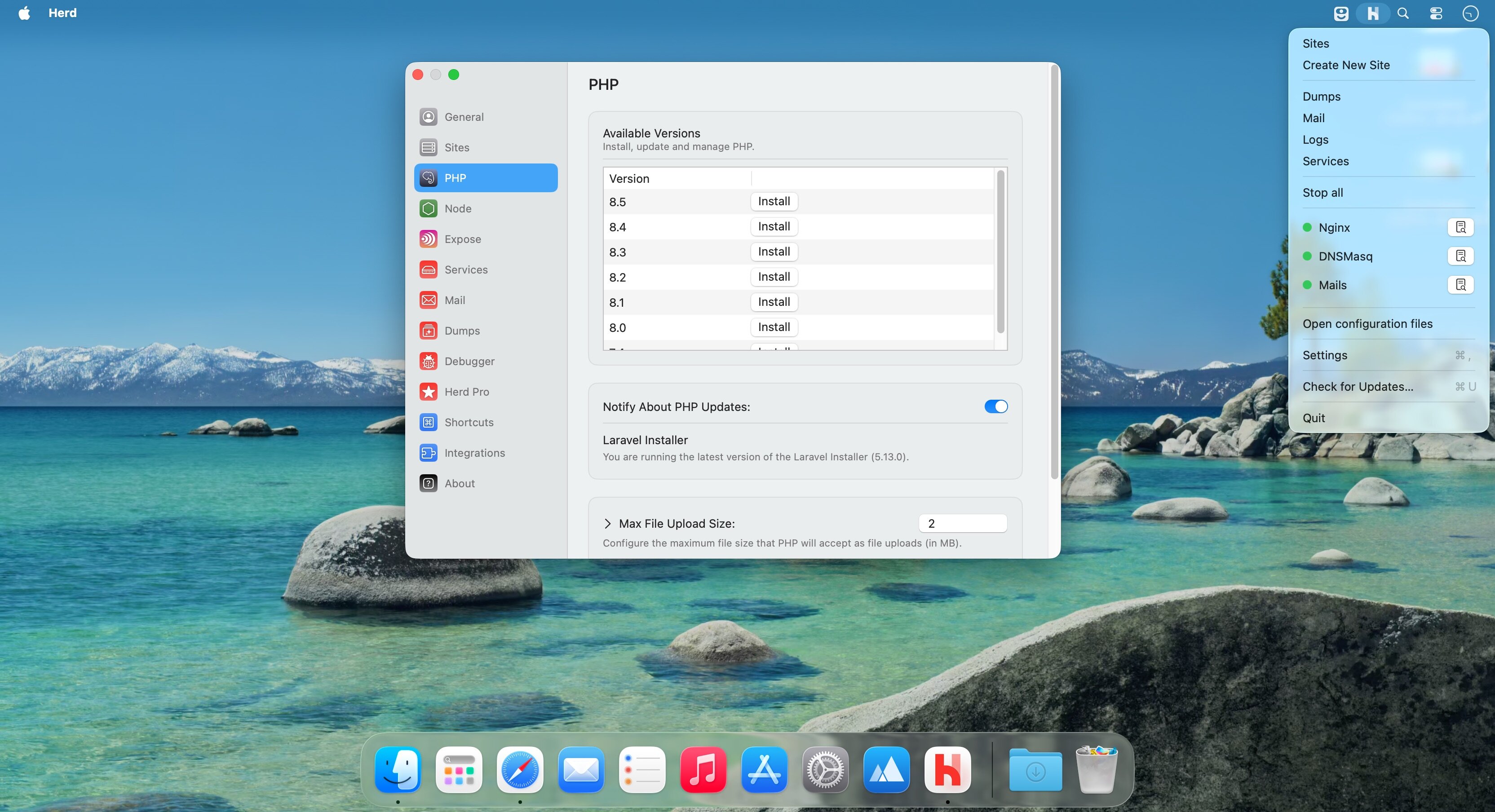
Herd is an ultra-fast native macOS app that delivers a fully local development environment for Laravel and PHP. It ships preconfigured with PHP, Nginx, DNS, and essential CLI tools so you can start building immediately after installation.
Instead of relying on Homebrew, Docker, or VMs, Herd uses statically compiled binaries and a zero-dependency design to remove setup friction and boost performance. With built-in tooling, effortless PHP version switching, and automatic local domain handling, Herd streamlines the development workflow for Laravel developers.
Version 1.28.0
New features
- The site creation wizard now includes an option to install team support when using a starter kit with authentication
- Added --update-env flag to herd link that forces updating the APP_URL in your .env file, even when it already contains the current TLD
Fixes and Improvements
- Fixed an issue where the ~/Herd directory was created during onboarding before the user had finished choosing a custom sites path
- Fixed Svelte icon in site wizard
Frequently asked questions
How do I install the app?
Mount the image, drag the app into the "Applications" folder and launch it. If the system blocks the launch, allow it in "System Settings → Privacy & Security".
The app is damaged or won't launch
Reinstalling from a fresh image usually helps. Make sure your macOS version matches the one listed in the compatibility specs.
How do I update?
Download the new version from the site and install it over the current one — your settings will be preserved.
The download link doesn't work
Try a mirror or a download manager. For large files the browser often drops the connection.
How do I completely remove the app?
Use an uninstaller utility — it cleans up the service files that remain after moving the app to the trash.



Choose a download source
Laravel Herd 1.28.0 · 98.96 MB