
Audirvāna Studio 3.3.3
Audirvāna Studio audiophile music player unifies streaming services
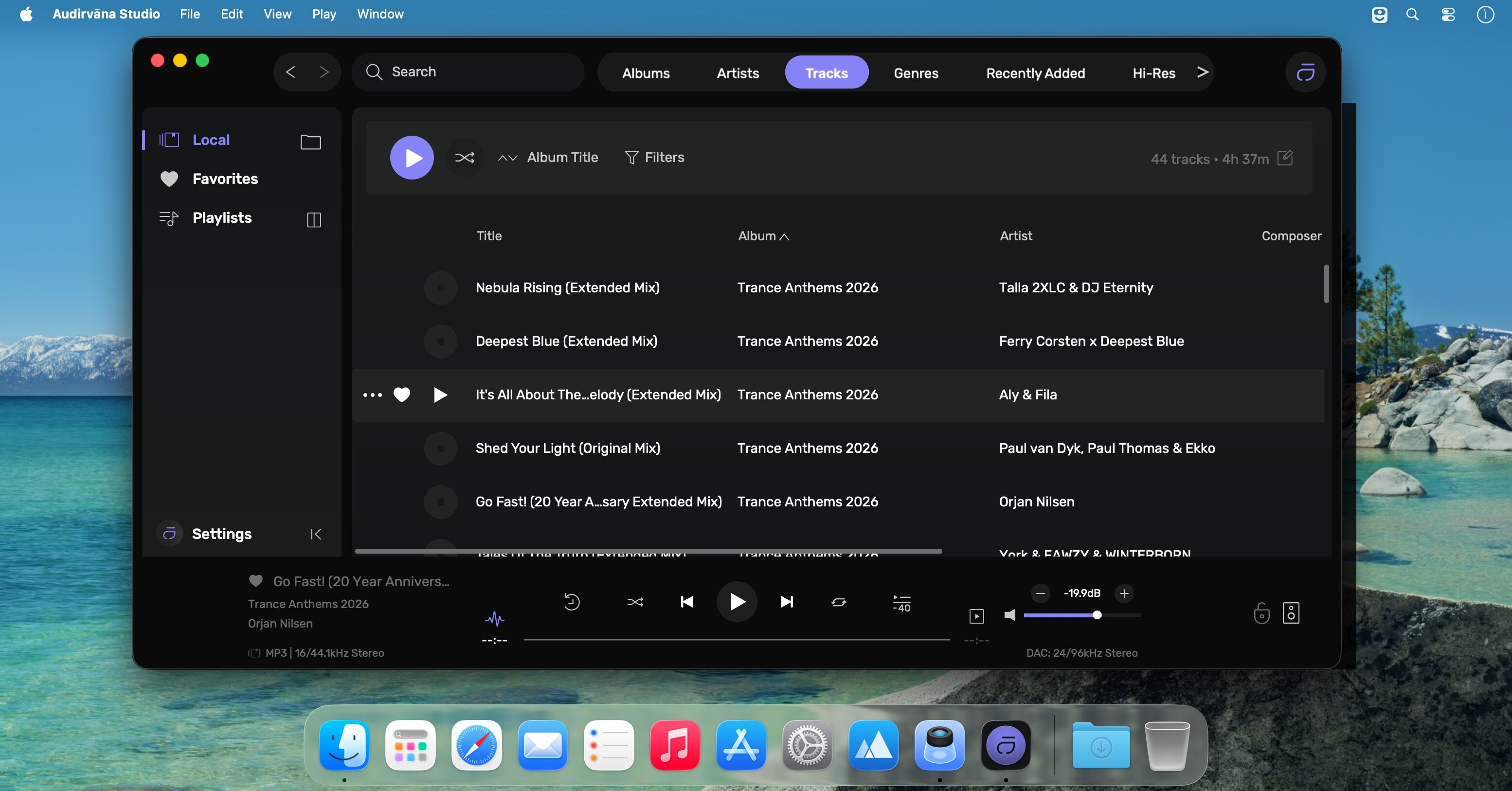
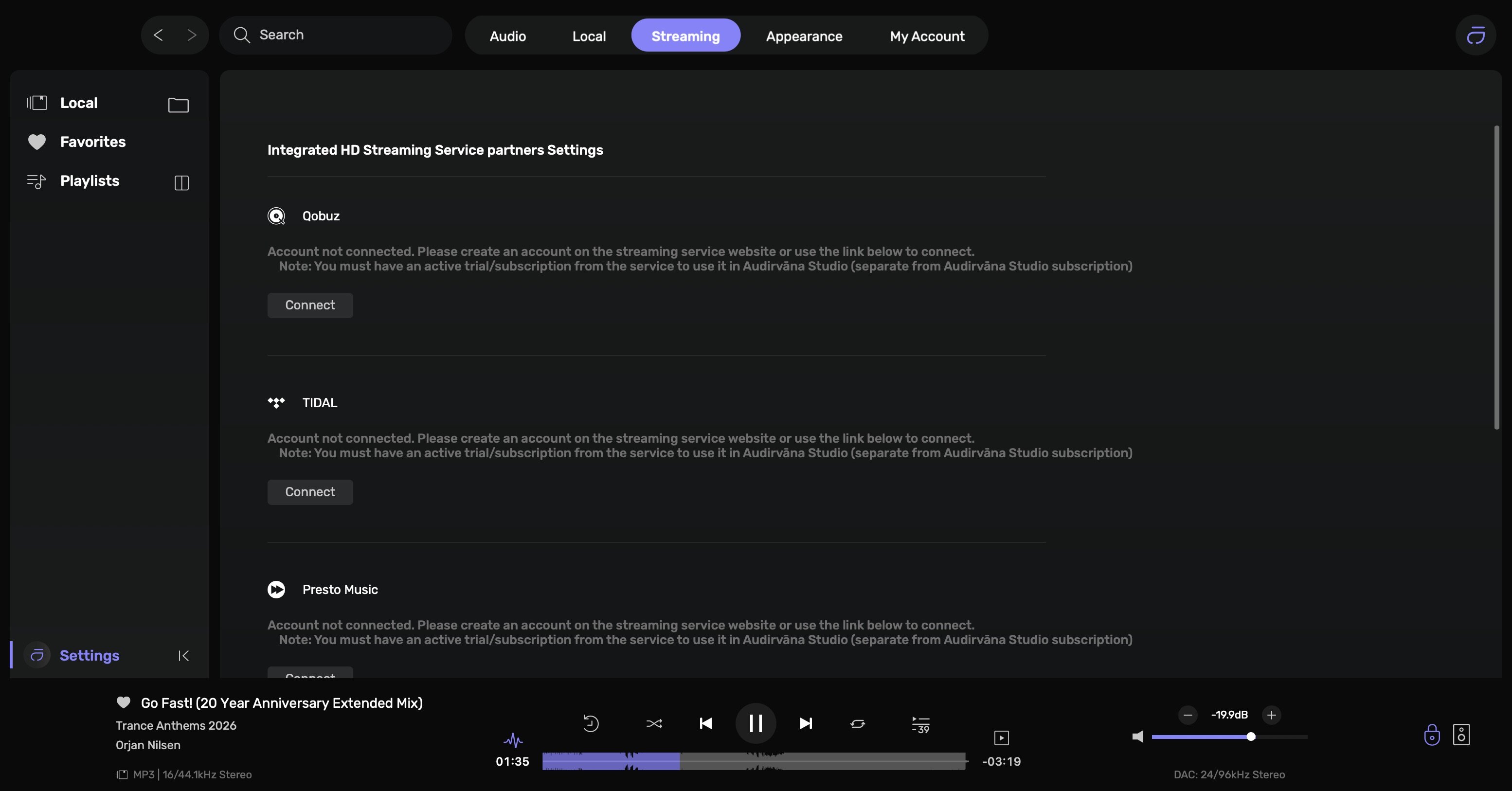
Streaming services have largely become the preferred method of listening to music, but audiophiles who are used to having complete control over playback aren't all on board with the relatively basic players these services offer.
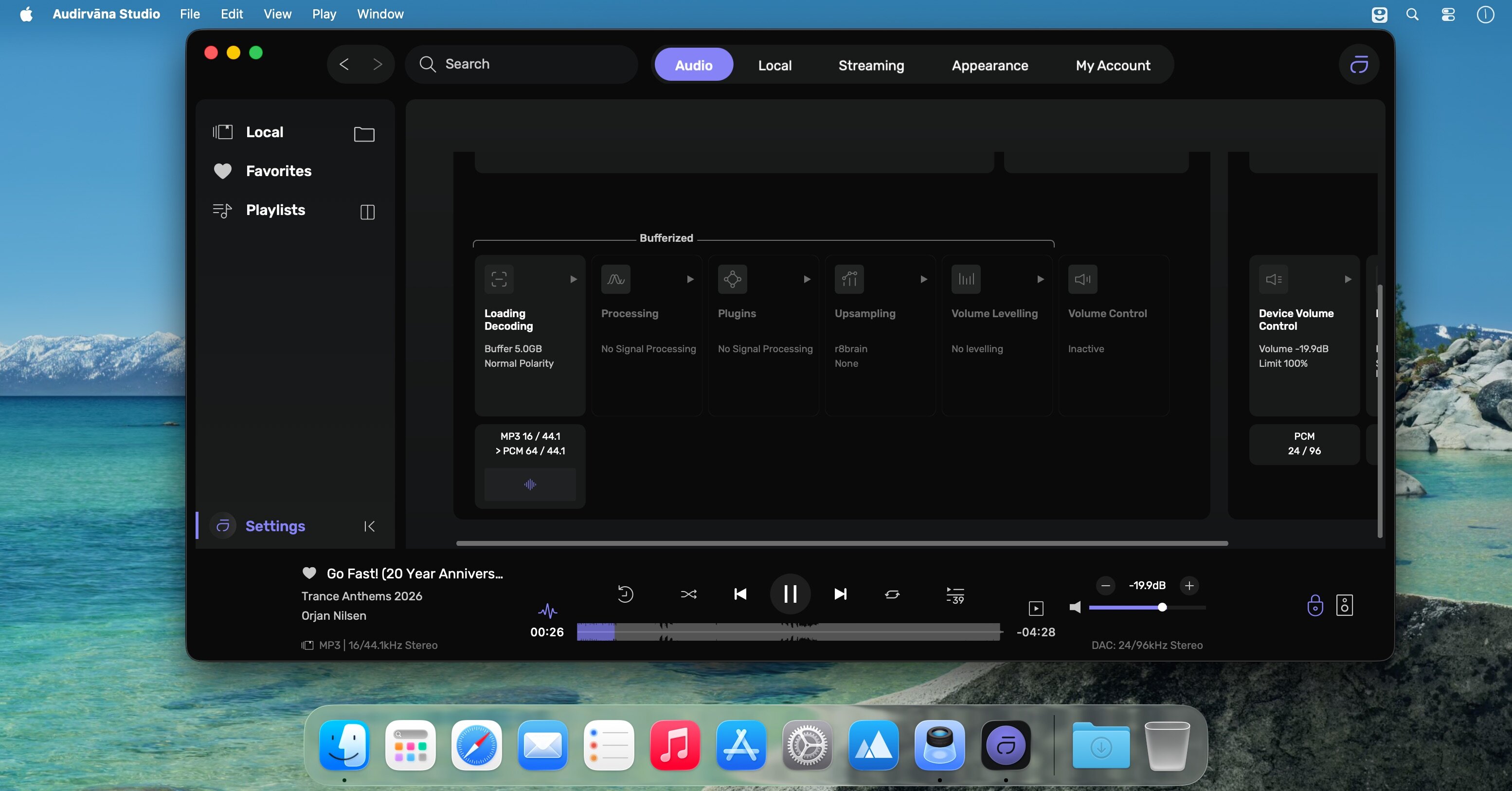
Audirvāna Studio seeks to provide an alternative to these services, while also integrating many of them. It gives your music exclusive access to the audio device, bypassing your system's audio mixer, and includes a bunch of tools that you can use to analyze your tracks.
Combine music from multiple sources under one roof
One of the app's strong points is that it allows you to access songs from multiple streaming services (Apple Music, Tidal, Qobuz, HRA), as well as local files, podcasts, and radio stations, making it much easier to keep everything organized.
You can combine local tracks and music from streaming services into a single playlist, and these playlists are very easy to manage. The app also comes with a powerful metadata editor that lets you add missing data and keep everything updated.
What makes Audirvāna different?
Audirvāna is clearly aimed at audiophiles. Its exclusive core player bypasses the audio mixer and makes sure your music reaches the output device without any alterations. You can take advantage of this player when playing music from any source.
The app also provides you with a lot more control and information about your tracks than any other streaming audio player. You can view in-depth technical details during playback, as well as check your audio files to ensure they are high-definition songs.
Minimalistic UI, mini-player, and remote control
The user interface features a very simple design, which works quite well. However, the text displayed in some menus and the app's preferences can be very difficult to read, especially on smaller screens.
Audirvāna comes with a very interesting mini-player. It can be used as a simple unobtrusive controller, but it can also display the track's frequency response, waveform, and audio processing stages.
You also have the option of controlling playback remotely via the iOS and Android apps, which is nice if you aren't always glued to your desk when listening to music.
An option for more technical-minded music lovers
Audirvāna Studio improves upon Audirvāna 3 in many ways, with more of a focus on integrating streaming services and helping you create a unified music library. It keeps the same features that made Audirvāna unique, and it is still a great choice for audiophiles who want more control over their music.
Version 3.3:
- Release notes were unavailable when this listing was updated.
Frequently asked questions
How do I install the app?
Mount the image, drag the app into the "Applications" folder and launch it. If the system blocks the launch, allow it in "System Settings → Privacy & Security".
The app is damaged or won't launch
Reinstalling from a fresh image usually helps. Make sure your macOS version matches the one listed in the compatibility specs.
How do I update?
Download the new version from the site and install it over the current one — your settings will be preserved.
The download link doesn't work
Try a mirror or a download manager. For large files the browser often drops the connection.
How do I completely remove the app?
Use an uninstaller utility — it cleans up the service files that remain after moving the app to the trash.




Choose a download source
Audirvāna Studio 3.3.3 · 35.36 MB
Previous versions
Audirvāna Studio 3.3.3
Previous versions are available to registered users.