
Spark Desktop 3.25.1
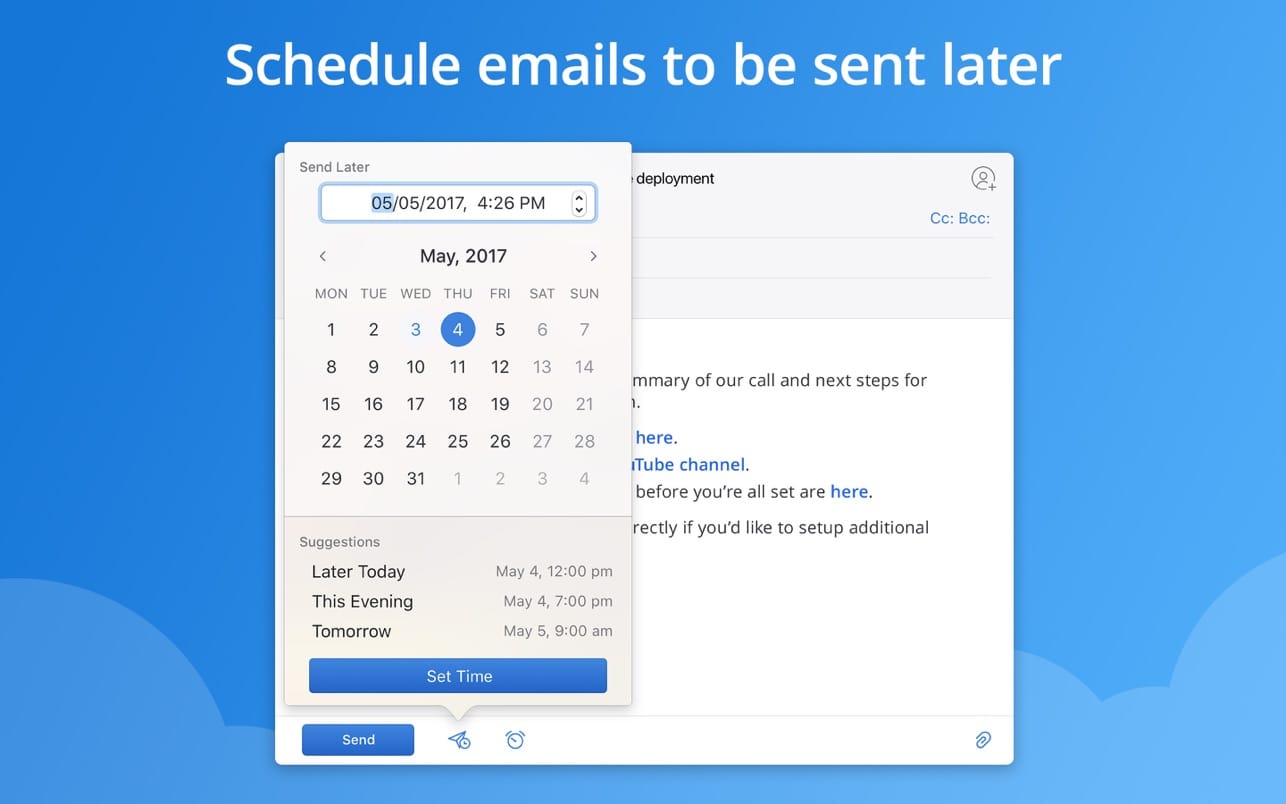
Going through all the emails you receive in one day and keeping your inbox clean can take a lot of effort, especially if you don’t have a sorting system.
Spark is an email client that helps you manage multiple accounts and offers you the option to keep messages organized by category.
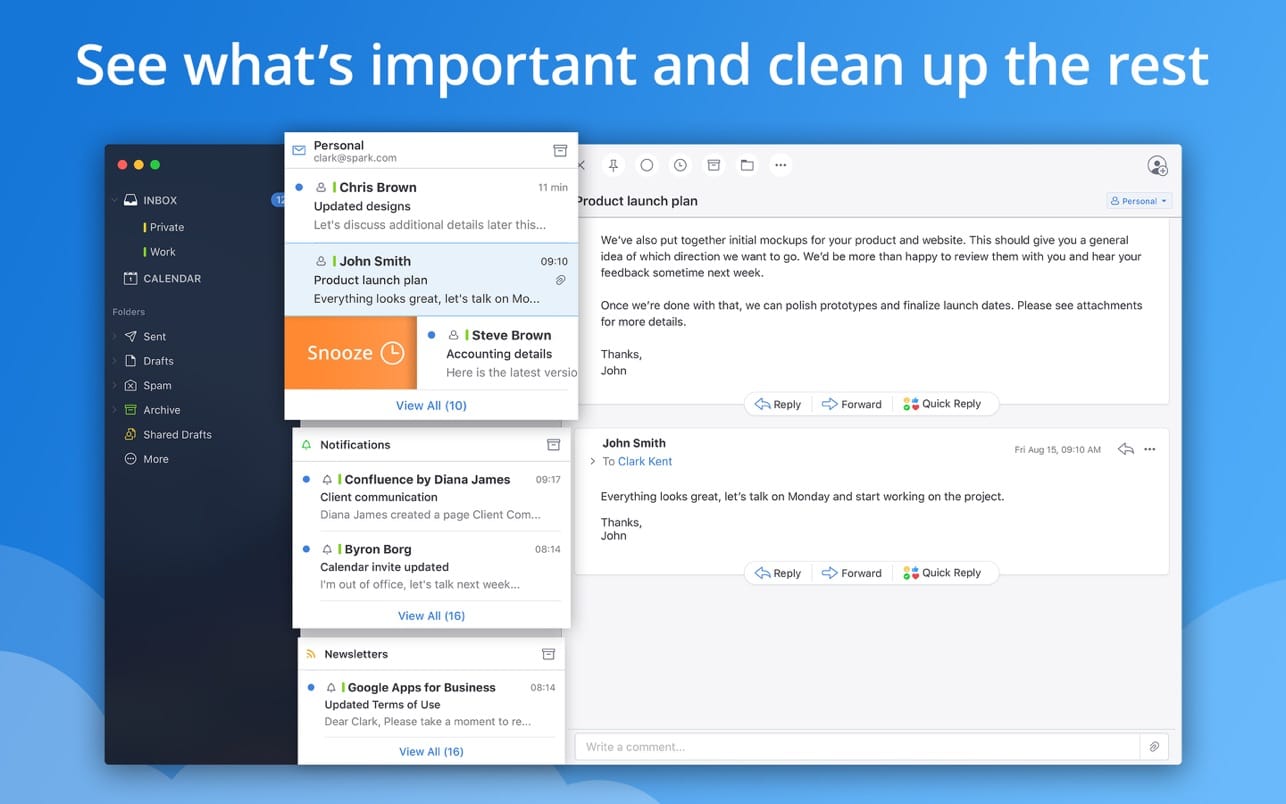
Thanks to the integrated Smart Inboxes, within Spark you get to view the urgent messages on top, and receive notifications only for the critical emails.
Beautiful email client that aims to declutter your Inbox by quickly going through your messages
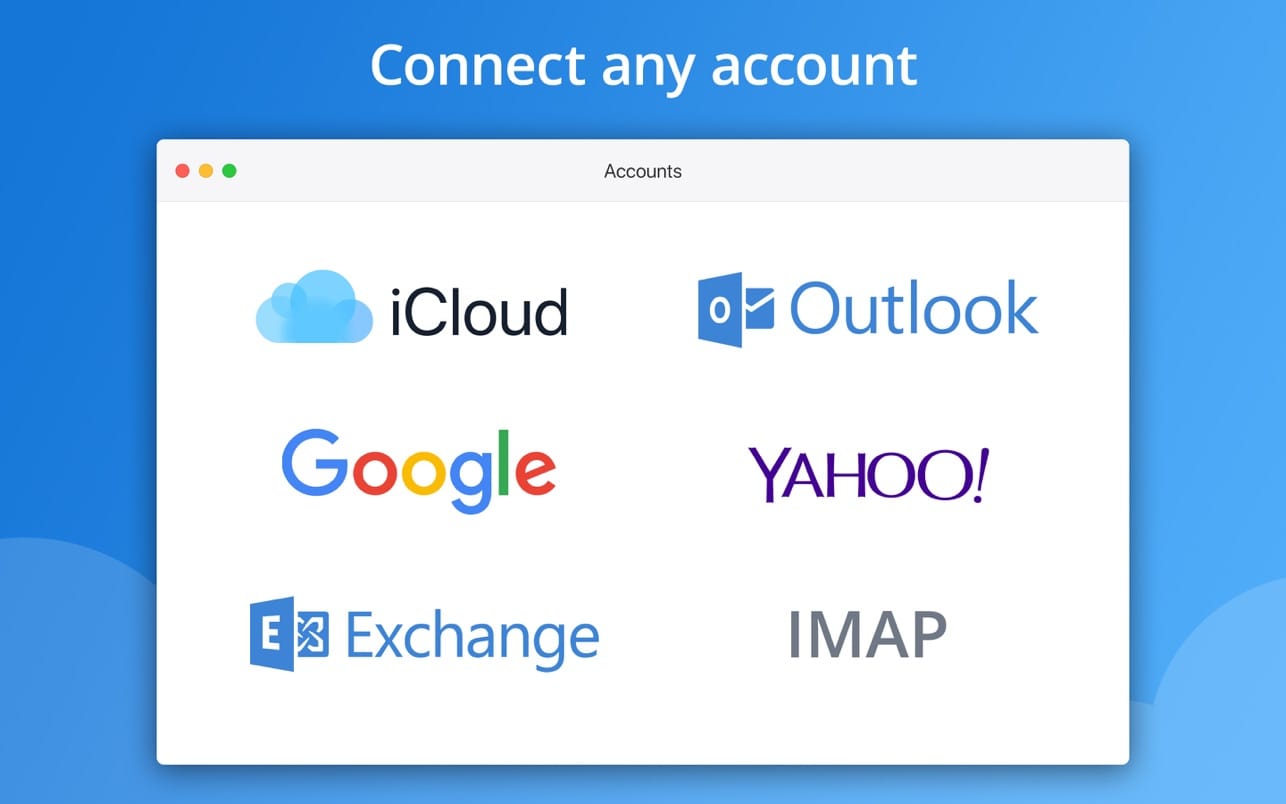
- Like many other email clients, Spark is able to work with any email account, but comes with predefined connection templates for Google, Yahoo, Microsoft Exchange, Outlook, and iCloud.
- Right off the bat, Spark will sort your inbox entries into Personal, Notifications, and Newsletter groups by using the Smart Inbox function. However, Spark will also preserve all the folders previously associated with your account.
- Worth mentioning is that Spark integrates a snoozing function, which means that you can choose to deal with a certain email at a later time.
- Of course, you can browse through all the emails by using the various folders, but Spark also integrates a search tool that enables you to look for entries by using a natural language.
Filter the received messages and get notifications only for the important emails
- Thanks to the way in which Spark helps you categorize messages, you get to easily mark the emails that require your immediate attention. The app learns your preferences regardless of the actual categories (with the correct configuration, you can receive alerts about a newsletter).
- The email client integrates with the operating system to send alerts through the Notification Center. At the same time, Spark comes with a counter badge so you can easily see how many unread messages you have in your inboxes.
Versatile email client that enables you to personalize your experience
- Spark comes with all the usual customization options, such as the possibility to create custom signatures, but also integrates personalization tools for the more unusual functions.
- You get to control how the Smart Inbox works, modify the Snooze default configuration, setup quick response templates, and so on.
- Bottom line, Spark delivers a beautiful workspace where you get to interact with multiple email accounts, while also packing time-efficient tools that can help you go through all the messages in your inbox, so you will never miss the truly important emails.
Version 3.25.1
- This is just a minor improvement release.
Frequently asked questions
How do I install the app?
Mount the image, drag the app into the "Applications" folder and launch it. If the system blocks the launch, allow it in "System Settings → Privacy & Security".
The app is damaged or won't launch
Reinstalling from a fresh image usually helps. Make sure your macOS version matches the one listed in the compatibility specs.
How do I update?
Download the new version from the site and install it over the current one — your settings will be preserved.
The download link doesn't work
Try a mirror or a download manager. For large files the browser often drops the connection.
How do I completely remove the app?
Use an uninstaller utility — it cleans up the service files that remain after moving the app to the trash.


Choose a download source
Spark Desktop 3.25.1 · 284.68 MB