
Easy Translator 15.0.0
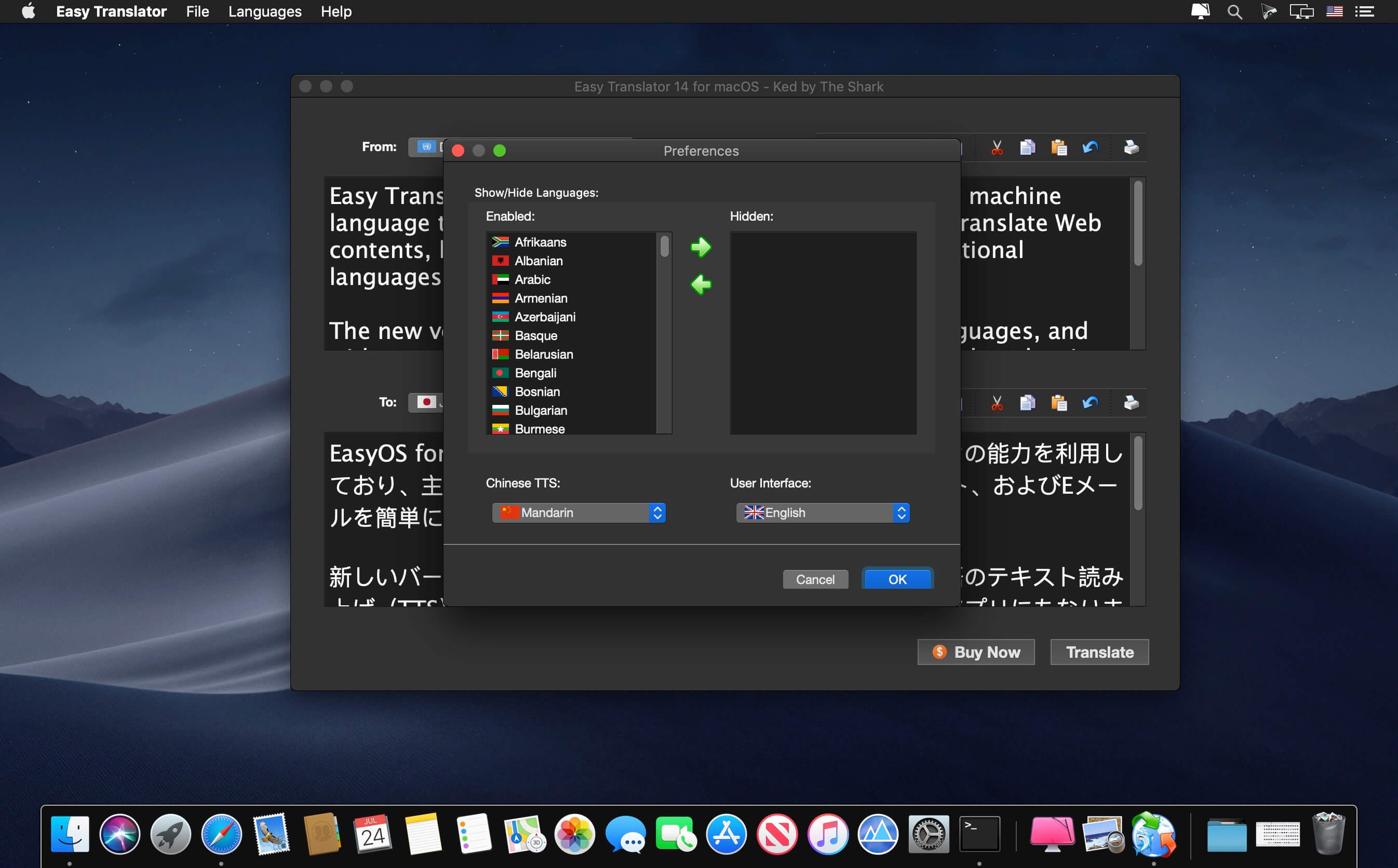

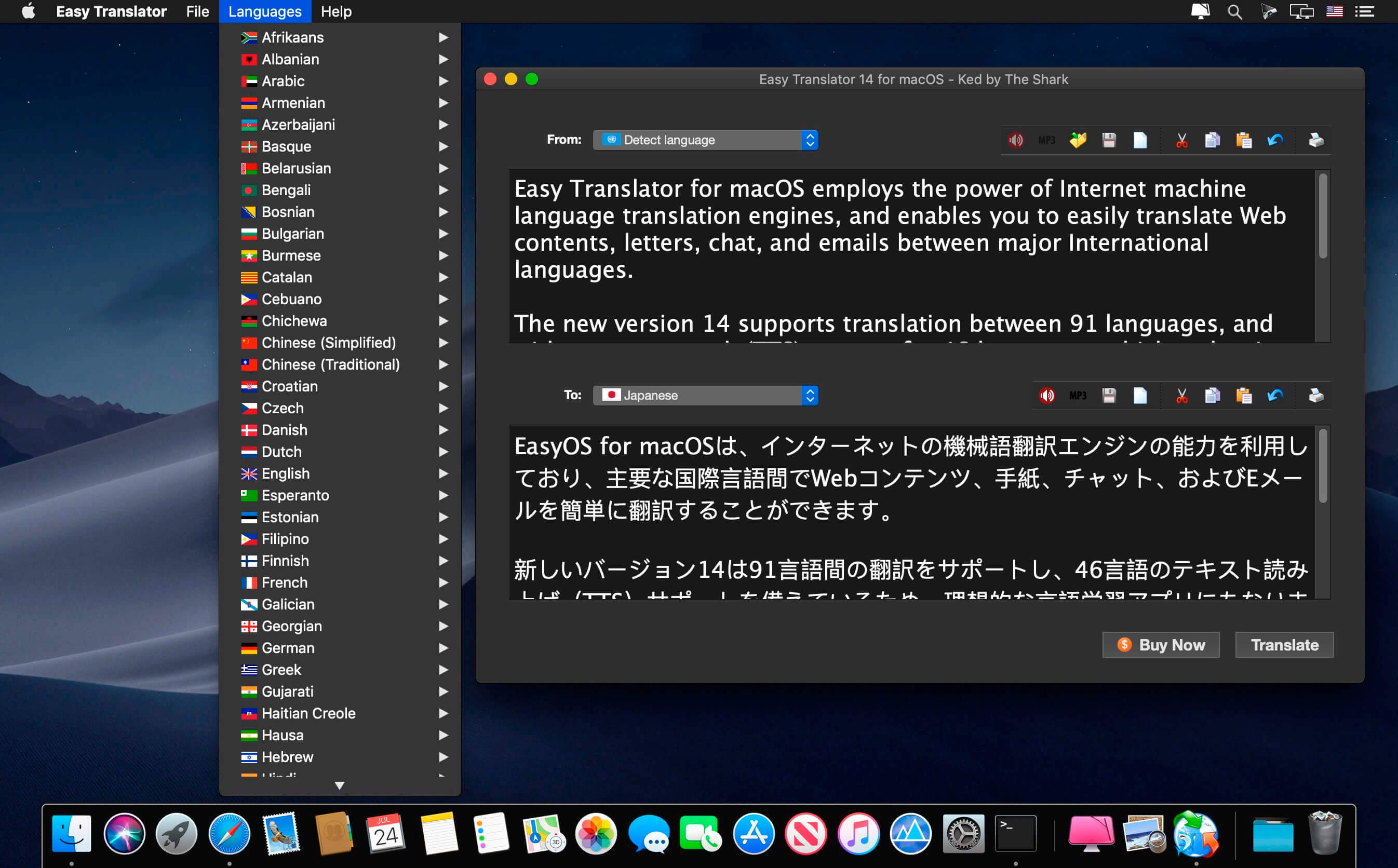
Easy Translator for macOS employs the power of Internet machine language translation engines, and enables you to easily translate Web contents, letters, chat, and emails between major International languages.
The new version 14 supports translation between 91 languages, and with text-to-speech (TTS) support for 46 languages, which makes it an ideal language learning app as well. For the Chinese language, Easy Translator now supports two spoken dialects: Mandarin and Cantonese.
This translation software can also convert text to MP3 audio files so that you can listen to the audio in your favorite music player.
Easy Translator supports translations between the following 91 languages:
English, French, German, Dutch, Spanish, Portuguese, Italian, Afrikaans, Albanian, Arabic, Armenian, Azerbaijani, Basque, Belarusian, Bengali, Bosnian, Bulgarian, Catalan, Cebuano, Chichewa, Chinese (Simplified), Chinese (Traditional), Croatian, Czech, Danish, Esperanto, Estonian, Filipino, Finnish, Galician, Georgian, Greek, Gujarati, Haitian Creole, Hausa, Hebrew, Hindi, Hmong, Hungarian, Icelandic, Igbo, Indonesian, Irish, Japanese, Javanese, Kannada, Kazakh, Khmer, Korean, Lao, Latin, Latvian, Lithuanian, Macedonian, Malagasy, Malay, Malayalam, Maltese, Maori, Marathi, Mongolian, Myanmar (Burmese), Nepali, Norwegian, Persian, Polish, Punjabi, Romanian, Russian, Serbian, Sesotho, Sinhala, Slovak, Slovenian, Somali, Sundanese, Swahili, Swedish, Tajik, Tamil, Telugu, Thai, Turkish, Ukrainian, Urdu, Uzbek, Vietnamese, Welsh, Yiddish, Yoruba, and Zulu.
Version 15.0.0:
- Release notes were unavailable when this listing was updated.
Frequently asked questions
How do I install the app?
Mount the image, drag the app into the "Applications" folder and launch it. If the system blocks the launch, allow it in "System Settings → Privacy & Security".
The app is damaged or won't launch
Reinstalling from a fresh image usually helps. Make sure your macOS version matches the one listed in the compatibility specs.
How do I update?
Download the new version from the site and install it over the current one — your settings will be preserved.
The download link doesn't work
Try a mirror or a download manager. For large files the browser often drops the connection.
How do I completely remove the app?
Use an uninstaller utility — it cleans up the service files that remain after moving the app to the trash.
VersionEasy Translator 15.0.0
DeveloperAce Tools
CompatibilitymacOS 10.12 or later, 64-bit processor
LanguageMultilangual
IncludesK'ed by The Shark



Information
Visitors in the group Guests cannot leave comments on this publication.
Choose a download source
Easy Translator 15.0.0 · 11.2 MB
Previous versions
Easy Translator 15.0.0
Previous versions are available to registered users.