
iTaskX 3.0.5
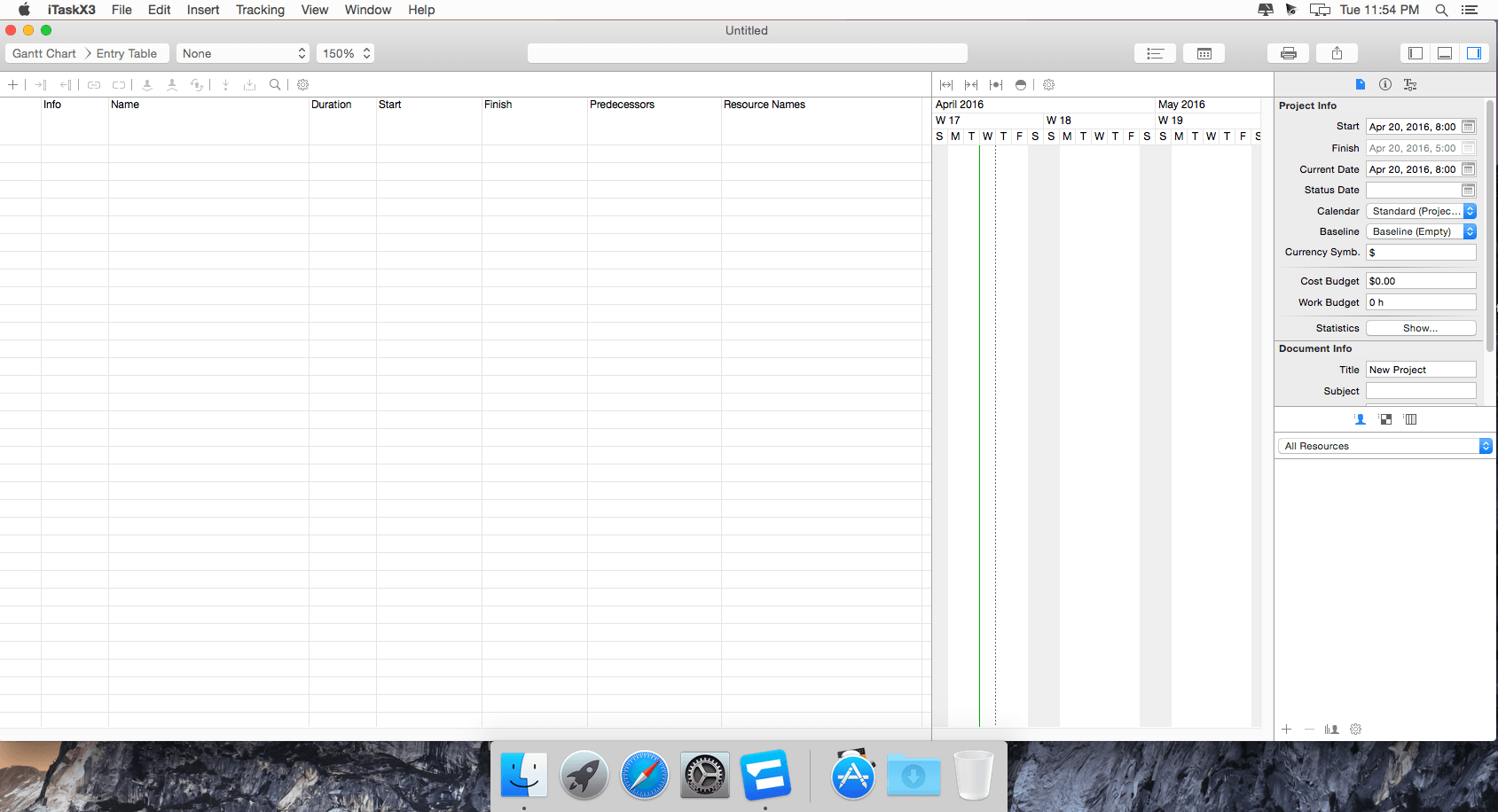
iTaskX3 is a full-featured, MS Project-compatible project-management tool for OS X. It gives you all the tools that sharpens the big picture or rich details about your project without heavy overload or complexity. Effortlessly capture dates and costs, assign, import, or evaluate resources, vary calendars, anticipate slack time or personalize its look, feel, and functionality. iTaskX is the perfect tool for project managers, architects, business analysts and project contributors from any industry. And work effortlessly with people who use Microsoft Project. Exchange data through standard file formats like XML, MPP, CVS or ICS, or saving any view as a PDF, JPG, EPS, PNG or TIF - iTaskX provides unmatched compatibility with Microsoft Project, Excel, Word, Numbers, Pages, Calendar....
iTaskX supports over 300 functions. And it's built with sophisticated tools that make using them way simpler than you'd think. With a few clicks, iTaskX helps you answer questions like:
- What is to be done?
- Who will complete the task?
- When must it be done?
- How much will it cost?
- What happens if work isn't completed on time?
WHAT’S NEW
Version 3.0.5
- Improved the input of dates and times (typing a punctuation character moves the caret to the next date-part)
- Addresses problems with Microsoft Project files
- Improved the input of multi-line text in tables
- Changing tables does not scroll the view to top anymore
- Resolves an issue where typing was very slow when styles with shadows are used
- Resolves an issue while calculating progress of tasks without assignments
- Additional bug fixes
- Stability and performance improvements
Screenshots

Frequently asked questions
How do I install the app?
Mount the image, drag the app into the "Applications" folder and launch it. If the system blocks the launch, allow it in "System Settings → Privacy & Security".
The app is damaged or won't launch
Reinstalling from a fresh image usually helps. Make sure your macOS version matches the one listed in the compatibility specs.
How do I update?
Download the new version from the site and install it over the current one — your settings will be preserved.
The download link doesn't work
Try a mirror or a download manager. For large files the browser often drops the connection.
How do I completely remove the app?
Use an uninstaller utility — it cleans up the service files that remain after moving the app to the trash.
VersioniTaskX 3.0.5
DeveloperTechnoGrafik
CompatibilityOS X 10.10 or later, 64-bit processor
LanguageEnglish
IncludesPre-K'ed





Information
Visitors in the group Guests cannot leave comments on this publication.
Choose a download source
iTaskX 3.0.5 · 24.64 MB