
QuickBooks 2024 v23.1.10 R11.1
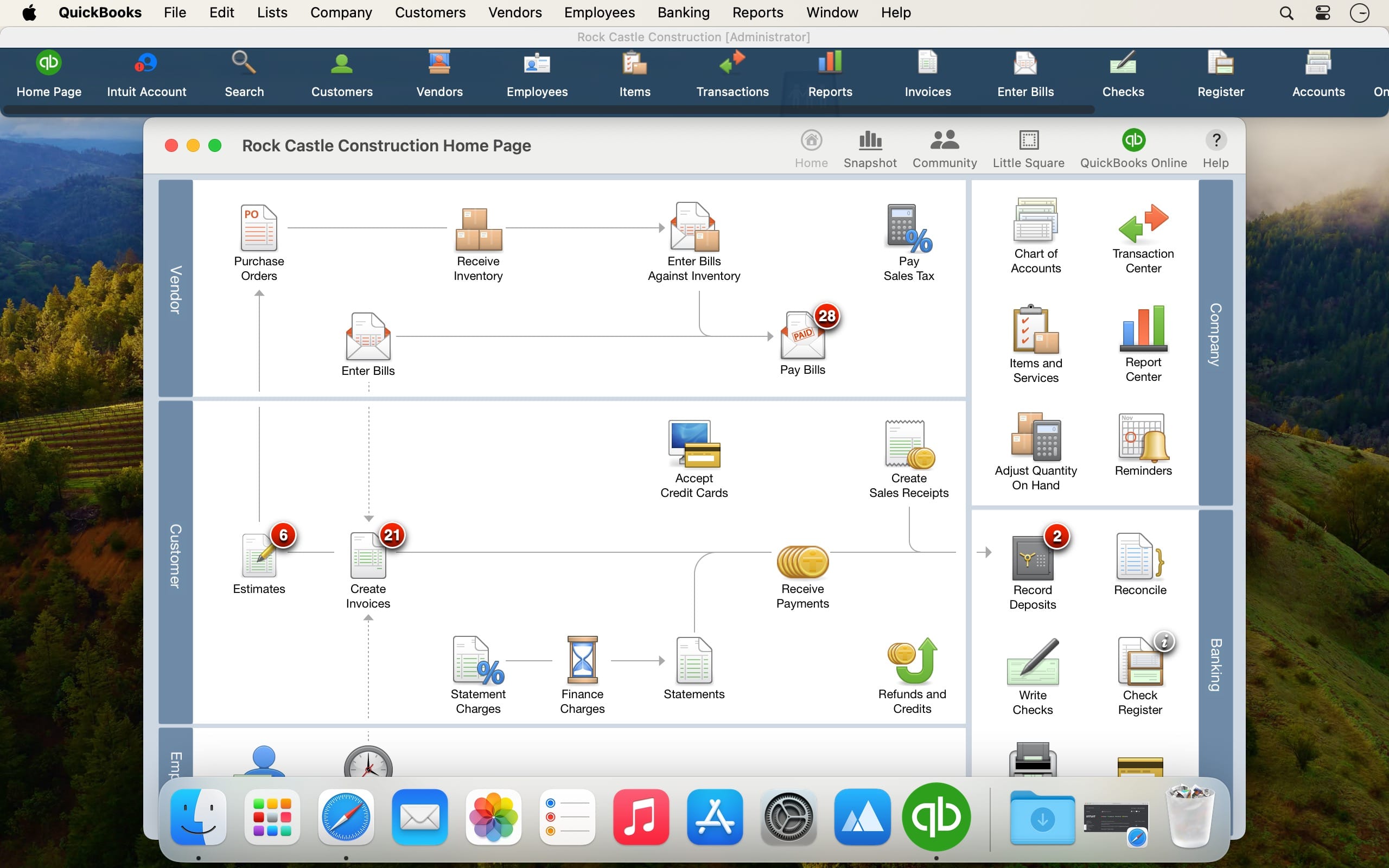
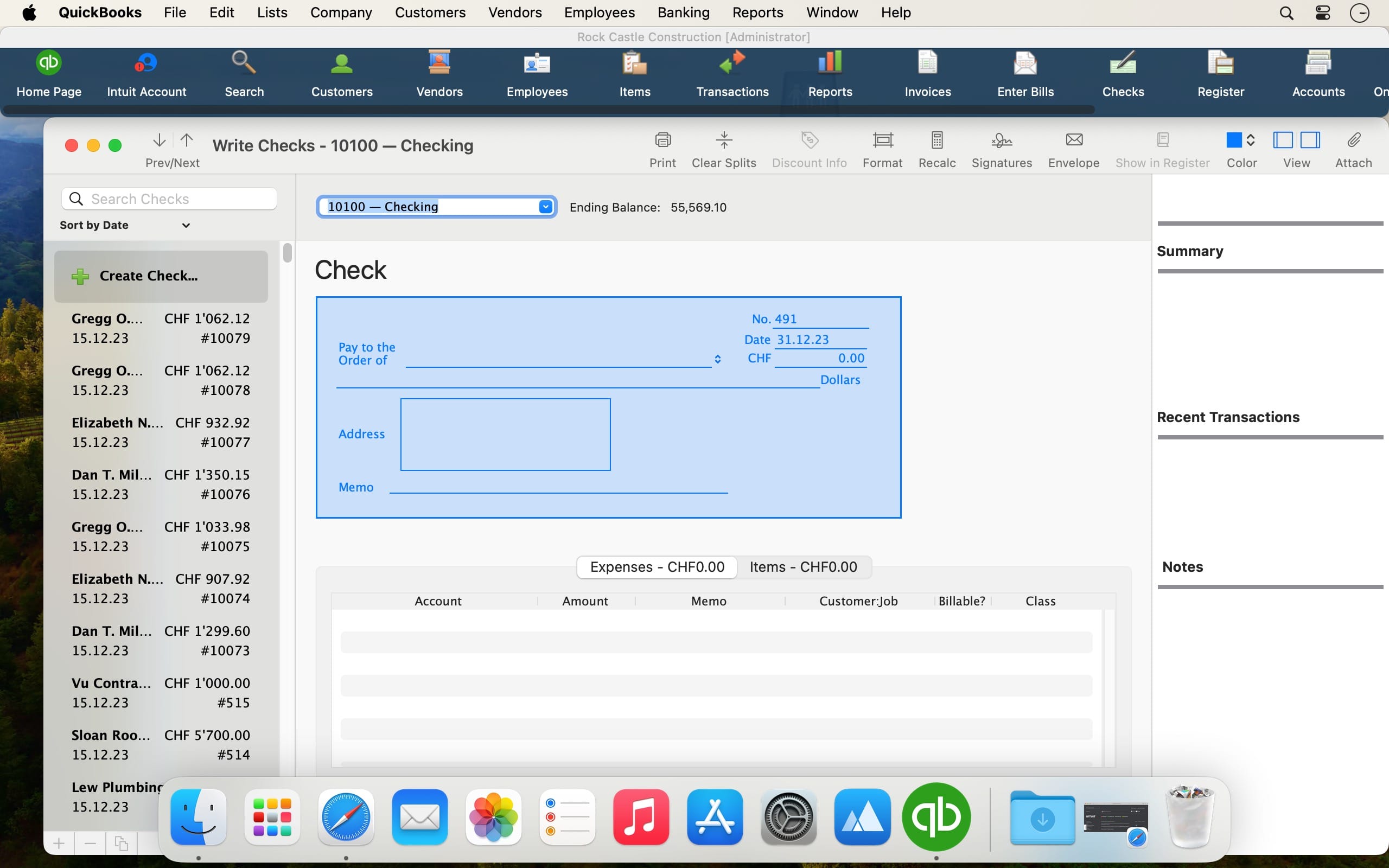
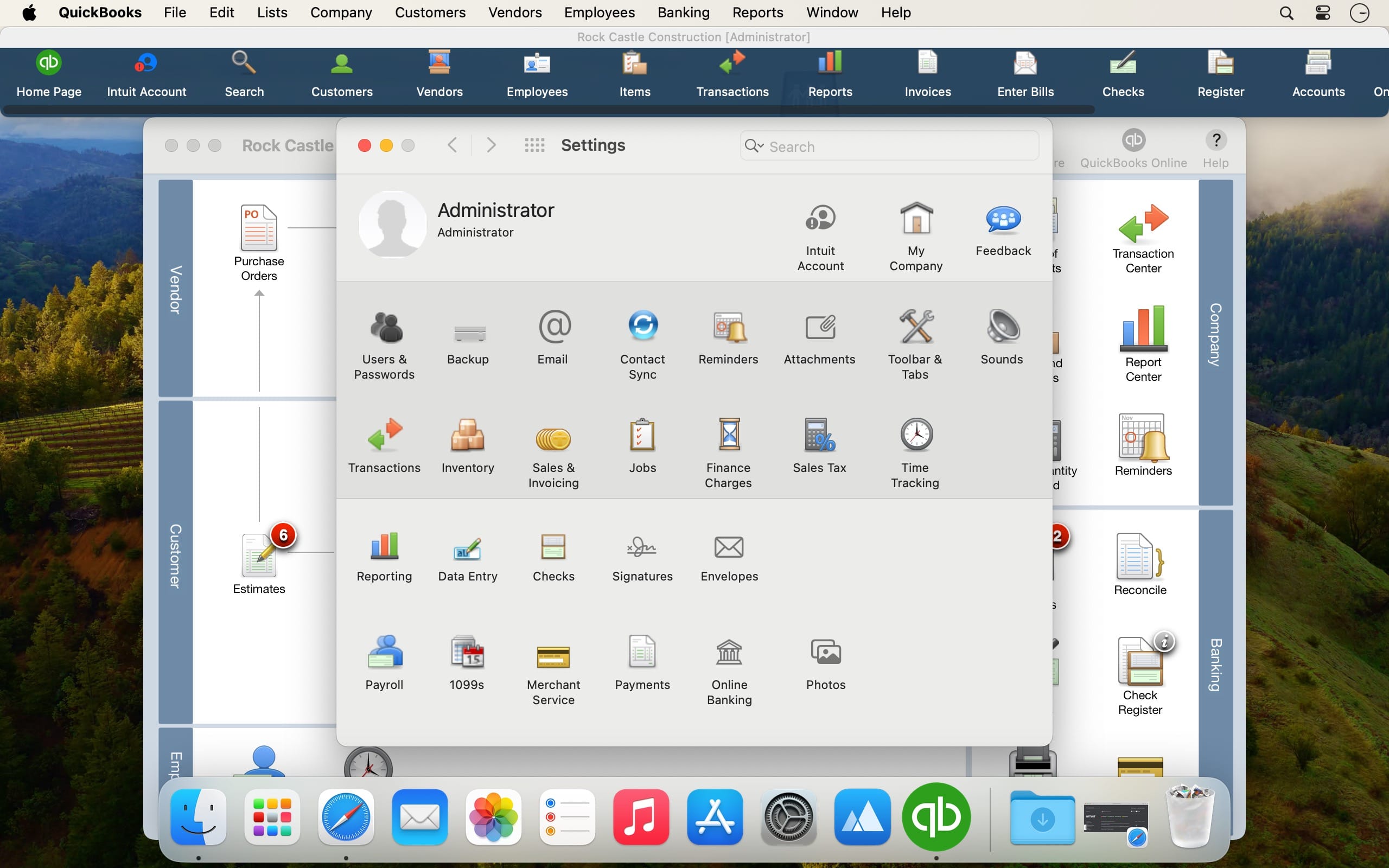
QuickBooks is a full-featured and streamlined macOS accounting application that enables you to handle your finances, pay your employees and generate professional invoices with just a few mouse clicks.
With the help of the QuickBooks utility, you will be able to save time and become more productive thanks to the long list of features and advanced financial tracking and management tools available from within its well-designed and user-friendly interface.
What’s more, you can also use QuickBooks for creating and developing your own business plan that can help you apply for loans or financing a lot easier and with more confidence.
QuickBooks’ Accounts Summary feature helps you track your payments and deposits, while visualizing your economic progress on an easy-to-read chart.
Moreover, the QuickBooks app enables you to closely monitor your working hours and the time spend for various tasks and appointments via the bundled Time Tracking tool.
You can employ QuickBooks for effortlessly writing your own checks and ordering supplies, for making deposits, for transferring funds and for rapidly download transactions onto your Mac.
As an added bonus, QuickBooks allows you to generate your own custom summary and transaction reports and, subsequently, view the history and journal of all your transactions by accessing the Reports menu.
On top of all that, QuickBooks’ cloud services integration makes it possible you to work from home or by using an iOS or Android device and accessing your Quickbooks data from any remote location.
QuickBooks is also designed with Calendar integration in mind for day to day management and tracking of transaction relating to various events in your task log.
Also worth mentioning is that QuickBooks allows you to import data from Apple’s Contacts application and, thus, will help you keep all your contact information up to speed.
Version 23.1.10 R11.1:
- Release notes were unavailable when this listing was updated.
Frequently asked questions
How do I install the app?
Mount the image, drag the app into the "Applications" folder and launch it. If the system blocks the launch, allow it in "System Settings → Privacy & Security".
The app is damaged or won't launch
Reinstalling from a fresh image usually helps. Make sure your macOS version matches the one listed in the compatibility specs.
How do I update?
Download the new version from the site and install it over the current one — your settings will be preserved.
The download link doesn't work
Try a mirror or a download manager. For large files the browser often drops the connection.
How do I completely remove the app?
Use an uninstaller utility — it cleans up the service files that remain after moving the app to the trash.



Choose a download source
QuickBooks 2024 v23.1.10 R11.1 · 168.95 MB
Previous versions
QuickBooks 2024 v23.1.10 R11.1
Previous versions are available to registered users.