Hit'n'Mix RipX DAW PRO 8.0.3
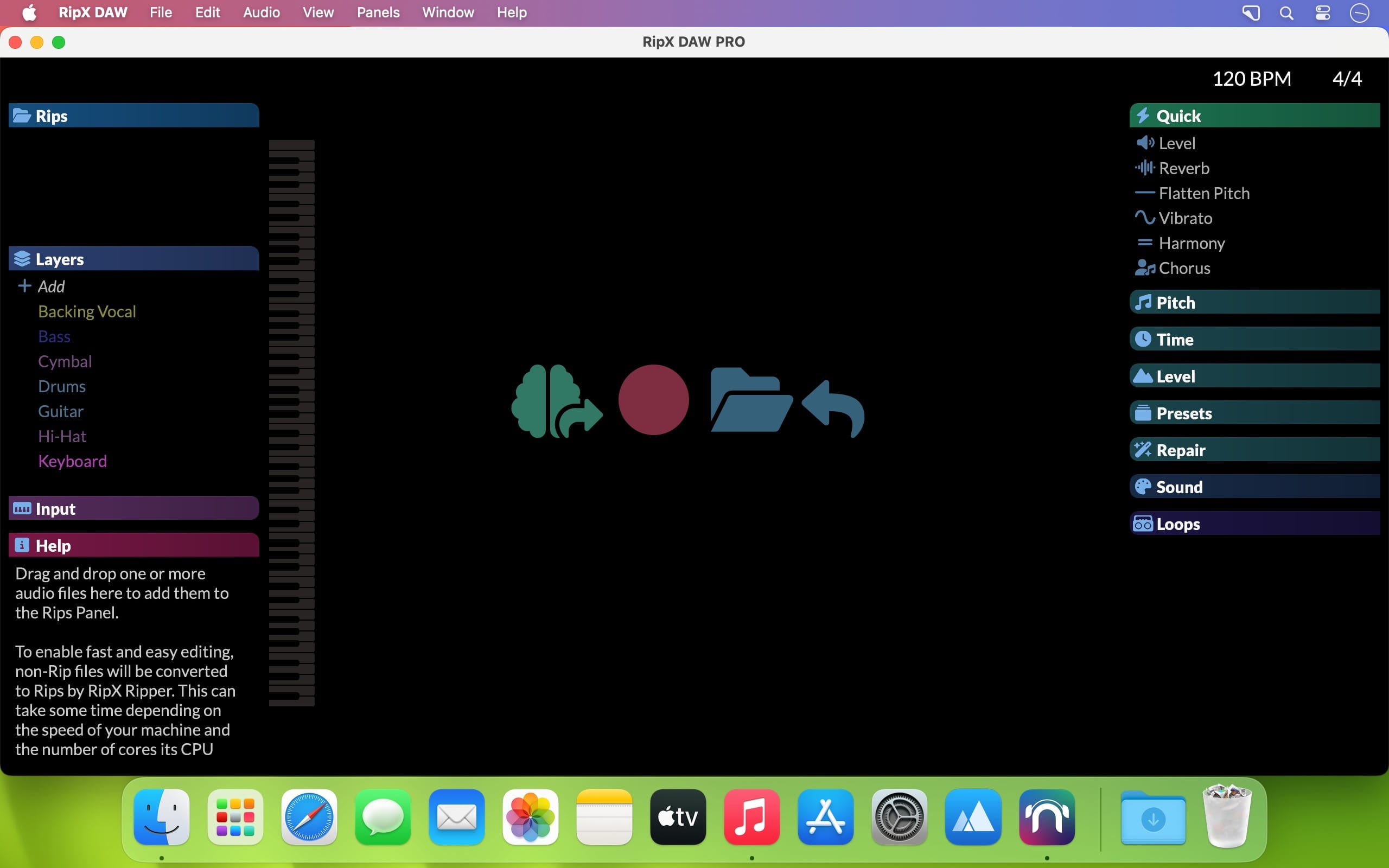
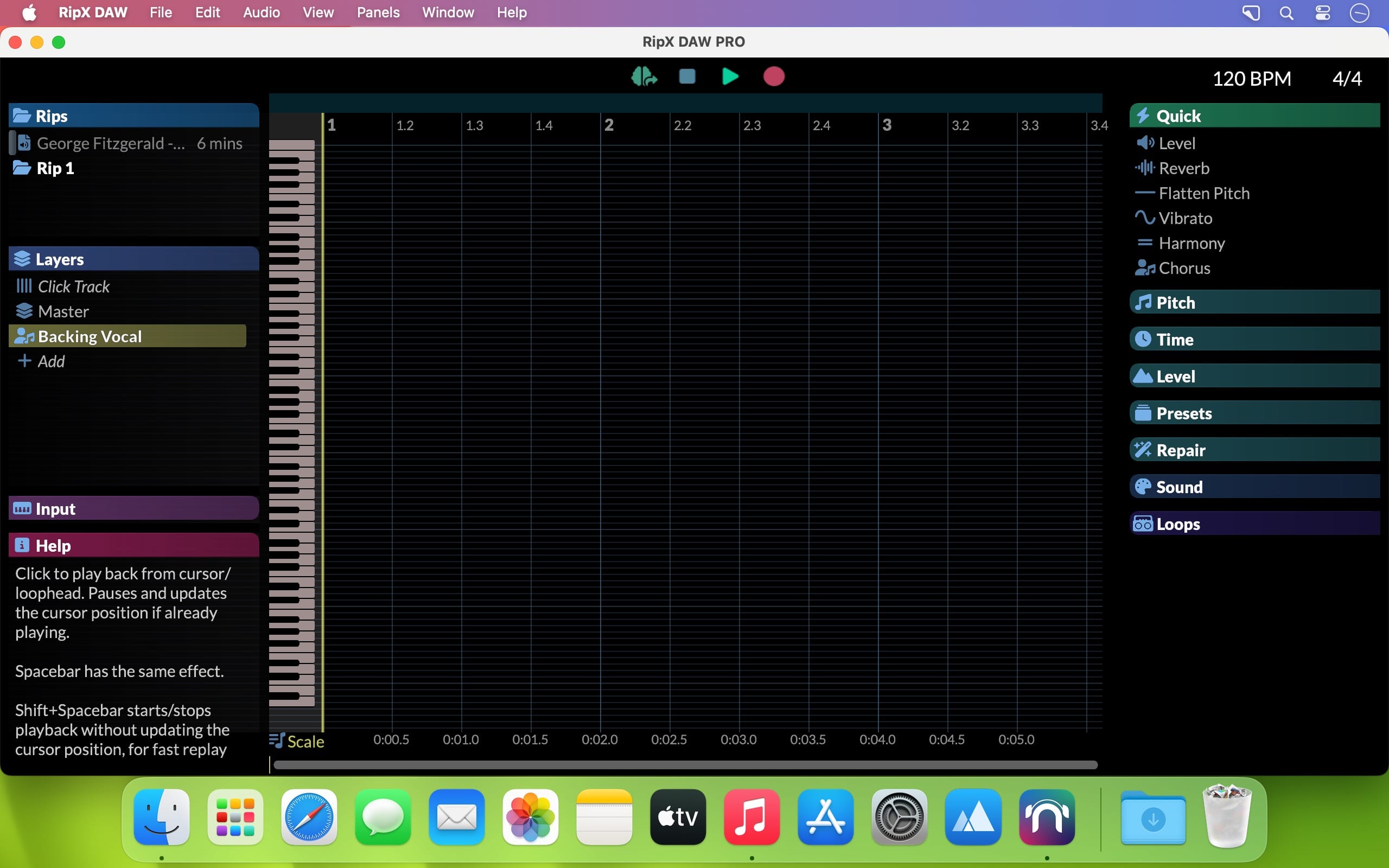
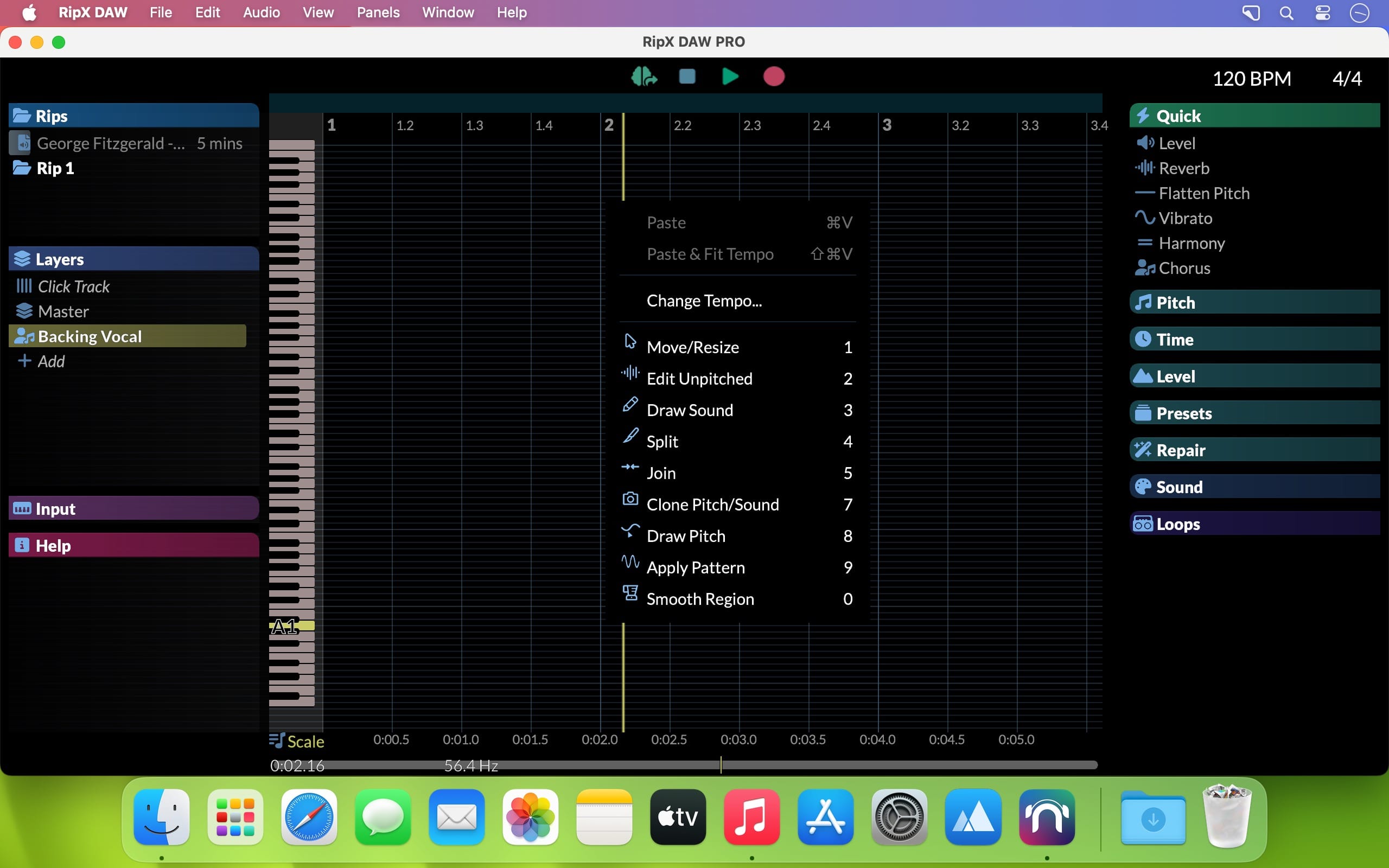
RipX DAW PRO adds the award-winning Audioshop tools and Harmonic Editor for the most precise audio editing available to create an AI DAW with unlimited capabilities. Two further panels are also included: Repair for quickly cleaning up audio non-destructively; and RipScripts for writing custom tools.
RipX DAW PRO comes with all of the features of the RipX AI DAW, and then adds advanced stem clean-up and audio manipulation tools to the workflow so you can create the highest quality extracted audio, and tweak / create sound at unprecedented levels of detail. Think of it like a built-in Izotope RX suite.
RipX DAW PRO adds the following features and much more
- Award-winning Audioshop® tools for fixing and cleaning up recordings quickly and easily
- Unpitched audio editor for cleaning up noise separately from pitched sounds
- The powerful and unique Harmonic Editor for the ultimate in sound editing
- RipScript scripting language for building and customizing your own tools
Experience unprecedented control over notes, harmonics and unpitched sound, all in a powerful and easy-to-use click & drag interface.
Audioshop® Sound Manipulation Tools
- Powerfully & quickly adjust pitch, time-stretch, copy and paste individual or groups of notes, sibilants and unpitched sounds.
- Edit Unpitched tool displays all unpitched sound spread over the entire Rip, from its top to its bottom. Click & drag to select a region of unpitched sound and edit it.
- Draw notes, drums and samples onto your rip with the Draw Sound tool.
- Use the Split tool to cut notes into sections for further editing.
- Piece together notes so you can edit as one, with the Join tool.
- Clone characteristics such as pitch variation (e.g. vibrato), sound (timbre with volume) & panning from one note to another, for example to duplicate a real instrumentalist’s playing style, with the Clone tool.
- Make fine pitch adjustments and slides simply by clicking and dragging, with the Draw Pitch tool.
- Add fluctuations in pitch, formant, volume, and panning to notes, using the Apply Pattern tool.
- Blend together the pitch, formant, timbre, volume and/or stereo panning of notes by clicking & dragging over them, with the Smooth Region tool.
Harmonic Editor
This is no basic spectrum editor – these are the actual harmonics that describe the sound of a note, and Harmonic Editor allows complete control over them.
Perfect for removing noise, adjusting timbre and creating interesting new sounds.
Clean & Repair Audio
Live audio repair and clean-up features for removing background noise, limiting foreground artifacts, reducing tones & hum, and purifying pitched and unpitched sounds.
Adjust overtone levels in notes and even regenerate fundamental harmonics, to bring back bass presence in vocals and instruments, lost during mixing & mastering.
Version 8.0.3:
- Release notes were unavailable when this listing was updated.
Frequently asked questions
How do I install the app?
Mount the image, drag the app into the "Applications" folder and launch it. If the system blocks the launch, allow it in "System Settings → Privacy & Security".
The app is damaged or won't launch
Reinstalling from a fresh image usually helps. Make sure your macOS version matches the one listed in the compatibility specs.
How do I update?
Download the new version from the site and install it over the current one — your settings will be preserved.
The download link doesn't work
Try a mirror or a download manager. For large files the browser often drops the connection.
How do I completely remove the app?
Use an uninstaller utility — it cleans up the service files that remain after moving the app to the trash.
Related posts
-
 iZotope - Ozone Advanced 7.01
Music & Audio900.97 MB
iZotope - Ozone Advanced 7.01
Music & Audio900.97 MB
-
 Magix Sound Forge Pro Mac 3 v3.0.0.100
Music & Audio51.71 MB
Magix Sound Forge Pro Mac 3 v3.0.0.100
Music & Audio51.71 MB
-
 iZotope RX 8 Audio Editor Advanced v8.1.0
Music & Audio1.61 GB
iZotope RX 8 Audio Editor Advanced v8.1.0
Music & Audio1.61 GB
-
 iZotope RX 10 Audio Editor Advanced v10.5.0
Music & Audio1.87 GB
iZotope RX 10 Audio Editor Advanced v10.5.0
Music & Audio1.87 GB
-
 Acon Digital Acoustica Premium Edition 7.4.14
Utilities1.07 GB
Acon Digital Acoustica Premium Edition 7.4.14
Utilities1.07 GB
Choose a download source
Hit'n'Mix RipX DAW PRO 8.0.3 · 1.48 GB
Previous versions
Hit'n'Mix RipX DAW PRO 8.0.3
Previous versions are available to registered users.