iZotope RX 10 Audio Editor Advanced v10.5.0
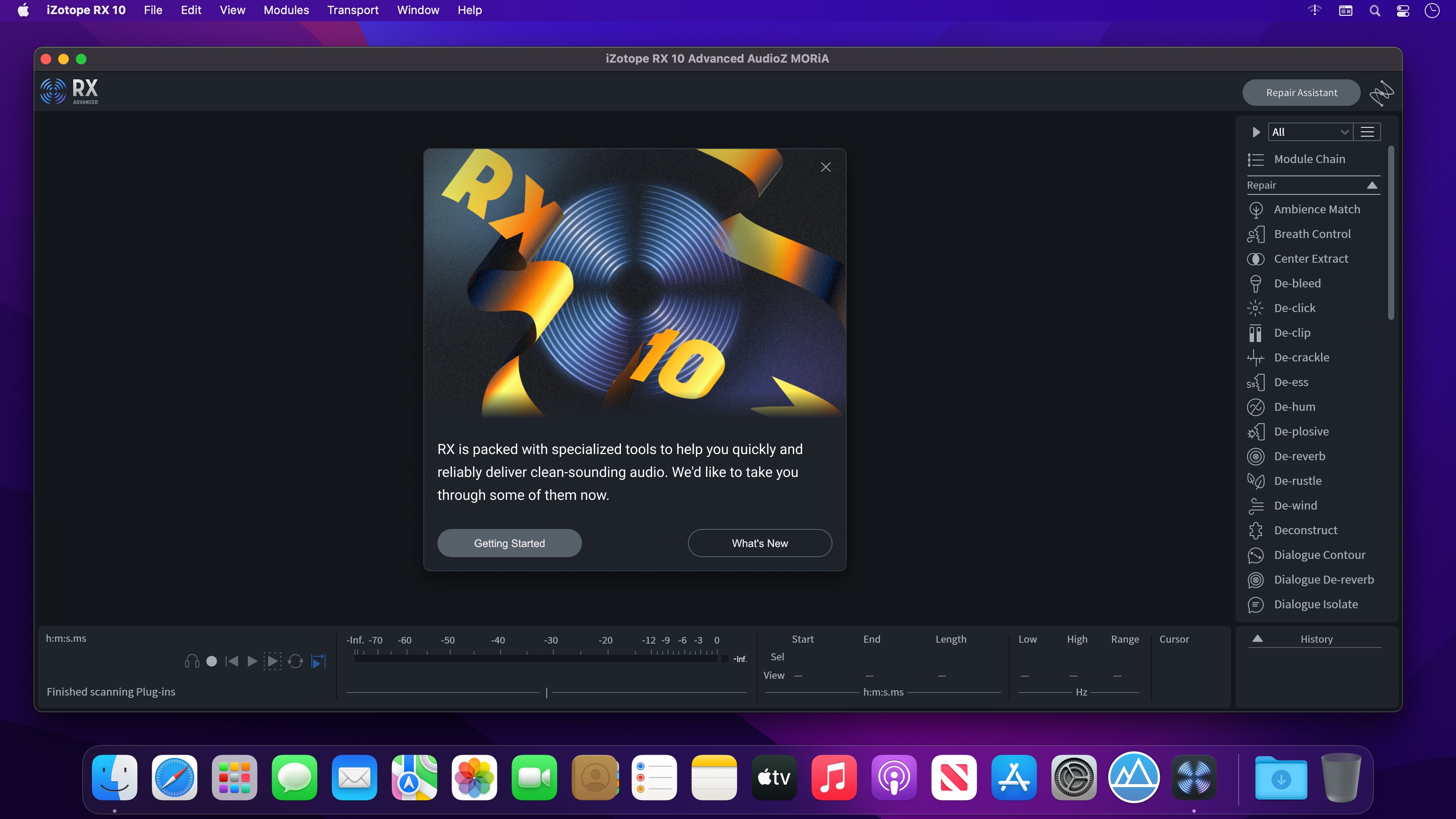
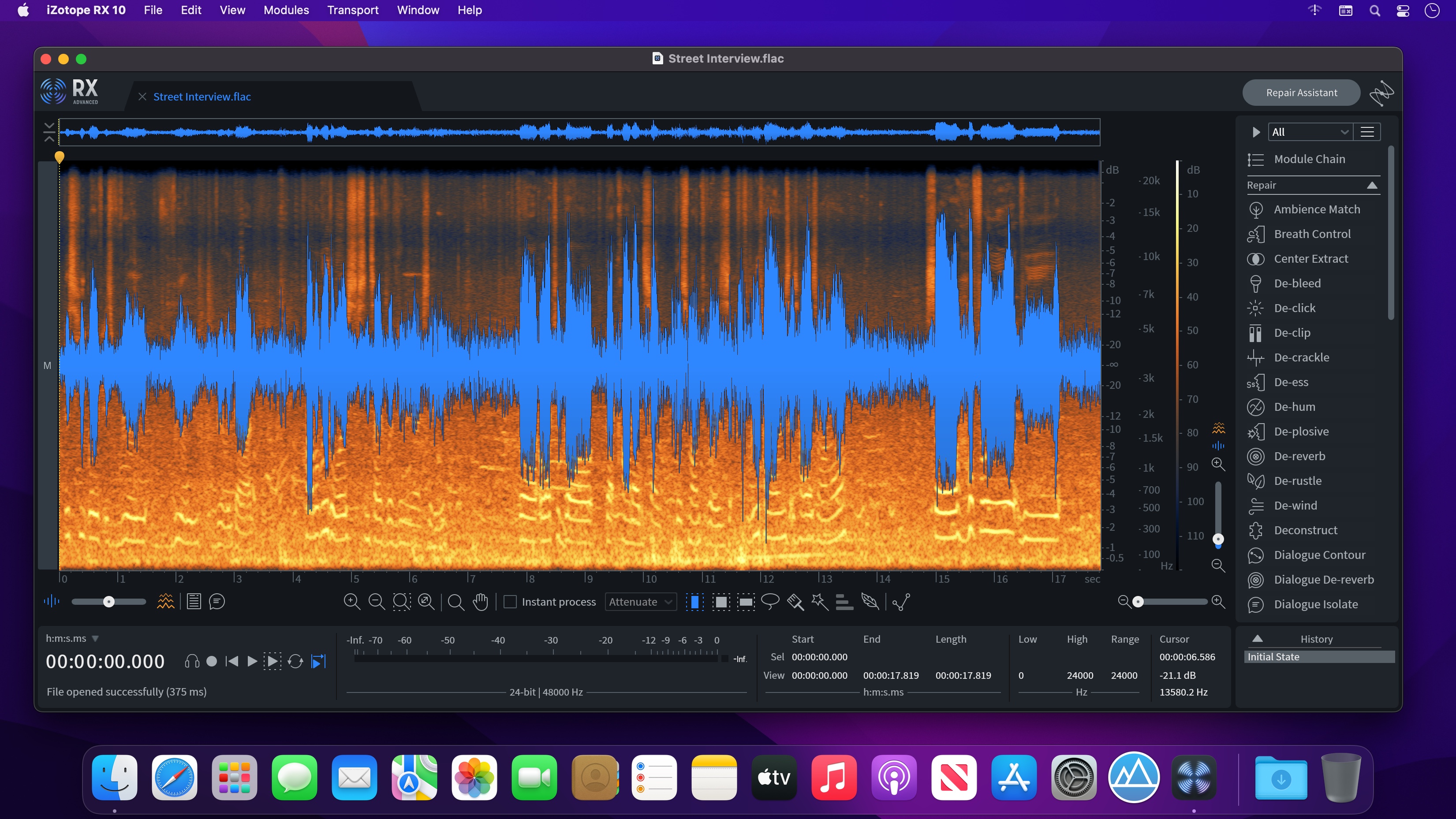
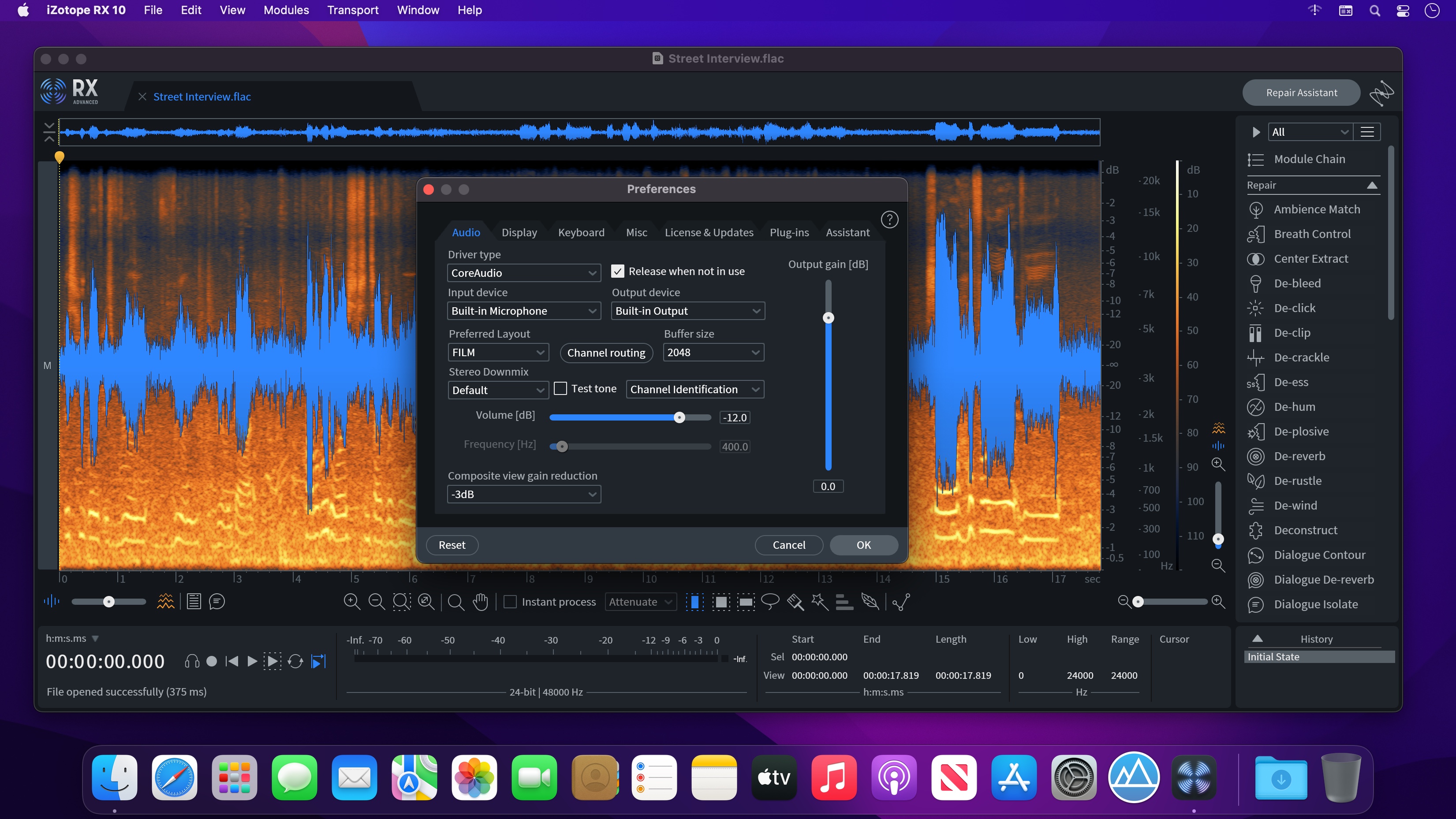
Trusted by top post production engineers to quickly and reliably deliver clean audio.
With version 10, we've added new features and functionality to address some of the most common repair problems that exist in today's post projects, making it the definitive choice for audio post production. While there are so many other new features included, here’s a glimpse of the new RX 10 Repair Assistant, which (bonus!) will be available to use directly in your DAW.
Included
- iZRX10AmbienceMatch
- iZRX10BreathControl
- iZRX10Connect
- iZRX10De-click
- iZRX10De-clip
- iZRX10De-crackle
- iZRX10De-ess
- iZRX10De-hum
- iZRX10De-plosive
- iZRX10De-reverb
- iZRX10De-rustle
- iZRX10DialogueIsolate
- iZRX10GuitarDe-noise
- iZRX10Monitor
- iZRX10MouthDe-click
- iZRX10MusicRebalance
- iZRX10MusicRebalanceARA
- iZRX10RepairAssistant
- iZRX10SpectralDe-noise
- iZRX10SpectralEditor
- iZRX10VoiceDe-noise
Version 10.4.0
Plug-in Hosting
- VST3 support is brand new in RX, and we'd love to hear your feedback! Click Help > Give Feedback in the RX Audio Editor to let us know if any plug-ins aren't working.
- For Intel Macs, and Apple Silicon Macs running RX in Rosetta: AU, VST2, & VST3 plug-ins can be hosted.
- For Apple Silicon Macs running RX natively: AU & VST3 plug-ins can be hosted.
- For Windows: VST2 & VST3 plug-ins can be hosted.
Improvements & Updates
- Added support for hosting VST3 plug-ins in RX Audio Editor application
- Added native Apple Silicon support for AAX plug-ins
- Improved performance of rendering selections
- Improved startup time when restoring files with a long transcription
Bug Fixes
- Fixed issues with screen reader support
- Fixed issues with text navigation in composite mode
- Fixed invalid waveforms with resampling
- Fixed a quality regression in Wow & Flutter module
- Fixed issues with Guitar De-noise, Voice De-noise and Spectral De-noise's learn button in Audio Suite
- Fixed Audio Unit automation param registration
- Fixed minor UI issues
Known Issues
- RX docs saved in RX 10.3.0 and newer will not open in previous versions of RX (e.g RX 10.2.0, or RX 9).
Frequently asked questions
How do I install the app?
Mount the image, drag the app into the "Applications" folder and launch it. If the system blocks the launch, allow it in "System Settings → Privacy & Security".
The app is damaged or won't launch
Reinstalling from a fresh image usually helps. Make sure your macOS version matches the one listed in the compatibility specs.
How do I update?
Download the new version from the site and install it over the current one — your settings will be preserved.
The download link doesn't work
Try a mirror or a download manager. For large files the browser often drops the connection.
How do I completely remove the app?
Use an uninstaller utility — it cleans up the service files that remain after moving the app to the trash.


Choose a download source
iZotope RX 10 Audio Editor Advanced v10.5.0 · 1.87 GB
Previous versions
iZotope RX 10 Audio Editor Advanced v10.5.0
Previous versions are available to registered users.