
Adobe Animate 2024 v24.0
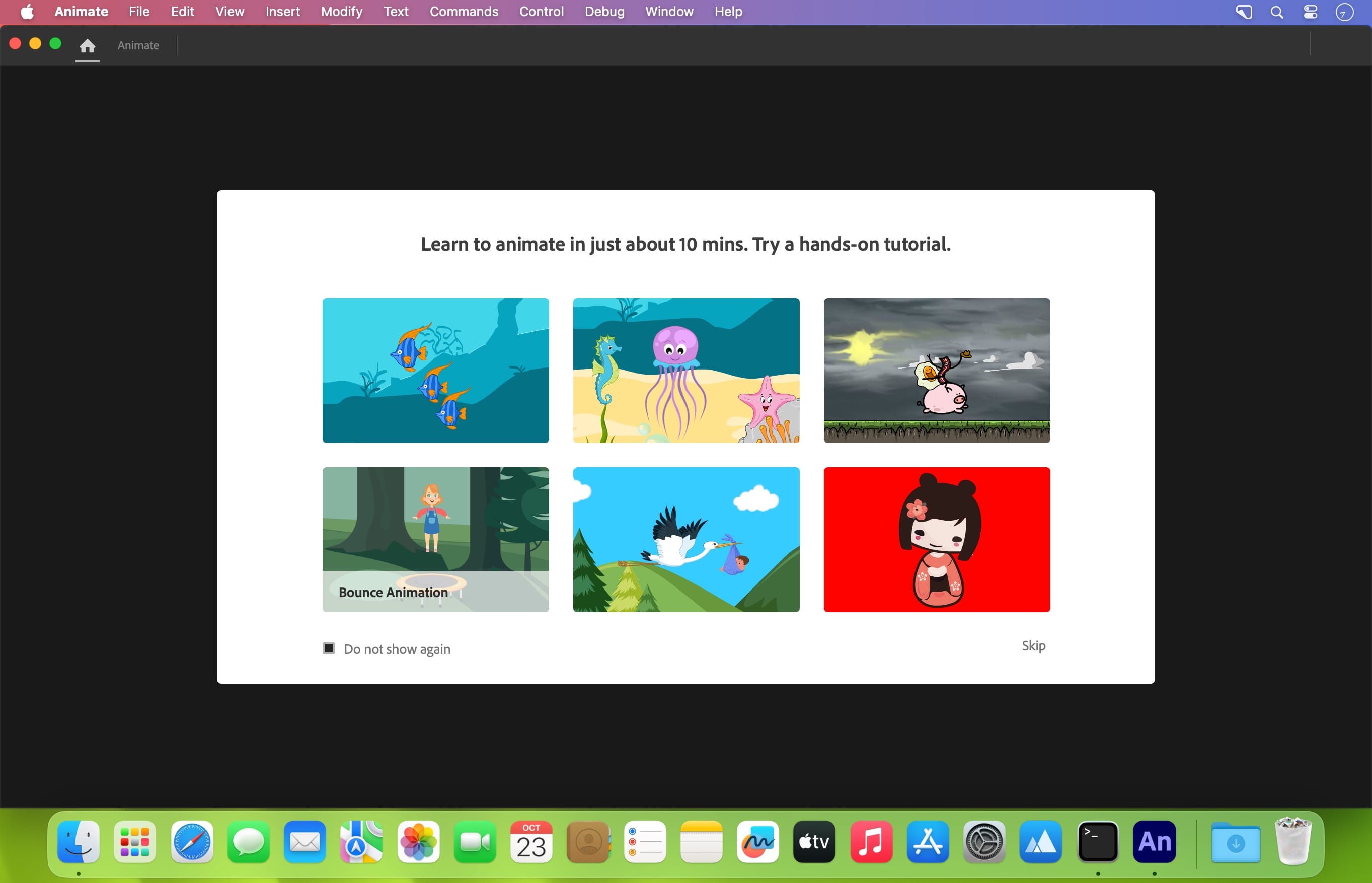
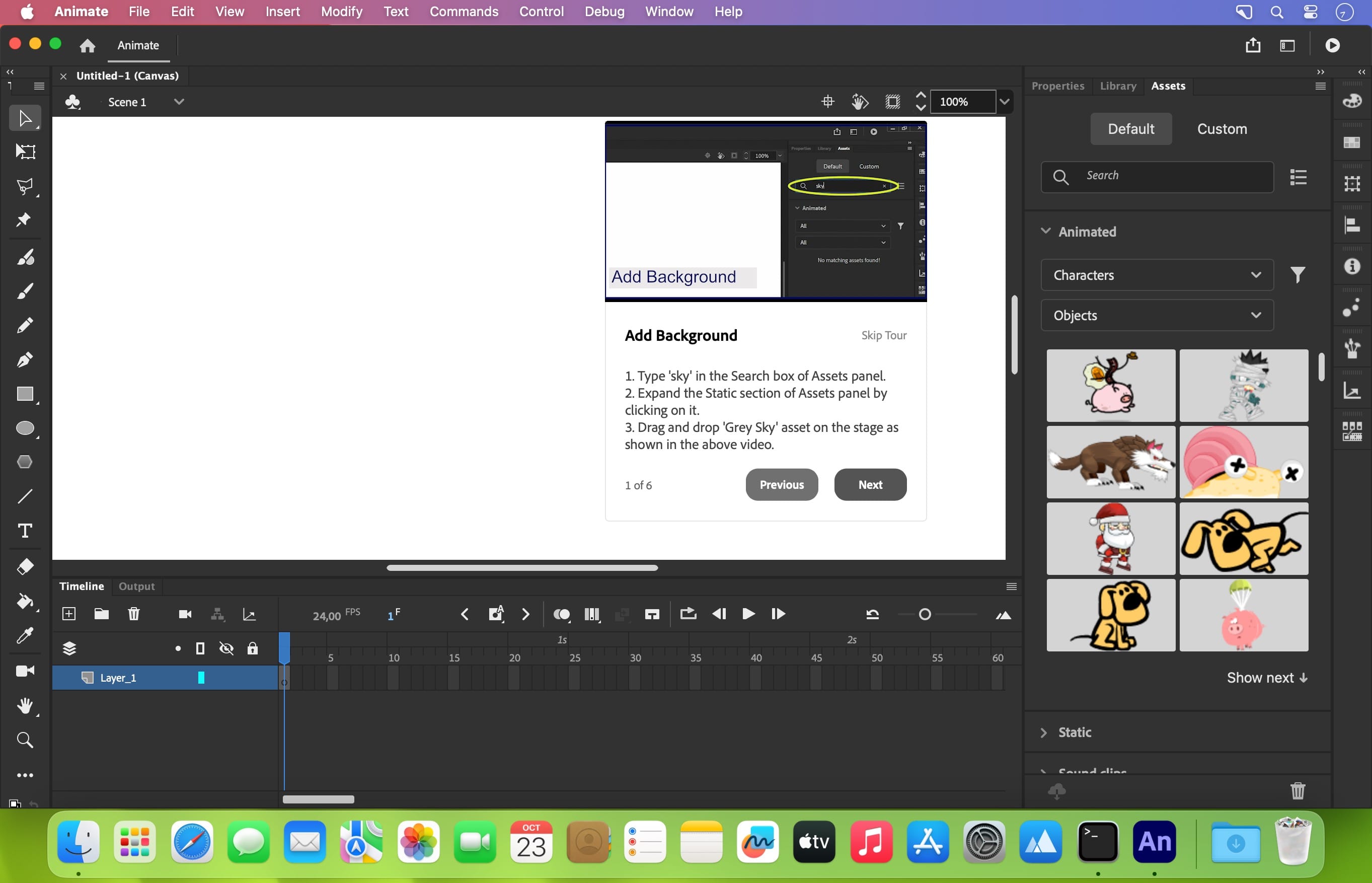
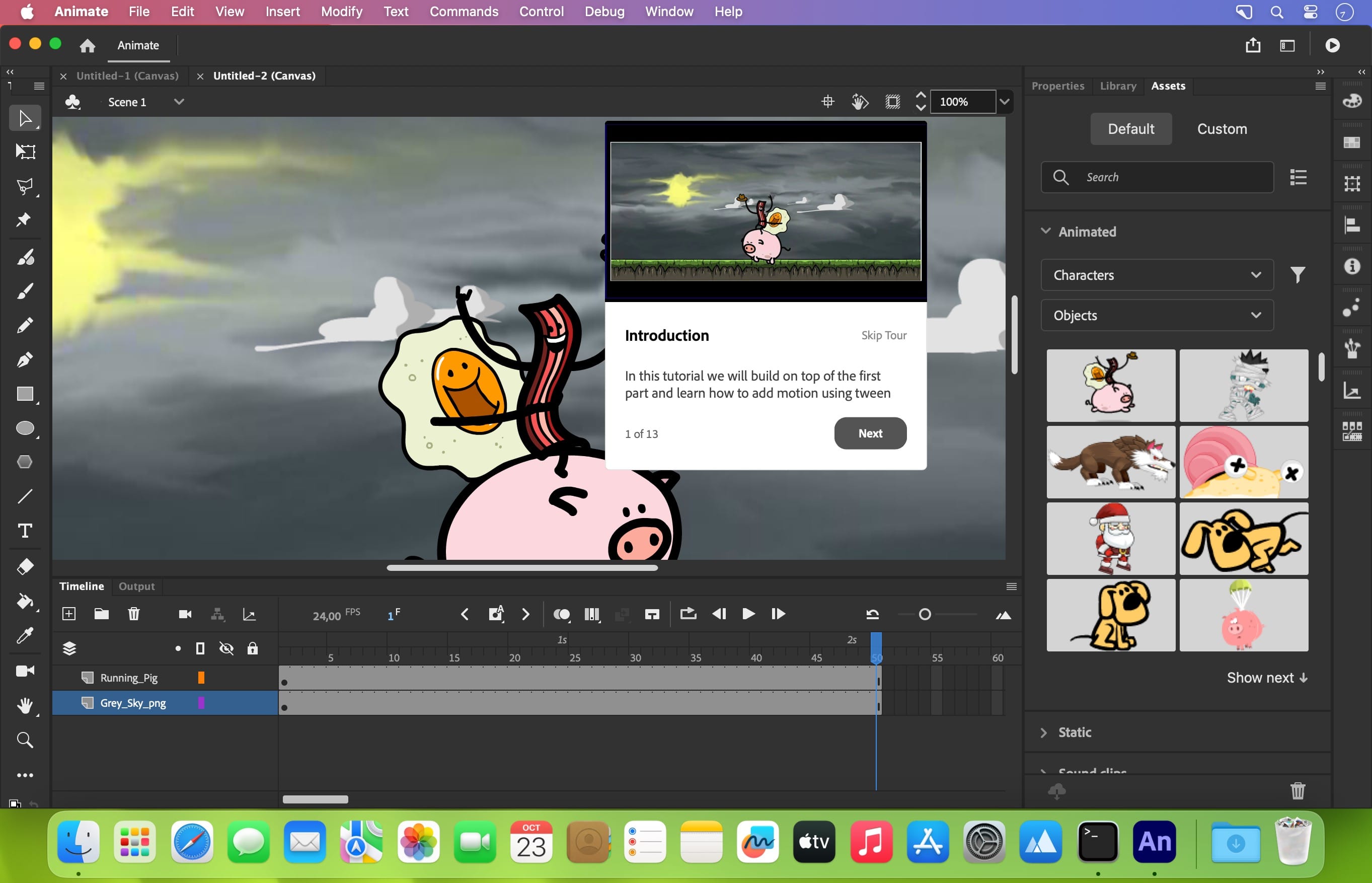
A new age for animation. Design interactive vector and bitmap animations for games, apps, and the web. Bring cartoons and banner ads to life. And add action to tutorials and infographics. With Animate CC, you can quickly publish to multiple platforms and reach viewers on desktop, mobile, and TV.
Animate just about anything.
The industry.s leading animation toolset lets you create apps, ads, and amazing multimedia content that moves across any screen.
Get your game on.
Create interactive web-based content for games and ads using powerful illustration and animation tools. Build game environments, design start screens and interfaces, create interactive player sprites, and even integrate audio. With Animate, you can do all your asset design and coding right inside the app.
Create characters that come alive.
Sketch and draw more expressive characters with pressure- and tilt-sensitive vector brushes that work like the real thing. Make your characters blink, talk, and walk with simple frame-by-frame animation. And create interactive web banners that respond to user interactions such as mouse movement, touch, and clicks.
Publish to any platform.
Reach your audience on desktop, mobile, and TV by exporting your animations to multiple platforms, including HTML5 Canvas, WebGL, Flash/Adobe AIR, and custom platforms like SVG. You can include code right inside your projects and even add actions without having to code.
Asset sculpting
Create new poses for vector or raster content using mesh deformation.
Better layer control
Organize your layers in a parent-child hierarchy for easier animation between poses.
Auto lip-sync
Thanks to Adobe Sensei, Animate now automatically matches mouth poses to sound inflections.
VR authoring and publishing (beta)
Use your 2D skills to export 360 VR animations and create an immersive experience for virtual walk-throughs.
Version 2024 v24.0
Release notes were unavailable when this listing was updated.
- Full list of changes should be available soon here
Frequently asked questions
How do I install the app?
Mount the image, drag the app into the "Applications" folder and launch it. If the system blocks the launch, allow it in "System Settings → Privacy & Security".
The app is damaged or won't launch
Reinstalling from a fresh image usually helps. Make sure your macOS version matches the one listed in the compatibility specs.
How do I update?
Download the new version from the site and install it over the current one — your settings will be preserved.
The download link doesn't work
Try a mirror or a download manager. For large files the browser often drops the connection.
How do I completely remove the app?
Use an uninstaller utility — it cleans up the service files that remain after moving the app to the trash.





Choose a download source
Adobe Animate 2024 v24.0 · 5.01 GB