Adobe Animate 2021 v21.0.9
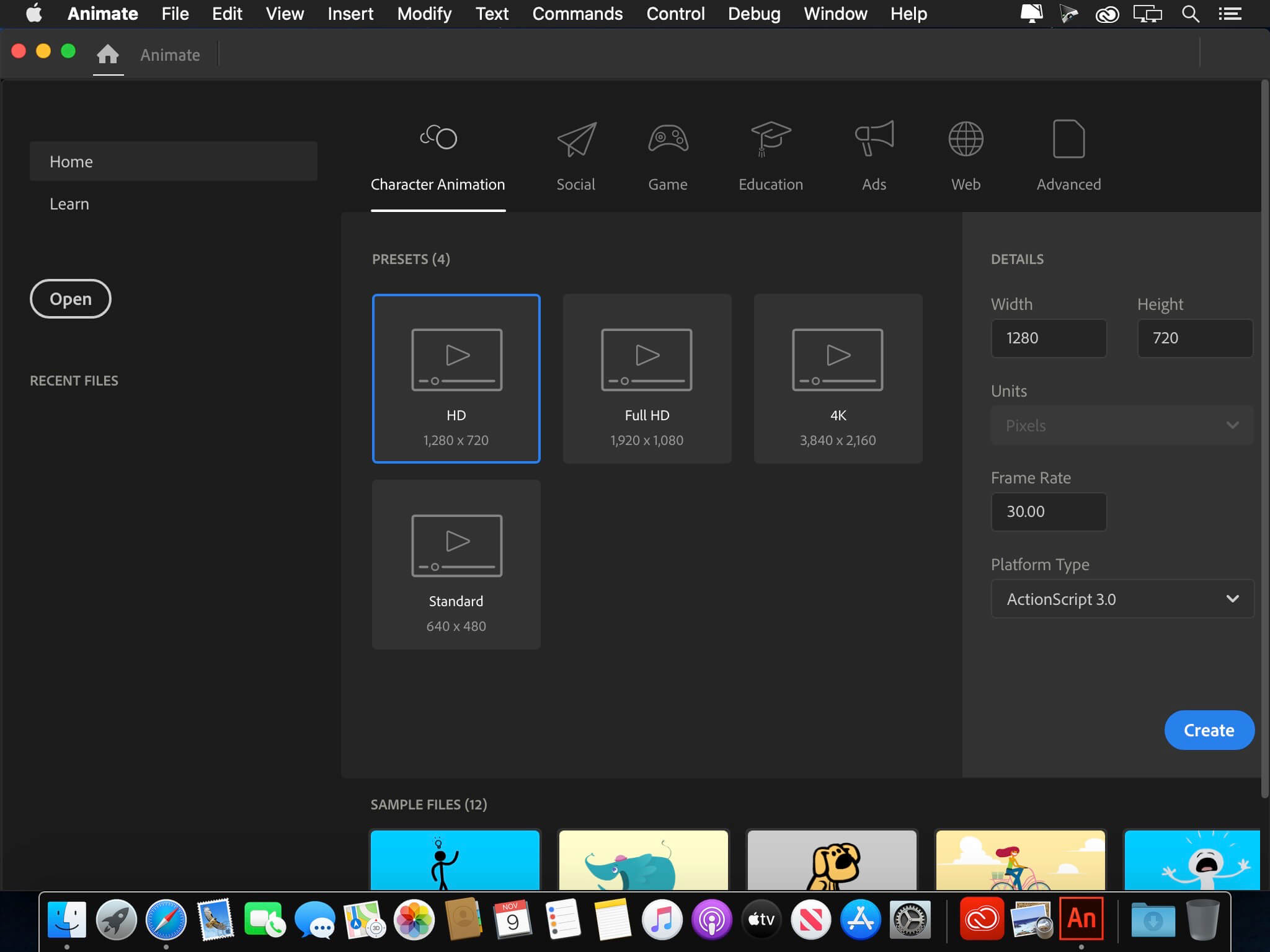
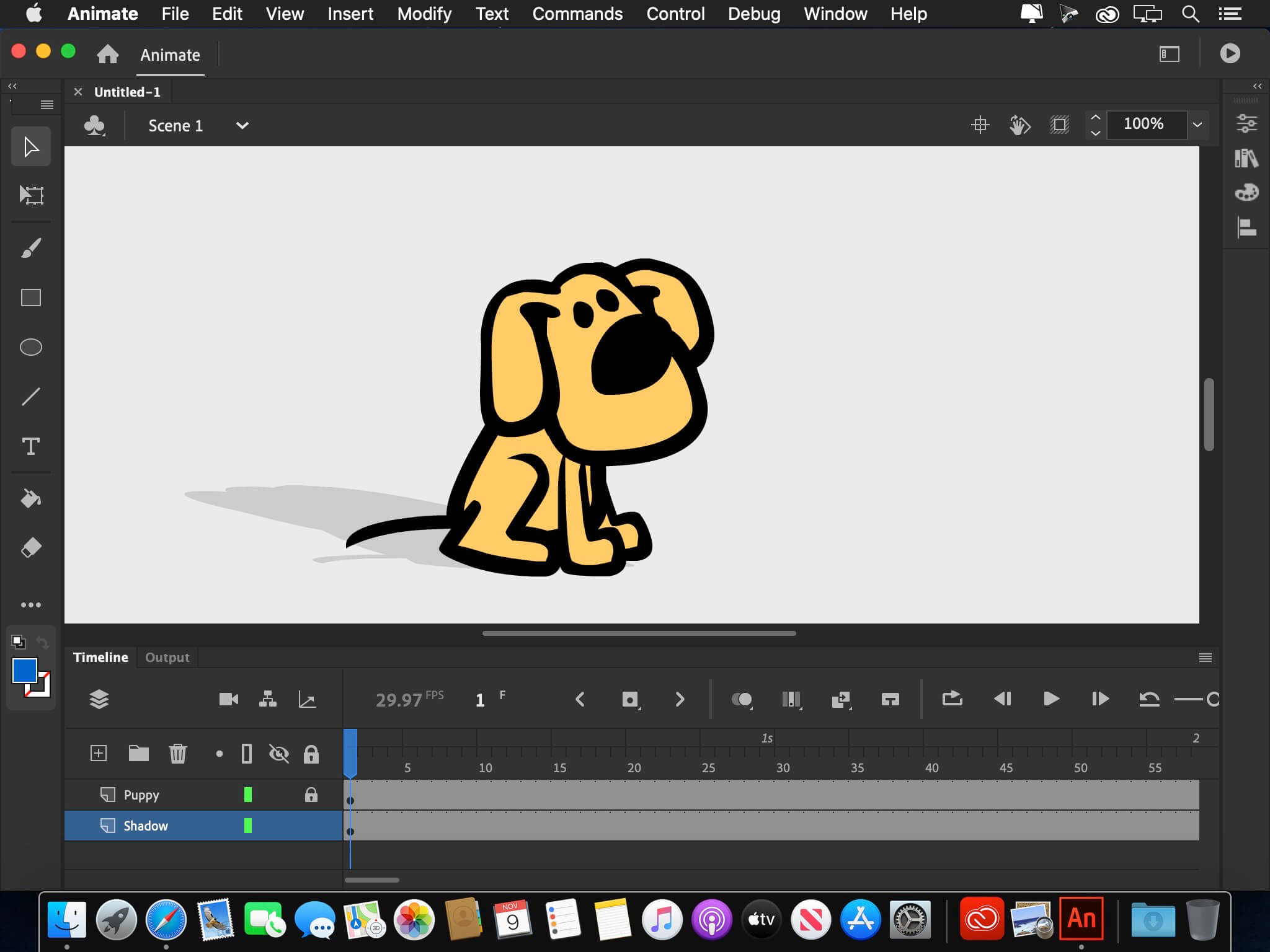
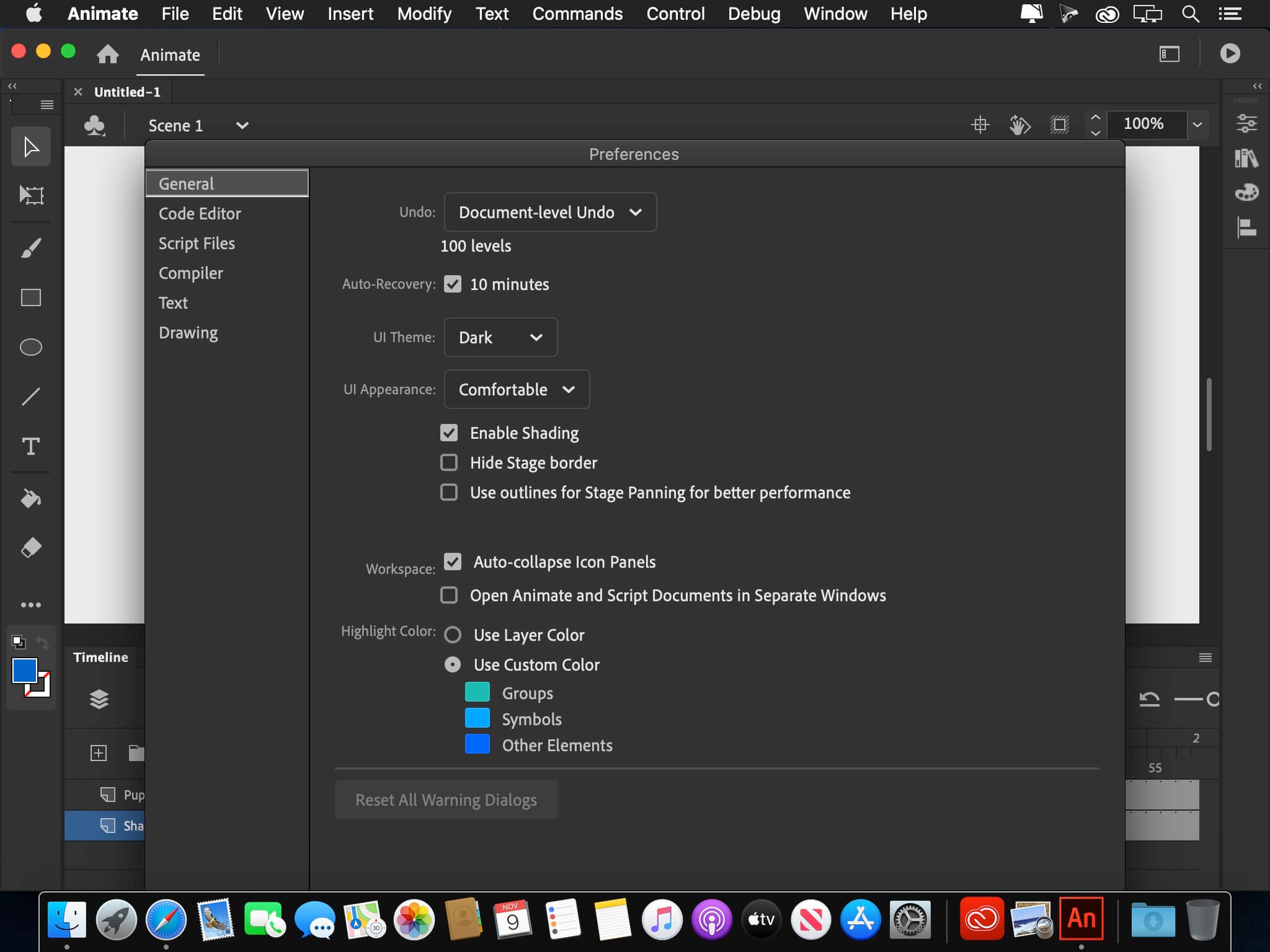
Adobe Animate 2020 Adobe Flash Professional software is the new name of web standards support. Using cutting design tool can create interactive animations and videos on various platforms, including Flash / Adobe AIR, HTML5, WebGL publish. You can also font, color, graphics and a variety of creative tools that other animation libraries and Creative Cloud is available to browse and access to them.
Version 21.0.9:
Note: The downloadable file is an installer that will install the product when opened.
Fixed issues:
- Sound files other than MP3 are not getting imported in Animate.
- Text become invisible for some fonts when editing it in Japanese, Chinese and Korean language.
- Application crashes on quitting if it was launched by opening a file.
- Some assets are not visible in Assets panel unless the application is relaunched.
- [macOS] Export video/media does not launch Adobe Media Encoder 15.4.
- [macOS] Overwriting a word selected by double click in code editor is not working.
- [winOS] Some of the keyboard shortcuts are not working when the focus is in code editor.
Frequently asked questions
How do I install the app?
Mount the image, drag the app into the "Applications" folder and launch it. If the system blocks the launch, allow it in "System Settings → Privacy & Security".
The app is damaged or won't launch
Reinstalling from a fresh image usually helps. Make sure your macOS version matches the one listed in the compatibility specs.
How do I update?
Download the new version from the site and install it over the current one — your settings will be preserved.
The download link doesn't work
Try a mirror or a download manager. For large files the browser often drops the connection.
How do I completely remove the app?
Use an uninstaller utility — it cleans up the service files that remain after moving the app to the trash.





Choose a download source
Adobe Animate 2021 v21.0.9 · 2.44 GB
Previous versions
Adobe Animate 2021 v21.0.9
Previous versions are available to registered users.