
Photo Blur FX - Image Blur 1.3
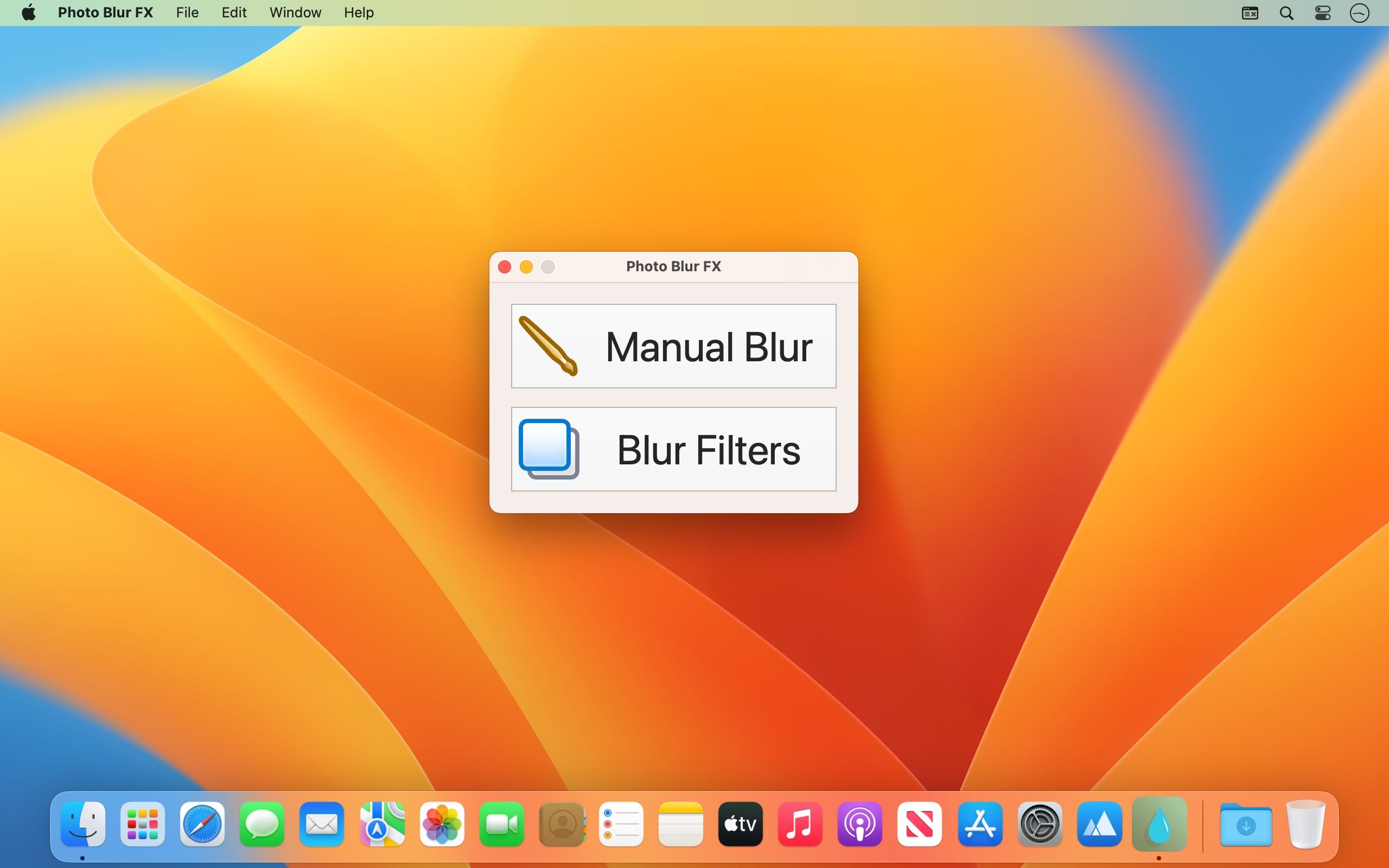
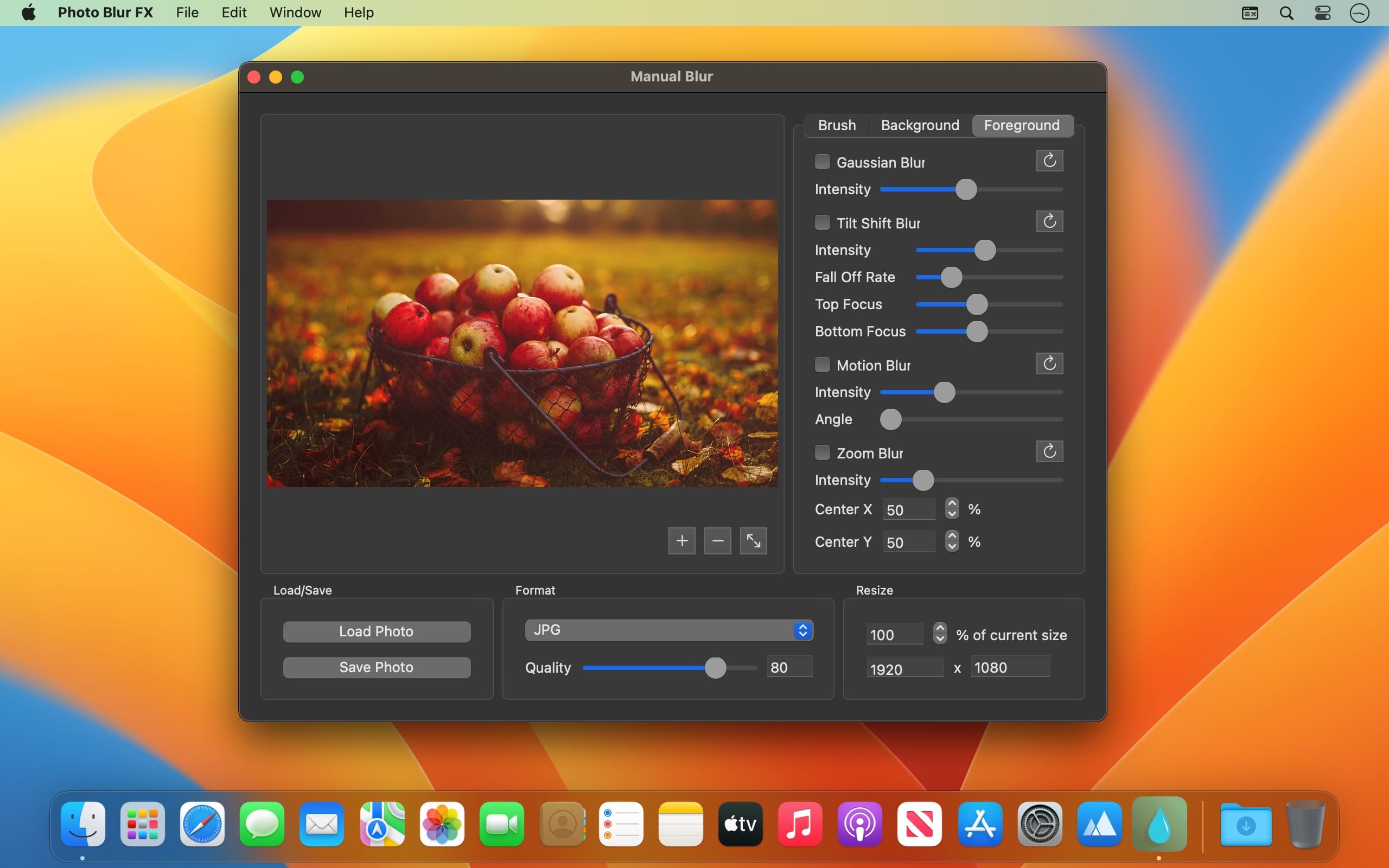
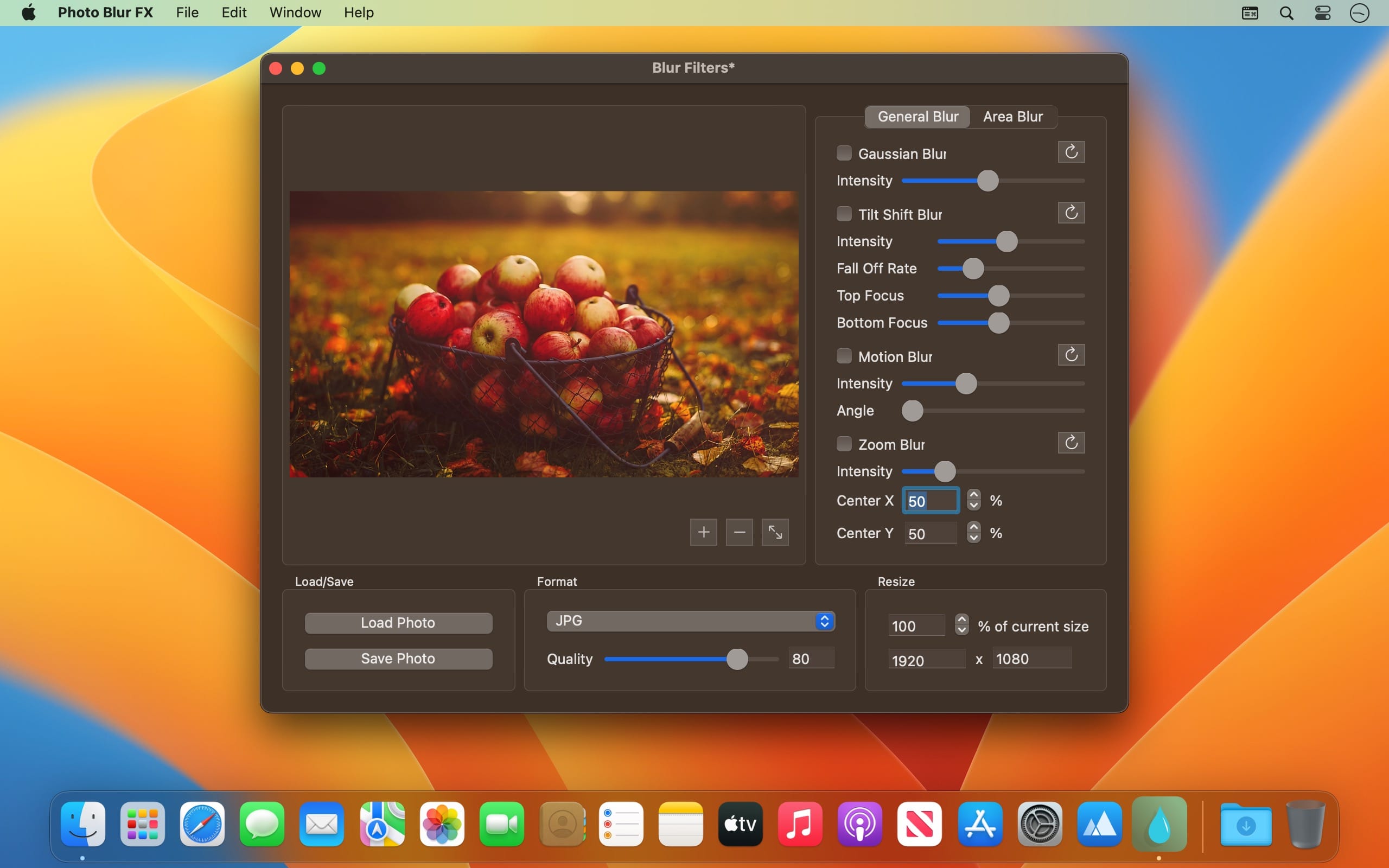
Photo Blur FX is the complete solution for applying blur and focus effects to your photos. Designed to satisfy the needs of both amateur and professional photographers and featuring an impressive set of blur and focus effects.
Photo Blur FX gives you unlimited creative freedom when it comes to photo blur editing.
But here is what Photo Blur FX has to offer
- Manually blur certain areas of your photo to get various focus and depth of field effects
Apply and combine the following blur effects to enhance your photo
- Gaussian Blur (blurs your entire photo using the Gaussian blur algorithm)
- Motion Blur (gives your photo a dynamic look)
- Zoom Blur (applies a lens zoom effect in the center of your photo)
- Circle Blur (blurs a certain circular area of your photo)
Apply the following focus effects to your photo
- Tilt Shift Blur (blurs the top and lower regions of your photo bringing the center into focus)
- Focus Blur (blurs your entire photo except a certain area that will be brought into focus)
Resize your photo using percents or pixels
- Supported image formats: JPG, JPEG, JPE, JP2, JPX, PNG, TIFF, TIF, GIF, BMP, HEIC and HEIF
Version 1.3
- The app has been updated to run natively on both Intel and Mac Silicon platforms.
- The minimum OS version requirement has been increased to 10.13
- Minor fixes have been implemented.
- New Icon
Frequently asked questions
How do I install the app?
Mount the image, drag the app into the "Applications" folder and launch it. If the system blocks the launch, allow it in "System Settings → Privacy & Security".
The app is damaged or won't launch
Reinstalling from a fresh image usually helps. Make sure your macOS version matches the one listed in the compatibility specs.
How do I update?
Download the new version from the site and install it over the current one — your settings will be preserved.
The download link doesn't work
Try a mirror or a download manager. For large files the browser often drops the connection.
How do I completely remove the app?
Use an uninstaller utility — it cleans up the service files that remain after moving the app to the trash.




Choose a download source
Photo Blur FX - Image Blur 1.3 · 6.4 MB