Color Ray - Photo Color & Blur 1.5
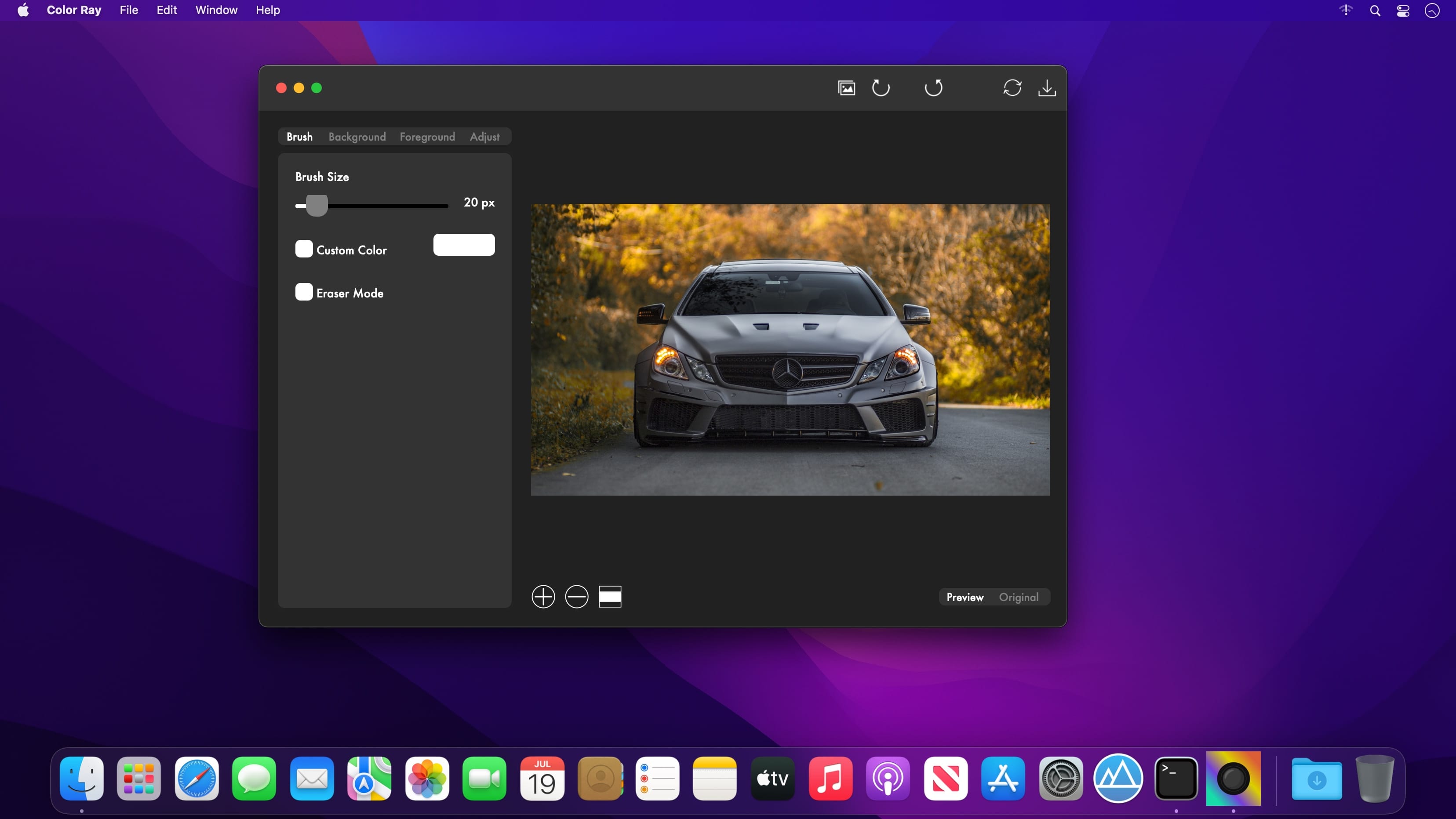
Bring your photos to life with Color Ray by applying spectacular color and blur effects. Select the area of your photo that you want to keep colored and paint the rest in black and white for a dramatic effect. Do you want to apply a focus blur effect to your photo? Just select the area of the photo that you want to keep into focus and blur the background for a depth of field effect. Combine artistic filters like Black and White, Sepia, Oil Painting or Sketch to make your photos stand out. But here is what Color Ray has to offer:
- Adjustable brush size that lets you edit your photos to the smallest detail
- Custom color selection for your brush
- Eraser Mode lets you remove those small imperfections quick and easy
- Edit both the Background and Foreground layers of your photo
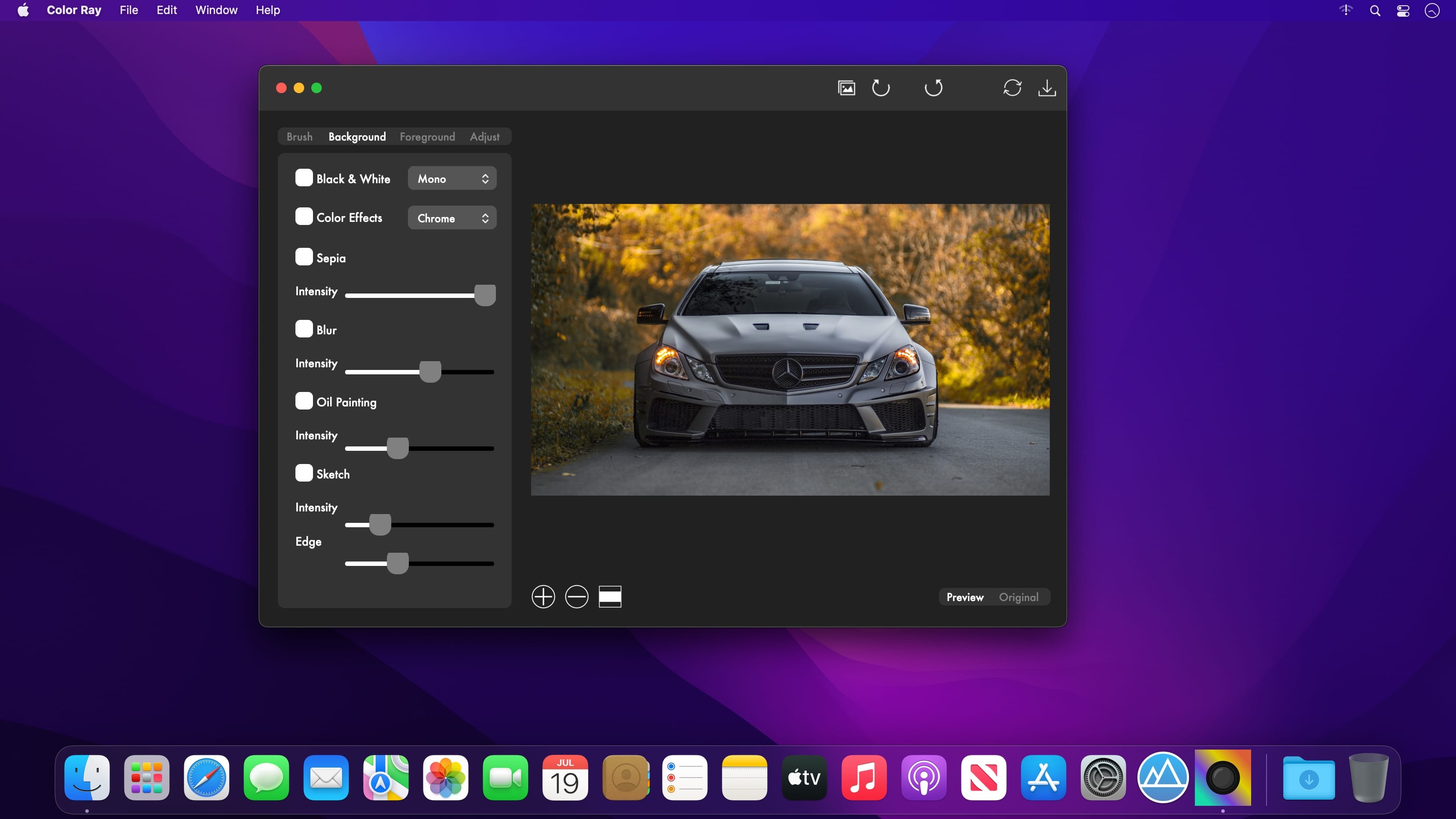
Apply the following artistic effects to both the Background and Foreground layers of your photo:
- Black & White: Mono, Noir, Tonal
- Color Effects: Chrome, Fade, Instant, Process, Transfer
- Sepia
- Blur
- Oil Painting
- Sketch
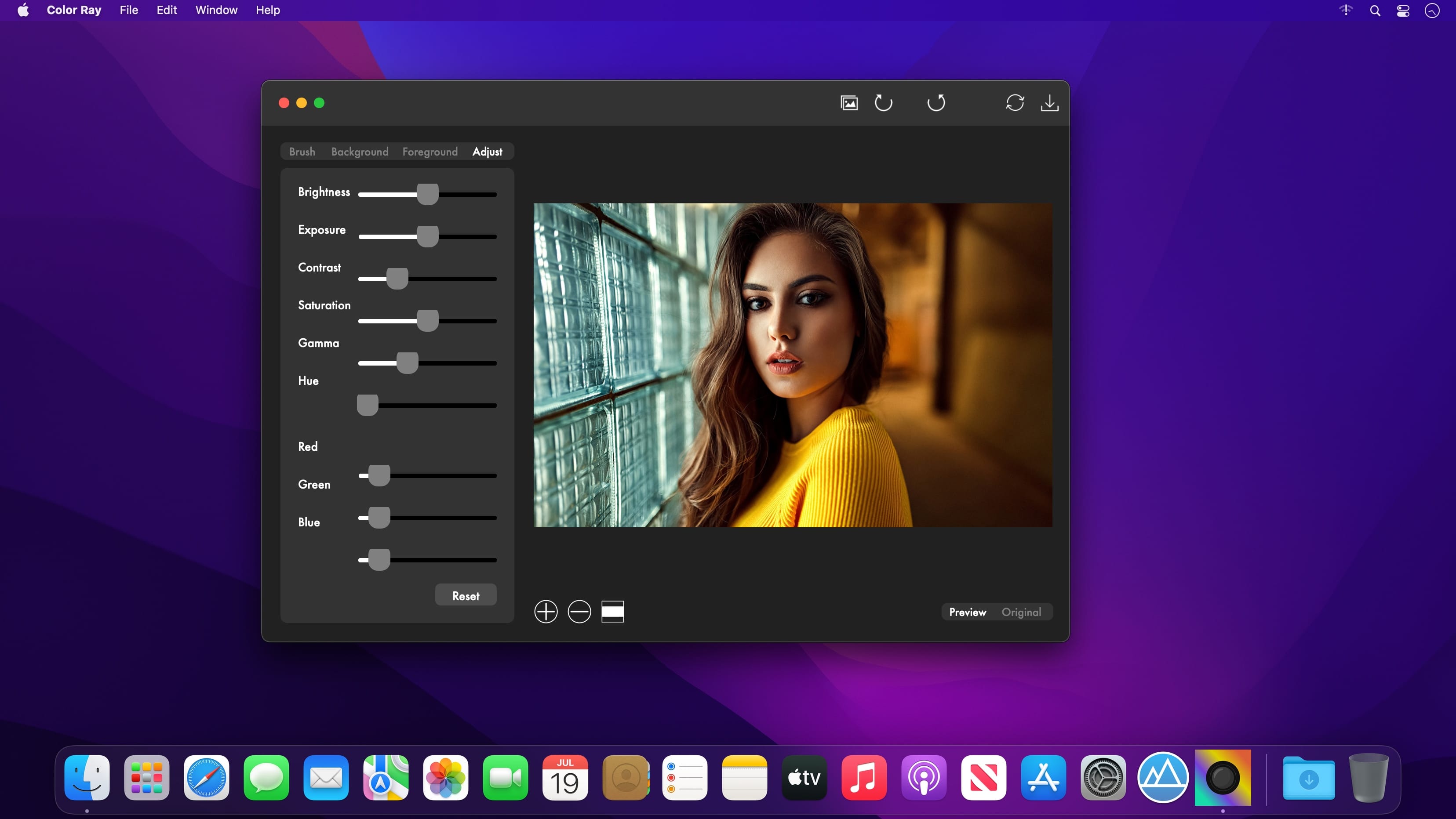
Adjust the general appearance of your photo by adjusting the following settings:
- Brightness
- Exposure
- Contrast
- Saturation
- Gamma
- Hue
- RGB
Easily switch between the view of the edited photo and the original
Undo/Redo your changes
Save your photo as a JPG, JPEG, JPE, JP2, JPX, PNG, TIFF, TIF, GIF, BMP, HEIF or HEIC
Version 1.4
- The app has been updated to run natively on both Intel and Mac Silicon platforms.
- The minimum OS version requirement has been increased to 10.13
- Minor fixes have been implemented.
- New Icon
Frequently asked questions
How do I install the app?
Mount the image, drag the app into the "Applications" folder and launch it. If the system blocks the launch, allow it in "System Settings → Privacy & Security".
The app is damaged or won't launch
Reinstalling from a fresh image usually helps. Make sure your macOS version matches the one listed in the compatibility specs.
How do I update?
Download the new version from the site and install it over the current one — your settings will be preserved.
The download link doesn't work
Try a mirror or a download manager. For large files the browser often drops the connection.
How do I completely remove the app?
Use an uninstaller utility — it cleans up the service files that remain after moving the app to the trash.

Choose a download source
Color Ray - Photo Color & Blur 1.5 · 2.92 MB