HyperDither 2.0.3
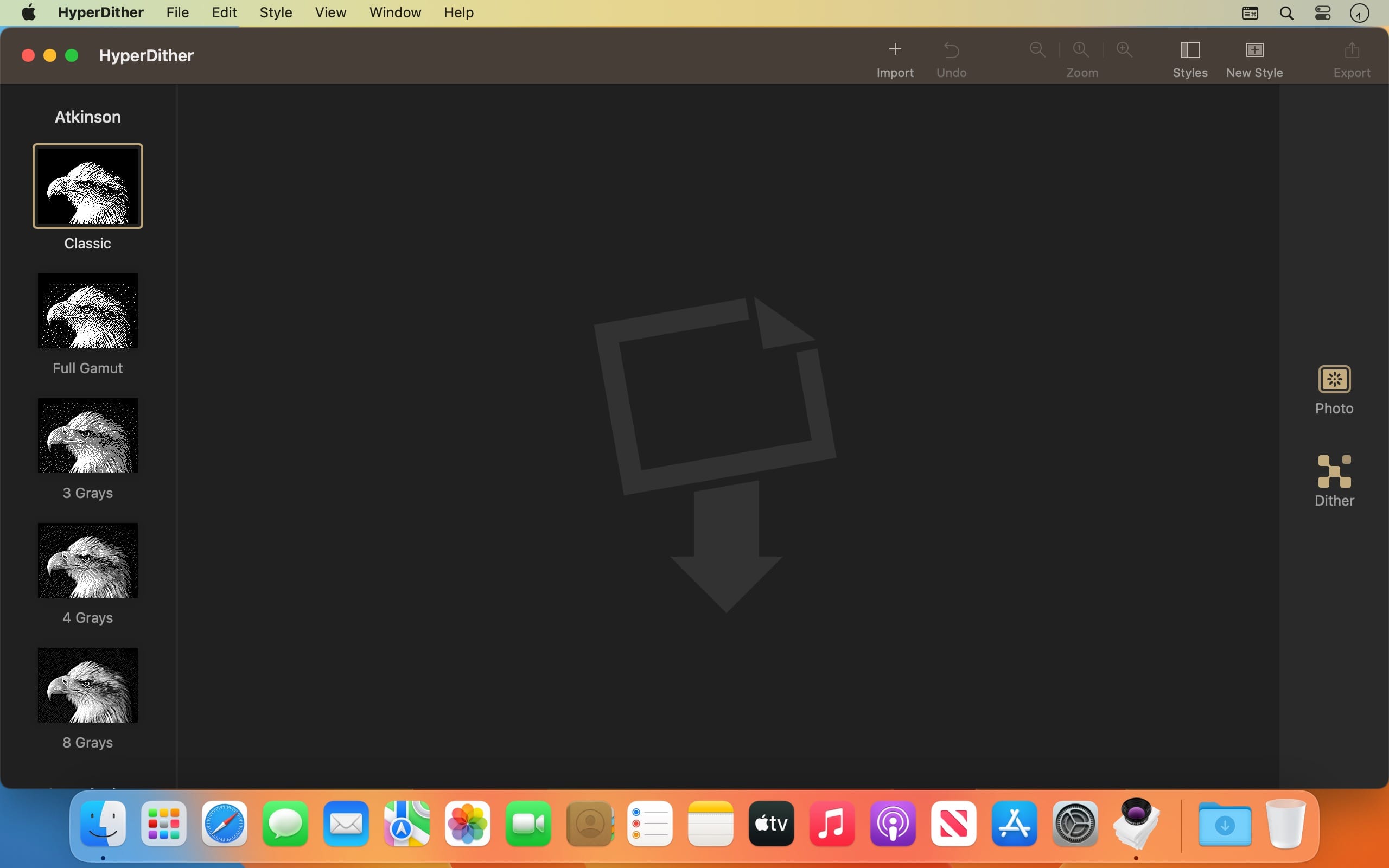
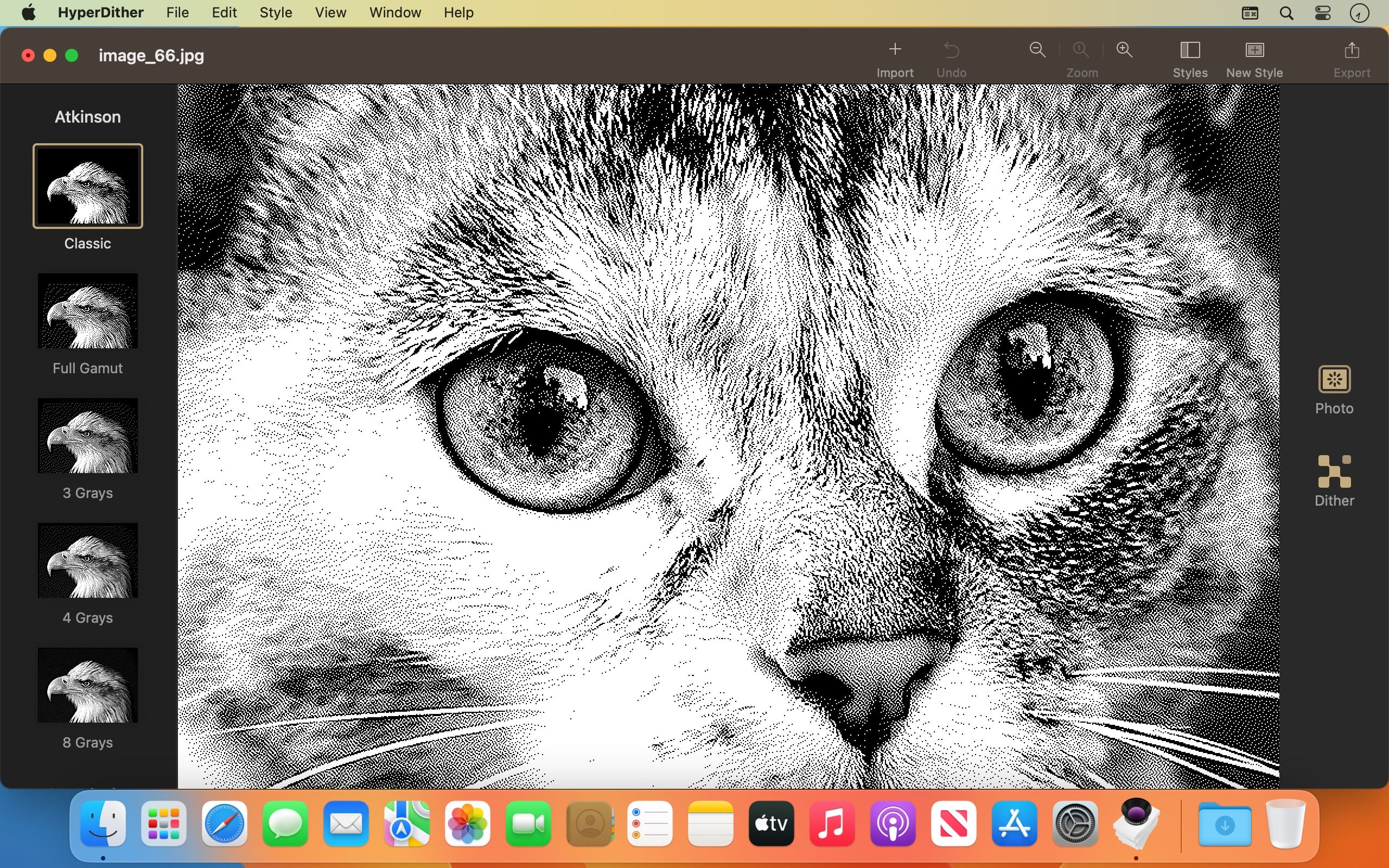
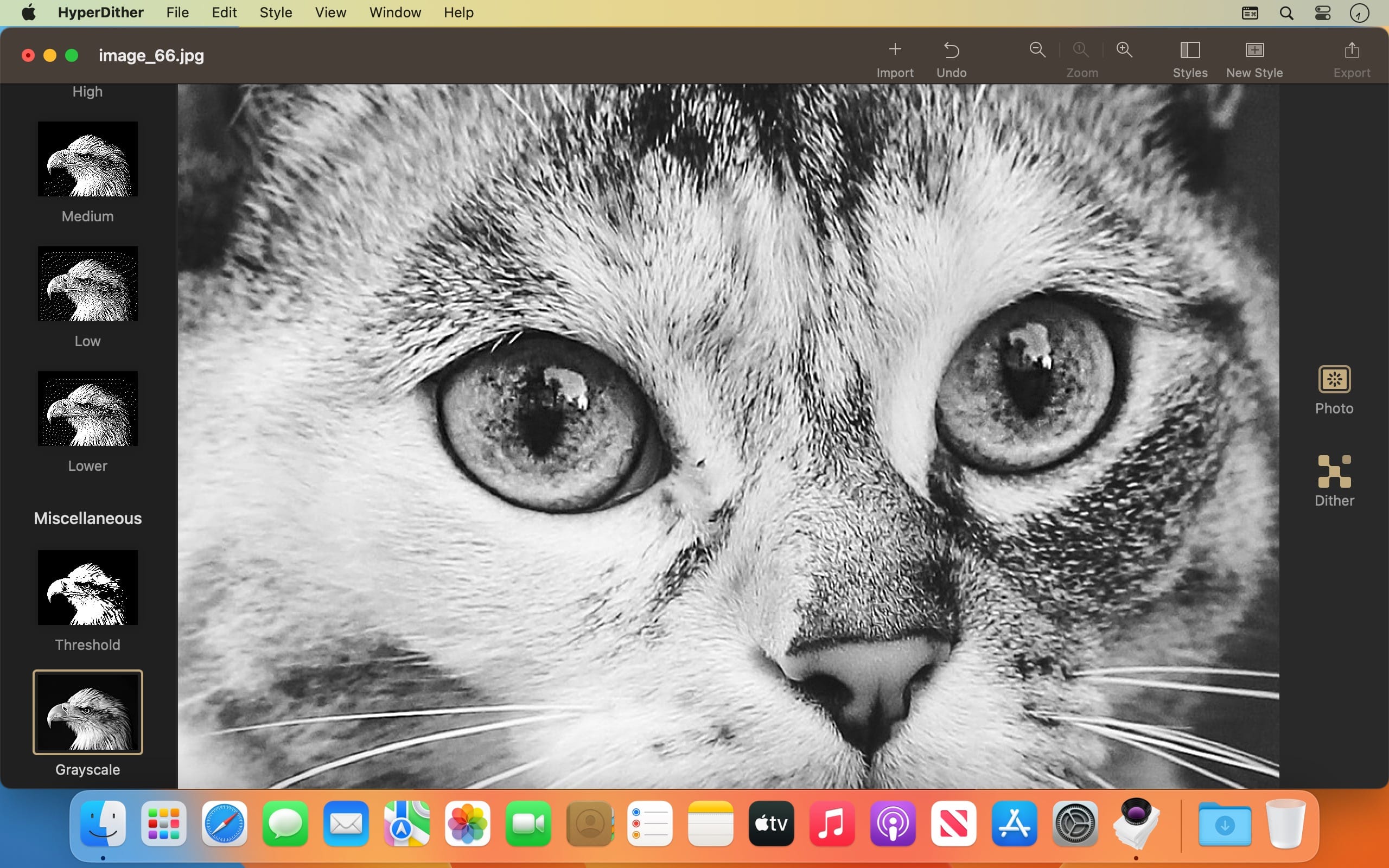
HyperDither uses an elegant color reduction (dithering) routine to turn color or grayscale images into black and white or grayscales. The visual effect produced by this technique creates rich, velvety tones, and is higher-quality than the “Diffusion Dither” method offered by Photoshop.
HISTORY
In the early 1980s, while developing the graphics technology for the first Macintosh, Bill Atkinson (HyperCard, QuickDraw, MacPaint) discovered a very elegant filter to convert greyscale image data for display on the Mac's 1-bit black-and-white screen.
Later, this graphics routine was implemented as an option in Apple’s HyperScan software, connecting early Macs to flatbed scanners, and nowhere else. HyperScan and the excellent Atkinson dithering routine were subsequently unavailable for many years—but not forgotten!
SUPPORTS
- macOS 11.0 (Big Sur) or later
- Dark mode support
From Tinrocket, award-winning creator of apps to inspire creativity: Waterlogue, This by Tinrocket, and Olli by Tinrocket.
Version 2.0.3
- Apple Silicon support
- UI fixes
- Update support URL
Frequently asked questions
How do I install the app?
Mount the image, drag the app into the "Applications" folder and launch it. If the system blocks the launch, allow it in "System Settings → Privacy & Security".
The app is damaged or won't launch
Reinstalling from a fresh image usually helps. Make sure your macOS version matches the one listed in the compatibility specs.
How do I update?
Download the new version from the site and install it over the current one — your settings will be preserved.
The download link doesn't work
Try a mirror or a download manager. For large files the browser often drops the connection.
How do I completely remove the app?
Use an uninstaller utility — it cleans up the service files that remain after moving the app to the trash.


Choose a download source
HyperDither 2.0.3 · 6 MB