
QDraw - Photo Editor Pro 4.2.7
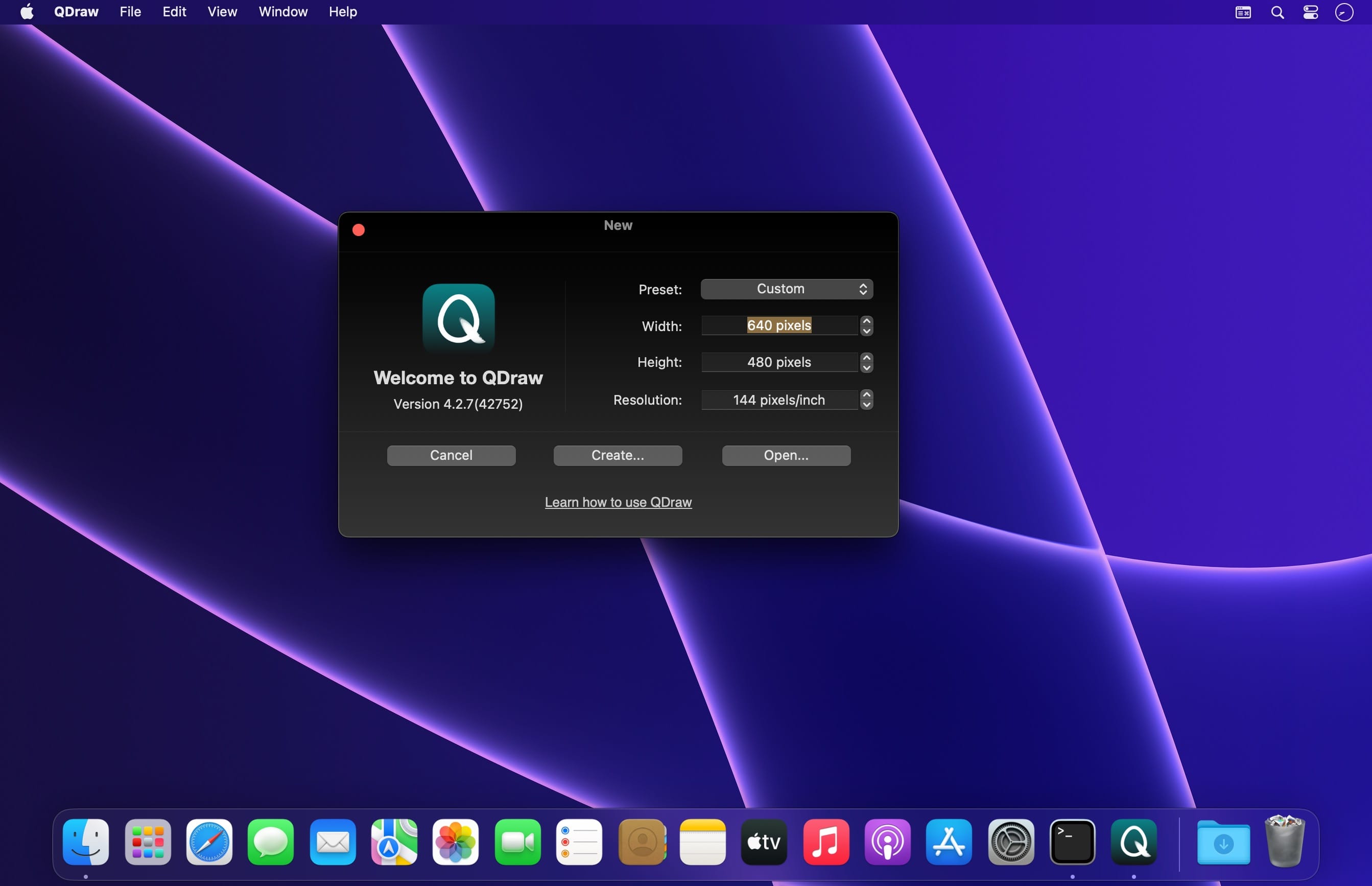
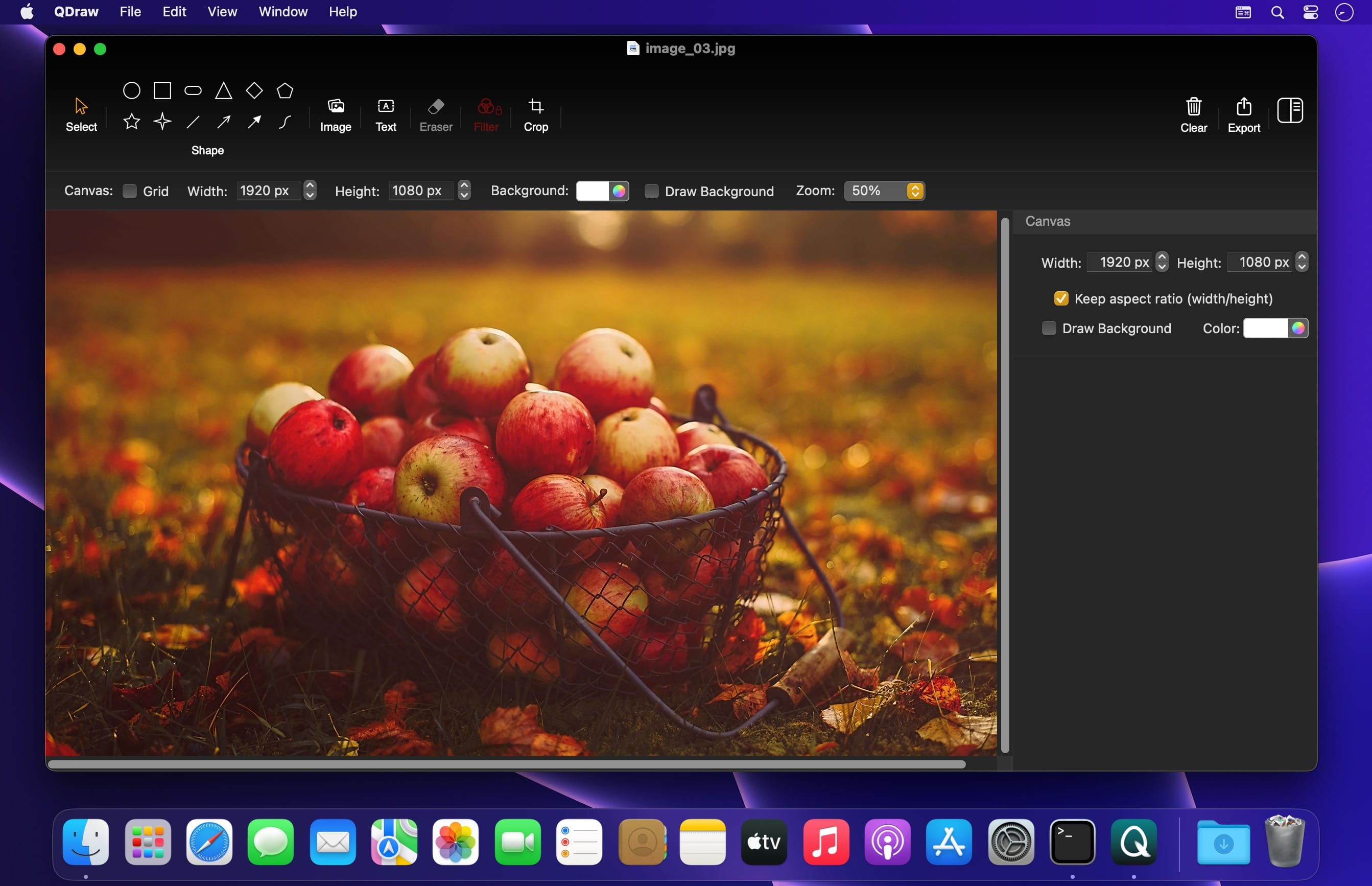
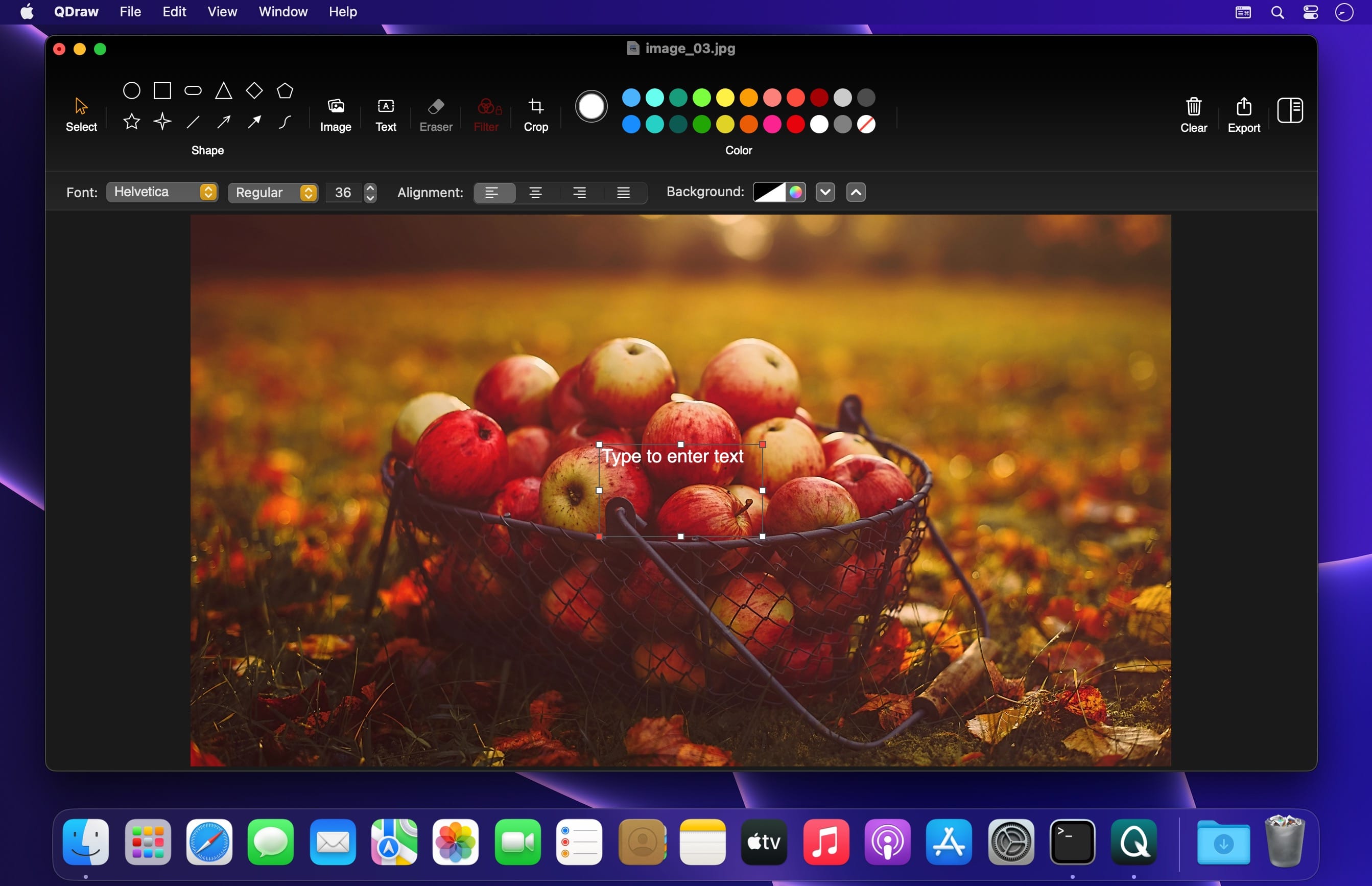
The simple and easy-to-use interface makes editing images easier.
Advantages:
- Simple interface
- Easy to operate
- Fully functional
Basic Functions:
- Rotate, resize, move layers.
- Add text box.
- Draw shapes.
- Draw connecting lines in various styles.
- Freeform Pen Tool.(Multiple line styles.)
- Eraser tool.(Erase unwanted image content.)
- Image filters.(Contains some commonly used filter effects.)
- Crop tool.
- Set basic effects like shadows, opacity, etc.
- Flip images horizontally and vertically.
- Cutout images with one click.
- Merge images. (Import multiple images, adjust the layout to the desired effect, and export.)
- Support multiple export formats. (Including png, jpg, jpeg-2000, pdf, tiff)
Version 4.2.7
- Lock/Unlock objects
- Shapes support gradient fills.
Frequently asked questions
How do I install the app?
Mount the image, drag the app into the "Applications" folder and launch it. If the system blocks the launch, allow it in "System Settings → Privacy & Security".
The app is damaged or won't launch
Reinstalling from a fresh image usually helps. Make sure your macOS version matches the one listed in the compatibility specs.
How do I update?
Download the new version from the site and install it over the current one — your settings will be preserved.
The download link doesn't work
Try a mirror or a download manager. For large files the browser often drops the connection.
How do I completely remove the app?
Use an uninstaller utility — it cleans up the service files that remain after moving the app to the trash.
VersionQDraw - Photo Editor Pro 4.2.7
Developerliu kun
CompatibilitymacOS 10.15 or later
LanguageEnglish, Simplified Chinese
IncludesK'ed by TNT



Information
Visitors in the group Guests cannot leave comments on this publication.
Choose a download source
QDraw - Photo Editor Pro 4.2.7 · 8.92 MB