

Smart Storage Manager 1.2
Screenshots
Click to enlarge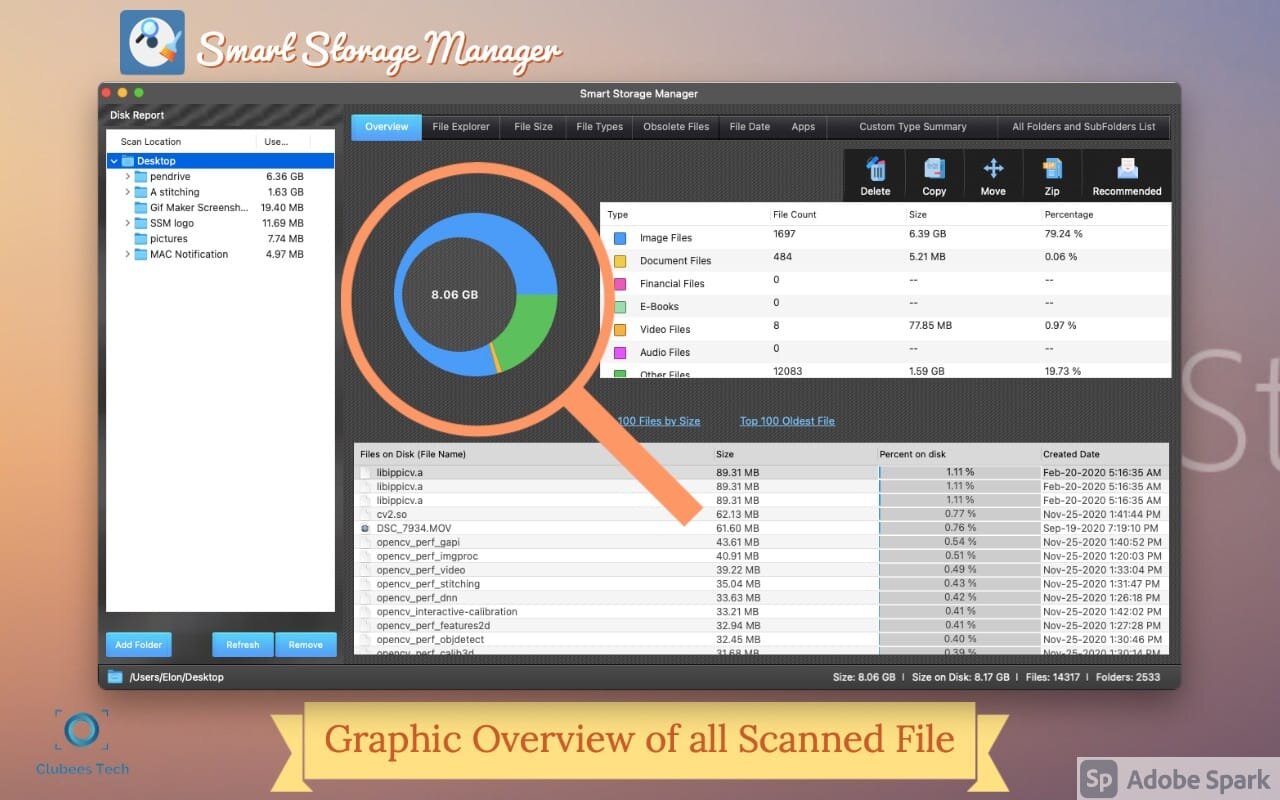
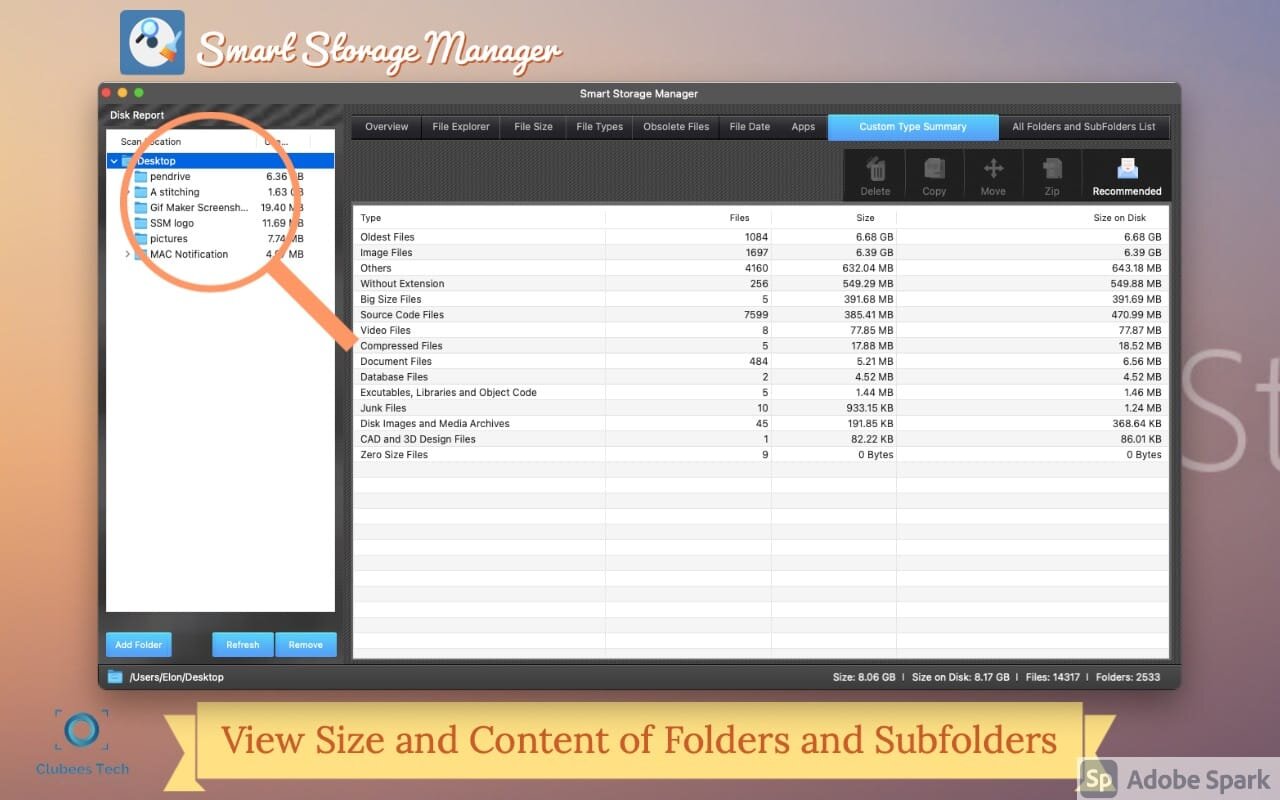
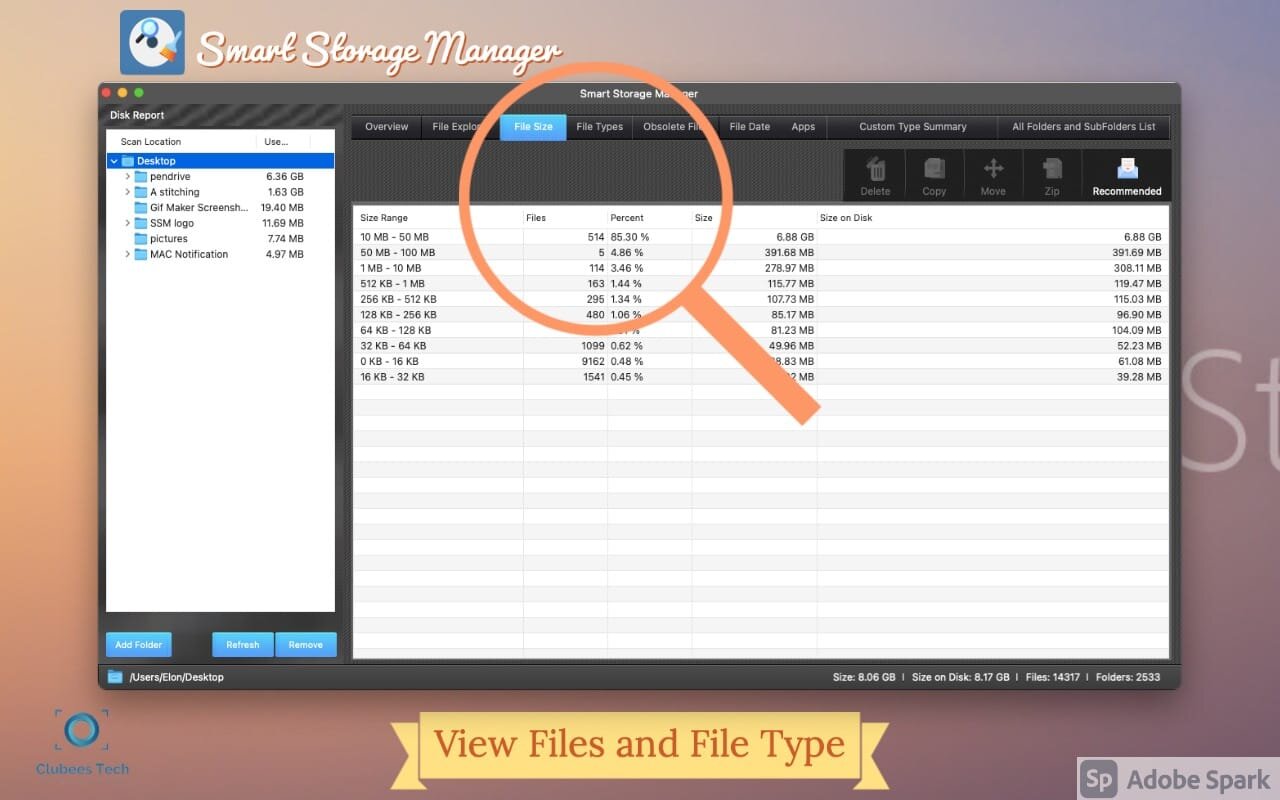
Smart Storage Manager is the easiest way to free up space on your Mac.By checking the storage space and files,Ensure Mac runs smoother and faster.
Smart Storage Manager is the go-to file system space analyzer to free up space on your Mac - you can check the storage space and free up some space by deleting or managing unwanted files, ensuring your Mac runs smoother and faster.
Smart Storage Manager is a powerful disk explorer that adds much-needed folder structure visualization to the familiar tree-like representation of your data. It's just a matter of time before your hard drive gets close to its capacity. Smart Storage Manager quickly builds a visual data map to show you which apps, movies, photo collections, and music archives are taking up your precious disk space.
Features:
- Quickly build visual maps of the disk, folder, and sub-folder sizes
- Color-coded folder names help to quickly identify the largest folders
- Visualize the contents of a single folder or an entire drive
- Real-time scanning results
- Automatic and manual filters to sort by file/folder type, size, or name
- Easy file and folder removal
- Extremely high scanning speed
- customize file clean-up method - move to Trash or another location (or delete permanently)
Version 1.2
- Bug fixes and improvements.
Comments
No comments yet. Be the first.