BetterMouse 1.5 (4690)
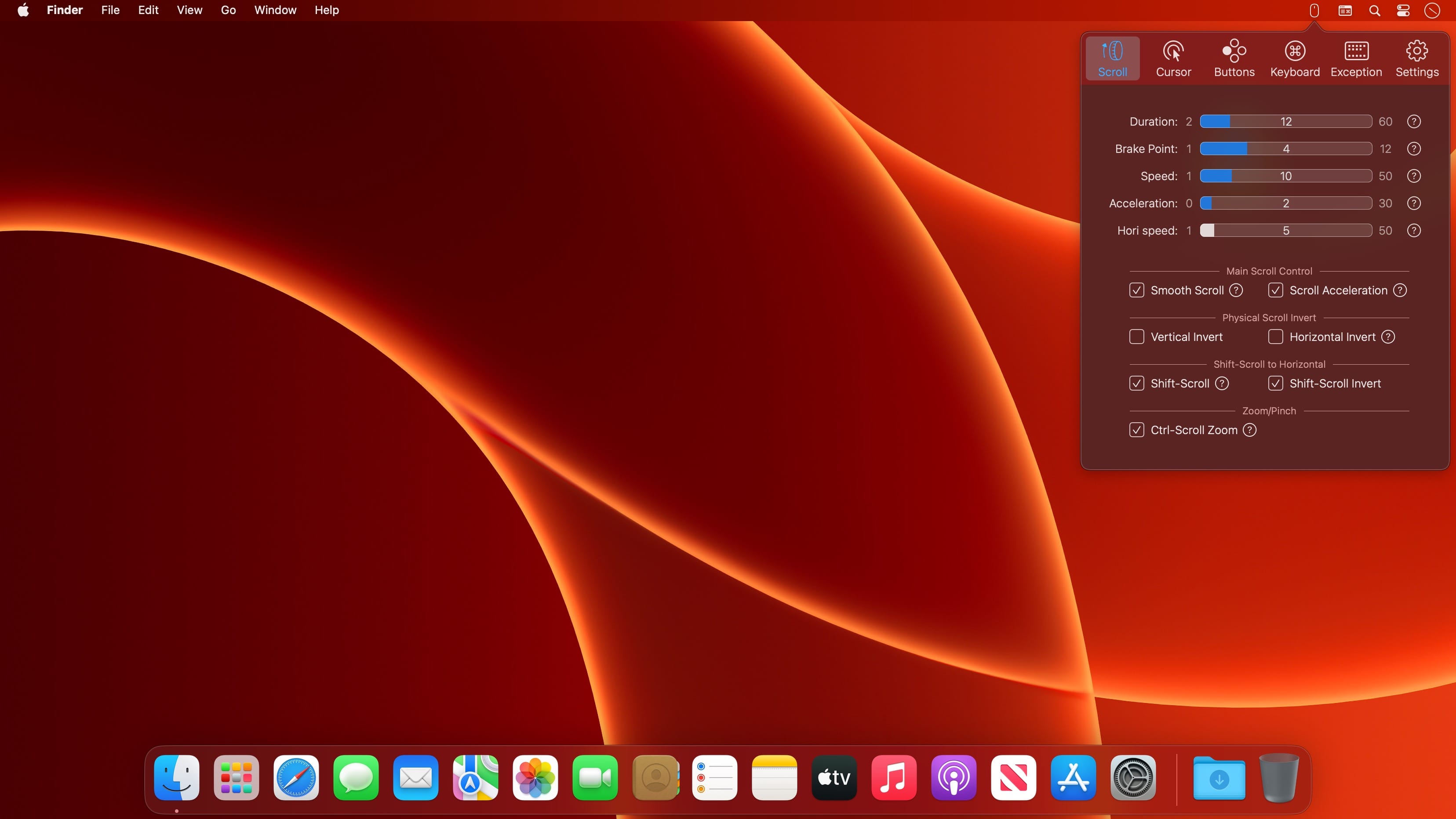

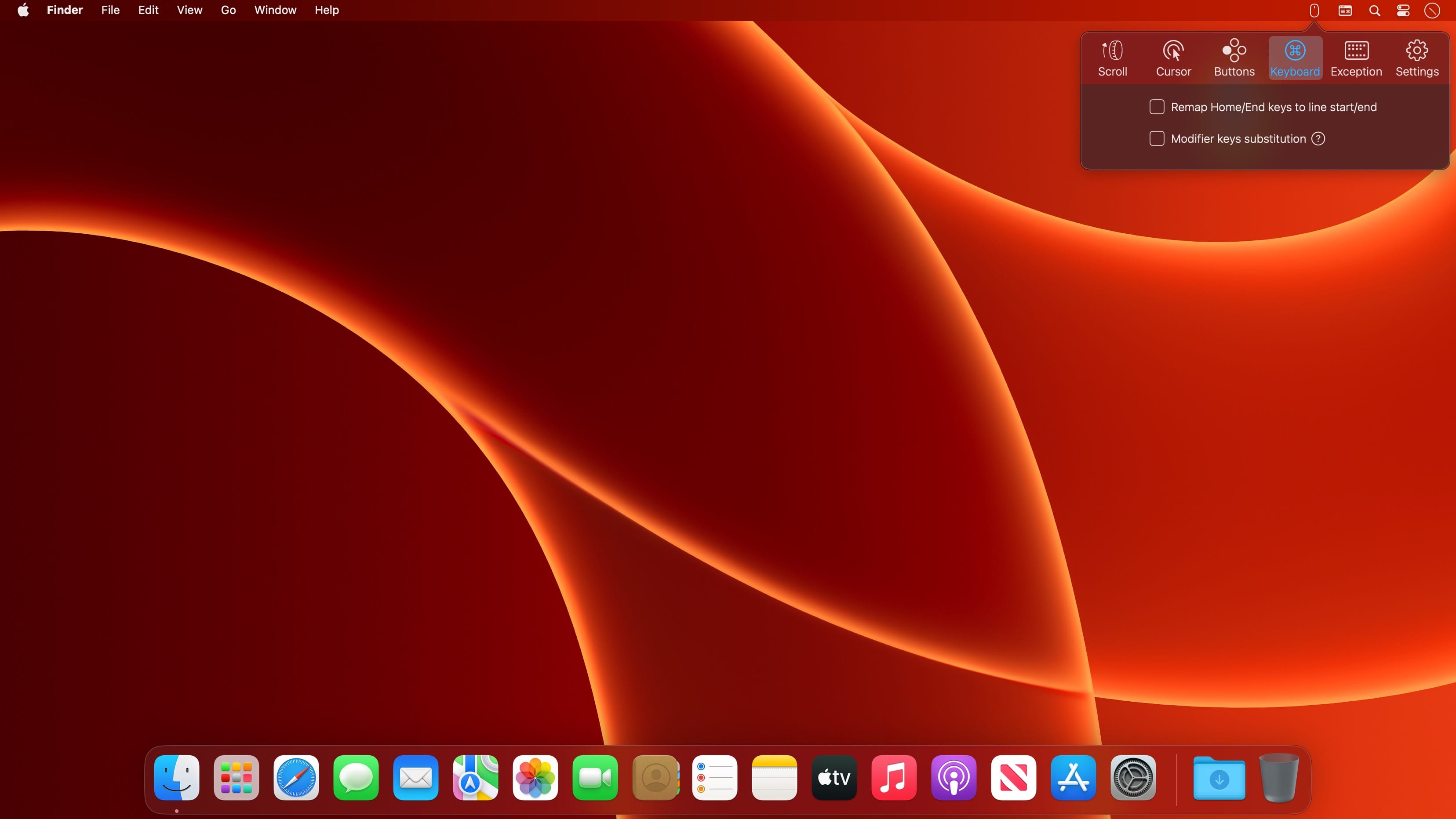
BetterMouse is a macOS utility improving external mouse performance and functionalities, aiming for replacing bulky, intrusive, and resource-hungry mouse drivers like Logitech Options. It’s feature-rich, light-weighted, efficiency-optimized, and perfectly privacy safe, trying to meet all your needs for using a 3rd-party mouse on macOS.
Features
Scroll
- Butter smooth scroll, with fully configurable settings of duration, direction, acceleration, etc.
- Precise configurable discrete scroll with or without acceleration.
- Shift-scroll to horizontal on/off, with configurable speed, direction.
- Ctrl-scroll to zoom/pinch.
- Thumbwheel zoom for hi-res thumbwheel.
Cursor
- Separated cursor acceleration & speed control, acceleration can be completely eliminated.
- Precise mouse fps counter.
Button/gesture mapping
- Mapping every extra mouse button to any keyboard shortcuts & extensive special actions.
- Up/down/left/right gestures mapping for every extra mouse buttons.
- Modifier keyed button/gesture mapping.
- Click-through feature for left/right click for direct actions to inactive window with one click.
- Click-through option for every mapping independently.
- Right click free pan view.
Exception apps
- Per-app independent settings for scroll setting & button/gesture mapping.
App
- Menu bar app with hide-able app icon.
- Clean & safe, with no custom network access, no file access.
- Fully optimized algorithm with extremely low CPU & power usage.
Version 1.5
- Fixed a bug regarding ctrl-right-button-pan zoom. ctrl-scroll zoom improvements. Add ‘eject’ in the key-mapping list in case someone wants to use keyboard shortcuts to put the machine to sleep or turn off the screen.
Frequently asked questions
How do I install the app?
Mount the image, drag the app into the "Applications" folder and launch it. If the system blocks the launch, allow it in "System Settings → Privacy & Security".
The app is damaged or won't launch
Reinstalling from a fresh image usually helps. Make sure your macOS version matches the one listed in the compatibility specs.
How do I update?
Download the new version from the site and install it over the current one — your settings will be preserved.
The download link doesn't work
Try a mirror or a download manager. For large files the browser often drops the connection.
How do I completely remove the app?
Use an uninstaller utility — it cleans up the service files that remain after moving the app to the trash.





Choose a download source
BetterMouse 1.5 (4690) · 5.24 MB
Previous versions
BetterMouse 1.5 (4690)
Previous versions are available to registered users.