Professional Recorder & Editor 7.0.8
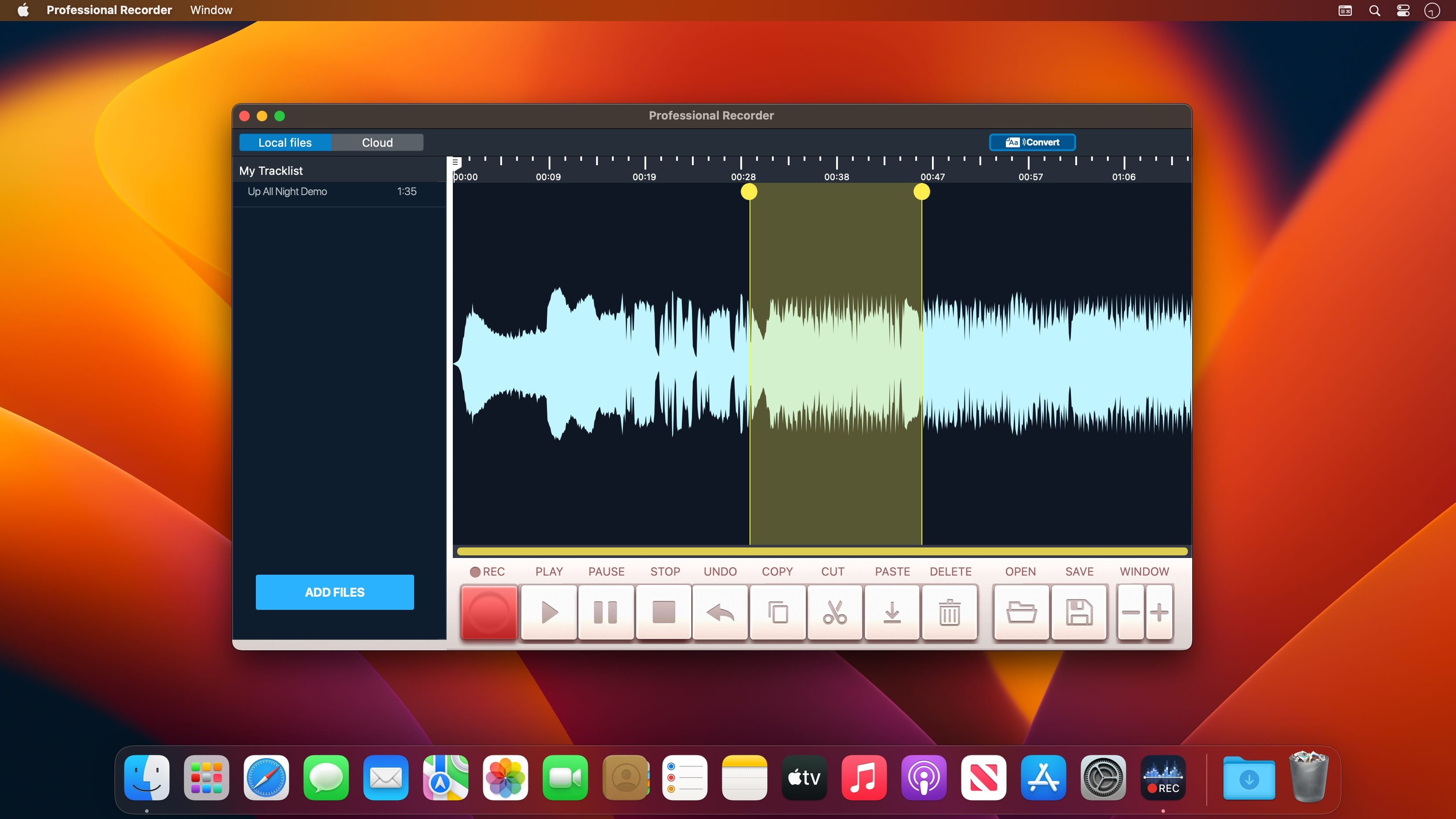
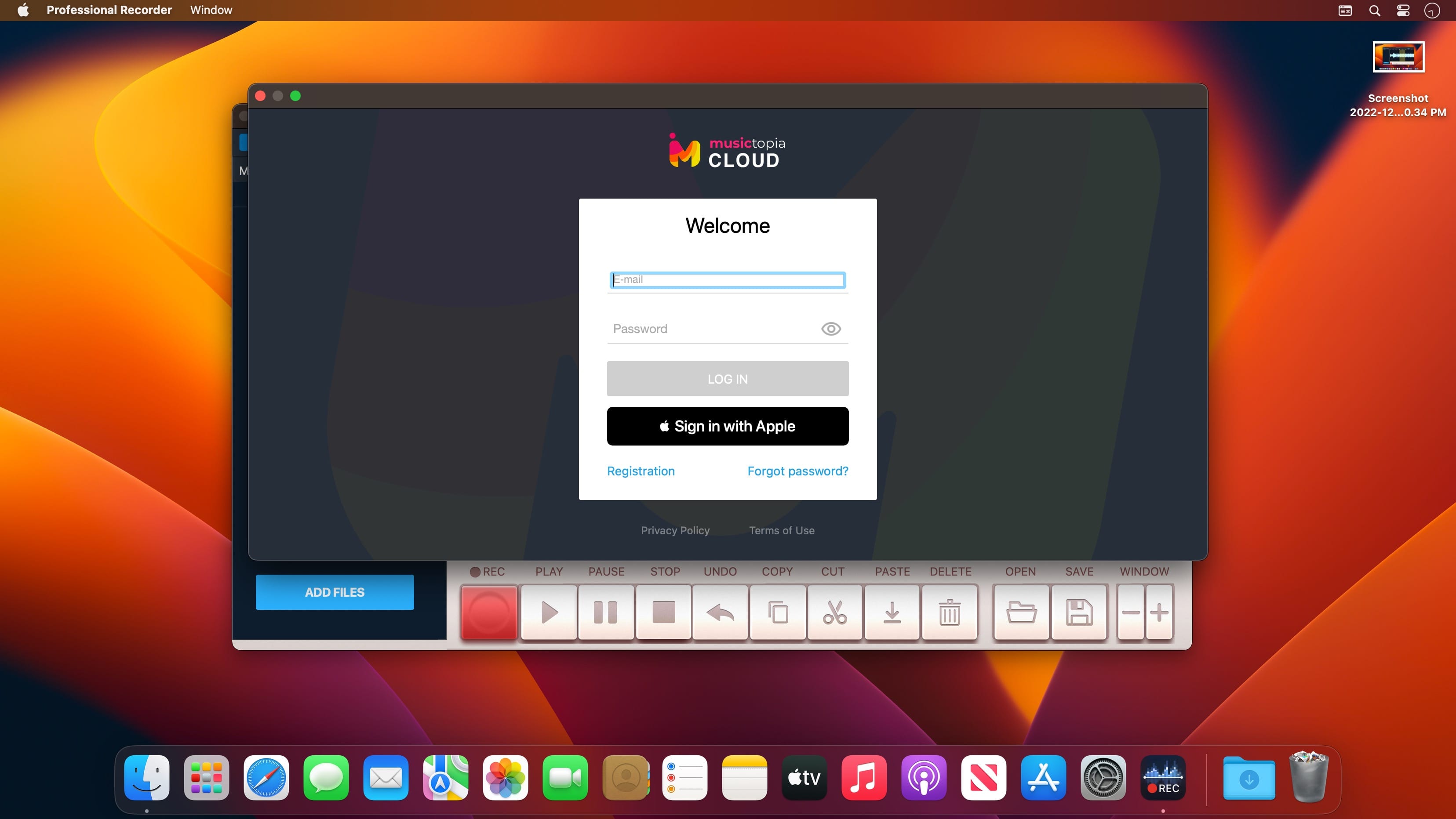
Precise, simple and efficient - these are the three rules implemented in our Professional Recorder! This app offers you only the most essential features which are quite enough for good editing! Elegant interface and powerful effects will help you open the new horizons of sound!
Just upload an audio file and you'll see it as a waveform. Select the necessary piece of the track and use any effects you need: cut, trim, paste, etc. You can record sound using the mic of the computer or any other plugged-in device. Click the record button to start recording. Click the save button to save the final version.
Professional Recorder features
- Real-time recording
- Precise adjustments
- Intuitive controls and eye-pleasing visuals
- High-quality sound and effects
Professional Recorder is a great chance to discover more in music via practice!
Version 7.0.8
- This update involves a lot of suggestions we’ve received. Feel free to send more feedback and help us improve our app!
Frequently asked questions
How do I install the app?
Mount the image, drag the app into the "Applications" folder and launch it. If the system blocks the launch, allow it in "System Settings → Privacy & Security".
The app is damaged or won't launch
Reinstalling from a fresh image usually helps. Make sure your macOS version matches the one listed in the compatibility specs.
How do I update?
Download the new version from the site and install it over the current one — your settings will be preserved.
The download link doesn't work
Try a mirror or a download manager. For large files the browser often drops the connection.
How do I completely remove the app?
Use an uninstaller utility — it cleans up the service files that remain after moving the app to the trash.



Choose a download source
Professional Recorder & Editor 7.0.8 · 128.49 MB
Previous versions
Professional Recorder & Editor 7.0.8
Previous versions are available to registered users.