
Cloze Wizard 3.0.4
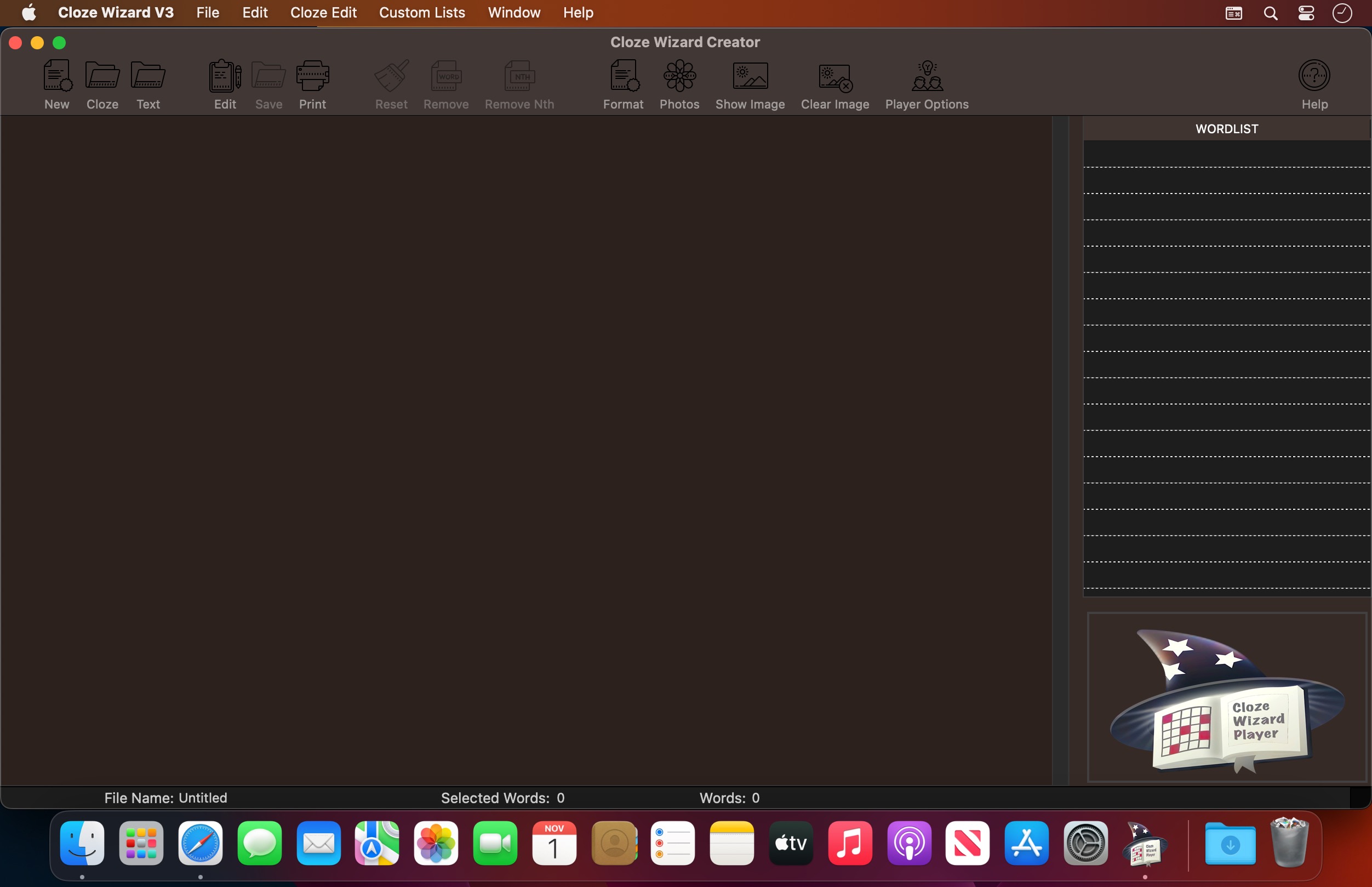


Cloze Wizard - Cloze creator and publisher.
Cloze Passage Wizard features;
- The ability to add your favourite graphics to illustrate your passage
- View wordlist and passage on screen
- Reset the passage anytime
- Export/Import Cloze or Text as a text file to and from a word processor
- Fully control of Font selection and Sizes
- Print Preview
- Automatically extract every nth word
- Selection of individual words or every occurrence of a word for removal
- Create custom lists for removal from the passage and future passages
- quality Cloze worksheet printouts from the one passage
- Cloze Passage with wordlist
- Cloze Passage without wordlist
- Cloze Passage with extra words in wordlist
- Cloze Cover Up
- Cloze Scramble
- Cloze rewrite
- Cloze Jumble
- Cloze Meanings
- Cloze Punctuation
- Cloze Alternate words
- Cloze Nonsense words
- Cloze Readability Measure
Version 3.04
- Minor icon theme fix and bug loading old files.
Frequently asked questions
How do I install the app?
Mount the image, drag the app into the "Applications" folder and launch it. If the system blocks the launch, allow it in "System Settings → Privacy & Security".
The app is damaged or won't launch
Reinstalling from a fresh image usually helps. Make sure your macOS version matches the one listed in the compatibility specs.
How do I update?
Download the new version from the site and install it over the current one — your settings will be preserved.
The download link doesn't work
Try a mirror or a download manager. For large files the browser often drops the connection.
How do I completely remove the app?
Use an uninstaller utility — it cleans up the service files that remain after moving the app to the trash.
VersionCloze Wizard 3.0.4
DeveloperMartin Fitzgibbons
CompatibilitymacOS 10.10 or later, Apple Silicon or Intel Core processor
LanguageEnglish
IncludesK'ed by HCiSO





Information
Visitors in the group Guests cannot leave comments on this publication.
Choose a download source
Cloze Wizard 3.0.4 · 61.95 MB