

QLab Pro 5.6.5
Build shows with macOS show control software
Screenshots
Click to enlarge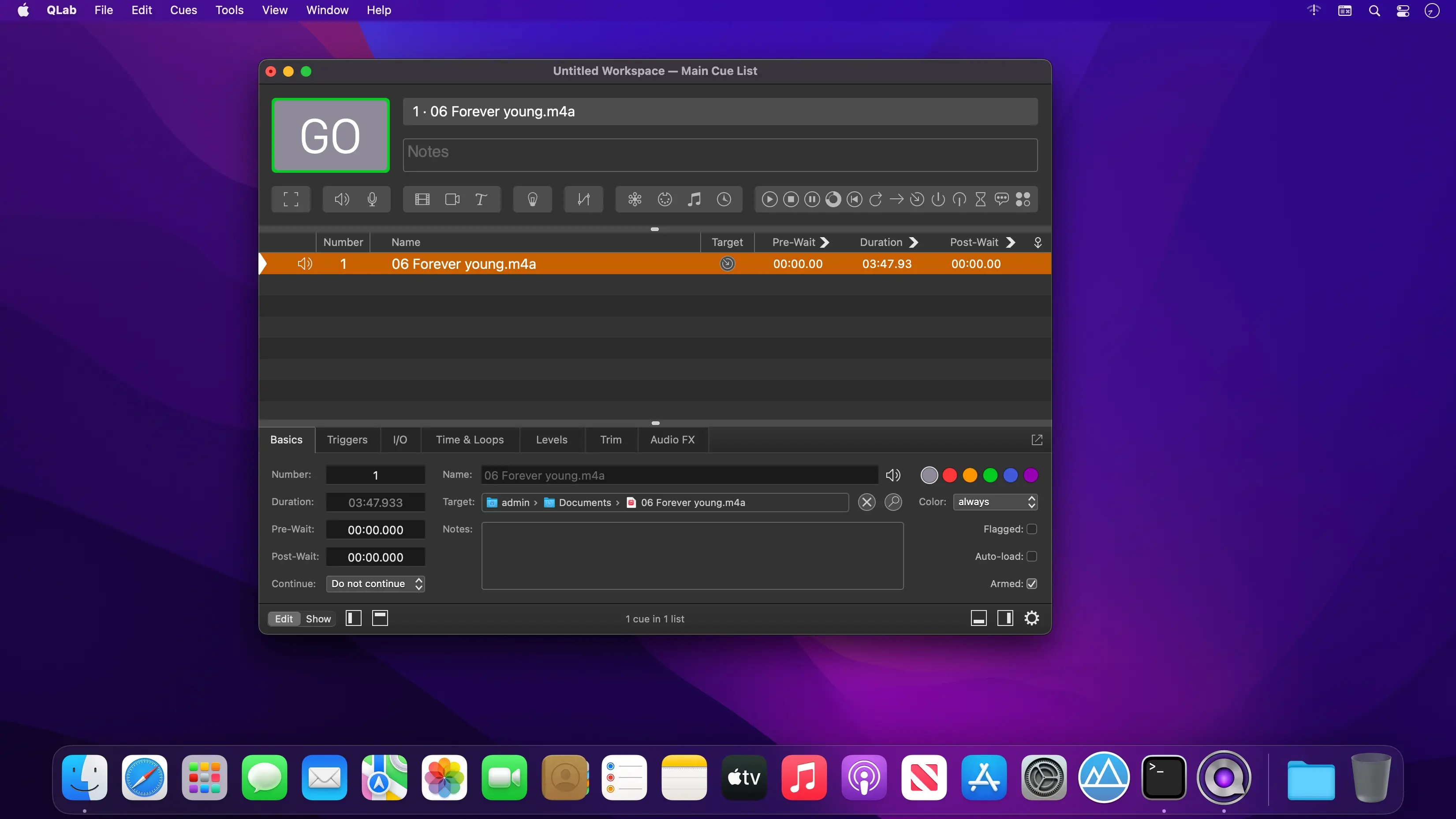
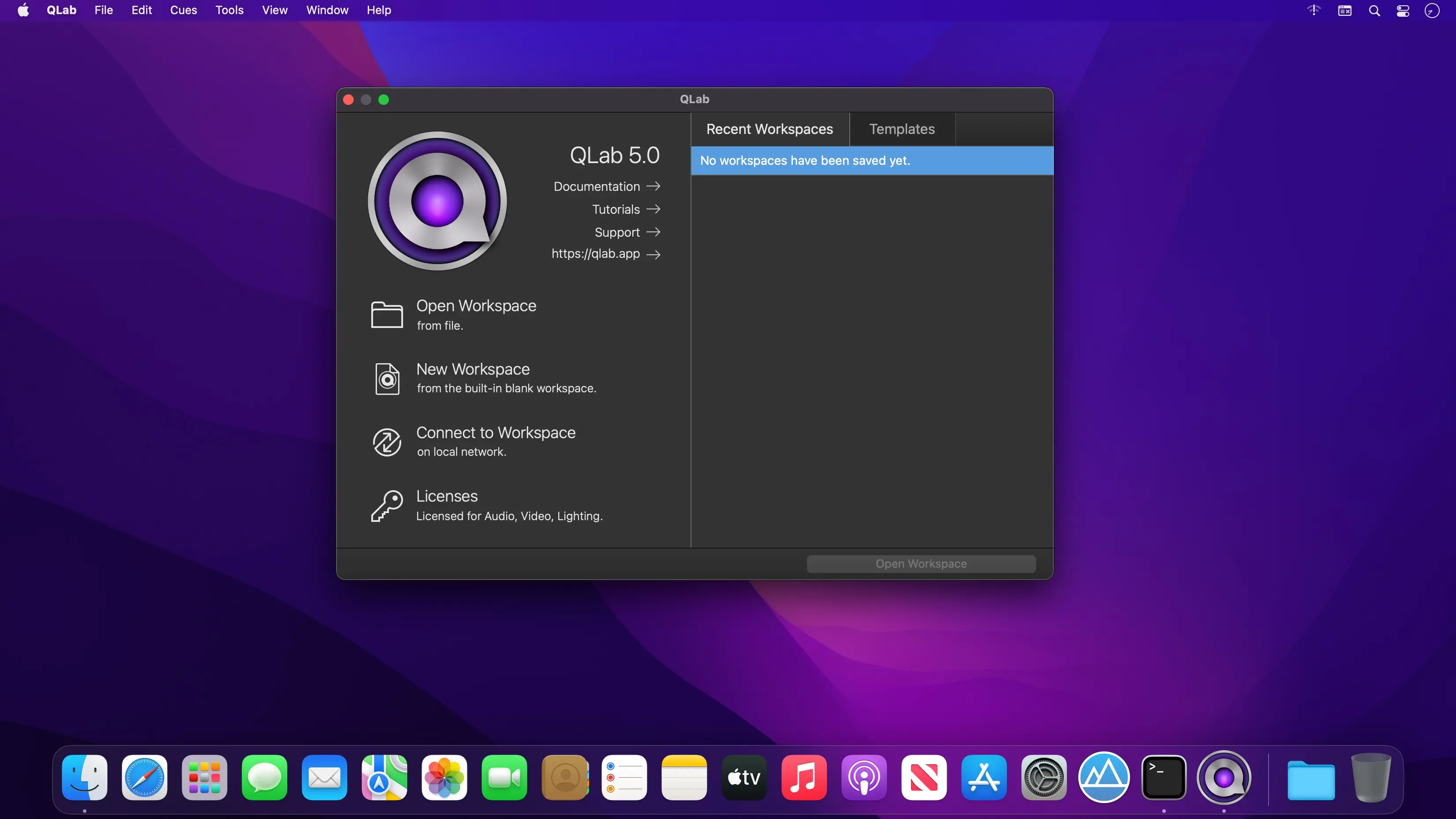
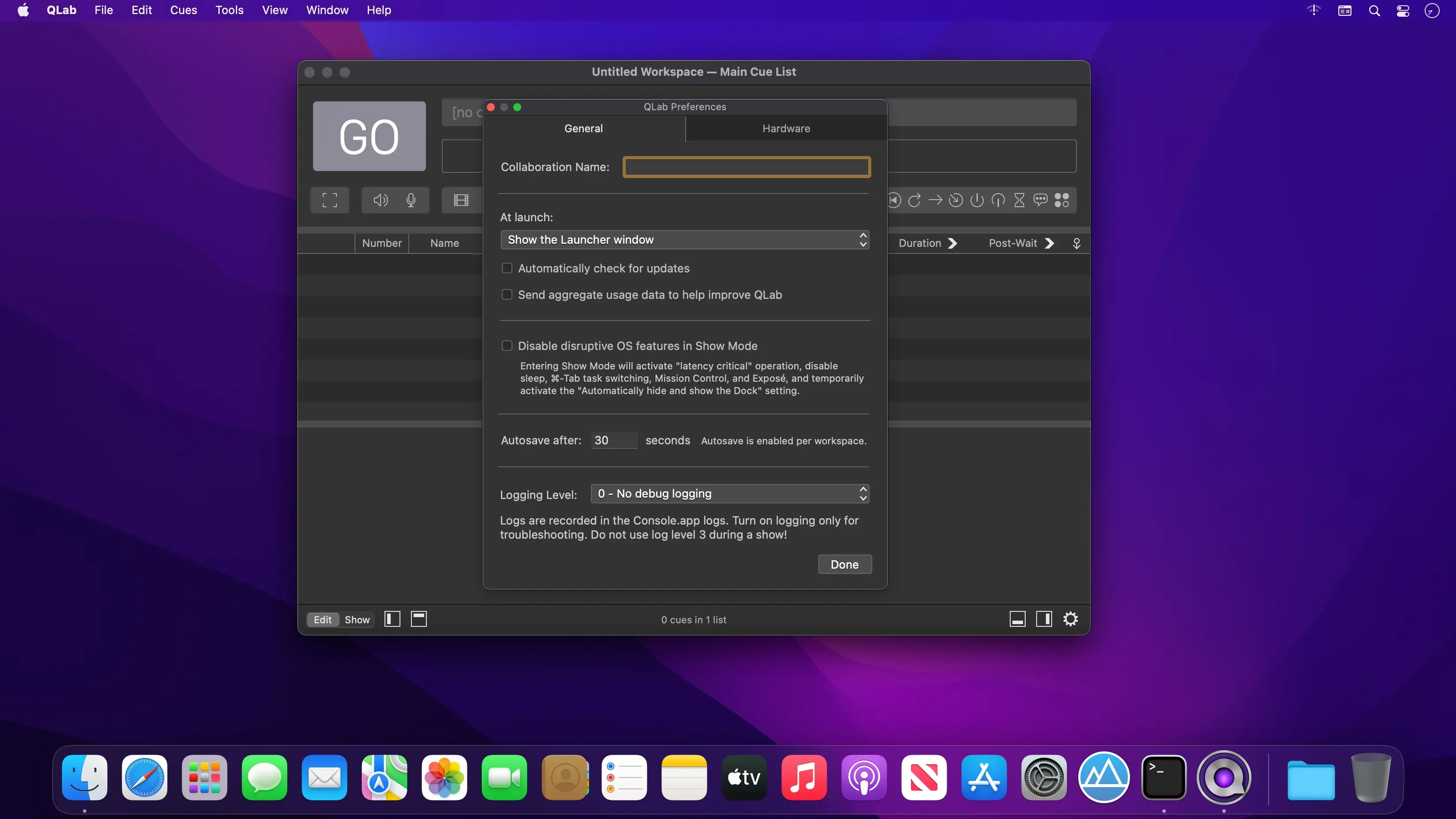
QLab Pro is macOS show control software for building and operating audio and video performances. Bring cues, media, and show commands into one workspace to shape a cue list, preview it, and check for issues before a performance.
Build a multimedia show from cues
Add audio and video files, then arrange cues to control fades, clip animation, and effects. The workspace also lets you manage MIDI, OCS, and other show elements. When the cue list is ready, press Go to preview the show, then review the Warnings panel for encountered issues.
- Cue-based show building: Add files and use cues to shape a multimedia performance.
- Audio control: Fade volume, edit waveforms, adjust playback rate with pitch adjustment, and apply audio effects.
- Video playback and effects: Animate clips, use video faders, add titles, and work with live video input, including input from Blackmagic devices.
- Projection tools: Work with multiple video surfaces, multi-projector edge blending, video corner pinning, and keystone correction.
- Audio channels and mixing: Use support for 48 output and 24 input audio channels, plus the Matrix mixer and audio localization.
- Networked designs: Create multi-computer designs and send commands to QLab systems on the same local network.
- Show review: Preview with Go and check the Warnings panel for issues in the cue list.
Build a cue list for your next multimedia performance. Explore QLab Pro on macOS.
Version 5.6.5:
- A regression in 5.6.4 that could cause QLab to crash when trying to manage tool tips.
- When deleting a cue list or cart, the workspace will now ensure that a remaining list is correctly selected.
- The Art-Net tab of the Workspace Status window now remains responsive when looking for Art-Net nodes on a slow network.
- A bug that could cause QLab to crash when the light definition chooser was visible in the light settings.
- A number of performance improvements when editing workspaces.
Comments
No comments yet. Be the first.
Information
Visitors in the group Guests cannot leave comments on this publication.