
SmartSound SonicFire Pro 6.6.9
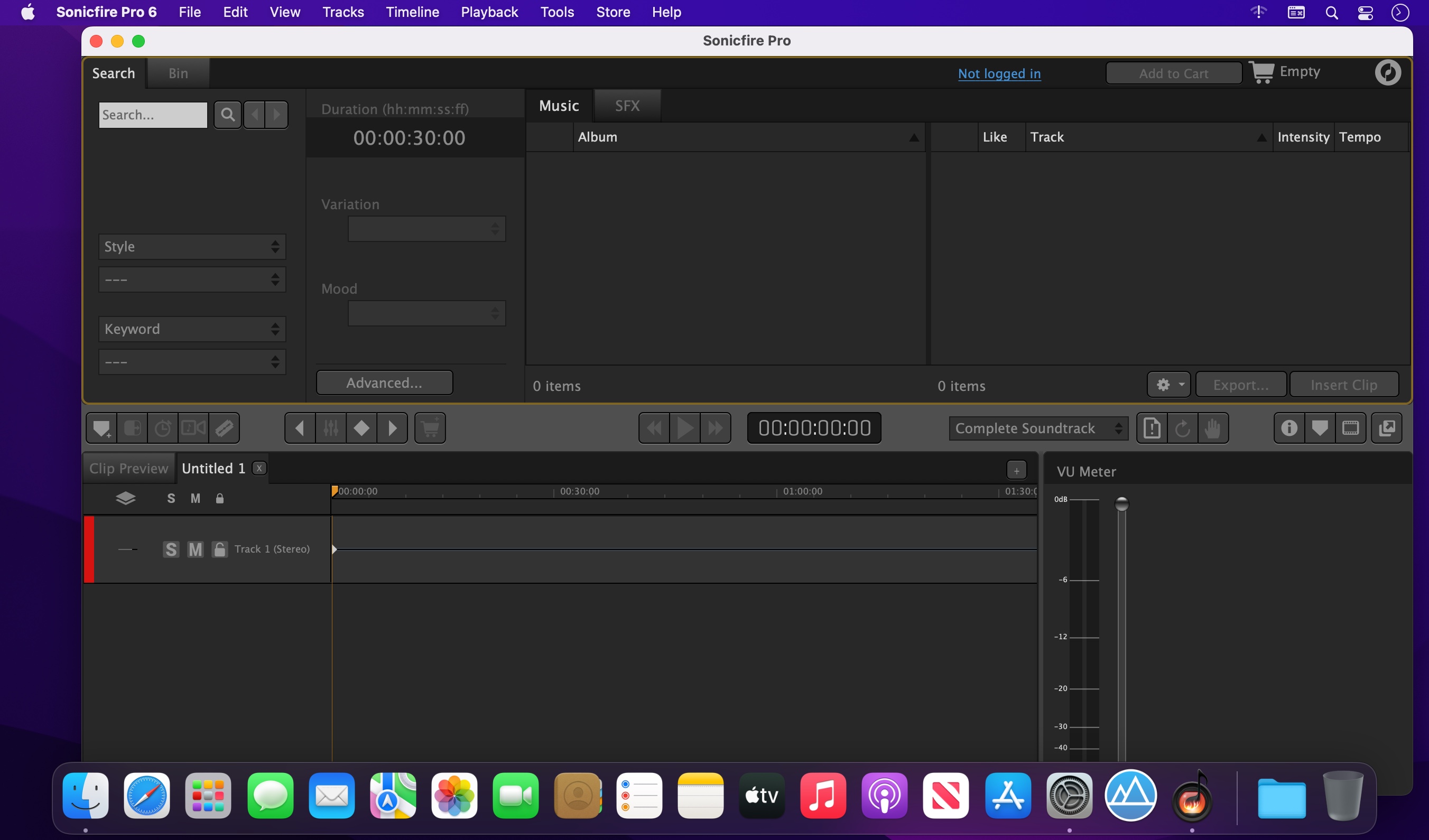
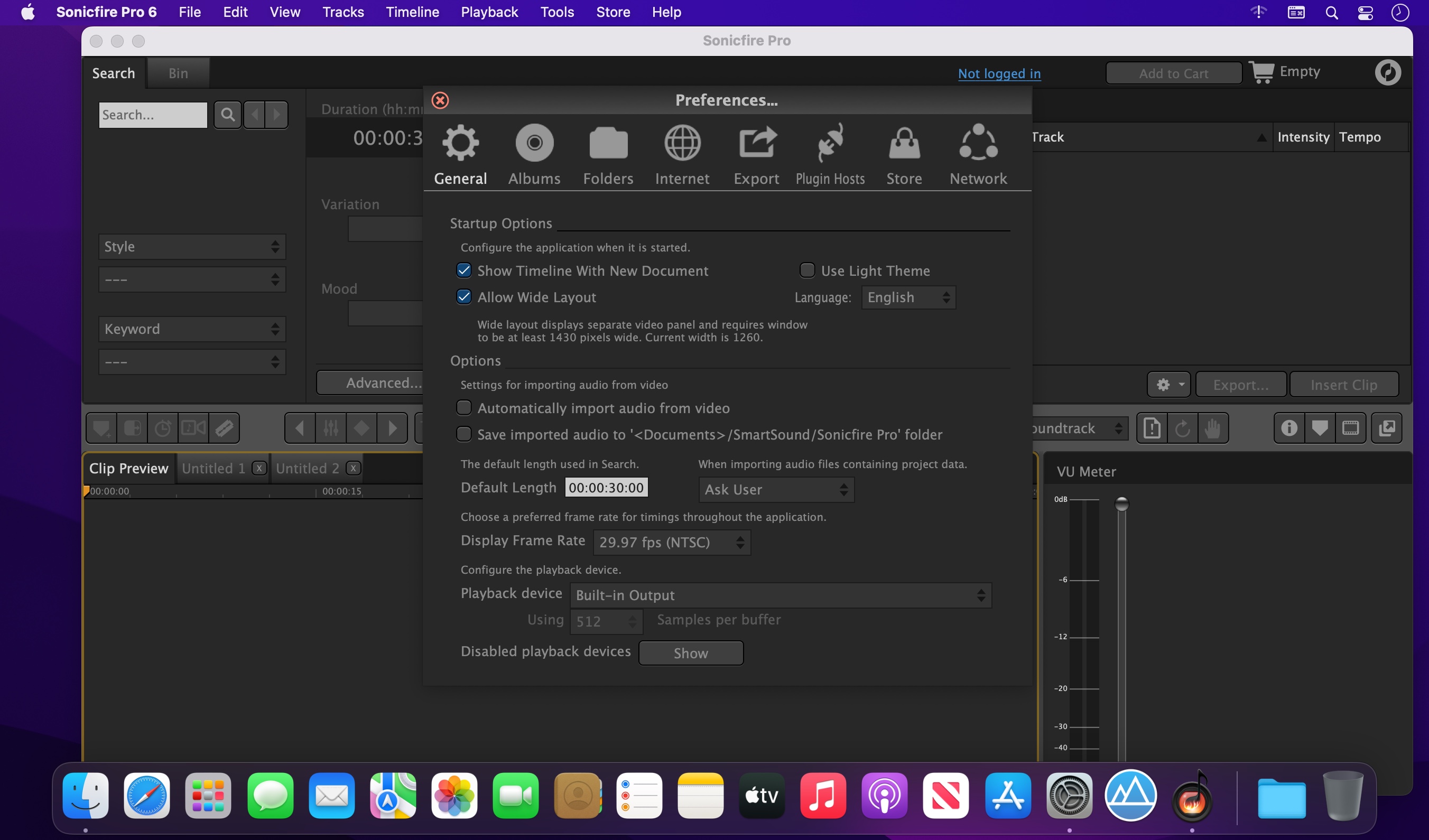
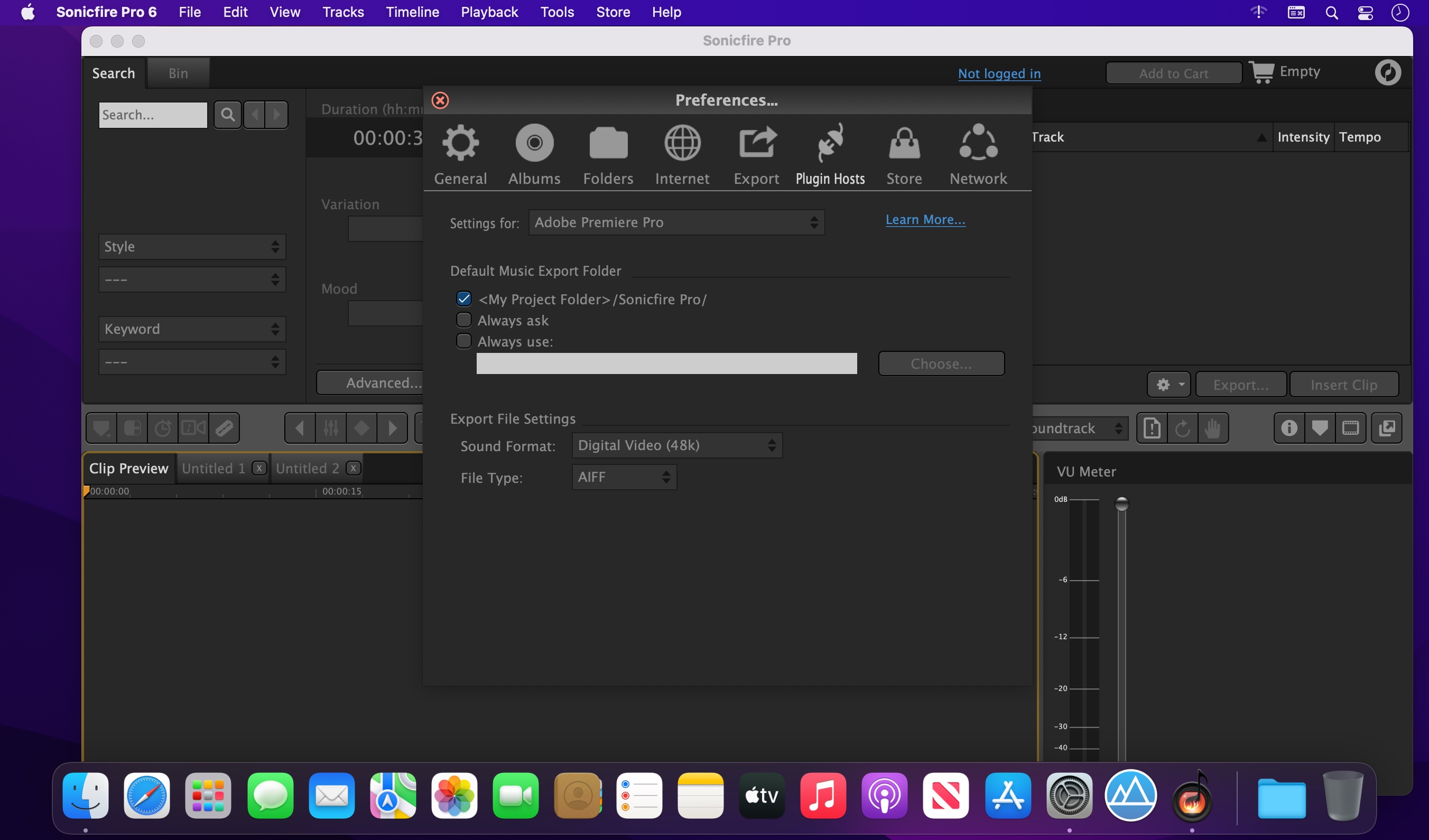
Sonicfire Pro 6 - Music customization for video and media creators!
- INTRODUCING THE NEW DRAG’N’DROP FEATURE
Import your Sonicfire Pro 6 project into any application that supports drag'n'drop audio file import.
Drag and Drop a rendered wav file back into Sonicfire and reopen the full project. - A NEW LANDMARK IN MUSIC SOUNDTRACK CREATION
Redesigned from the ground up, while carefully maintaining its award-winning ease-of-use, Sonicfire Pro version 6 represents a breakthrough in music customization for video and media creators. - TIMING CONTROL
Now more accurate! Move individual beats while keeping the integrity of the music. - MOOD MAPPING
Change the instrument mix to connect to your audience. Automated mix control. - CUSTOM LENGTH
Save hours of editing with our patented ability to customize the length of any music track. - ALTERNATE ARRANGEMENTS
Create alternate arrangement options, instantly, at any length. - CUT-VIDEO-TO-MUSIC
Export multiple beat-, bar section- and track-options, and cut your video for an instant fit upon track import. - Plus...
- NEW STREAMLINED USER INTERFACE
Now fully integrated and conveniently in one place. All your favorite tools at the press of a button. - NEXT GENERATION SOUND ENGINE
Improved performance: Tracks respond faster during Search and on the Timeline. - AUTOMATICALLY INSERT HIT FILES
Instantly add percussive and production element accents at just the right moment in your video. - FULLY INTEGRATED SEARCH
Unique, creative search tools, always at your fingertips.
Version 6.6.9
- Fixed an occasional crash on some macOS machines when downloading previews
- "Cut Video to Music" feature now works with the latest version of Final Cut Pro
- Minor interface updates to reflect the new Smartsound branding
Frequently asked questions
How do I install the app?
Mount the image, drag the app into the "Applications" folder and launch it. If the system blocks the launch, allow it in "System Settings → Privacy & Security".
The app is damaged or won't launch
Reinstalling from a fresh image usually helps. Make sure your macOS version matches the one listed in the compatibility specs.
How do I update?
Download the new version from the site and install it over the current one — your settings will be preserved.
The download link doesn't work
Try a mirror or a download manager. For large files the browser often drops the connection.
How do I completely remove the app?
Use an uninstaller utility — it cleans up the service files that remain after moving the app to the trash.
VersionSmartSound SonicFire Pro 6.6.9
DeveloperSmartSound Software Inc
CompatibilitymacOS 10.11.6 or later
LanguageEnglish
IncludesK'ed by HCiSO





Information
Visitors in the group Guests cannot leave comments on this publication.
Choose a download source
SmartSound SonicFire Pro 6.6.9 · 280.74 MB