
FoneDog iPhone Cleaner 1.0.18
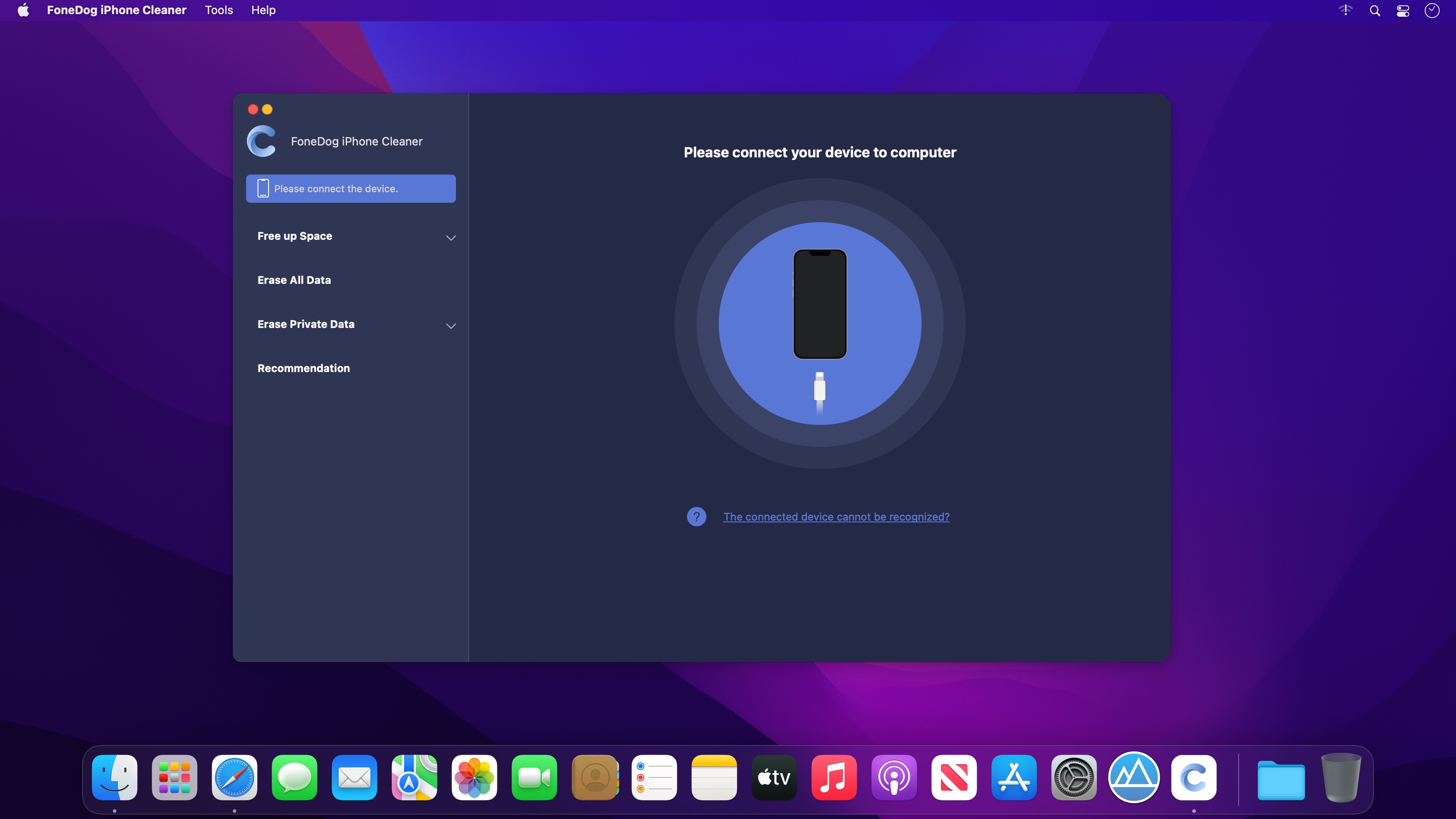
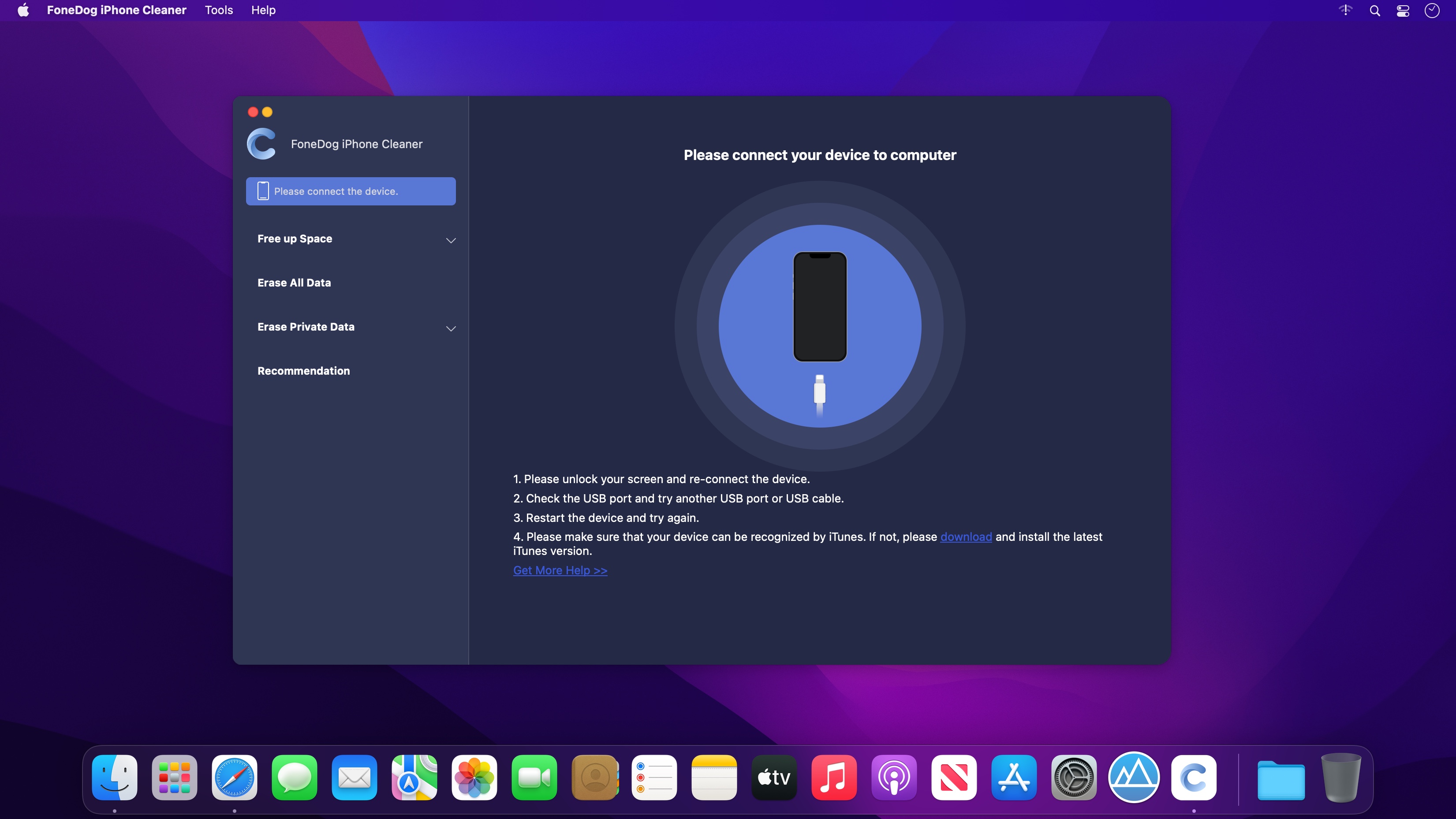
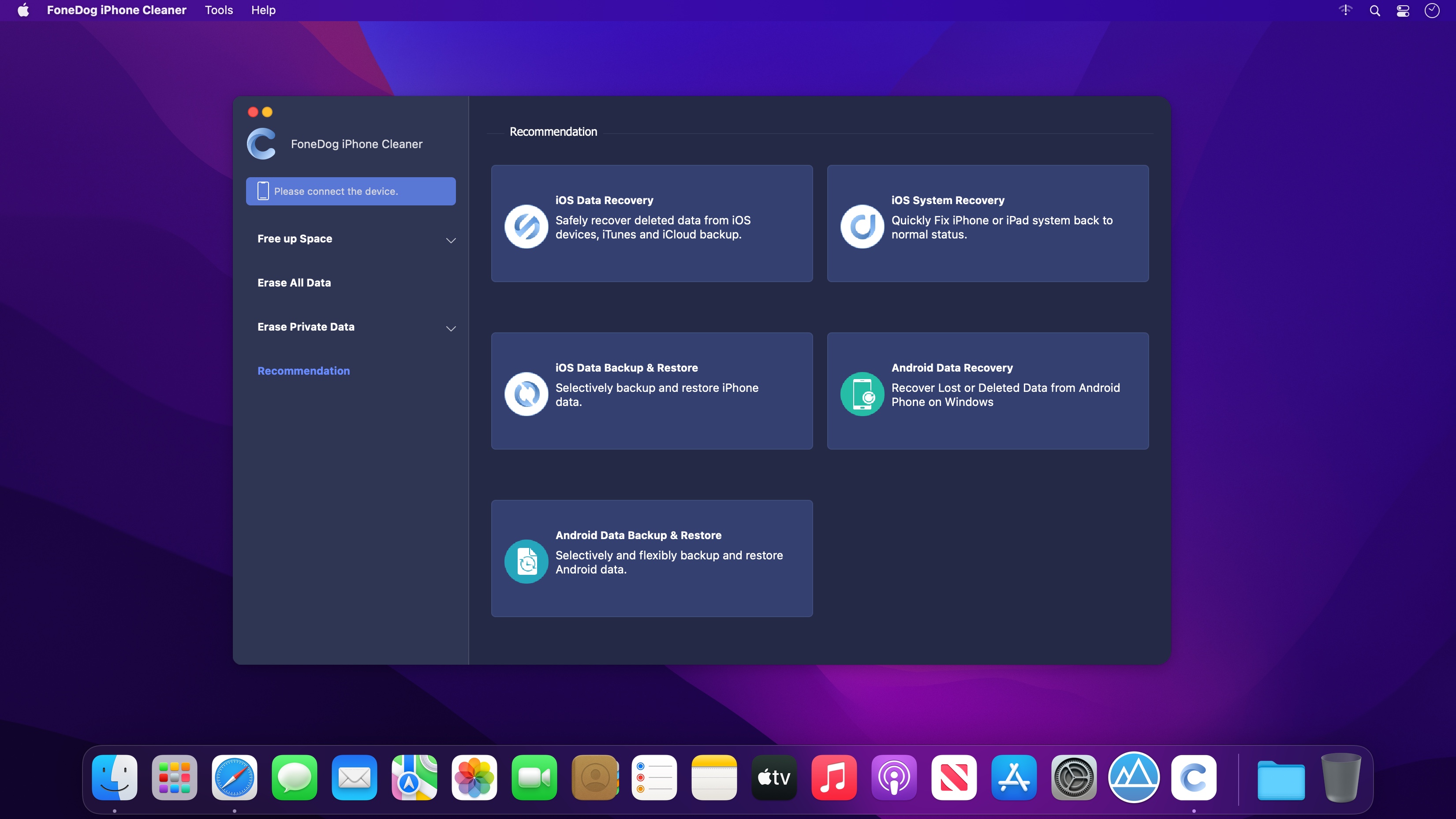
FoneDog iPhone Cleaner is the best iOS cleaner to clear unnecessary files on your device. It also protects your privacy and makes your iPhone/iPad/iPod Touch run faster and safer.
Clear Uselessly Data to Free up Space
Has your iPhone been running slowly lately? You may need to check the space of your iPhone. This is generally caused by insufficient iPhone space. In this case, you should clean up your iPhone immediately to speed it up. FoneDog iPhone Cleaner is your best choice to deal with iPhone storage issues. This cleaner app can help you erase useless files on your iPhone, such as junk/temporary files, unused apps, unwanted photos, and large files. Make more space for your iPhone.
Clean up Junk Files
You can easily delete temporary files, crash logs, system junk files, and caches like iTunes Cache, camera roll, photo stream, photo library, etc with FoneDog iPhone Cleaner.
Uninstall Unneeded Apps
This iPhone cleaner can detect all apps on your iPhone, you can check how much storage they occupy. You are able to select the apps you will no longer need and uninstall them.
Compress/Export Photos
A large number of large pictures will take up space on your iPhone and make the iPhone run slowly. The software can help you compress pictures and back them up to your computer.
Delete Large Files
It scans all the large files on your device. If you are not sure whether you want to delete the files permanently, you can back up them to your computer first and then delete large files.
Erase All Data on iOS Devices Permanently
Want to delete all data from your iPhone/iPad completely and permanently? FoneDog iPhone Cleaner is your best choice. It helps you erase all data from iOS devices in just one click. You don’t have to decide what to erase. Instead of a time-consuming operation, it smartly and quickly cleans up all data including sensitive data with no chance of recovery.
Frequently asked questions
How do I install the app?
Mount the image, drag the app into the "Applications" folder and launch it. If the system blocks the launch, allow it in "System Settings → Privacy & Security".
The app is damaged or won't launch
Reinstalling from a fresh image usually helps. Make sure your macOS version matches the one listed in the compatibility specs.
How do I update?
Download the new version from the site and install it over the current one — your settings will be preserved.
The download link doesn't work
Try a mirror or a download manager. For large files the browser often drops the connection.
How do I completely remove the app?
Use an uninstaller utility — it cleans up the service files that remain after moving the app to the trash.


Choose a download source
FoneDog iPhone Cleaner 1.0.18 · 37.47 MB