
Aiseesoft iPhone Cleaner 1.0.36
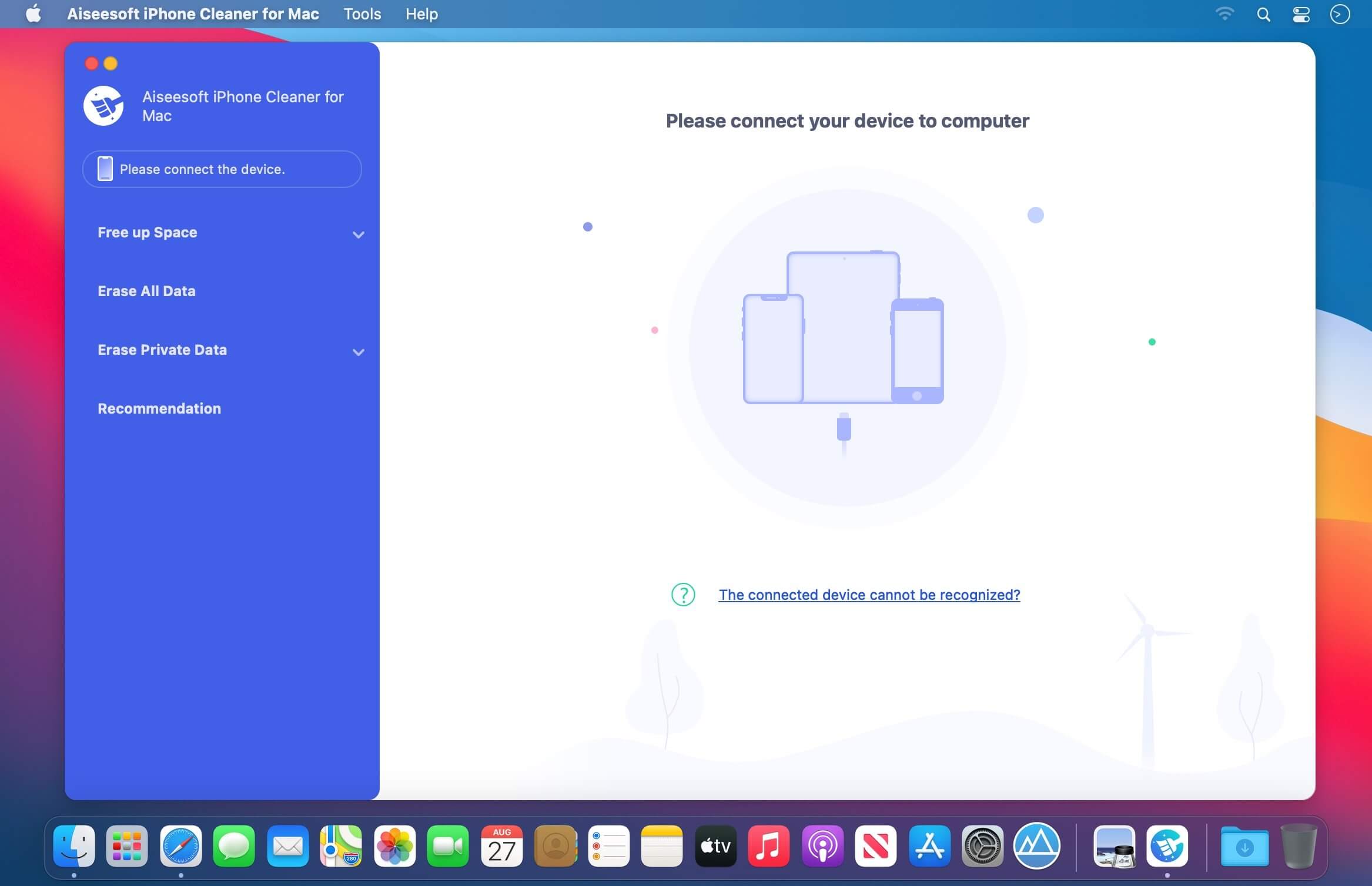
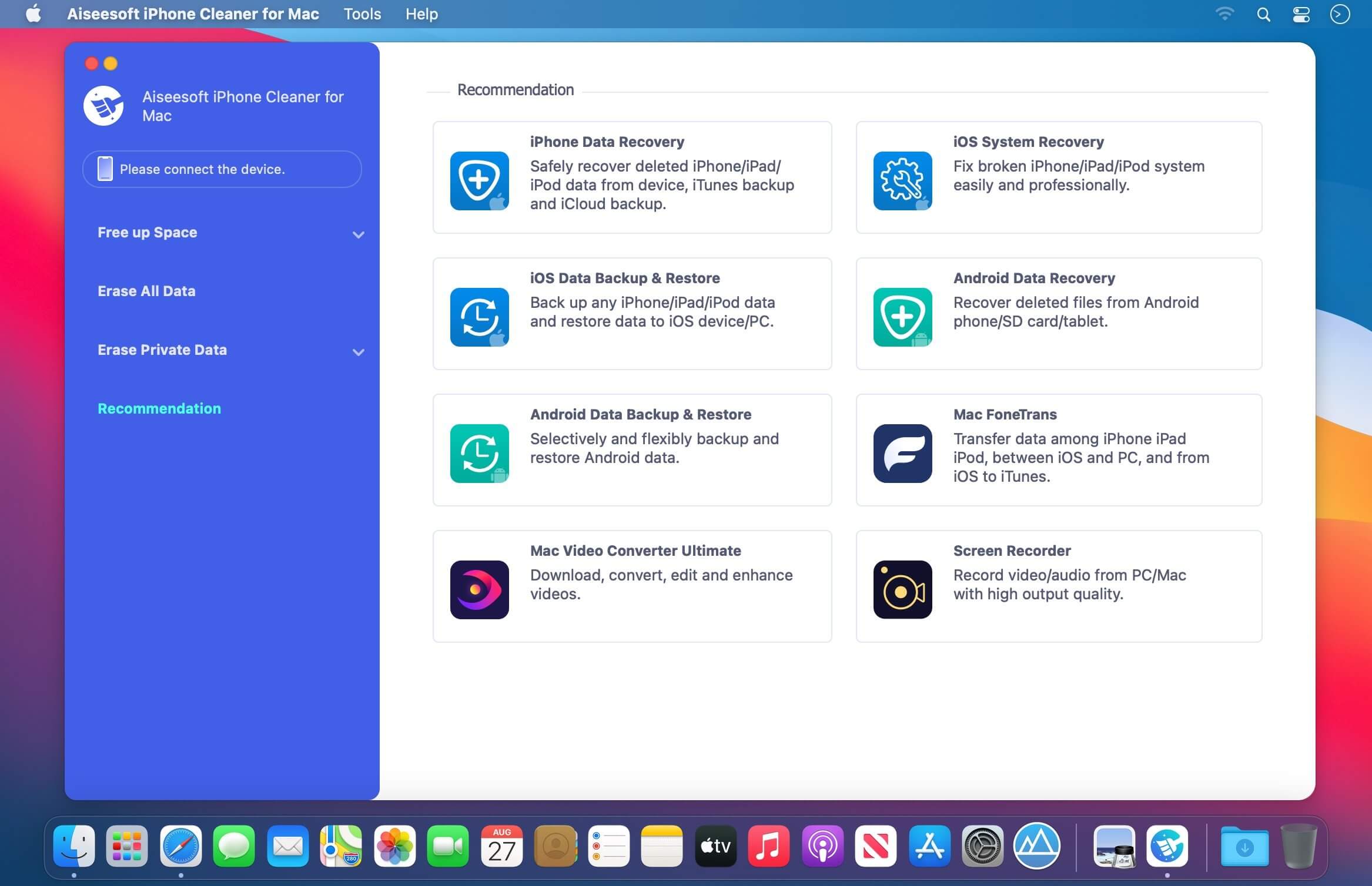
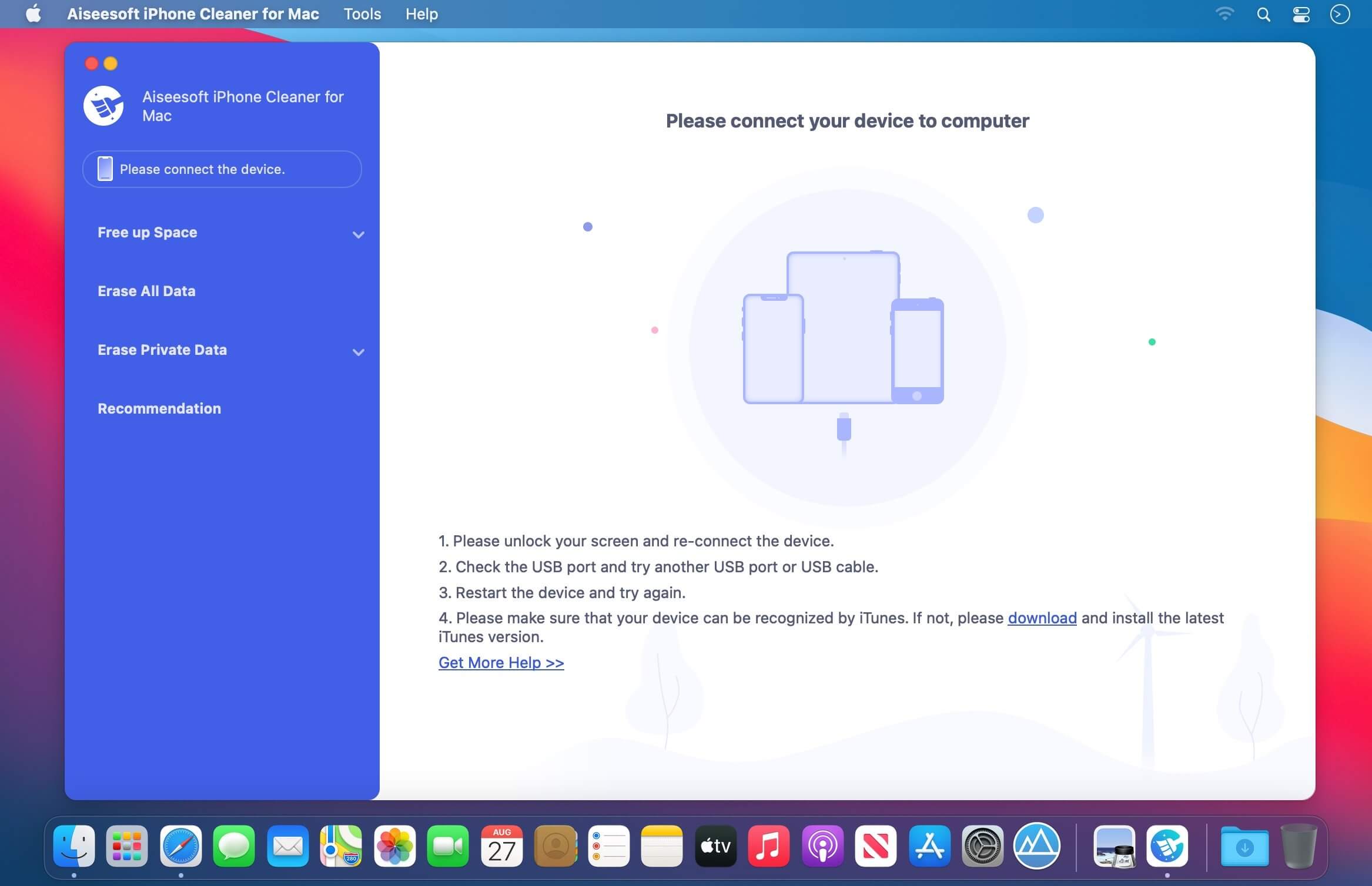
The best iOS crap cleaner to clear useless documents and data on your device. It also protects your privacy and makes your iPhone/iPad/iPod Touch faster and safer.
Clear Unnecessary Data to Free Up Space
Is your iPhone running slow? If so, it’s probably a sign that the space on your phone is not enough. In that case, you should clean up your iPhone immediately to speed it up. There is no doubt that Aiseesoft iPhone Cleaner is your best choice to handle this iPhone storage problem. This cleaner app can help you delete and clear useless documents and data on iPhone, such as junk/temp files, unused apps, unwanted photos and large files.
Clean Up Junk Files
This phone cleaner enables you to easily remove temporary files, crash logs, system junk files and caches like iTunes Cache, camera roll, photo stream, photo library, etc.
Uninstall Unused Apps
It also has the capability to detect and present all apps on your iPhone, along with the storage they occupy. Then you can select to uninstall those apps no longer in use.
Compress/Export Photos
Another reason that caused the iPhone lagging issue is the large memory your photos consume. So, this tool allows you to compress photos or export them to PC for backup.
Delete Large Files
With iPhone Cleaner, you are able to scan and get all the large files like videos on your iOS device. Now it’s your time to clean them up. But don’t worry! You can make a backup first.
Frequently asked questions
How do I install the app?
Mount the image, drag the app into the "Applications" folder and launch it. If the system blocks the launch, allow it in "System Settings → Privacy & Security".
The app is damaged or won't launch
Reinstalling from a fresh image usually helps. Make sure your macOS version matches the one listed in the compatibility specs.
How do I update?
Download the new version from the site and install it over the current one — your settings will be preserved.
The download link doesn't work
Try a mirror or a download manager. For large files the browser often drops the connection.
How do I completely remove the app?
Use an uninstaller utility — it cleans up the service files that remain after moving the app to the trash.




Choose a download source
Aiseesoft iPhone Cleaner 1.0.36 · 37.58 MB